
Platform Settings
Platform Settings is where admins configure platform-wide behavior from the Profile page. Most of these settings are also available under Settings > Preferences. It is visible only to users with the Admin role.Open Platform Settings
-
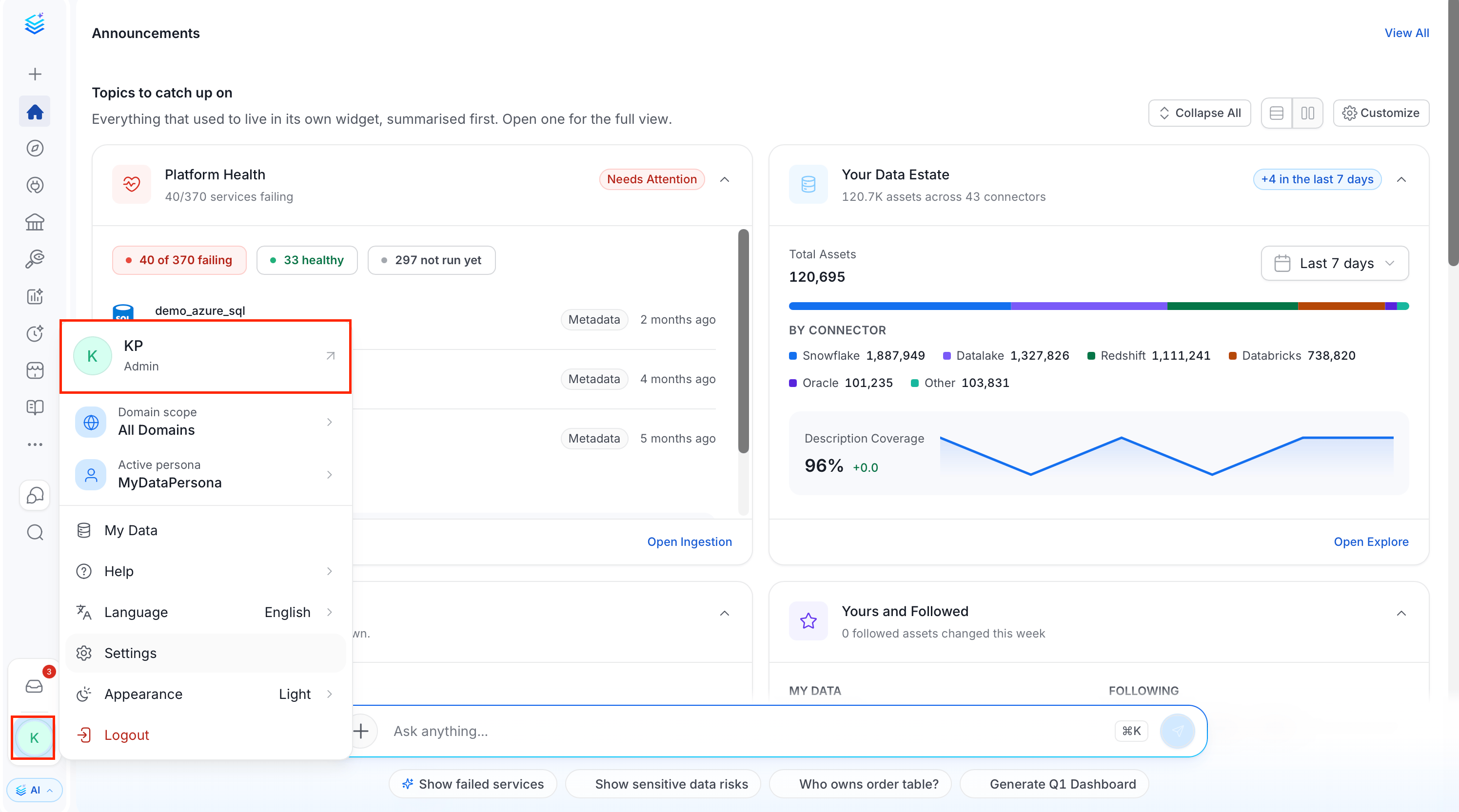
Click the Profile icon and select your user name.
- In the Administration group, click Platform Settings.
-
Select the setting you want to change.
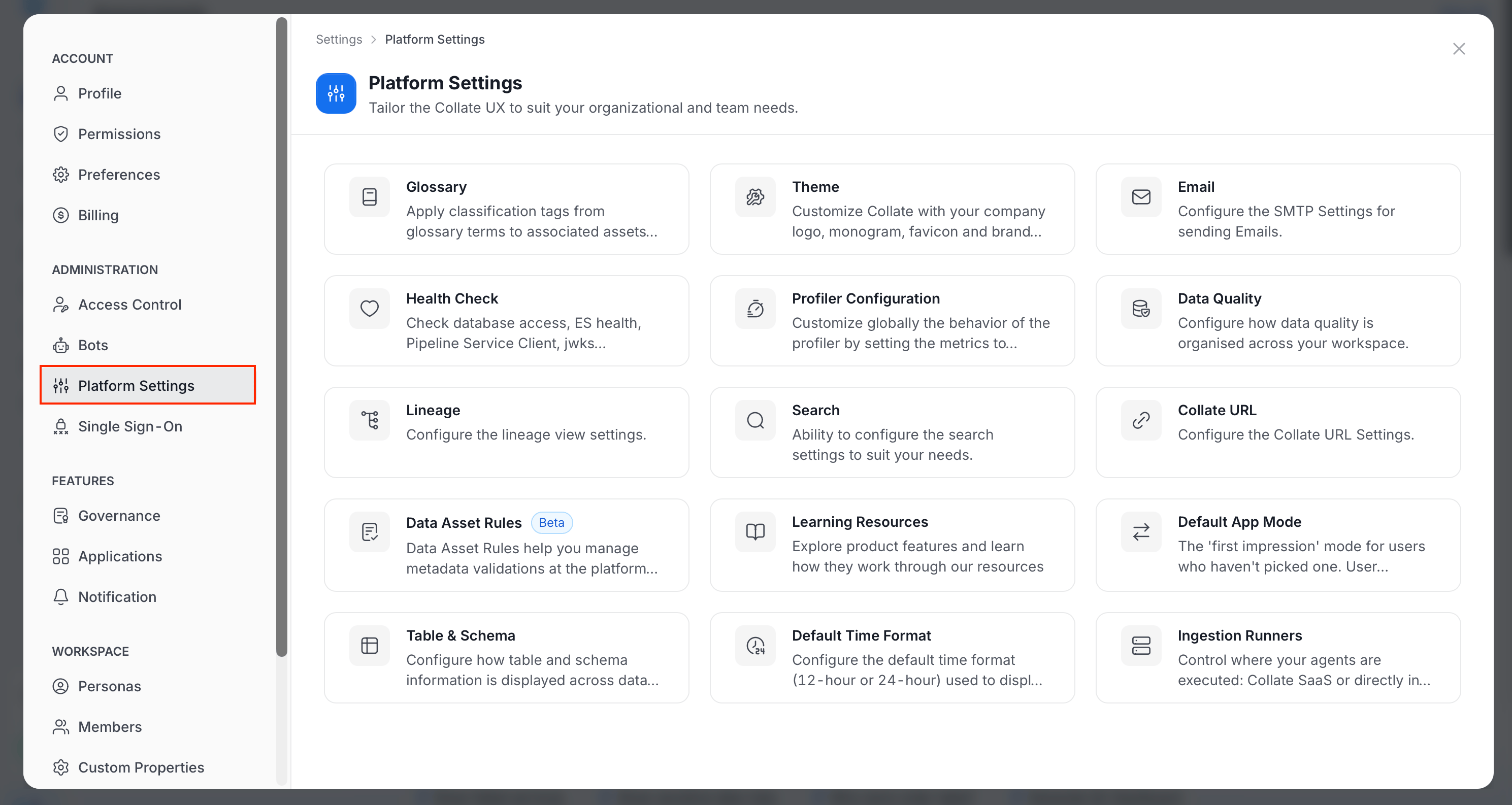
Available Settings
Most of these settings are also available under Settings > Preferences. Click the Profile icon and navigate to Settings > Preferences. The guides linked above use that path. The Preferences page also includes Login Configuration, which defines how failed login attempts and JWT token expiry are handled. For more information, see Login Configuration.