
Health Check
Health Check is a read-only diagnostics panel, not a form you fill in. It reports, in real time, whether the platform’s core dependencies are reachable and correctly configured:- Infrastructure: Database, search index, schema migrations
- Search: Search reindex status, semantic search embeddings (when enabled)
- External dependencies: Authentication keys, ingestion service, log storage (when configured), object storage
- Collate AI: AI Platform, NLQ Hybrid Search (reports as disabled when not configured)
- Purpose: Check live status of the platform’s core dependencies, such as the database and search index.
- Benefits: Gives you one place to look before troubleshooting an issue anywhere else.
How to Check
To check platform health, follow the steps below:-
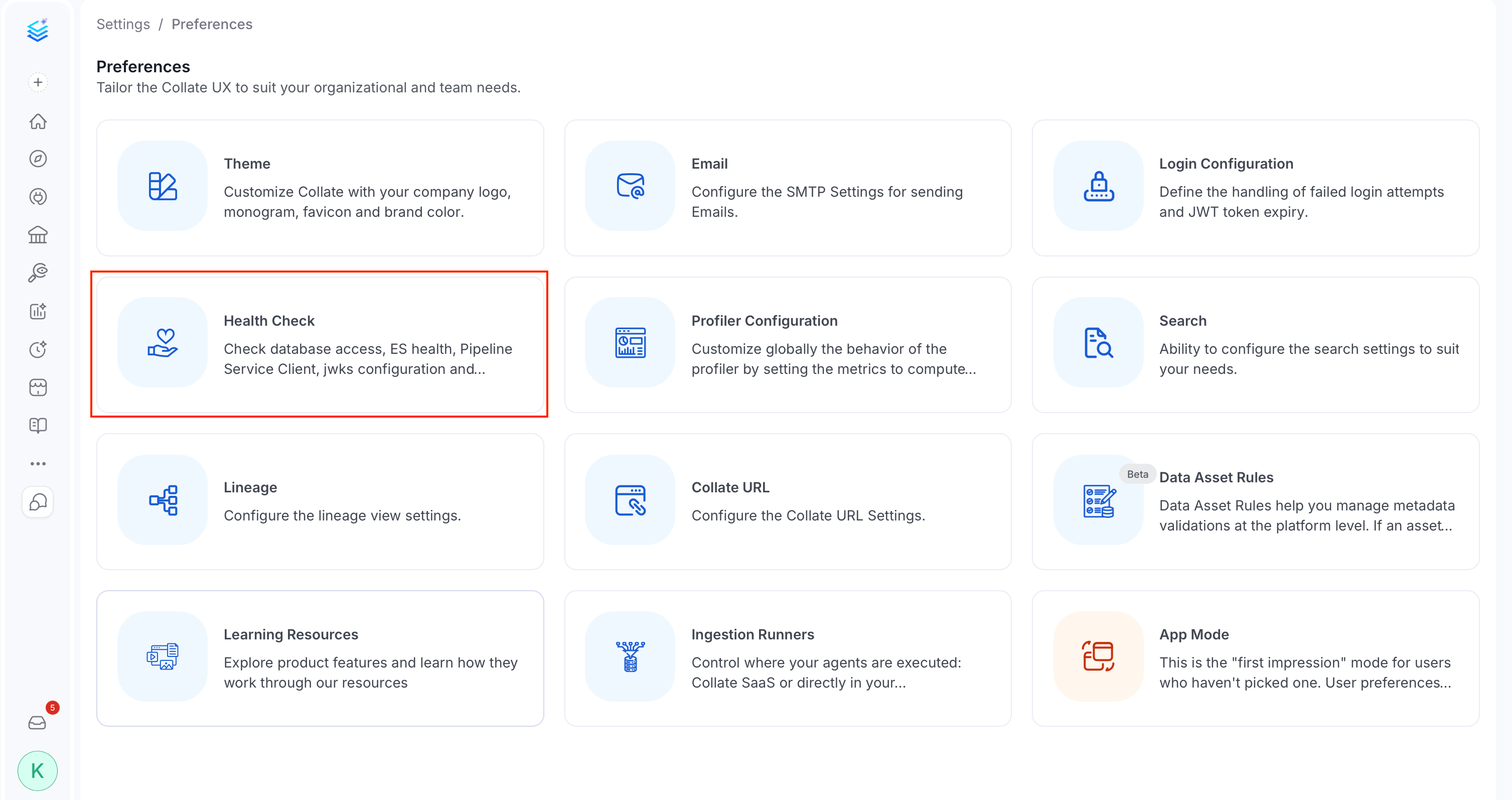
Click the Profile icon and navigate to Settings > Preferences > Health Check.
-
Review the status of each check:
Infrastructure
- Database: Connectivity to the metadata database. If this fails, nothing in Collate can read or write metadata.
- Search Instance: Connectivity to the search/index cluster. If this fails, search, discovery, and lineage graphs stop returning results.
- Migrations: That all expected schema migrations have run. An incomplete migration can cause unpredictable errors elsewhere until it’s resolved.
- Search Reindex Status: That every deployed search index was built from the current index mapping, so no reindex is pending. A pending reindex means some assets may not appear in search until it completes.
- Semantic Search: That the embeddings used for semantic search are working, shown only when semantic search is enabled. If this fails, natural-language search becomes unavailable or errors; switch to keyword search manually as a workaround while you resolve the issue.
- Pipeline Service Client: Connectivity to the ingestion pipeline service. If this fails, no ingestion or profiler workflow can be triggered.
- JWKs: That the configured JWKS (JSON Web Key Set) validates correctly. If this fails, token-based authentication can break for some or all users.
- Log Storage: Connectivity to S3 log storage, shown only when S3 storage is configured. If this fails, ingestion runner logs aren’t retrievable from the UI.
- Object Storage: Connectivity to object storage used for uploaded file content, for example Context Center Drive. If this fails, uploaded files become unreachable.
- AI Platform: That the AI Platform powering Collate AI and AI Agents is reachable. If this fails, Collate AI features and AI Agents stop working.
- NLQ Hybrid Search: That natural language search’s LLM-backed filter extraction is configured and initialized. Always shown, and reports as failed with an “NLQ Hybrid Search is not enabled” message when the feature is off.
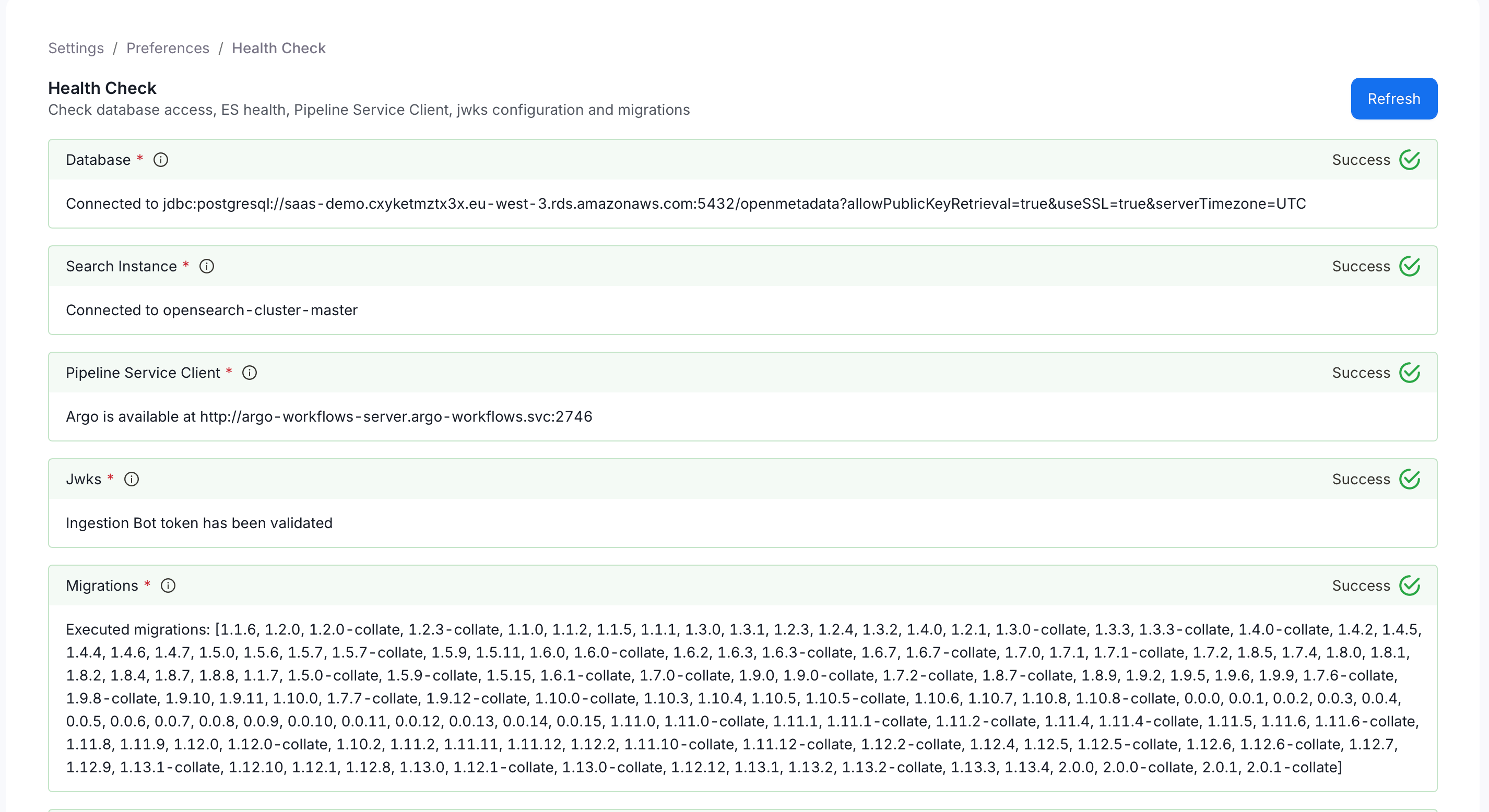
- Click Refresh to re-run all checks after fixing a reported issue.