
Run Ingestion Pipeline Via CLI with Basic Auth
Collate comes with a Username & Password Login Mechanism.Basic Authentication
Basic Authentication
0.12.1 Collate has changed the default no-auth to Basic auth, So to run any ingestion pipeline from CLI you will have to pass the jwtToken and authProvider in the securityConfig.
Obtain JWT Token
Note: The Bots section of your Profile page is only visible to users with Admin privileges. If you don’t see it, ask your organization’s Collate Admin to generate a bot token for you or grant you Admin access.
-
Click the Profile icon, select your user name, and in the Administration group click Bots. For more information, see Manage Bots.
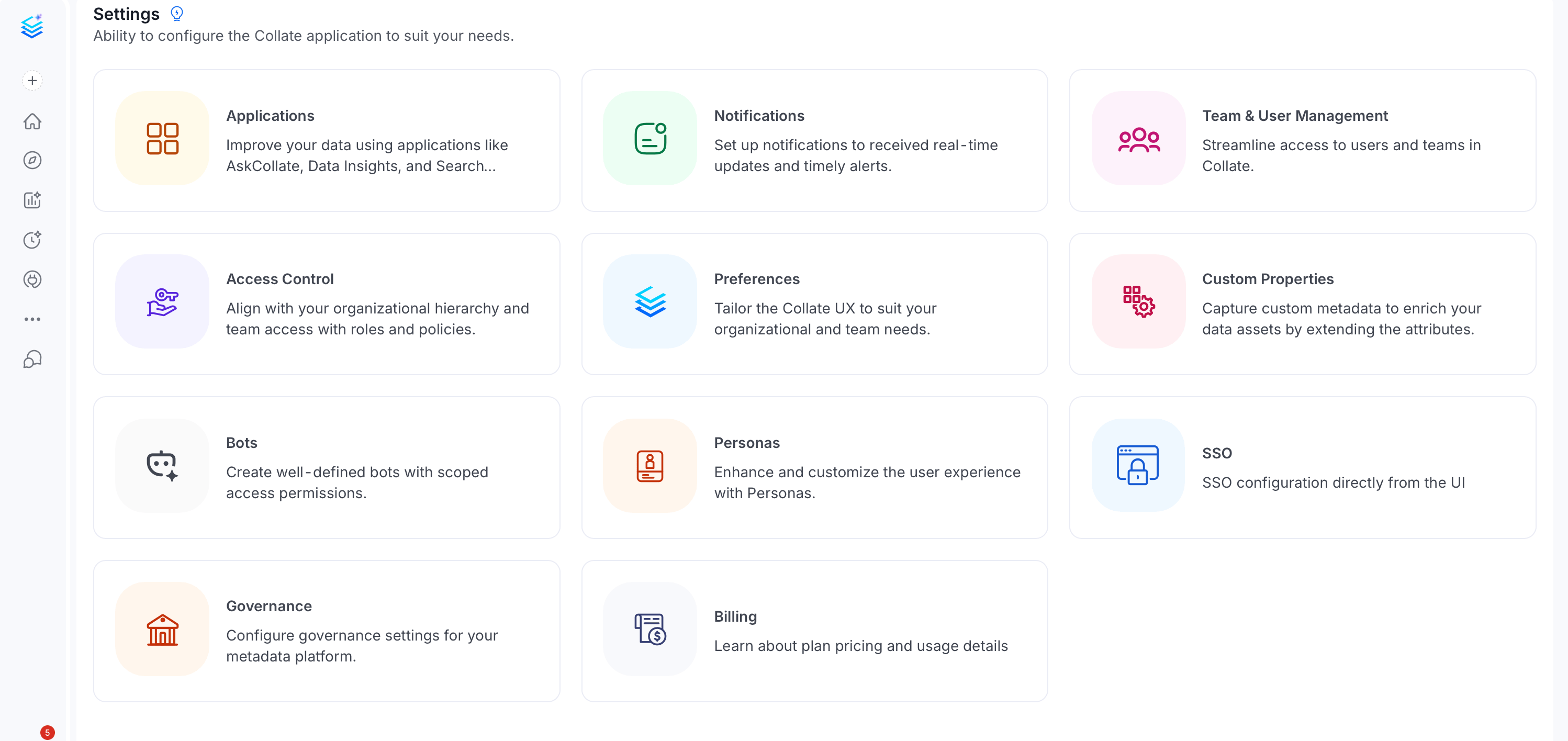
-
Search and select ingestion-bot.
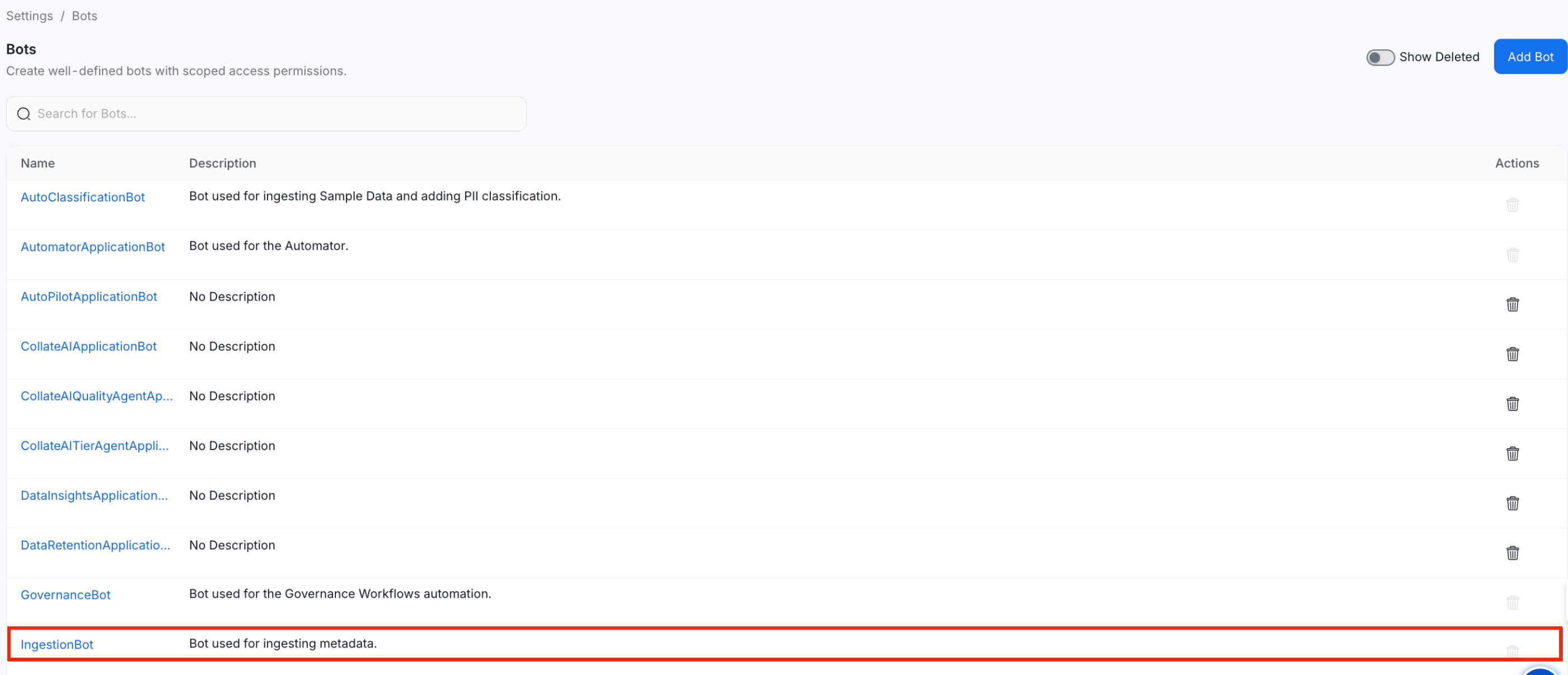
-
Copy the Collate JWT token and save it for later use.
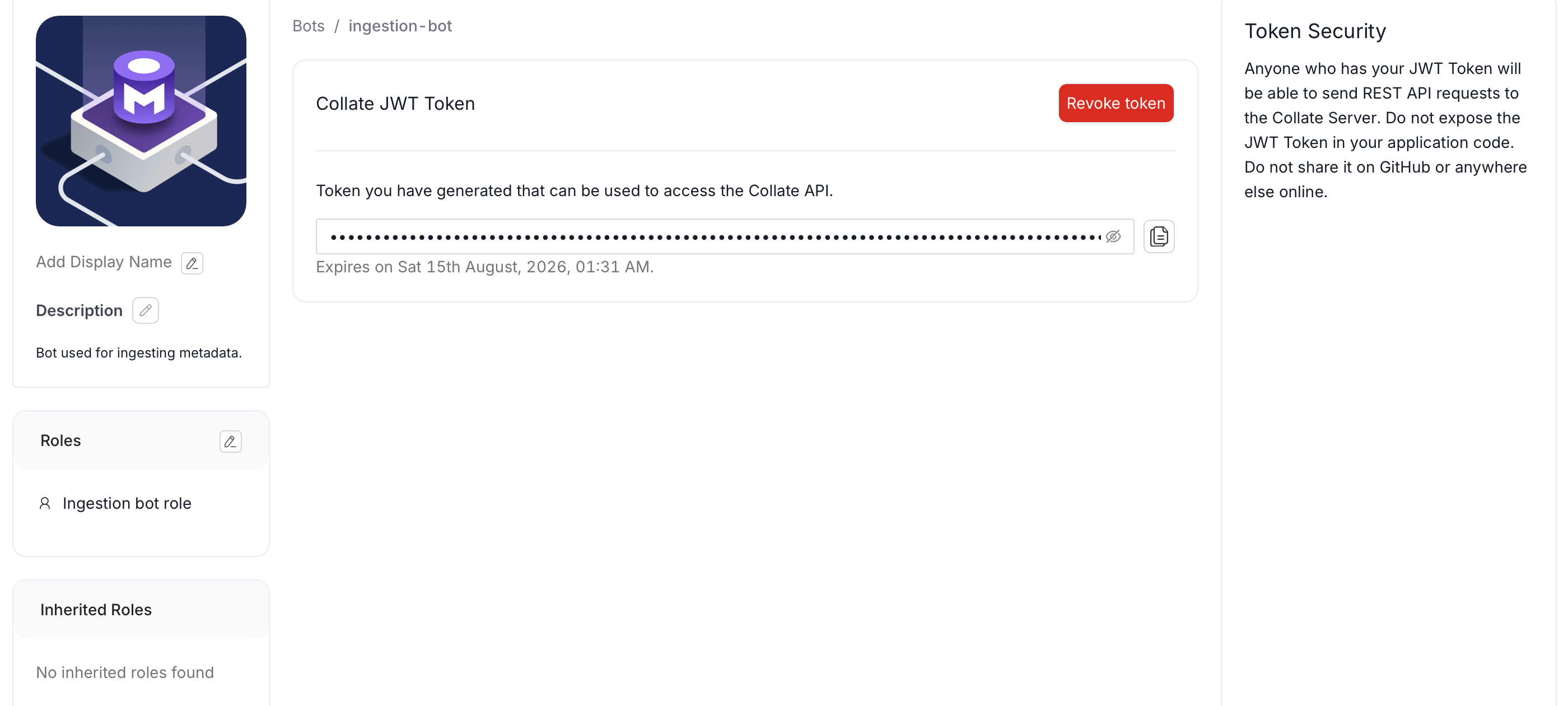
Add JWT Token into the Workflow Config
Now Paste the copied JWT Token into your pipelinesecurityConfig, So your final workflow config will look like this.
AuthProvider Should be openmetadata i.e authProvider: openmetadata