Delete a Service Connection
To delete a service connection, follow these steps:- Navigate to Connections page and select the service you want to delete.
-
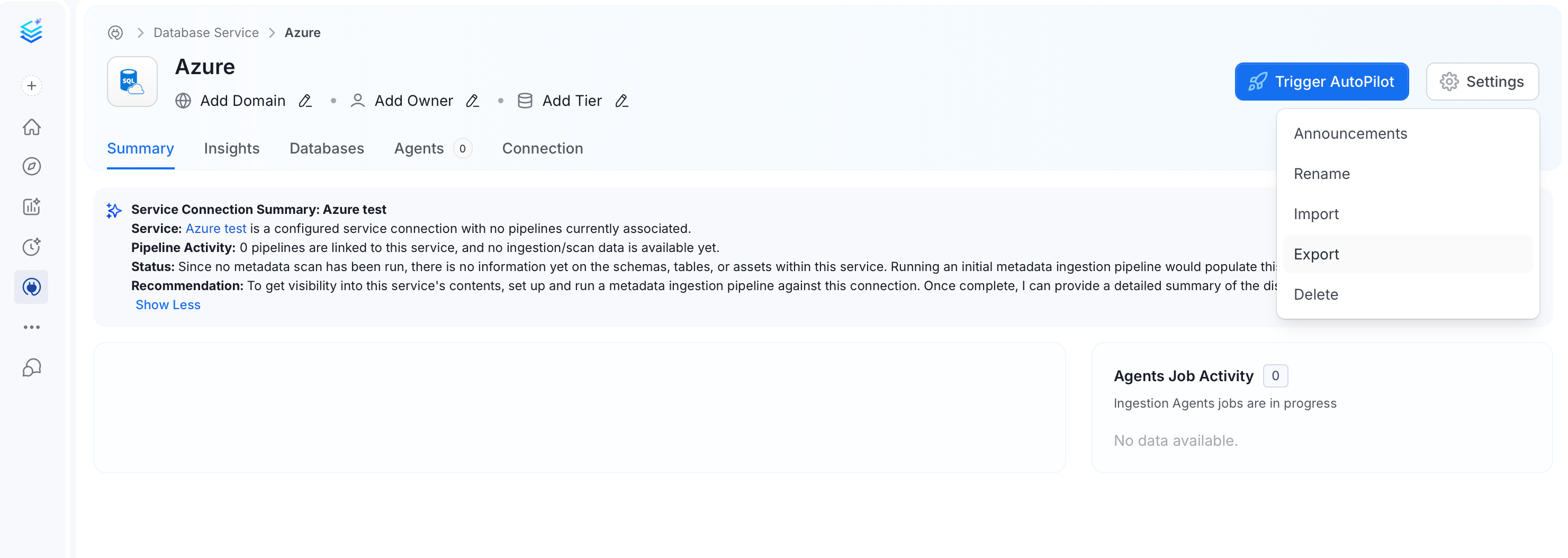
On the service details page, click Settings and click Delete.
-
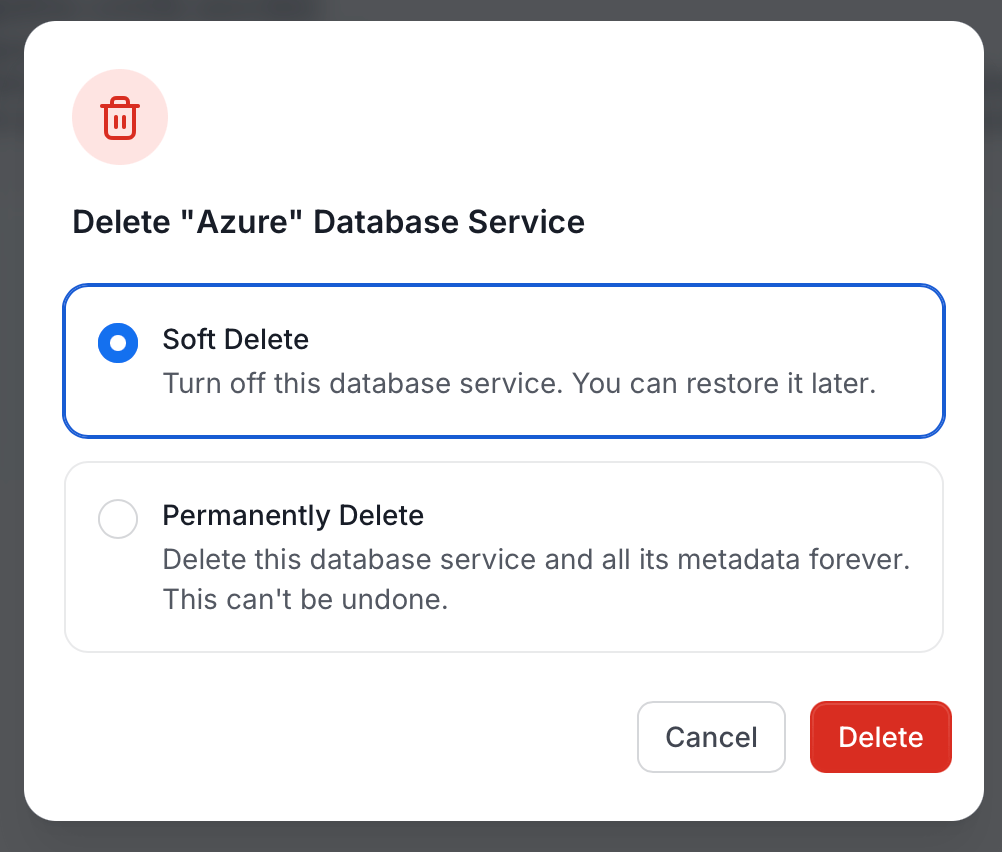
In the delete dialog, select a delete option and click Delete:
- Soft Delete (default): Turns off the service. The service and its metadata are retained and can be restored later.
- Permanently Delete: Deletes the service and all its metadata forever. This action cannot be undone.