
Lineage
Lineage settings control what a user sees the first time they open a lineage graph, before they zoom, expand, or filter it manually. Because lineage graphs can grow very large, these defaults balance two things:- Showing enough context
- Keeping the graph readable and fast to load
- Purpose: Set the default upstream/downstream depth, lineage layer, and pipeline view mode.
- Benefits: Every lineage graph opens already balanced between showing enough context and staying readable and fast to load.
The Lineage tab on an asset’s details page has its own Lineage Config control (Settings icon) for Upstream/Downstream Depth and Nodes per layer. That control only changes your current view — it isn’t saved anywhere and resets to the default configured on this page the next time anyone opens a lineage graph. Change the setting on this page instead if you want the new defaults to apply for every user, every time.
How to Configure
To configure the default Lineage view, follow the steps below:-
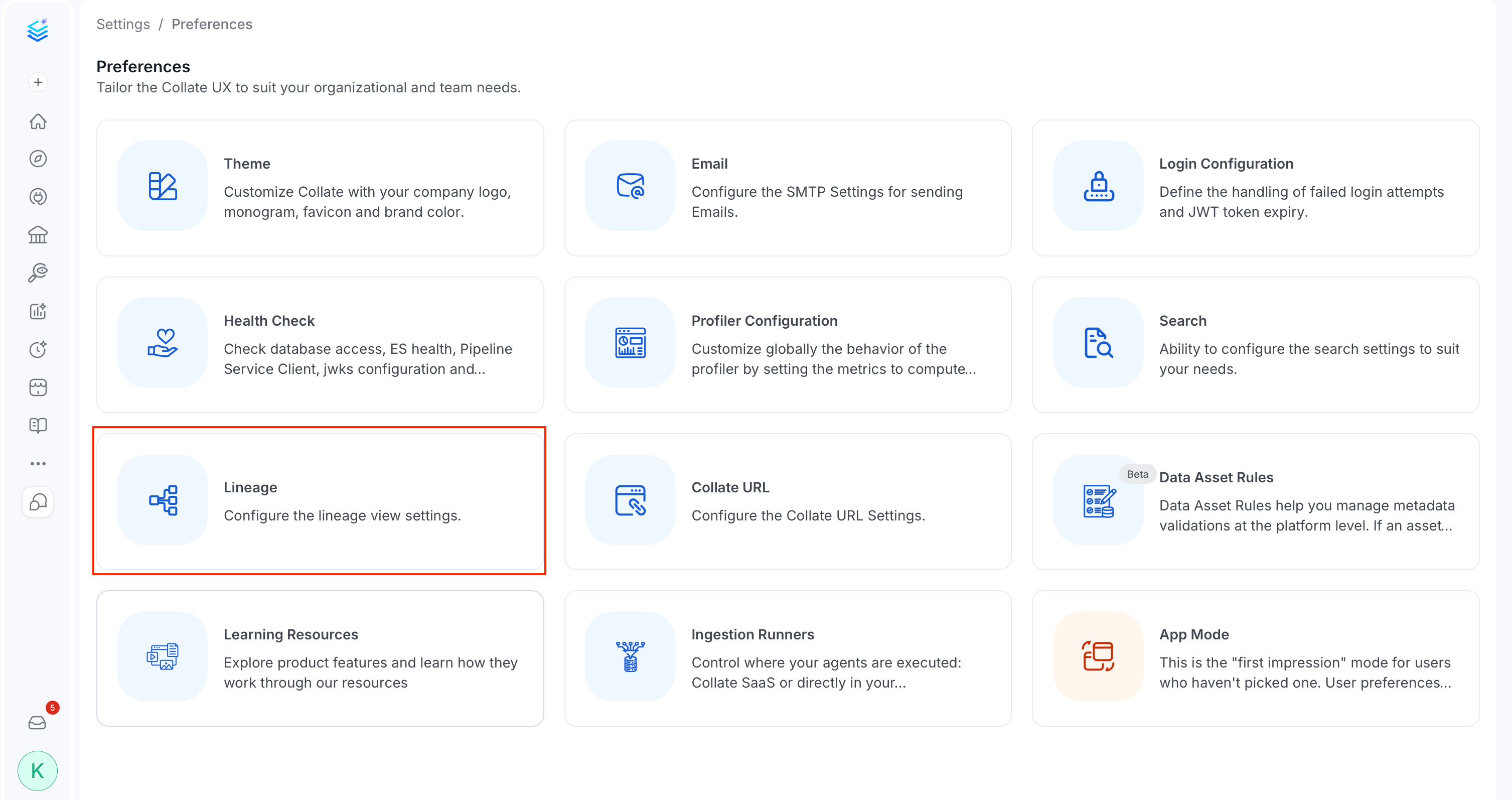
Click the Profile icon and navigate to Settings > Preferences > Lineage.
-
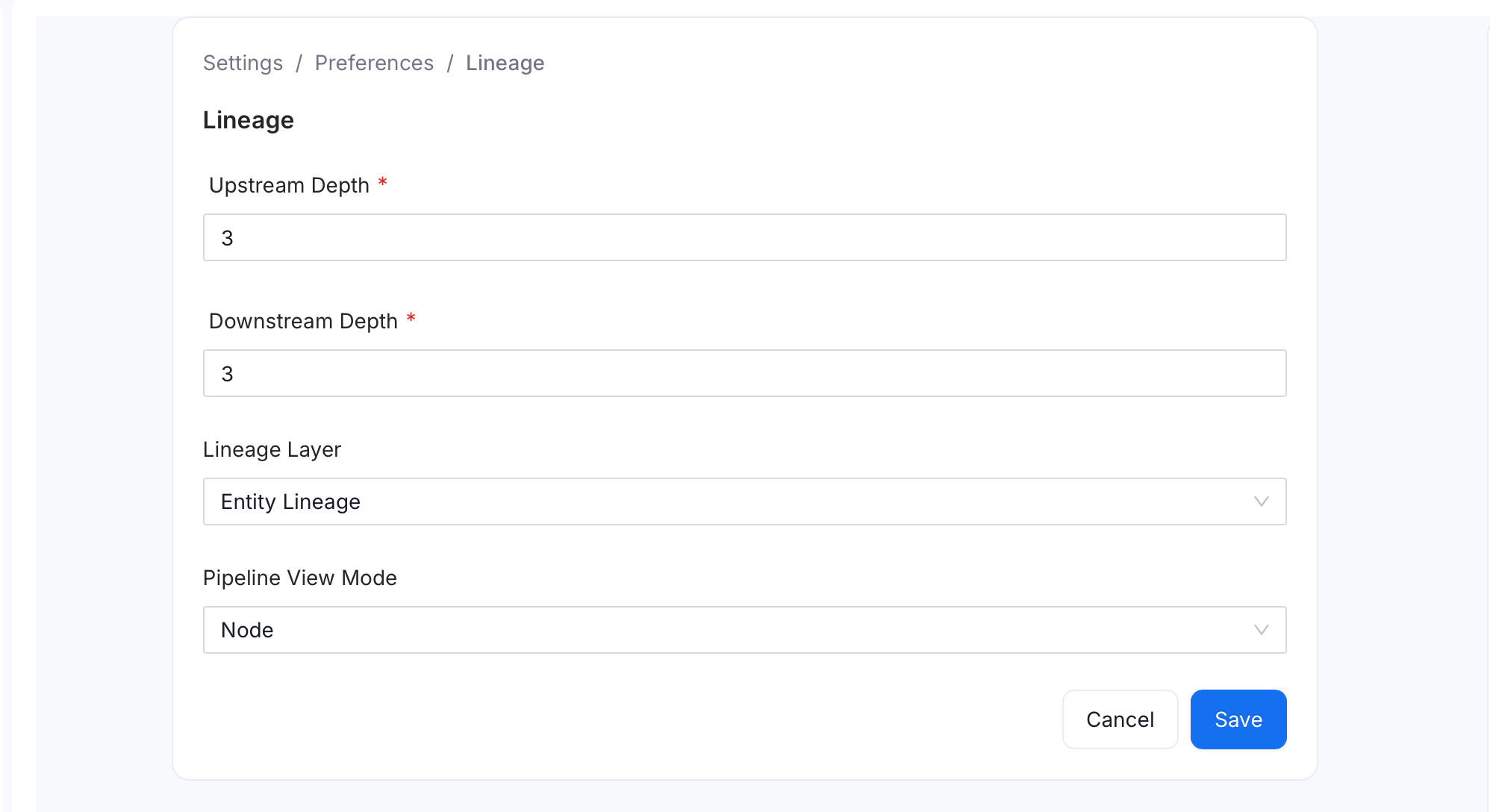
Set the following fields:
- Upstream Depth: Number of upstream hops shown by default when opening a lineage graph, to identify parent-level sources. Default:
2. Accepts0and has no fixed maximum. - Downstream Depth: Number of downstream hops shown by default when opening a lineage graph, to identify child-level targets. Default:
2. Accepts0and has no fixed maximum. - Lineage Layer: Which layer of data relationships loads by default:
- Entity Lineage: Higher-level connections between entities (default).
- Column Level Lineage: Relationships between individual columns.
- Data Observability: Data quality and monitoring insights layered onto the graph.
- Pipeline View Mode: How pipelines render on the lineage graph:
- Node: Pipelines appear as their own nodes, showing more detail on data flow through each pipeline (default).
- Edge: Pipelines appear as direct connections between nodes, for a simpler view.
- Upstream Depth: Number of upstream hops shown by default when opening a lineage graph, to identify parent-level sources. Default:
- Click Save.