
Profile
The Profile page is the single place for your account details, credentials, and, for admins, platform administration. It opens as a full-page view from the Profile icon, with the Profile navigation panel grouped into the sections below.Open the Profile Page
- Click the Profile icon.
- Select your user name.
- Use the navigation panel to switch between sections.
Sections
The sections marked as admin-only elsewhere in this guide, such as Bots, Platform Settings, Governance, and Members, appear only for users with the Admin role. If you don’t see one, ask your organization’s Collate Admin.
Profile Details
The Profile section has two groups of settings.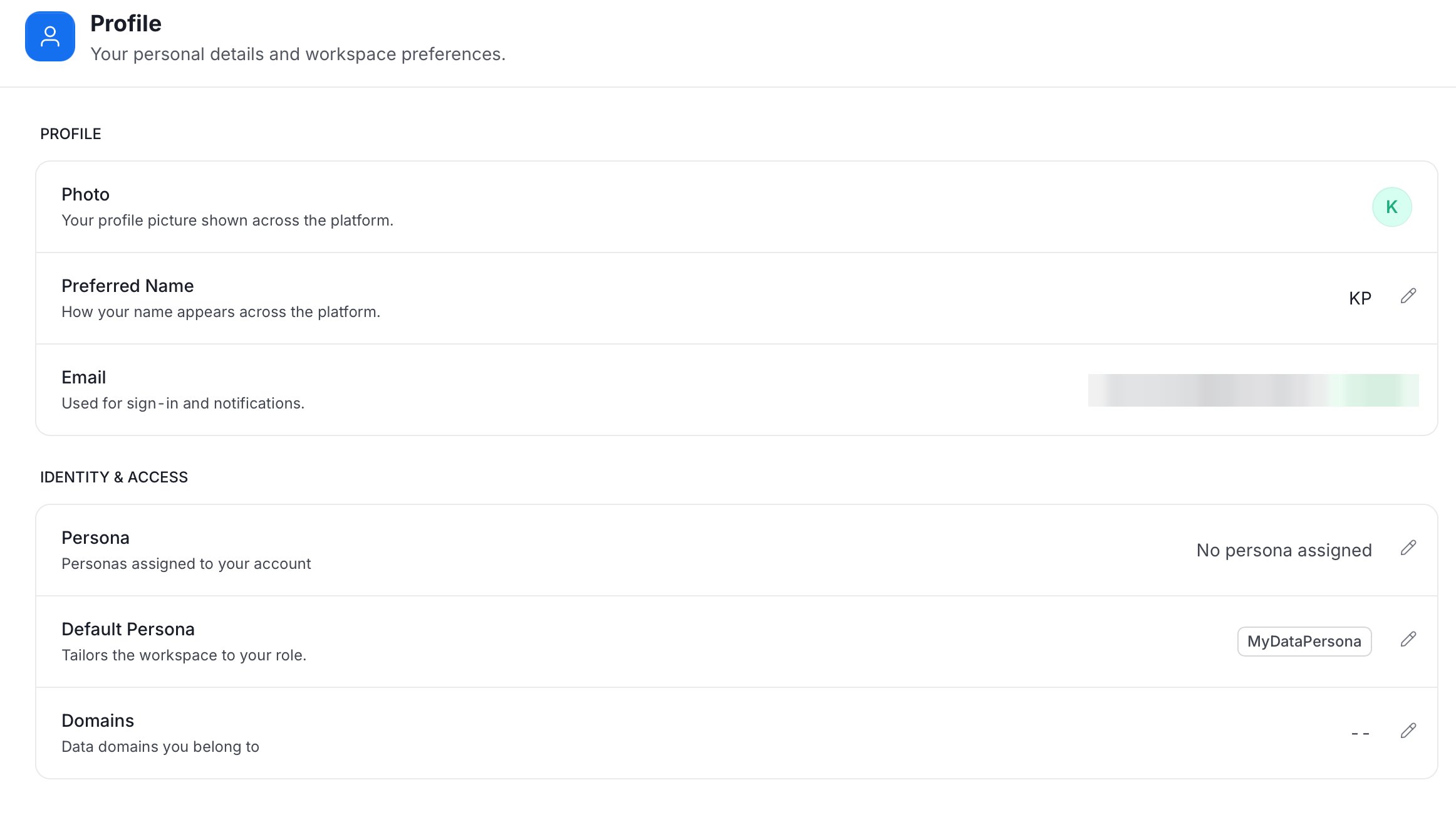
- Profile
- Photo: Your profile picture shown across the platform.
- Preferred Name: How your name appears across the platform. Click the pencil icon to edit it.
- Email: Used for sign-in and notifications.
- Identity & Access
- Persona: The personas assigned to your account.
- Default Persona: The persona that tailors the workspace to your role.
- Domains: The data domains you belong to.