
Personal Access Token
Personal Access Tokens (PATs) in Collate let you authenticate and interact with the Collate API securely. Follow the steps below to generate a new personal access token.Prerequisites
- You have a valid Collate user account.
- You have access to the Collate UI.
Steps to Create a Personal Access Token
- Log in to Collate.
-
Click the Profile icon and select your user name.
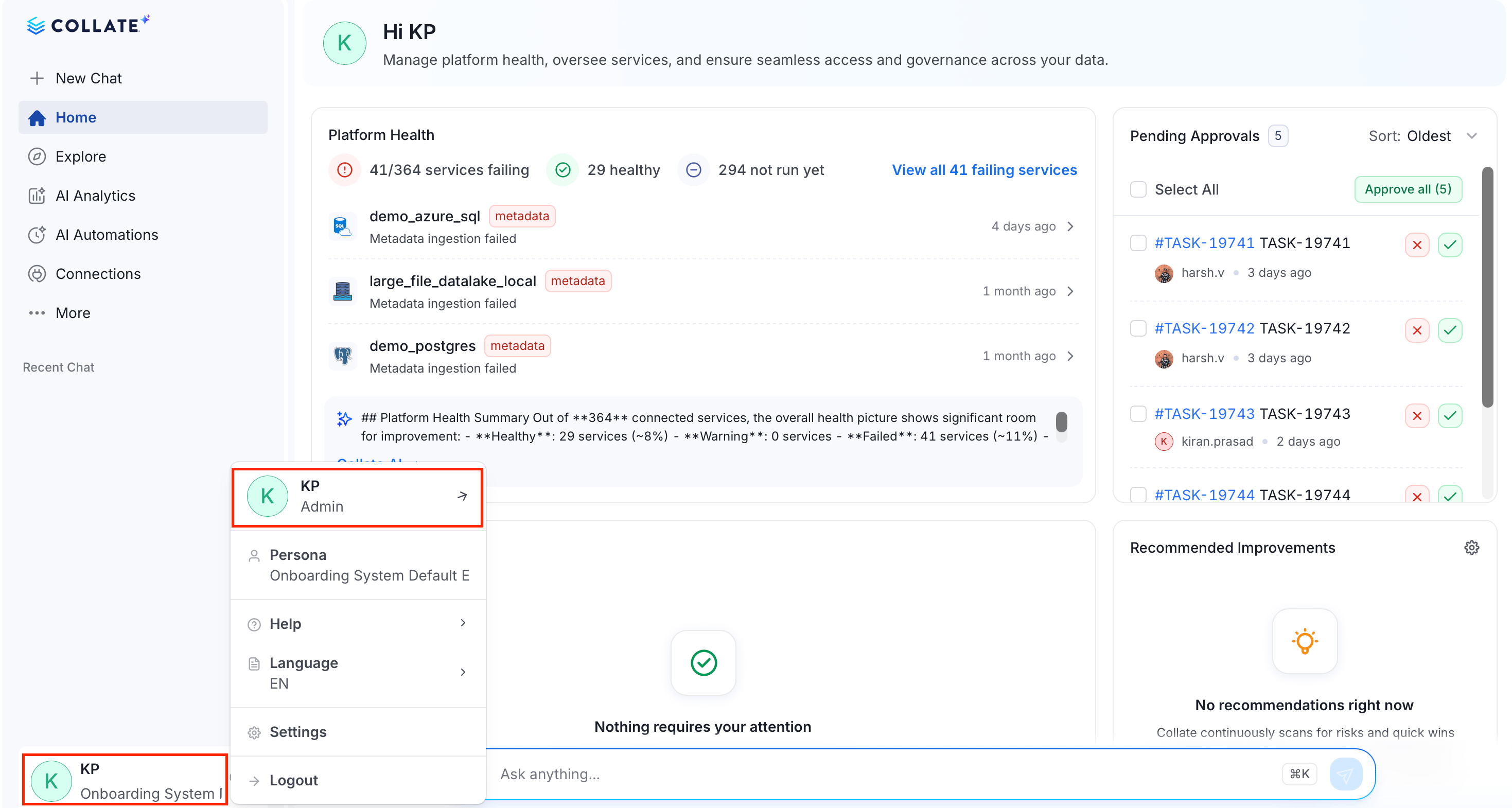
- In the Credentials group, click Access Token.
-
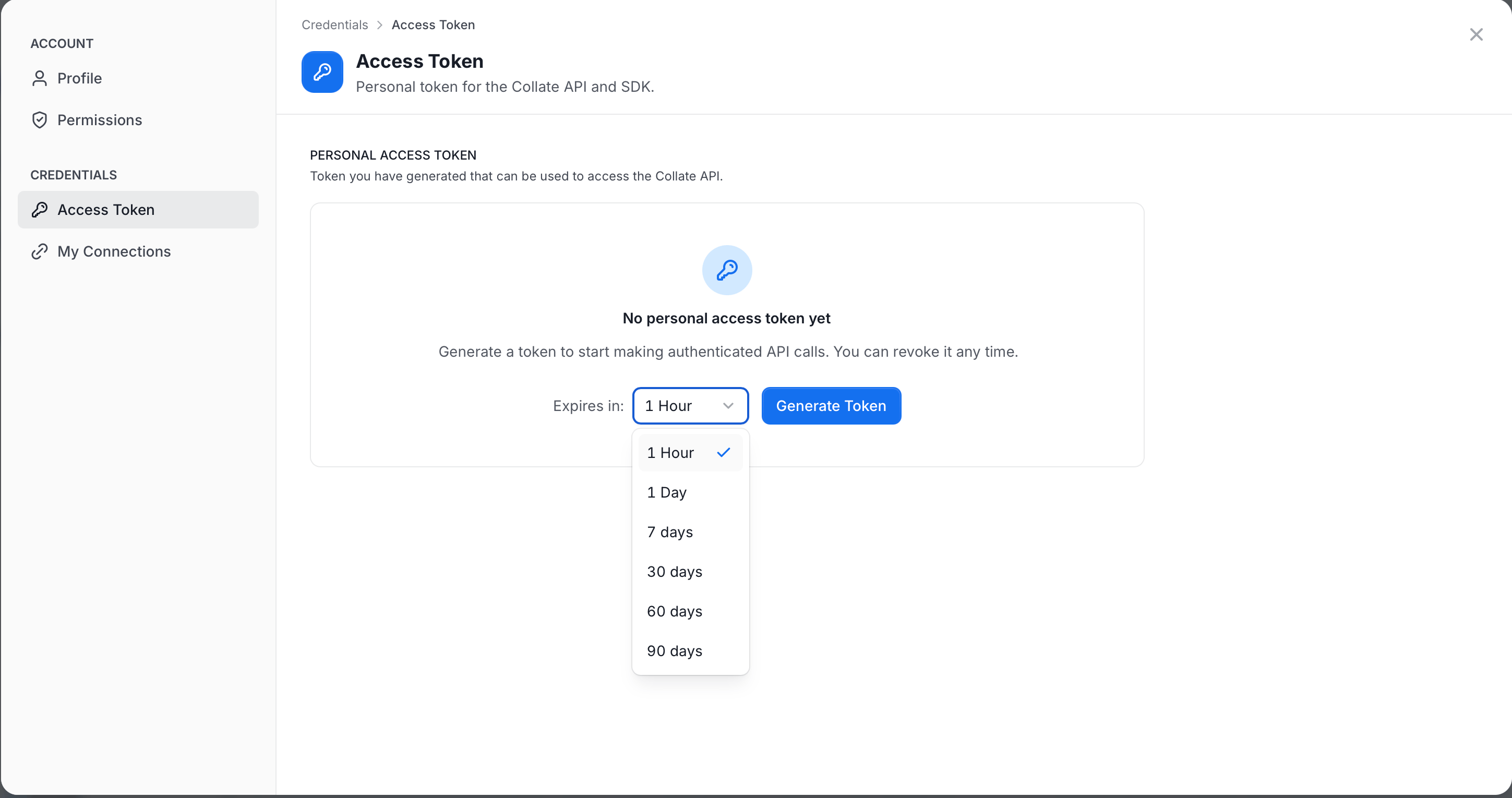
Set the expiry time and click Generate Token.
-
Copy and save it securely for later use.
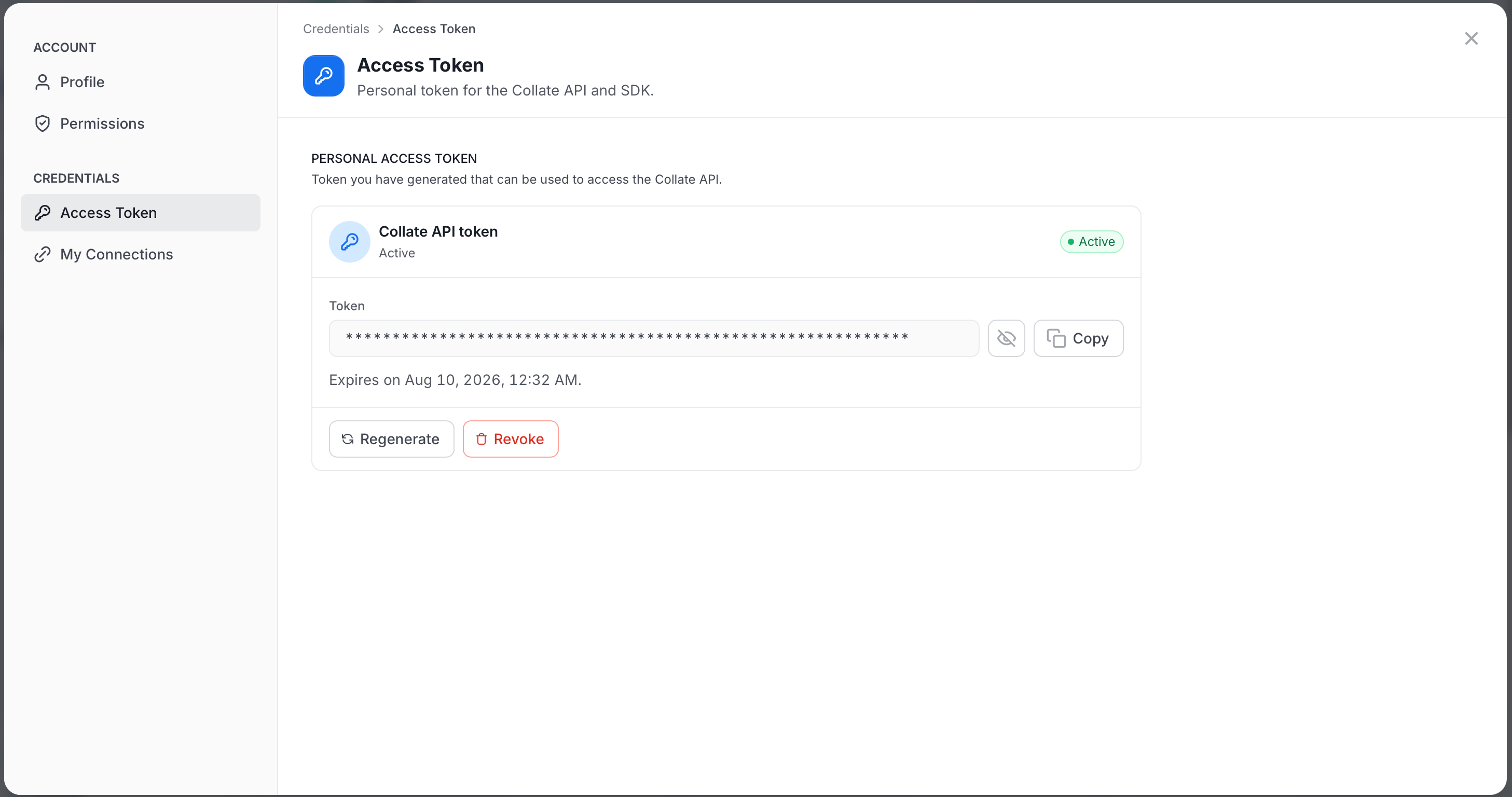 Note: By default, the token gives your AI agent the same role and access policy assigned to you in Collate. To scope your agent to different role-based access controls, create a dedicated user and generate the token from that account instead.
Who Can Generate a Token
Personal access tokens are self-service. Users generate their own token, in the UI or with thePUT /v1/users/security/token API. Collate doesn’t let an administrator generate a personal access token for another user. Administrators can list and revoke other users’ personal access tokens.
Bots can’t have personal access tokens. Administrators generate and manage bot tokens instead. If an external user needs API or MCP access and can’t sign in to generate their own token, create a bot for them.