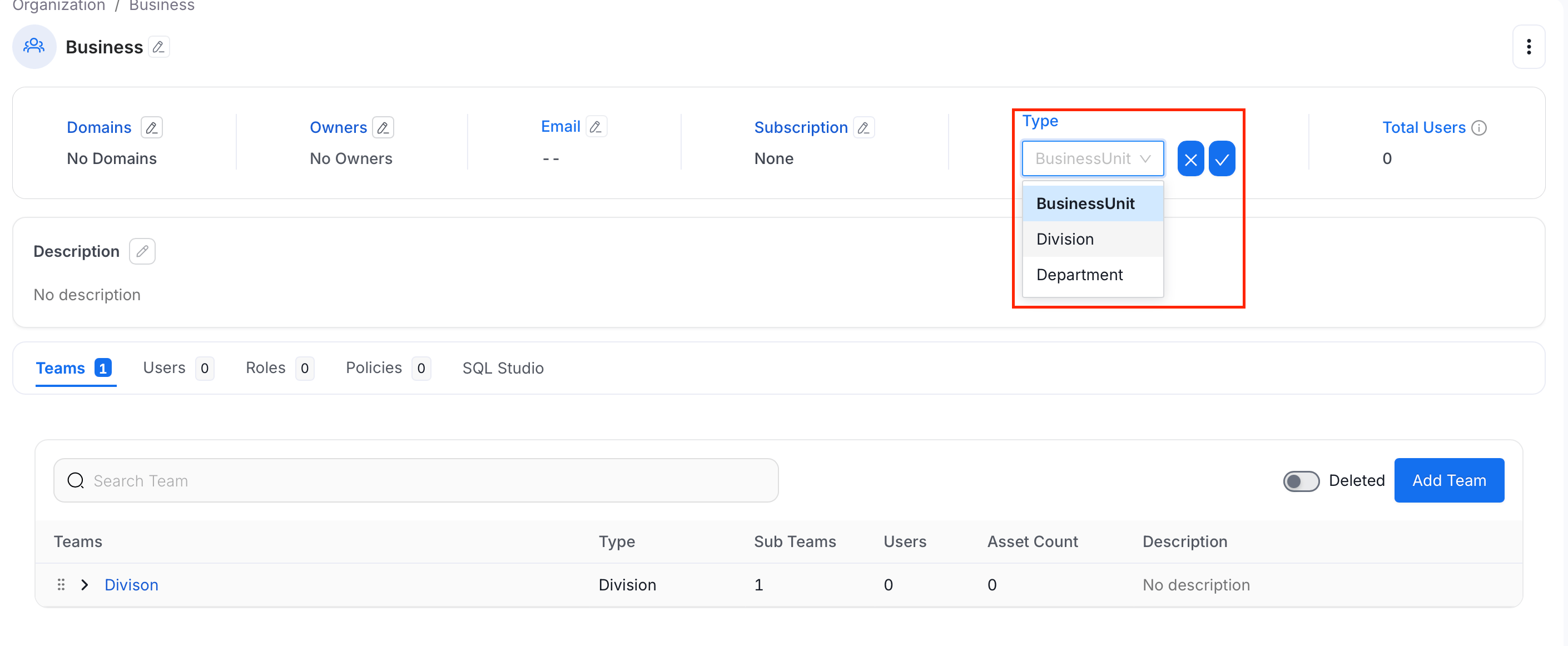
Change Team Type
Refer to Team Structure in Collate for a full explanation of each team type and its position in the hierarchy.Note: The Group team type cannot be changed after a team is created — this fails with
Team of type Group cannot be updated. A team with existing child teams also can’t be changed to Group until those children are removed — this fails with A team with children cannot be updated to type Group. All other team types (Business Unit, Division, Department) can be changed at any time.-
Select the Profile icon, and navigate to Settings > Team & User Management > Teams.
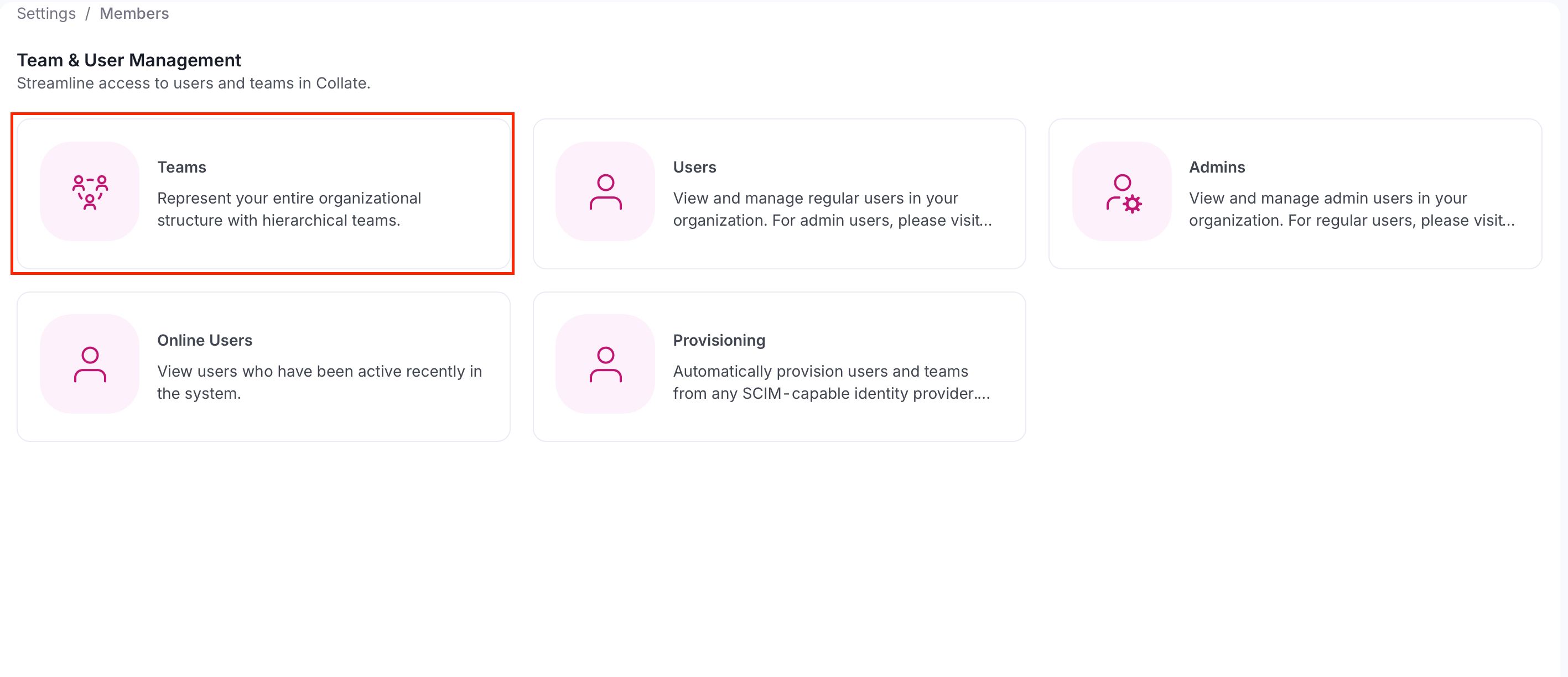
-
Select the team whose type you want to change.
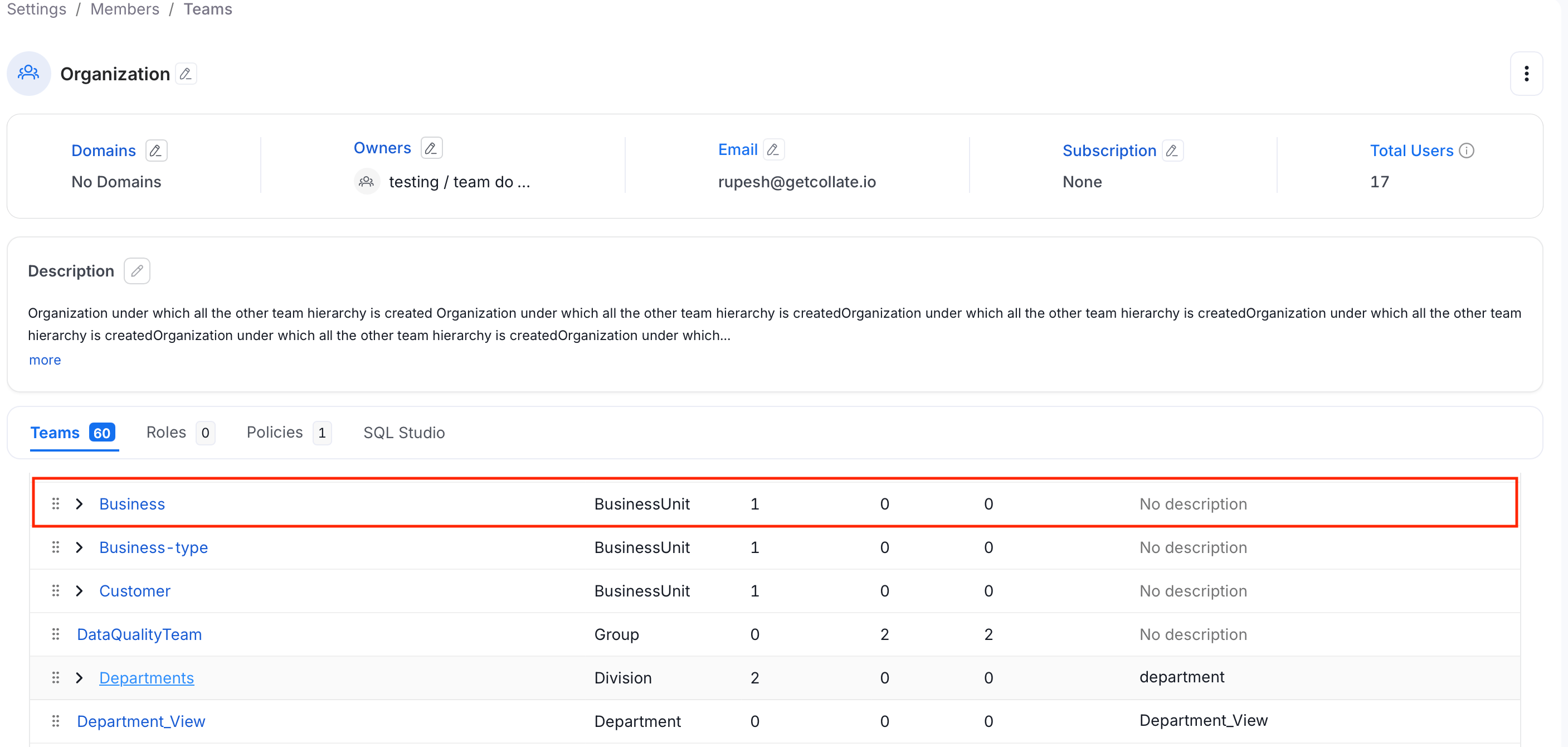
-
Select the Edit icon next to the Team header.
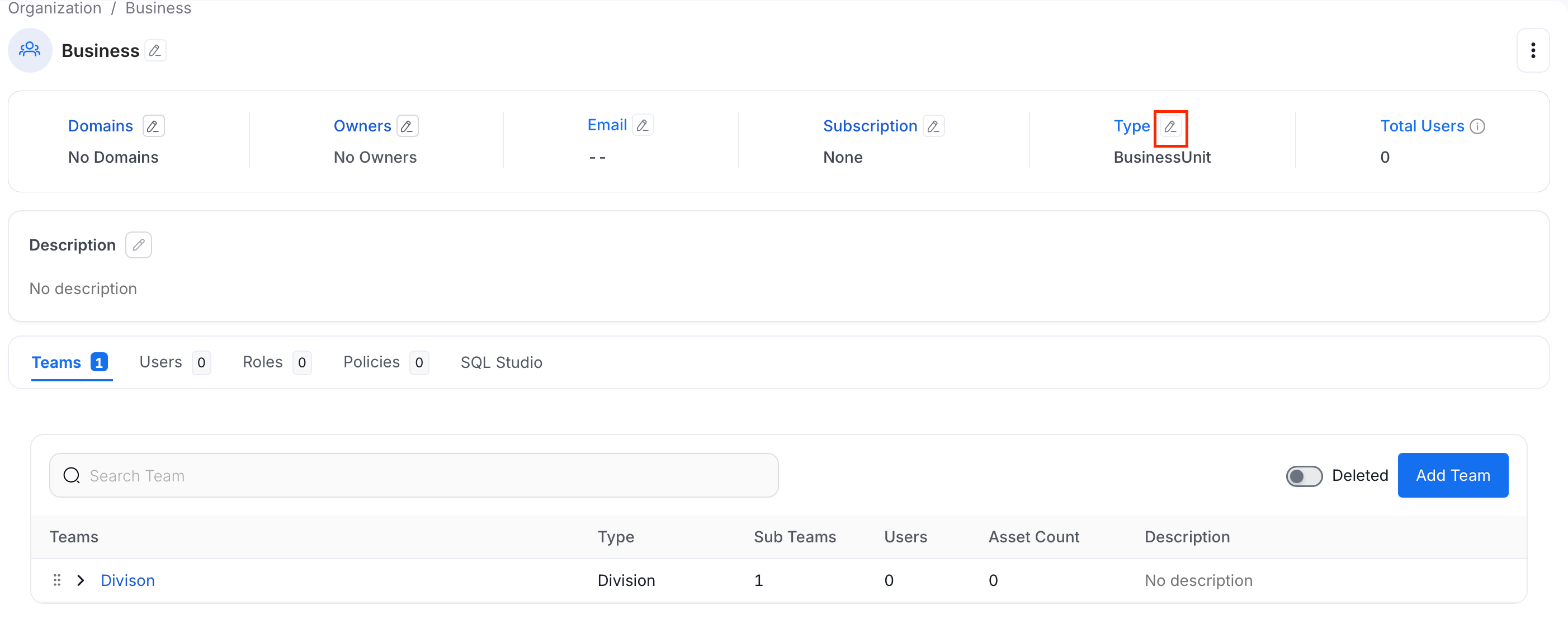
-
Select a new team type from the dropdown and click Save.