
Add Users to Team
If the user does not yet exist in Collate, add the user first. During user creation, you can assign them to a Team and one or more Roles in the same step. See Add Users.Add Existing Users
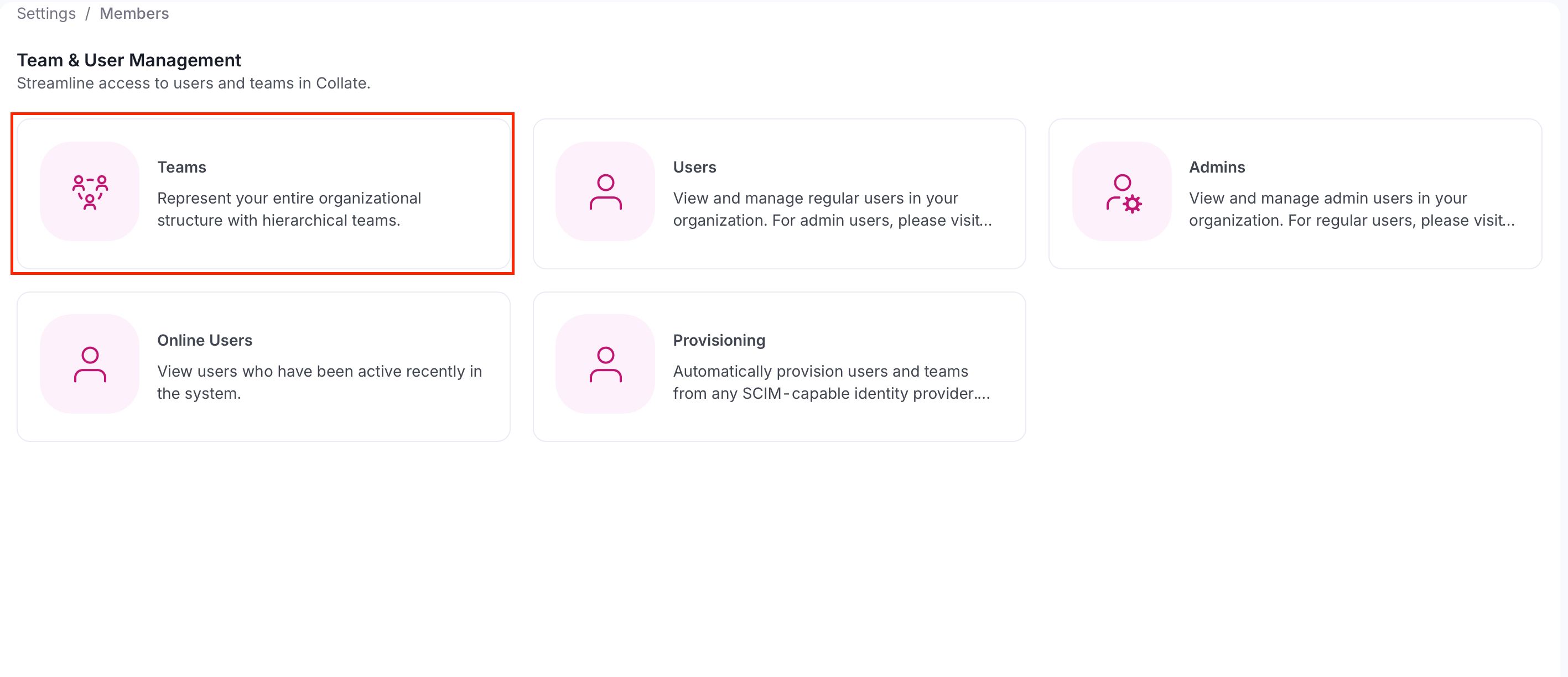
To add an existing user to team, follow these steps:- Select the Profile icon and navigate to Settings > Team & User Management > Teams.
- Select a team from the table to which you want to add a user. Only
Groupteams accept direct user members, so this list only showsGroupteams. To add a user under anOrganization,Business Unit,Division, orDepartment, add them to aGroupteam nested under it instead.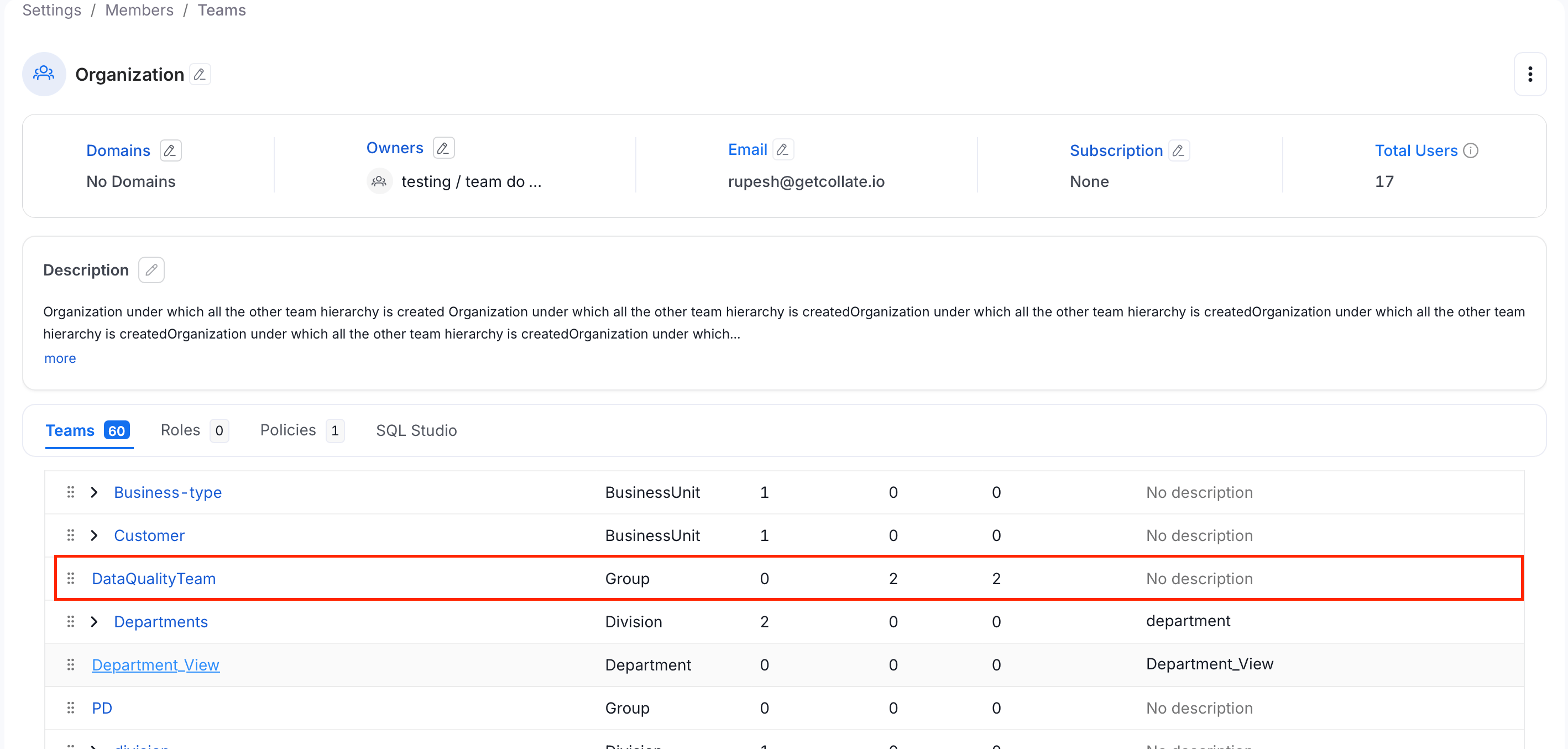
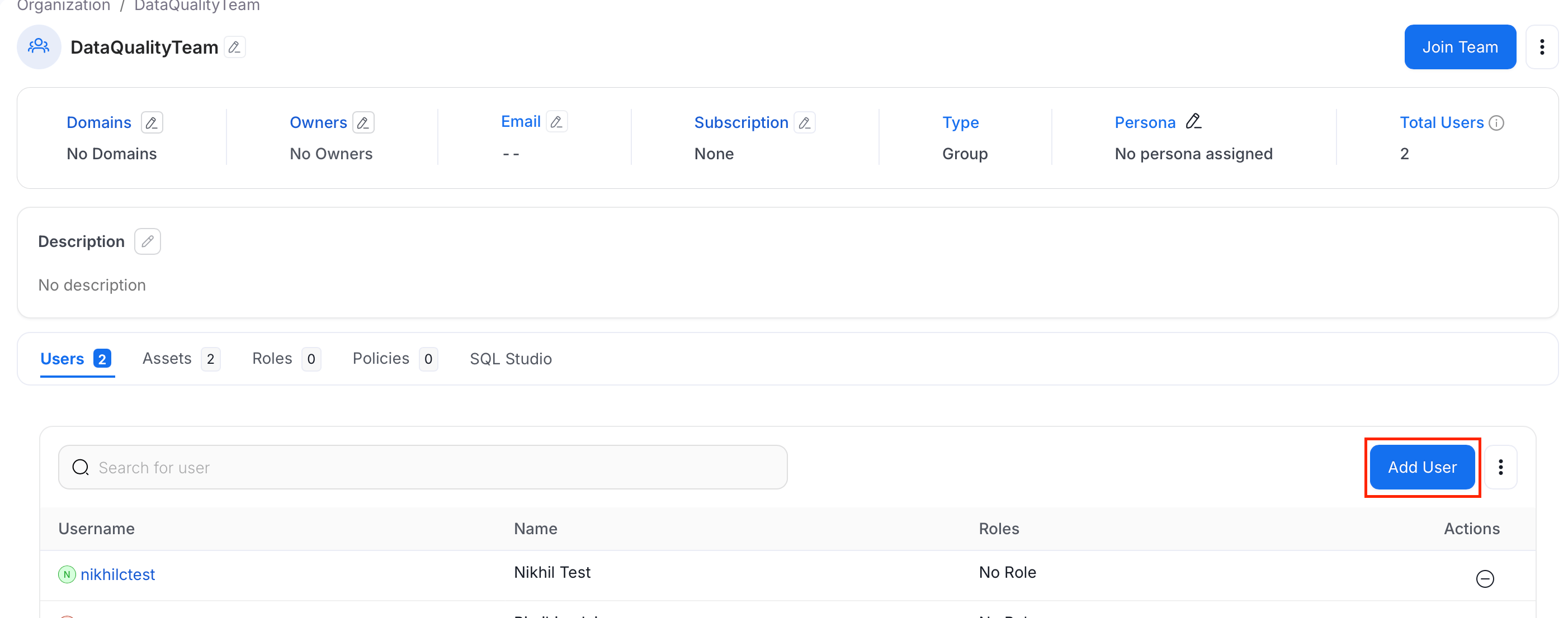
- Click Add User.
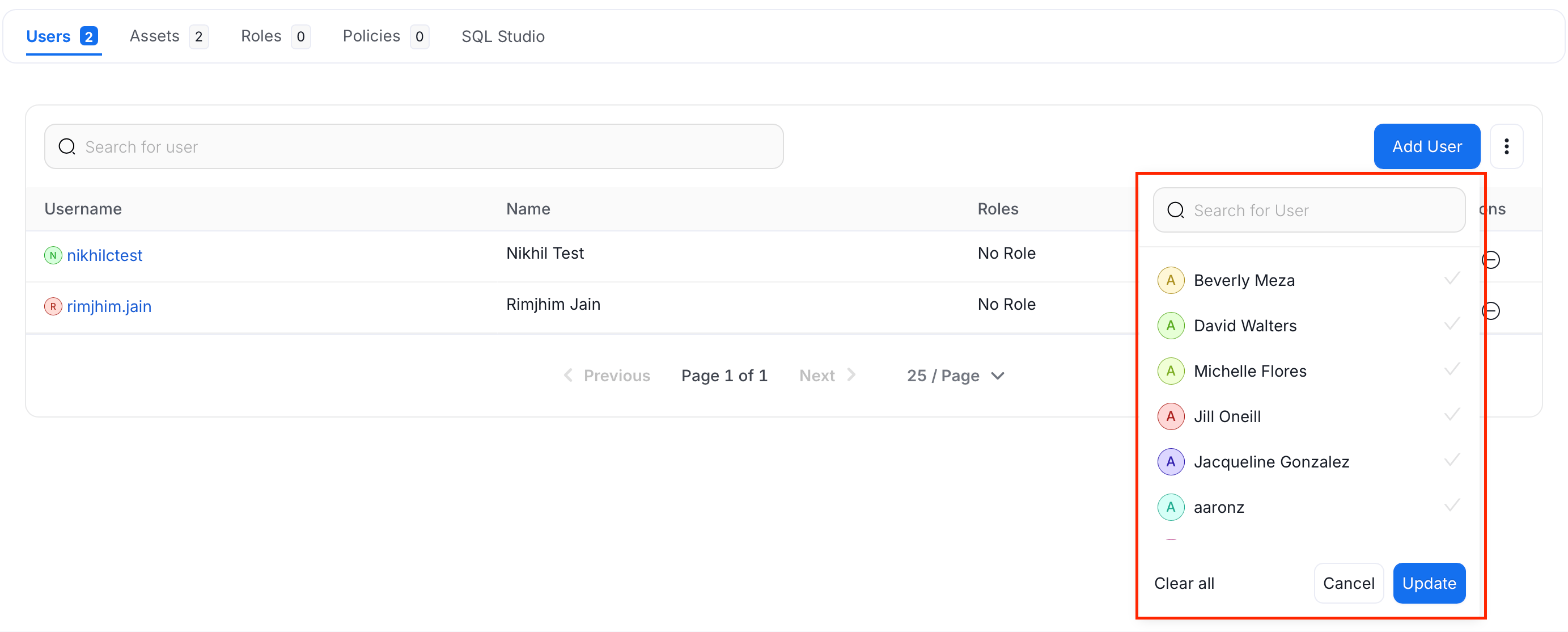
- Search and select the users and click Update.
How to Change the Team Type
Change the team type to change the hierarchy.