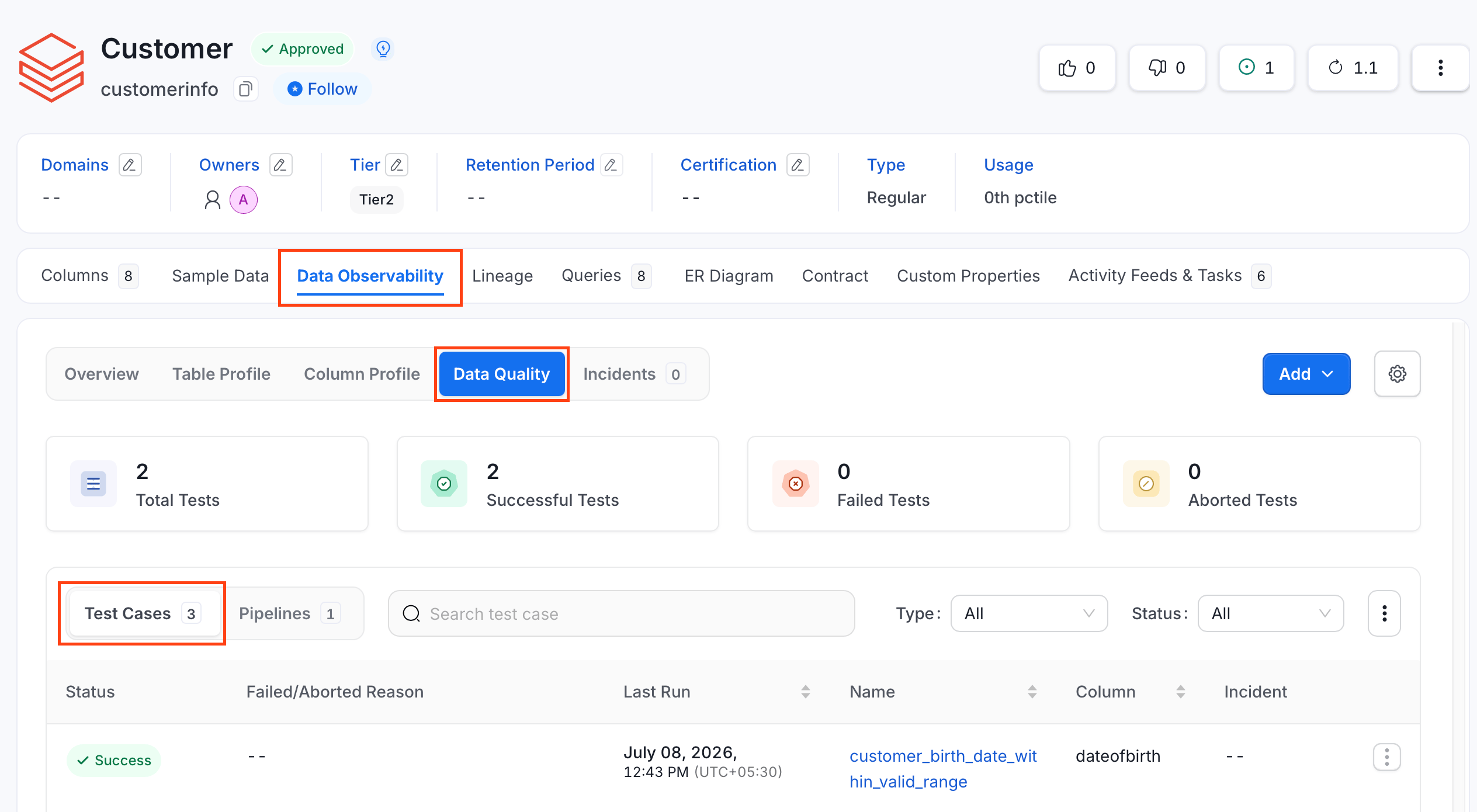
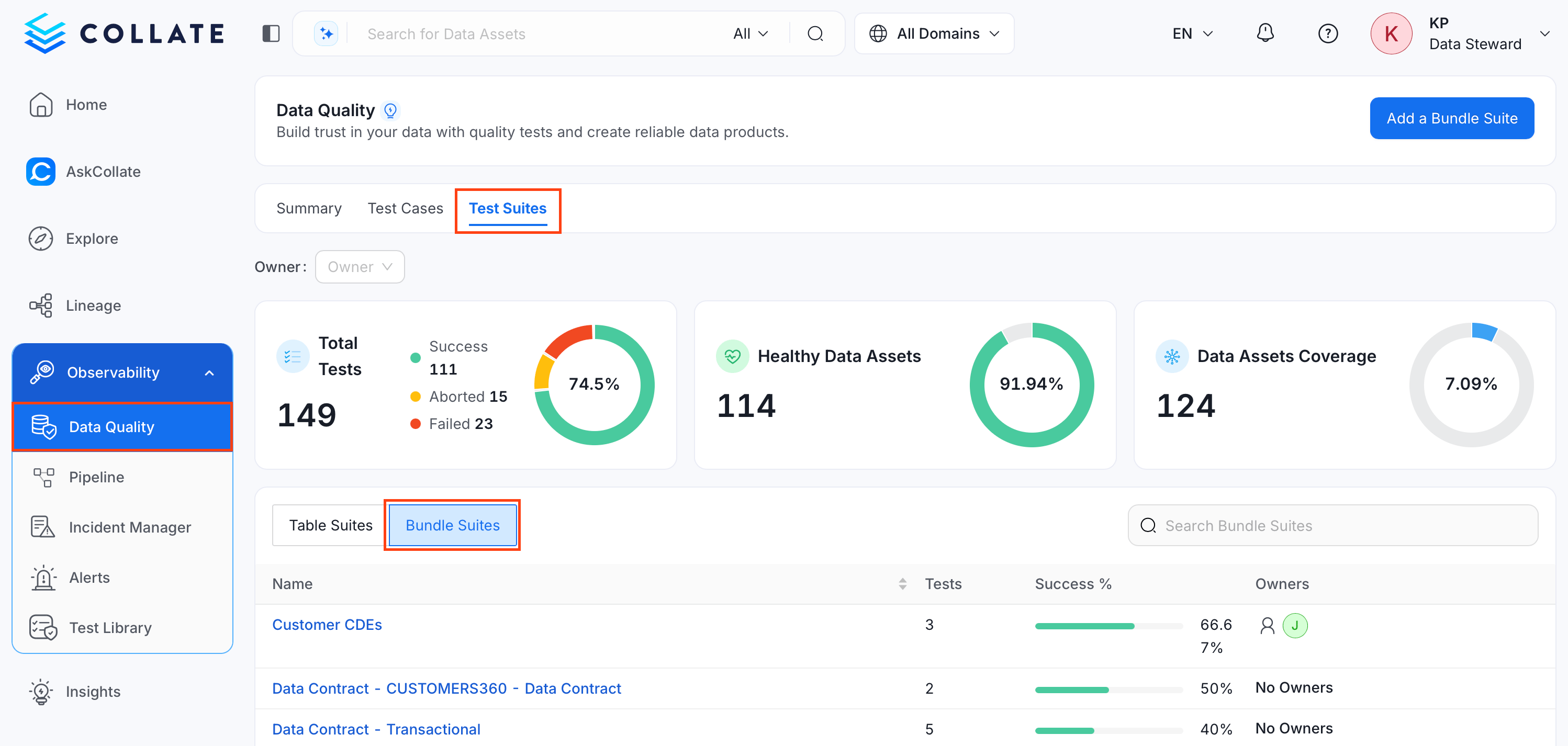
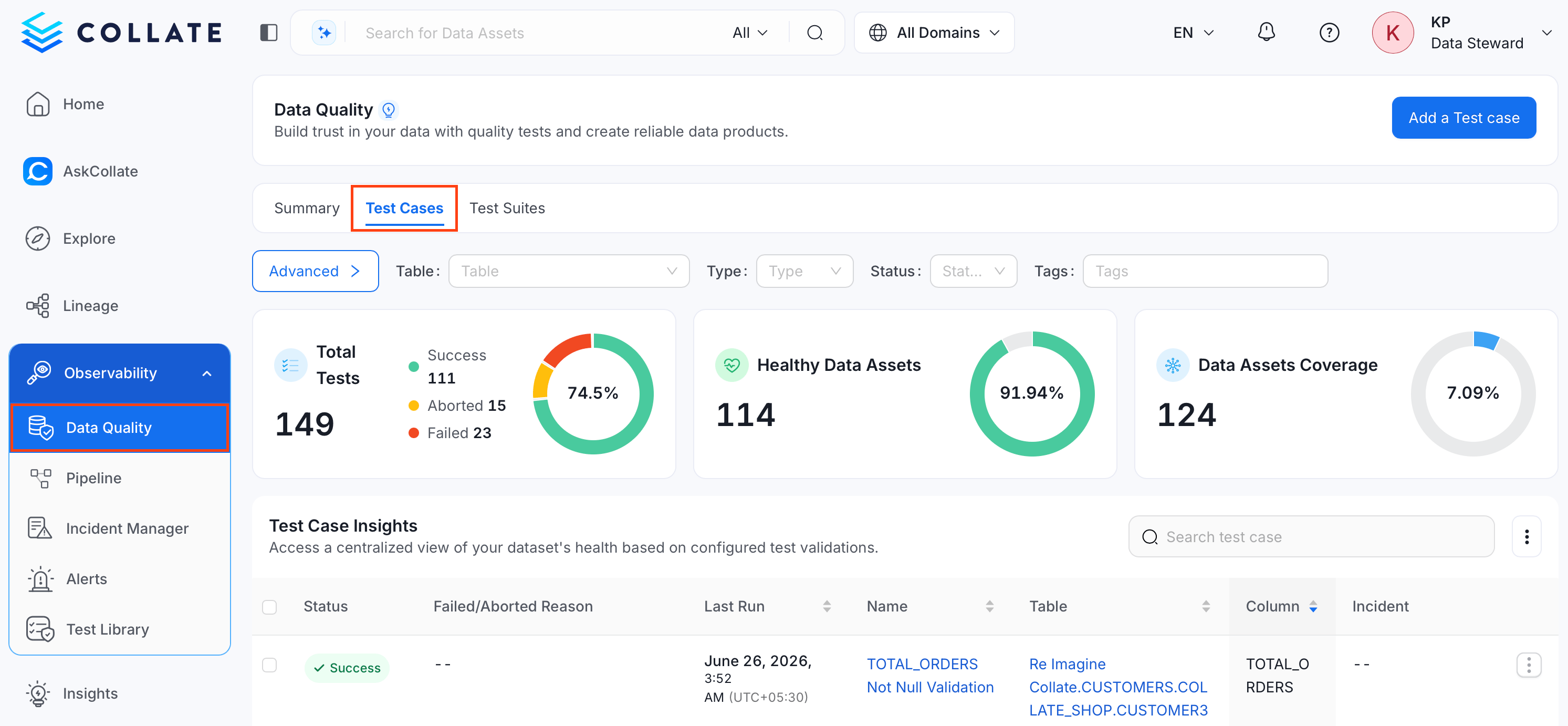
Importing test cases from a CSV file lets you create or update several test cases at once, instead of adding them one at a time through the UI. You can import test cases for a single table, for a test suite, or across your entire platform.For more information about what each column in the file means, see the CSV Field Reference.
You can also import test cases using the API with the following endpoints:PUT /api/v1/dataQuality/testCases/name/{name}/importPUT /api/v1/dataQuality/testCases/name/{name}/importAsyncReplace {name} with the Fully Qualified Name (FQN) of the entity you’re importing into, or with * for a platform-wide import. What {name} actually scopes depends on targetEntityType:
When targetEntityType=testSuite, {name} is the FQN of the bundle test suite, and the import is scoped to that suite.
For any other targetEntityType (including table-scoped and platform-wide imports), {name} does not restrict which entity each row applies to. The target for every test case is determined by that row’s entityFQN column in the CSV instead.
Both endpoints take the CSV file as the raw request body and support two query parameters:
dryRun: true or false (default true). Validates the file without making changes, matching the preview step in the UI.
targetEntityType: The entity type the test cases are being added to, for example table or testSuite.
Important: Outside of a test-suite-scoped import, {name} in the URL doesn’t limit which entities are affected — double-check the entityFQN column in your CSV before importing to avoid updating the wrong table or column.
The importAsync endpoint runs the import as a background job and is what the UI uses. The import endpoint returns the result synchronously.
Was this page helpful?
Assistant
Responses are generated using AI and may contain mistakes.