
AI Studio
AI Studio is your control center for building and managing two kinds of AI entities in Collate: agents and workers.- An agent performs metadata tasks independently: it reads your data assets, applies logic, and takes action (for example, writing descriptions or flagging PII). You run agents on a schedule through AI Automations, or call them directly through the AI SDK.
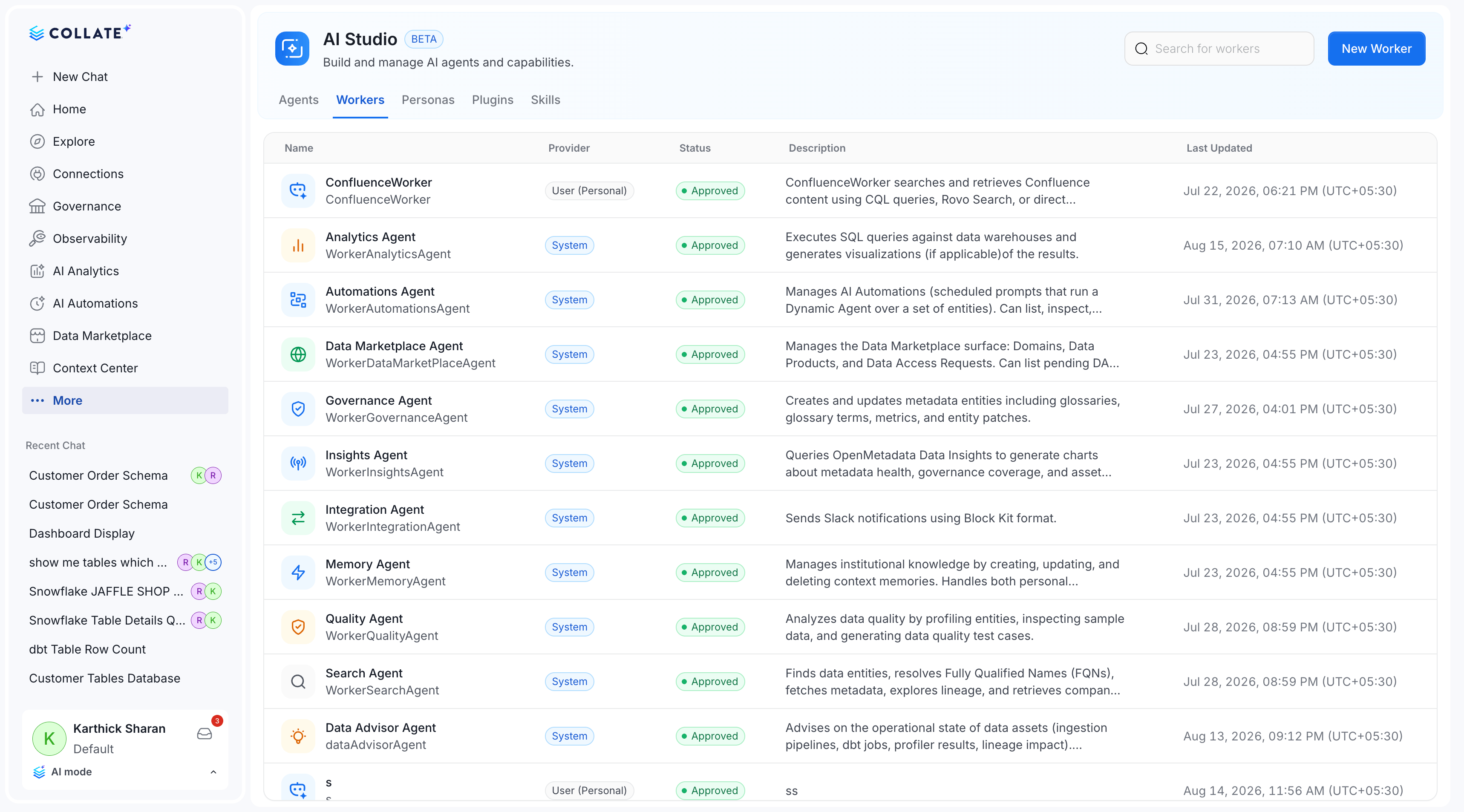
- A worker is part of Collate AI Chat’s agentic fleet. When you ask a question in chat, Collate routes it to the right worker automatically. Workers are chat-only; you can’t call them from AI Automations.
- Plugins connect it to the data sources and external tools it needs to do its job.
- Skills control what specific actions it’s allowed to take.
- Agents use a persona to define how they think and communicate; workers use Planner Routing instead, to decide how to decompose and route each request.
Agents
Create and manage AI agents that automate metadata tasks such as documentation, quality, tiering, and PII classification.
Workers
Configure the AI entities that power Collate AI Chat’s agentic fleet.
Personas
Define the role, expertise, and communication style an agent uses when performing tasks.
Plugins
Connect agents to external tools and data sources to extend what they can access and act on.
Skills
Attach reusable capabilities to agents to control what actions they can perform.