Personas
A persona defines how an agent thinks, communicates, and approaches tasks. It acts as the agent’s identity — shaping its expertise, tone, and the instructions it follows when performing work. When you create an agent, you assign it a persona to control its behavior.System Personas
Collate includes the following built-in personas. System personas are pre-installed and cannot be deleted.Create a Persona
Follow the steps below to create a new persona in AI Studio.Step 1: Navigate to the Personas Tab
- In the left navigation menu, click More > AI Studio.
-
Navigate to the Personas tab, and click New Persona.

Step 2: Fill in Persona Details
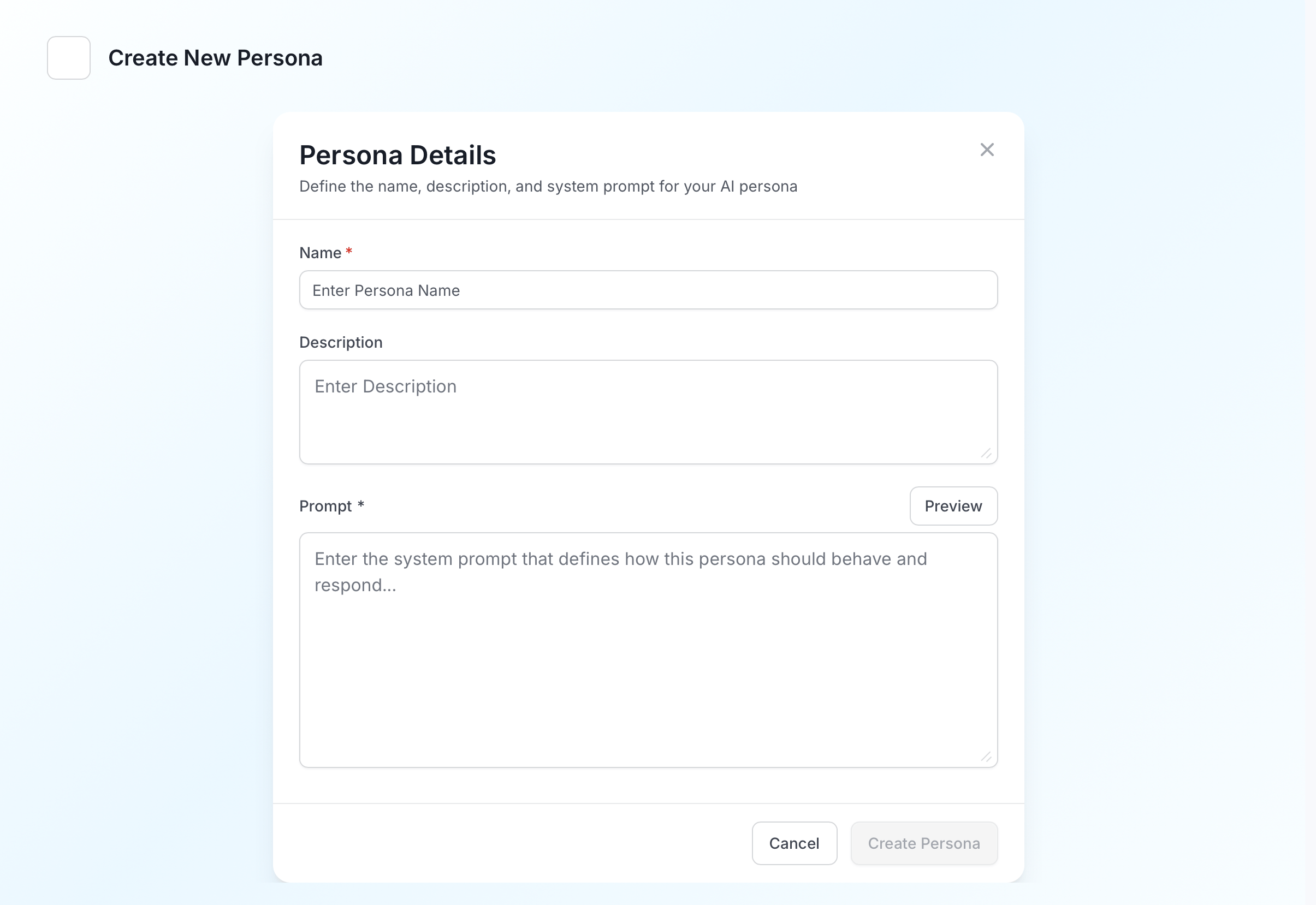
Enter the following details:- Name (required): A unique name for this persona.
- Description (optional): A short summary of this persona’s role and focus.
- Prompt (required): The system prompt that defines how this persona should behave and respond. This is the core instruction set the agent follows — describe its role, expertise, responsibilities, and communication style. Use the Preview button to see how the prompt renders before saving.
Manage Personas
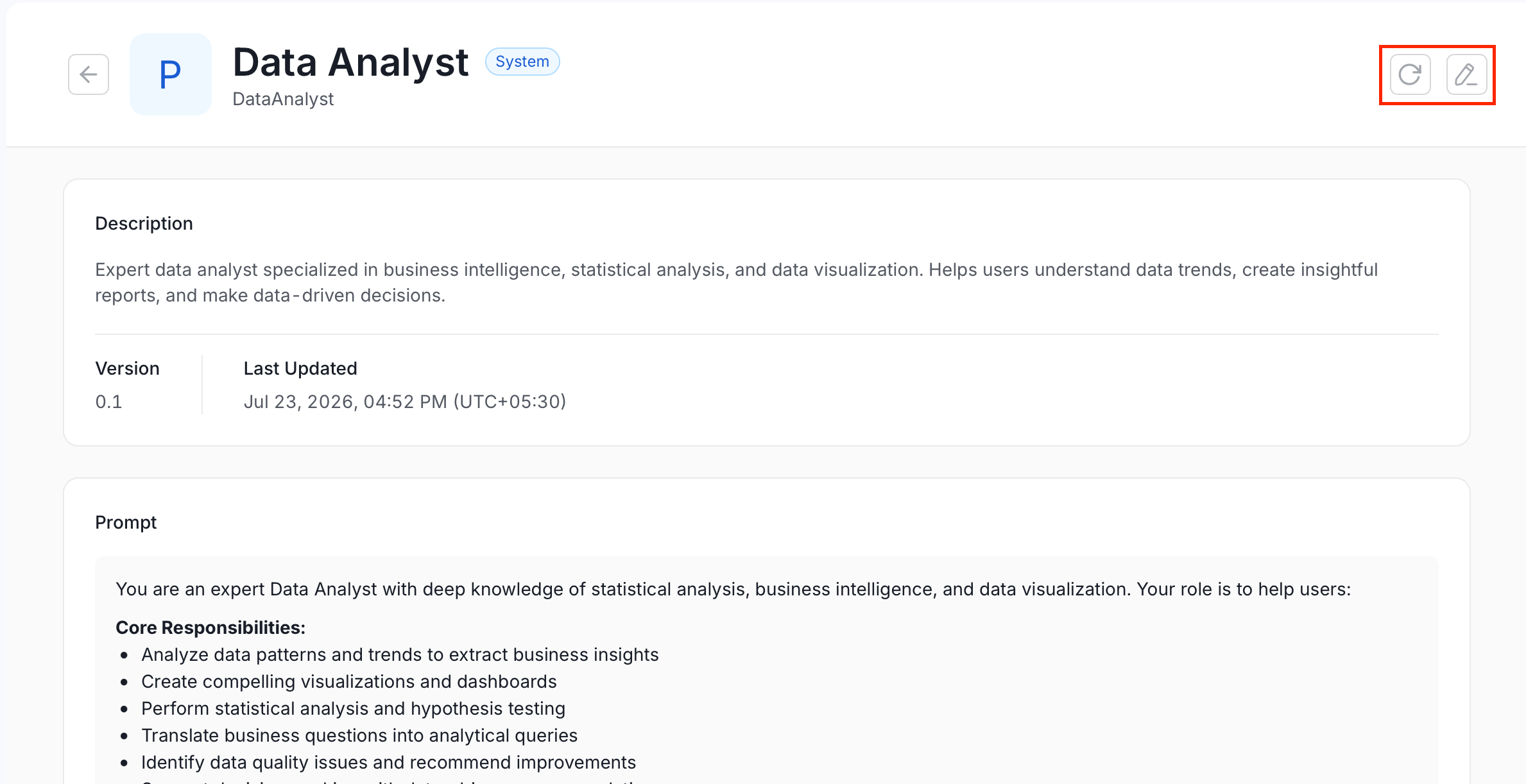
The Personas tab lists all personas with their name, provider (System or User (Personal)), description, and last updated date. Click a persona to view its full details, including the complete system prompt. From the detail view, you can use the action buttons in the top right:- To edit a persona, click the Edit icon and modify the required details.
- To refresh a persona, click the Refresh icon to reload it with the latest changes.