Skills
A skill is a reusable set of capabilities that you attach to an agent to control what actions it can take. Each skill is built on top of an external plugin and exposes a specific subset of tools from that plugin. The built-in Collate plugin isn’t available as a base for skills: skills are only built on plugins you’ve connected yourself, such as Confluence or GitHub. For example, a Documentation Lookup skill built on the Confluence plugin gives an agent the ability to search and retrieve pages from your Confluence site, without granting access to unrelated tools.Create a Skill
Follow the steps below to create a new skill in AI Studio.Step 1: Navigate to the Skills Tab
- In the left navigation menu, click More > AI Studio.
-
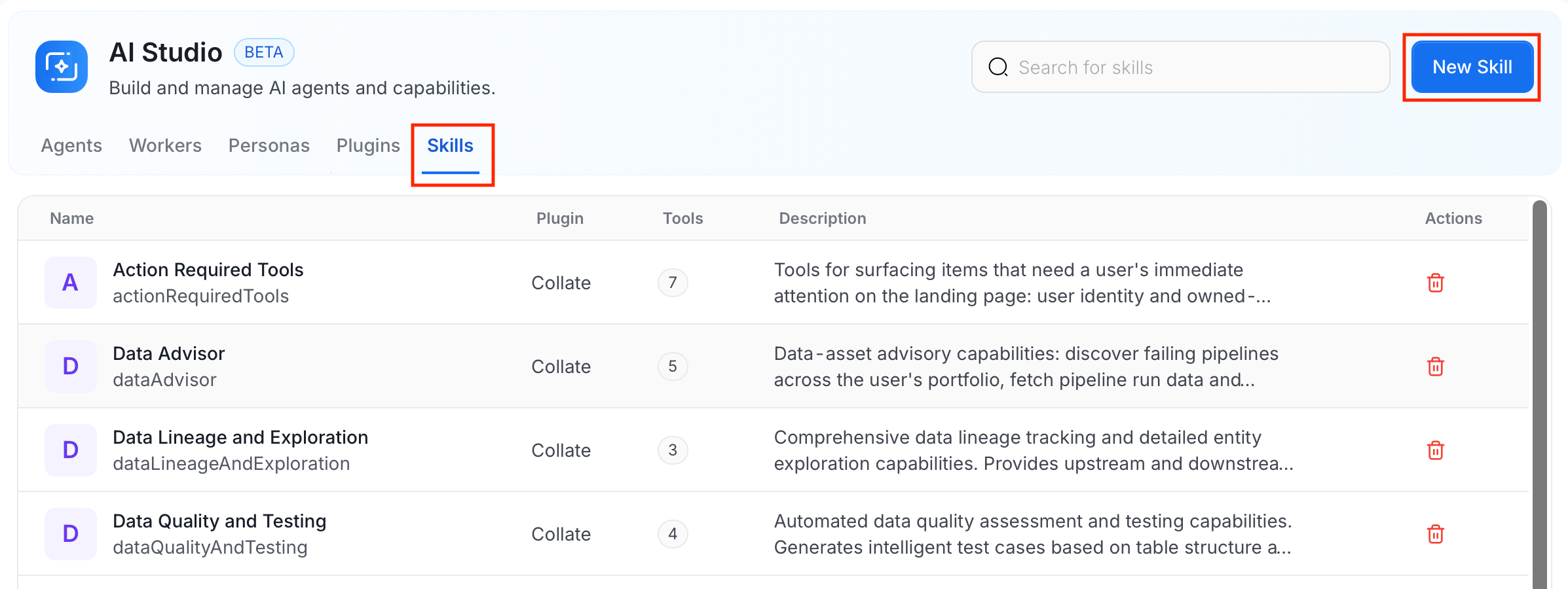
Navigate to the Skills tab, and click New Skill.
Step 2: Fill in Skill Details
Enter the following details: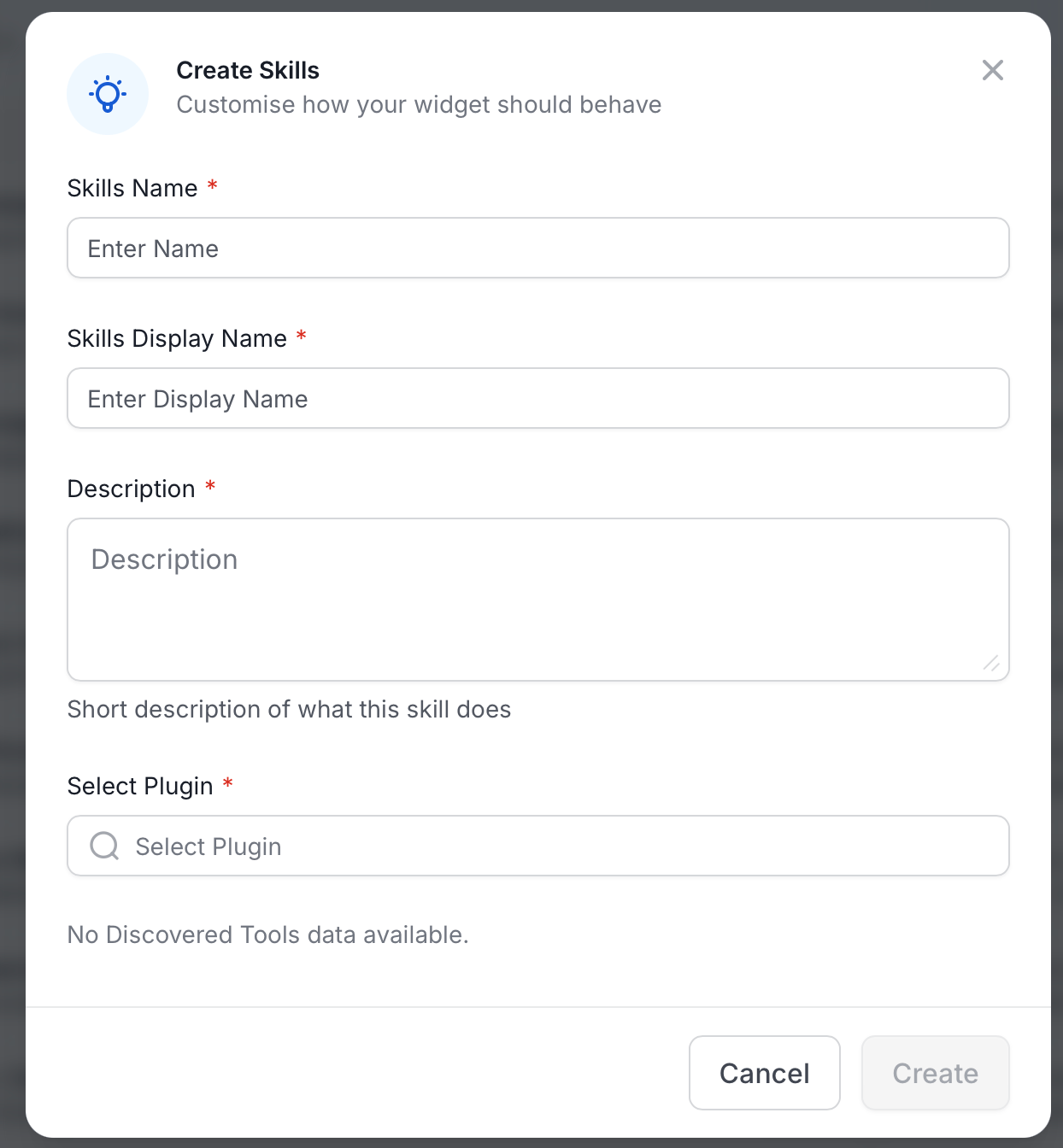
View Skills
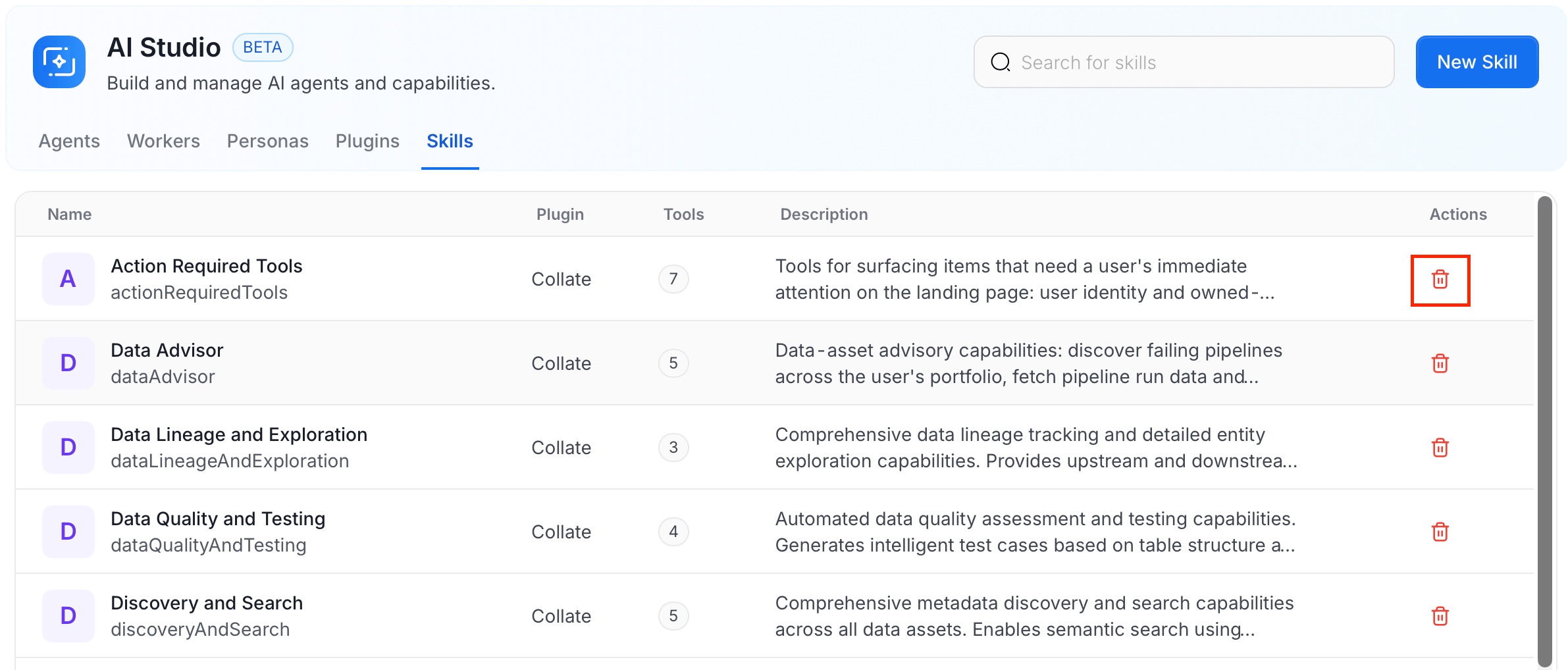
The Skills tab lists all skills with their name, the plugin they’re built on, the number of tools they expose, and a description. Use the search bar to filter by name.Manage Skills
Use the following options to edit or delete a skill.- To edit a skill:
- In the Skills tab, click the skill you want to edit.
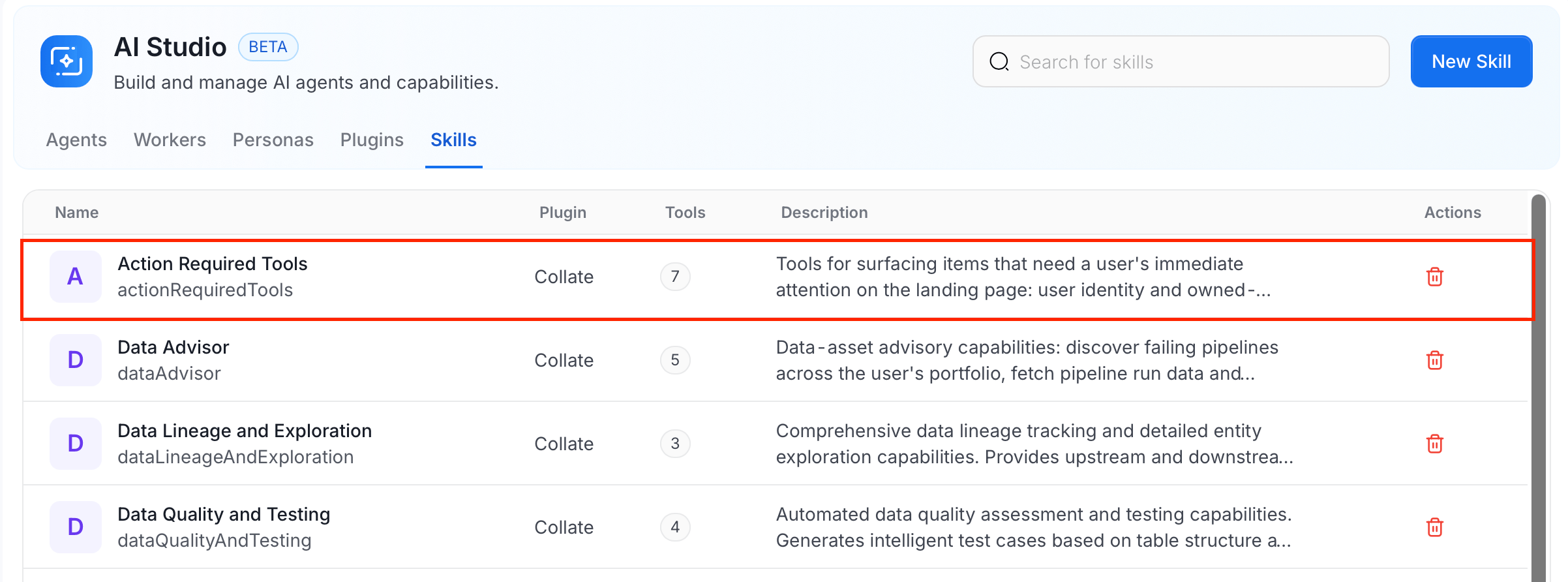
- Modify the details and click Save.
- In the Skills tab, click the skill you want to edit.
- To delete a skill, click the Delete icon in the Actions column next to the skill.