
Custom Logo and Theme
Admins can customize the Collate interface to match their organization’s branding — including logos, favicon, and a full color palette. To access theme settings:-
Select your Profile icon and navigate to Settings > Preferences.
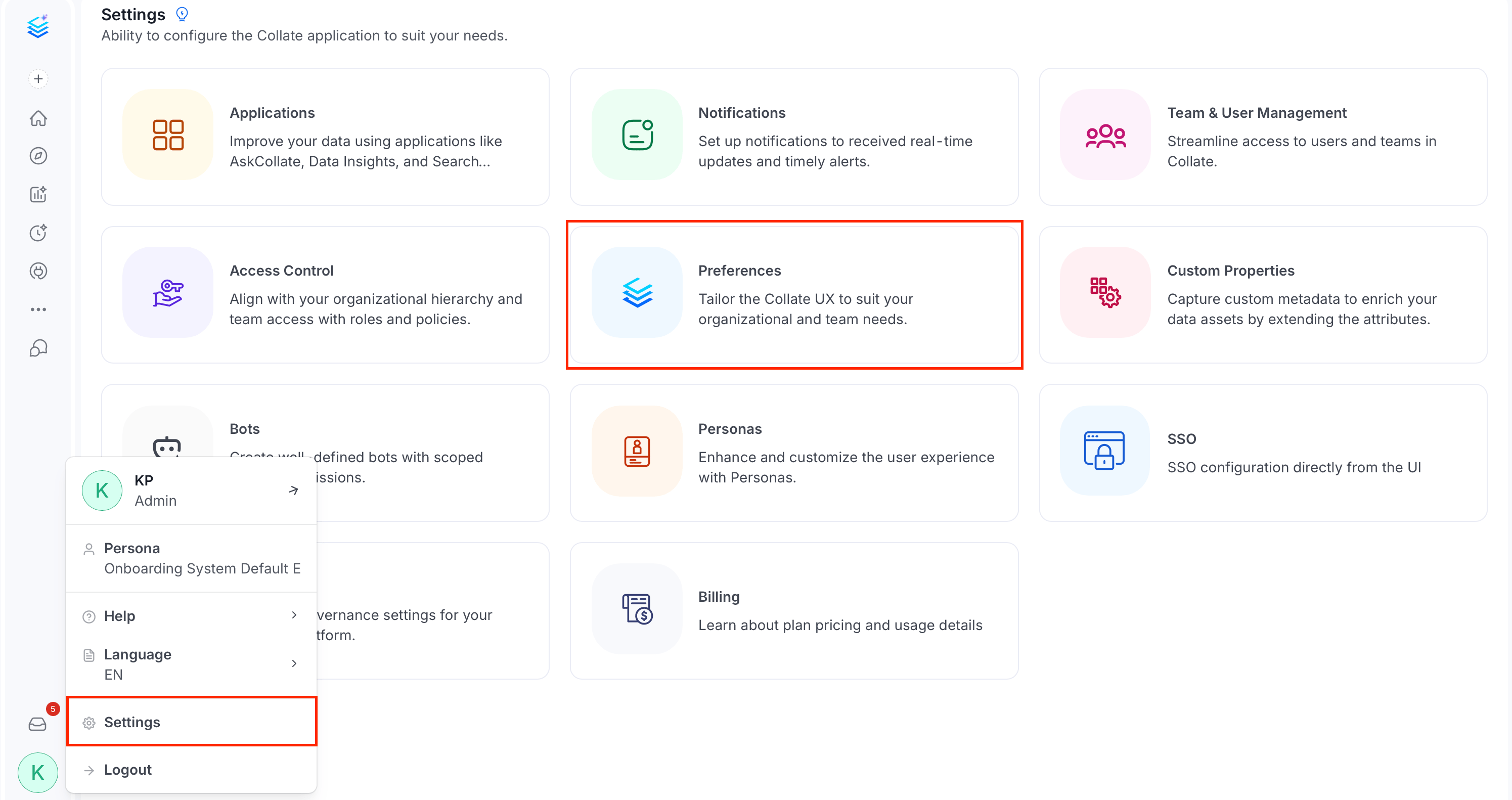
-
Click Theme.
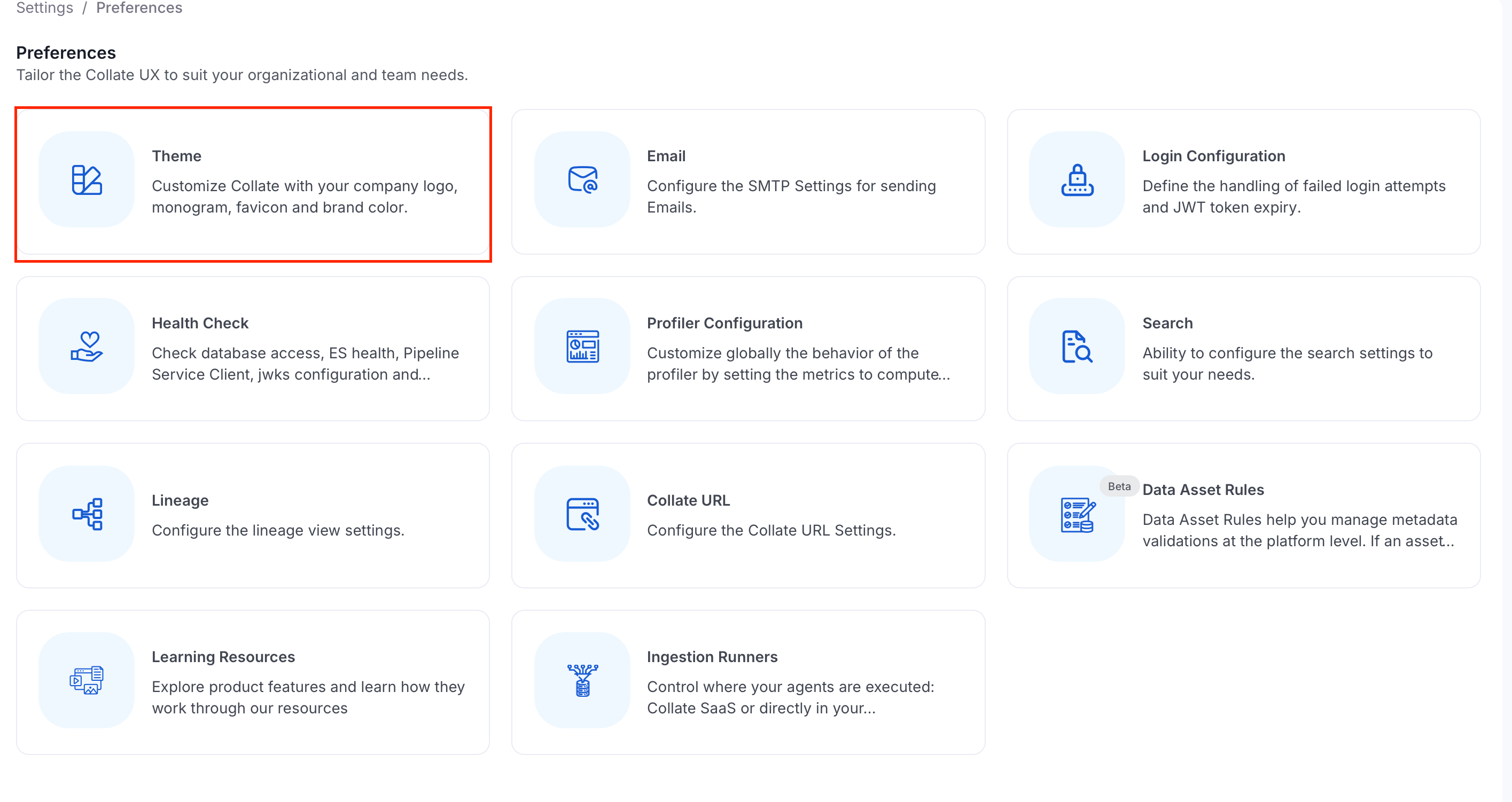
Custom Logo
The Custom Logo section lets you replace the default Collate branding assets: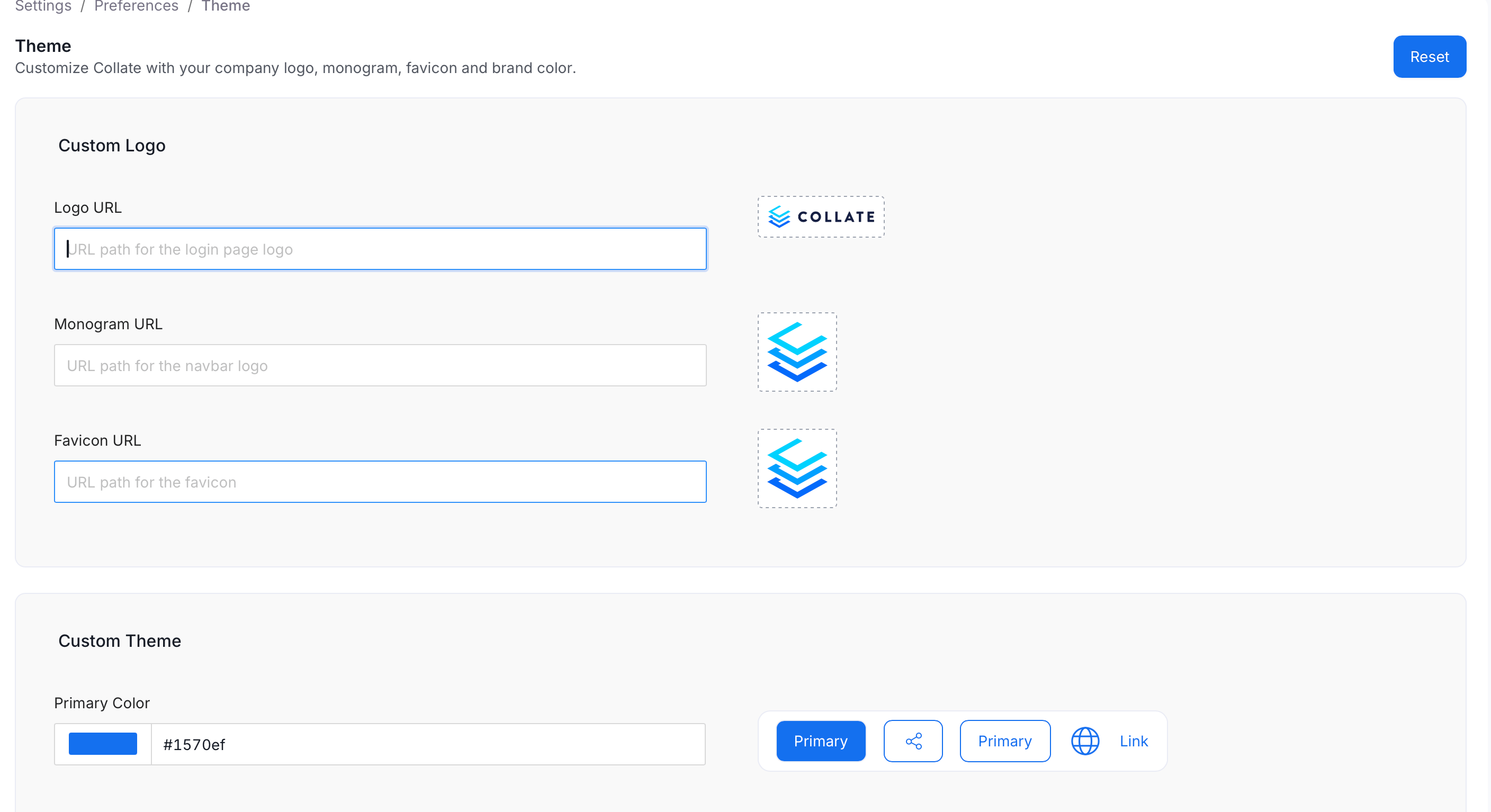
- Monogram and Favicon — Use a 1:1 aspect ratio.
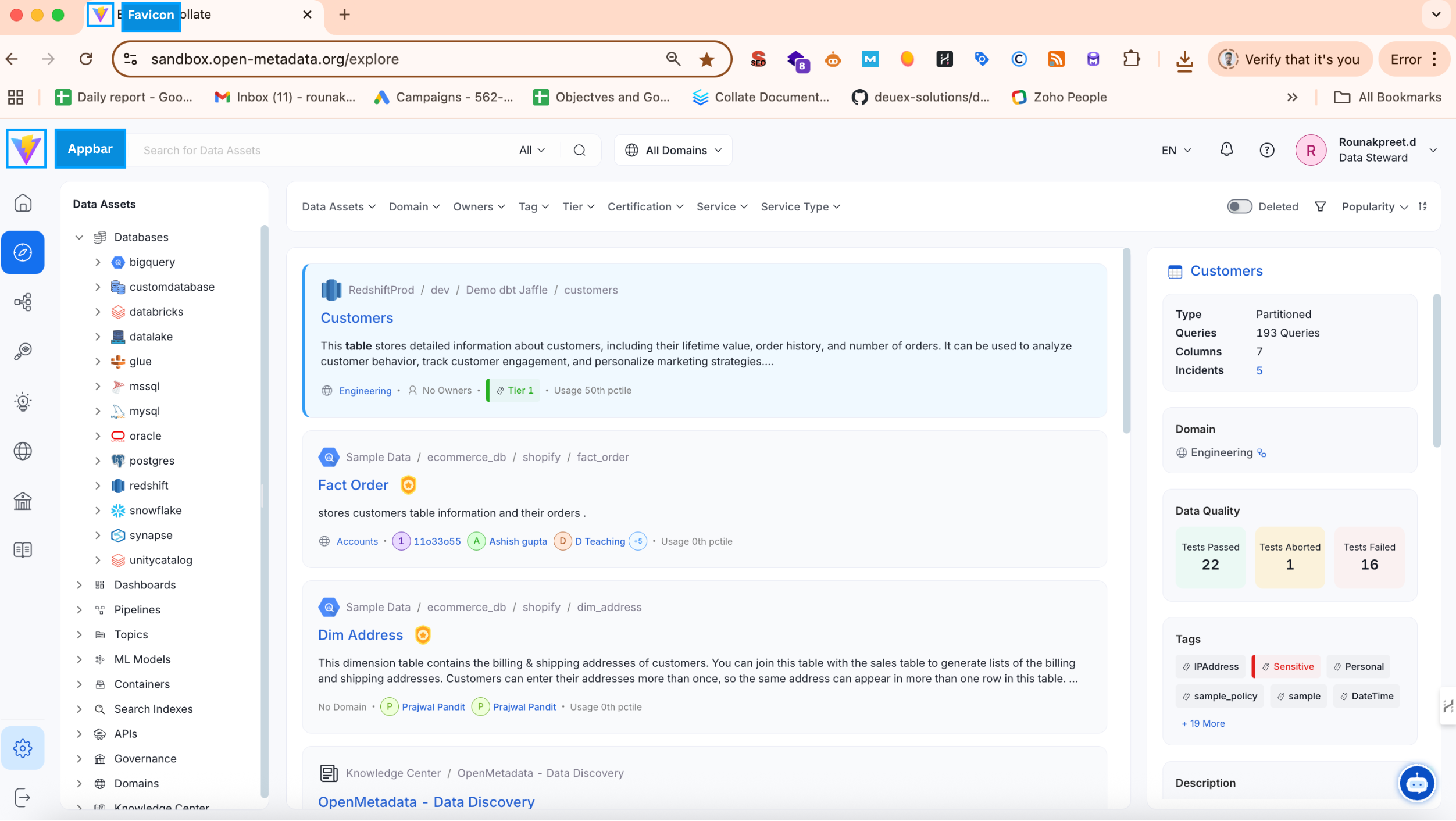
Custom Theme
The Custom Theme section lets you define brand colors used across the interface. Each field accepts a HEX color code or a color picker selection — the preview on the right updates in real time.
After configuring colors, click Save to apply.