
App Mode
Collate supports two app experiences:- Classic
- AI
- Purpose: Set which app mode, Classic or AI, new users land in by default.
- Benefits: Controls the first impression Collate makes on every new teammate you invite.
How to Configure
To set the App Mode, follow the steps below:-
Navigate to Settings > Preferences > App Mode.
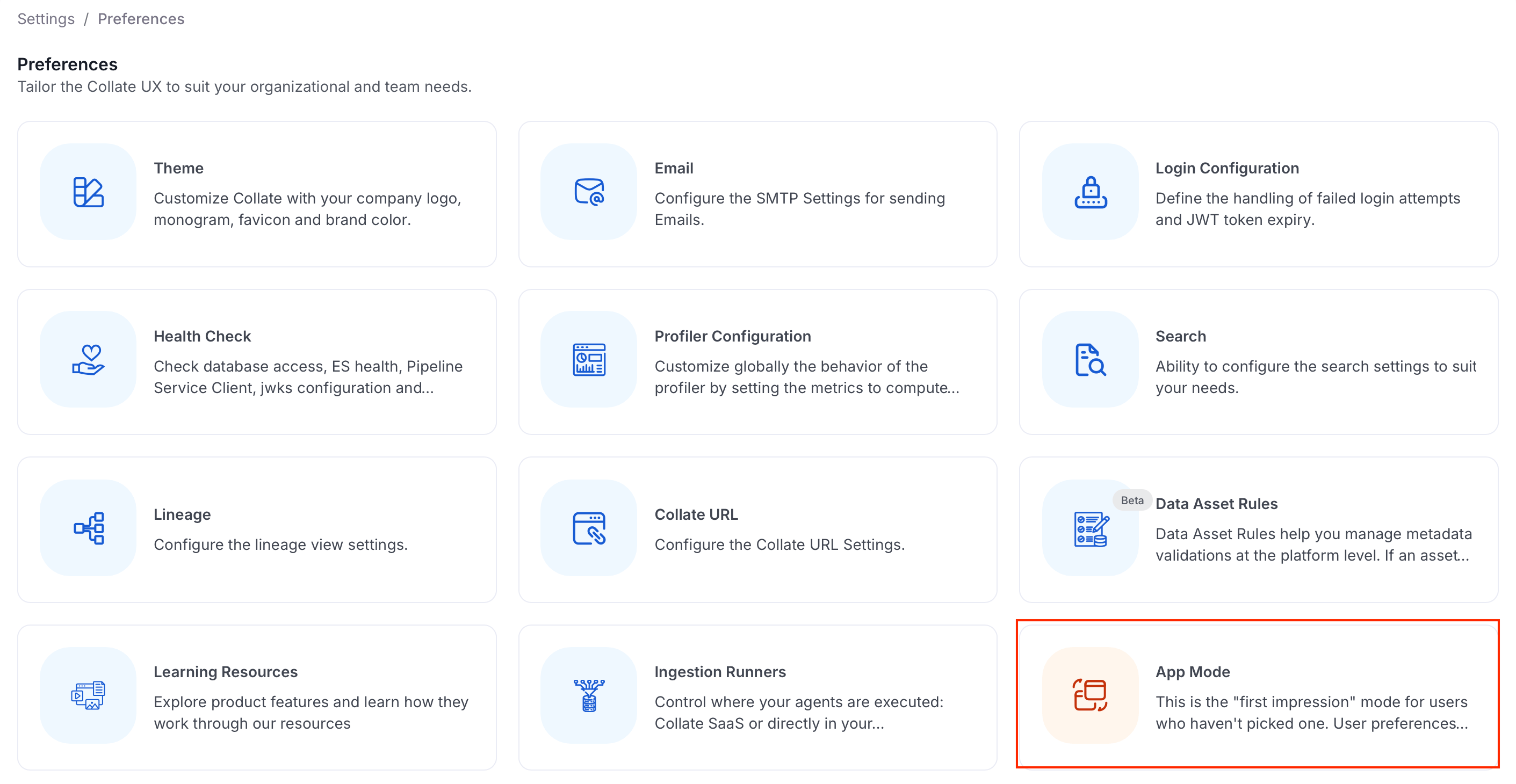
-
Choose one of the following options:
- No Default: Users land in the Classic experience unless a persona or their own preference says otherwise.
- Classic: Users without a personal or persona-level mode land in the Classic experience.
- AI: Users without a personal or persona-level mode land in the AI experience.
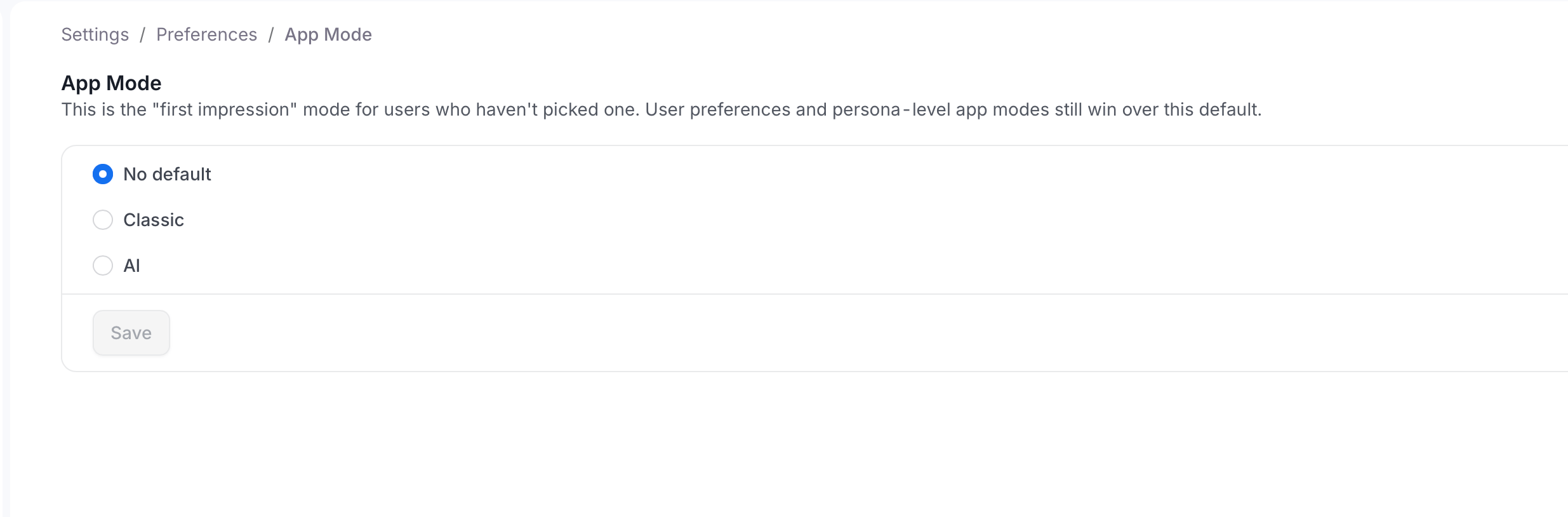
- Click Save.
- The user’s own choice: Saved for each user from their app mode toggle.
- The persona’s app mode: Set per persona. For more information, see Customizable Landing Page.
- This default: The mode you set on this page.
- Collate’s built-in default: The Classic experience.