
Data Insights Application (Troubleshooting)
If you are experiencing any of the following issues in Data Insights Application, follow the steps below to diagnose and resolve the problem.- Insights menu returns no results.
- KPI charts do not display.
- Data Insights reports show no data.
- Filtering by “Yesterday” or “Last 3 Days” yields no results.
Troubleshooting Steps
1. Verify Data Insights Application Installation
Ensure that the Data Insights application is installed:- Navigate to
Settings>Applications. - Check if Data Insights Application is listed.
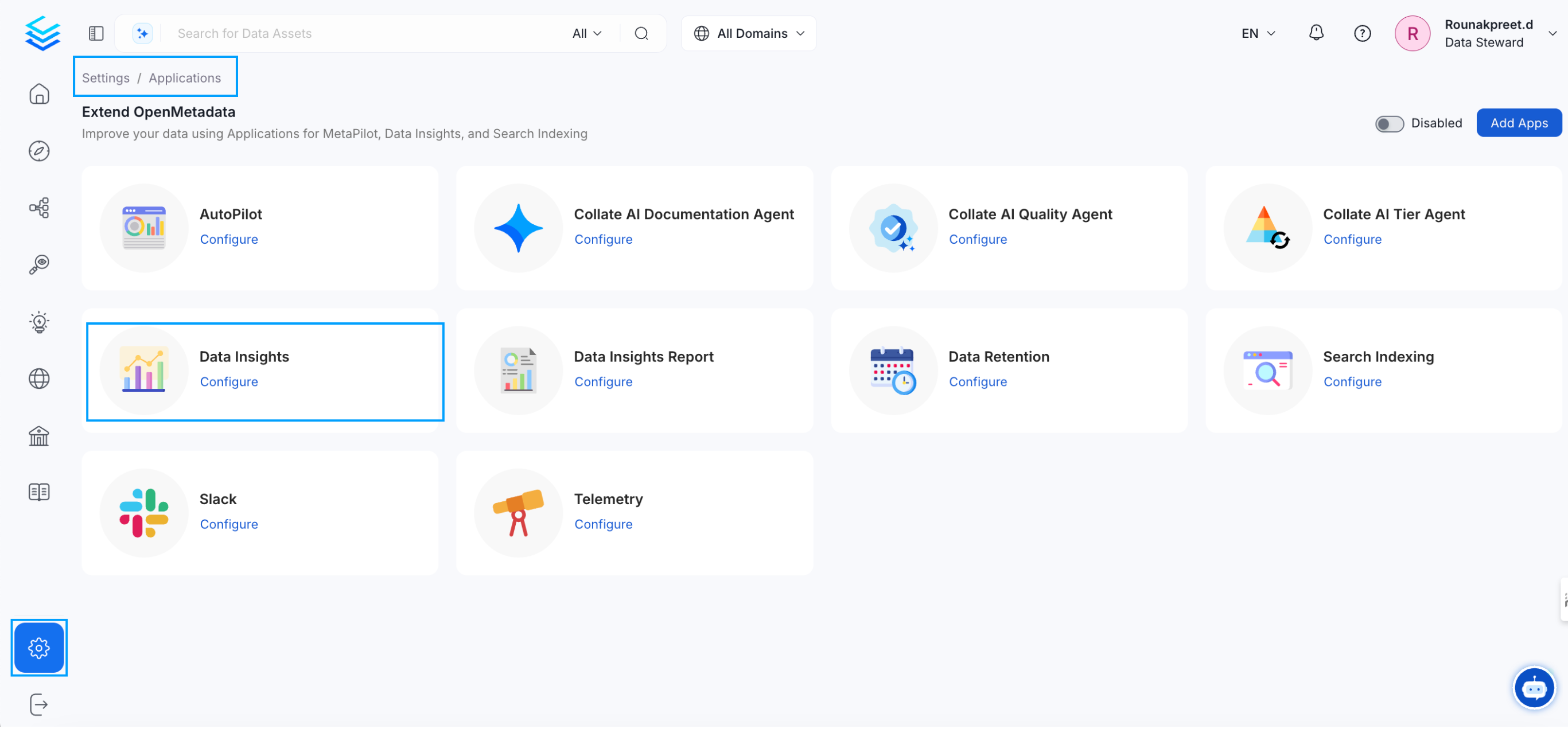
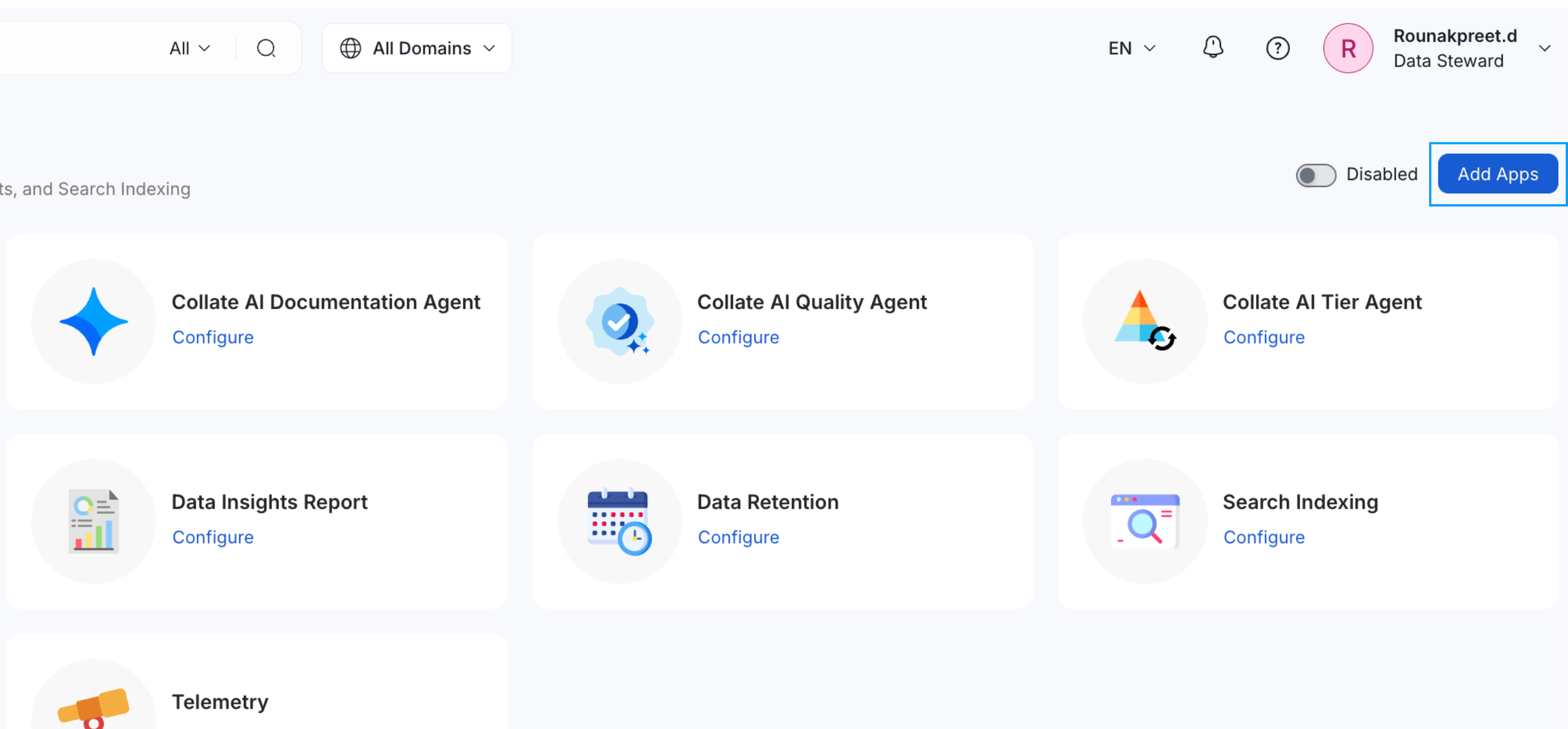
- If not, click
Add Appsand install Data Insights Application.
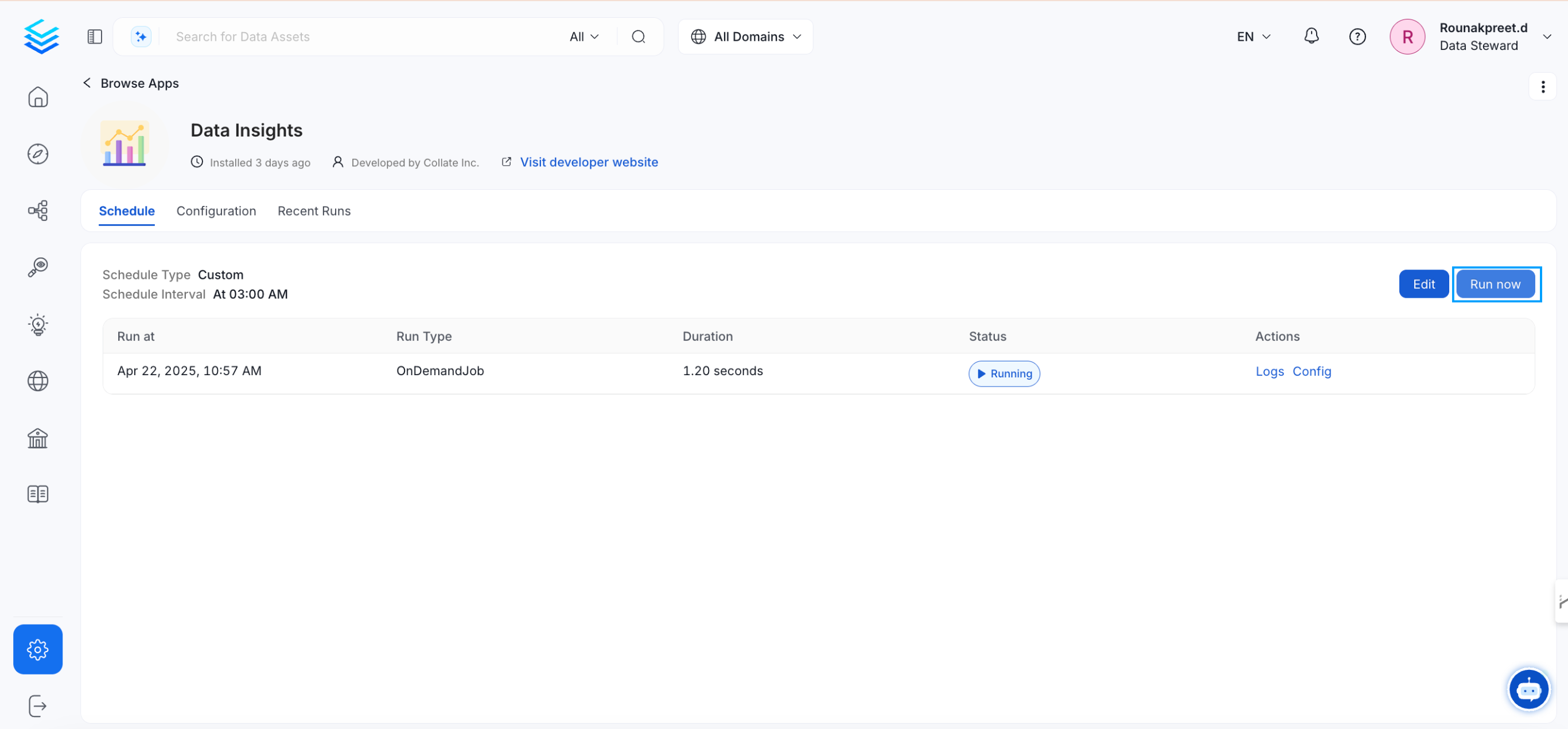
2. Run the Data Insights Application
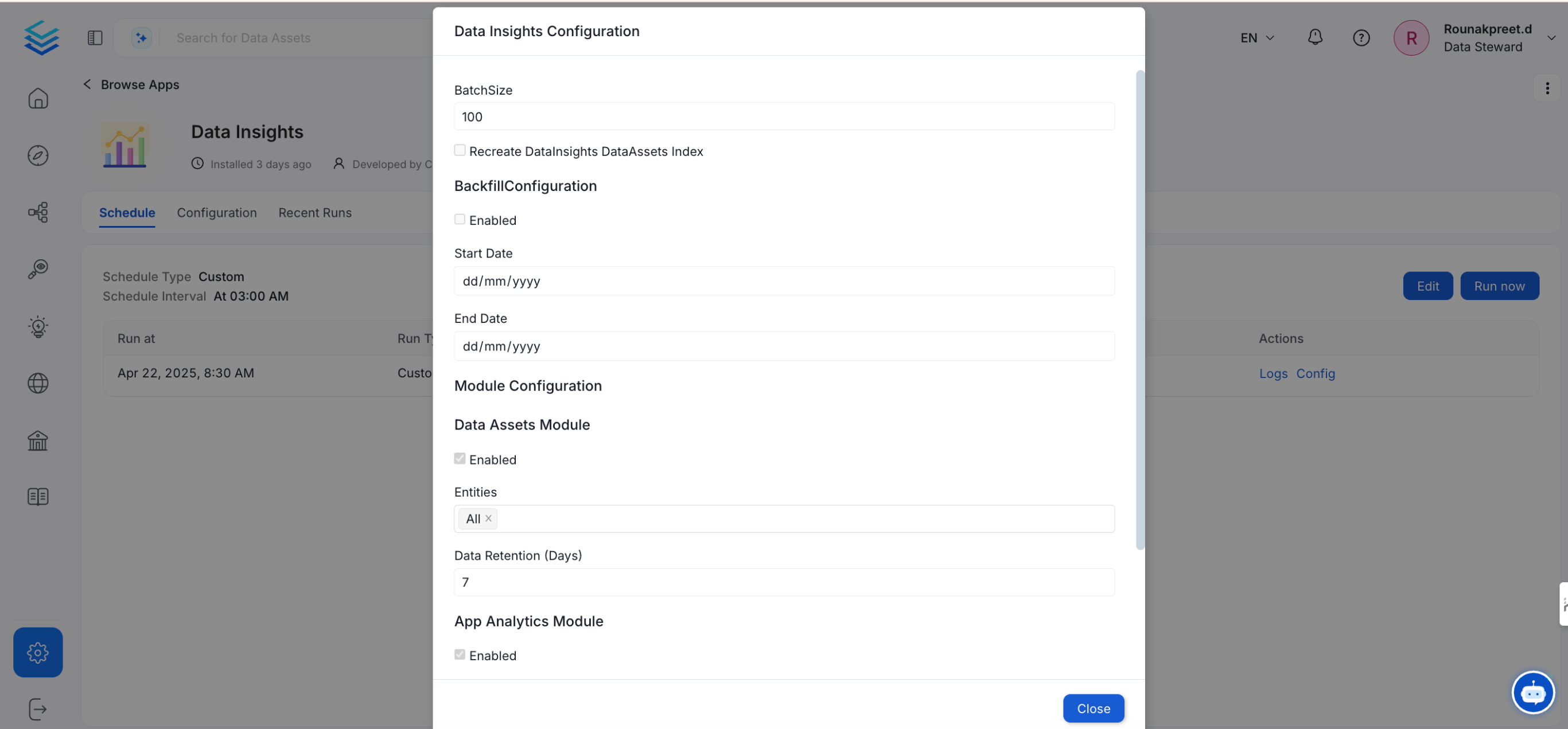
- Click
Configureto set parameters.
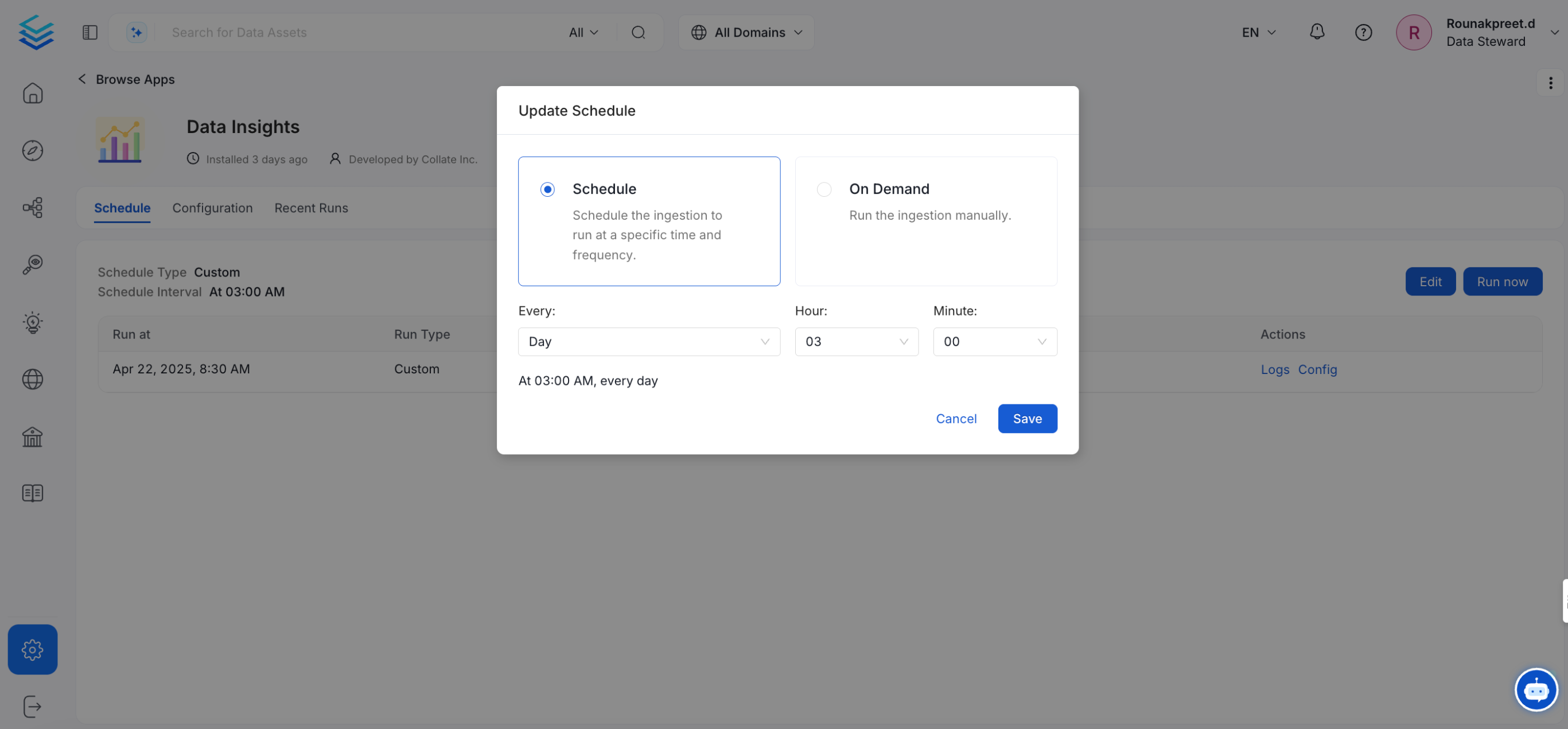
- Click
Scheduleto define execution timing.
- Click
Run Nowto execute the Data Insights workflow.
3. Enable Backfill and Recreate Index Options
When configuring the Data Insights application:- Enable Backfill Configuration.
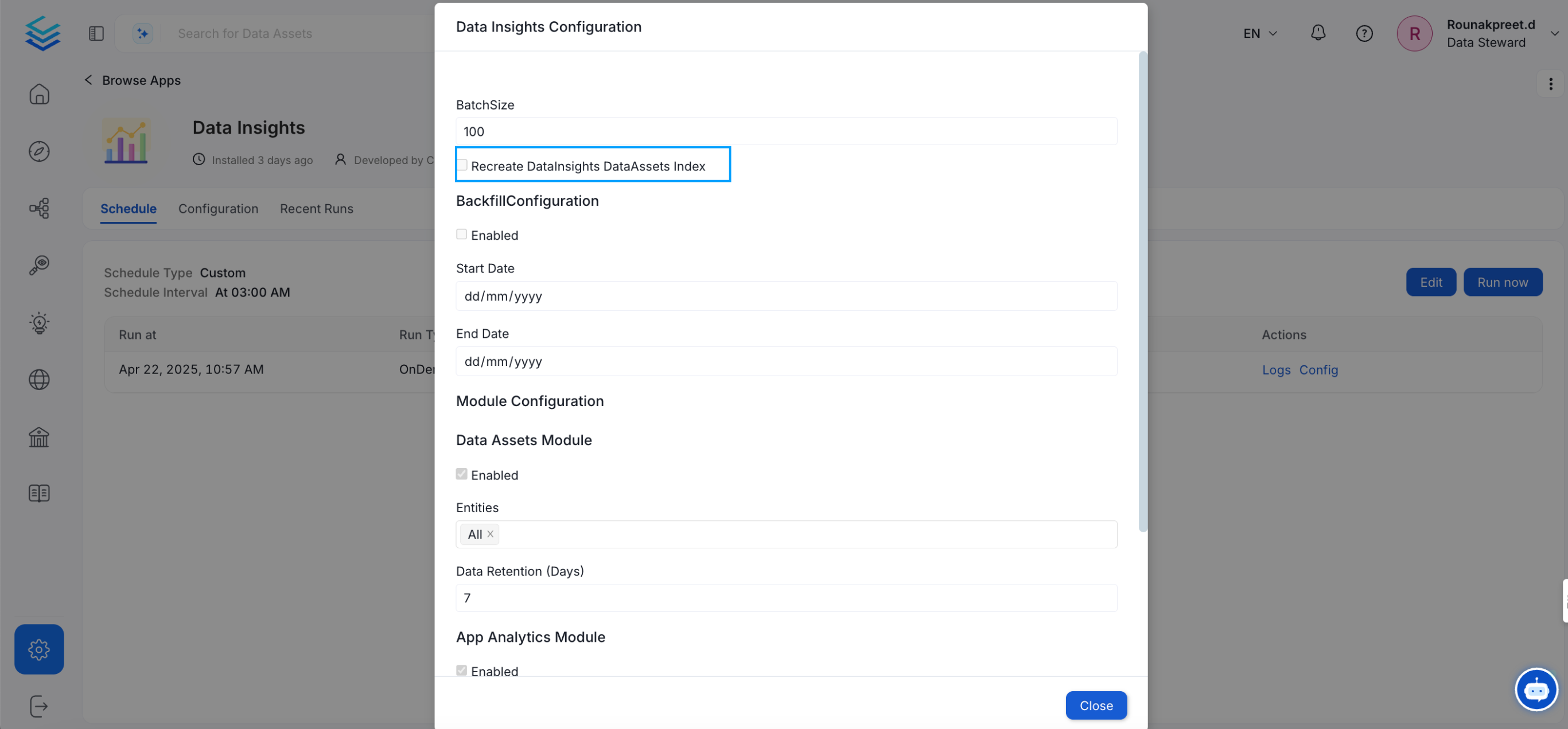
- Enable Recreate DataInsights DataAssets Index.