
Export Lineage
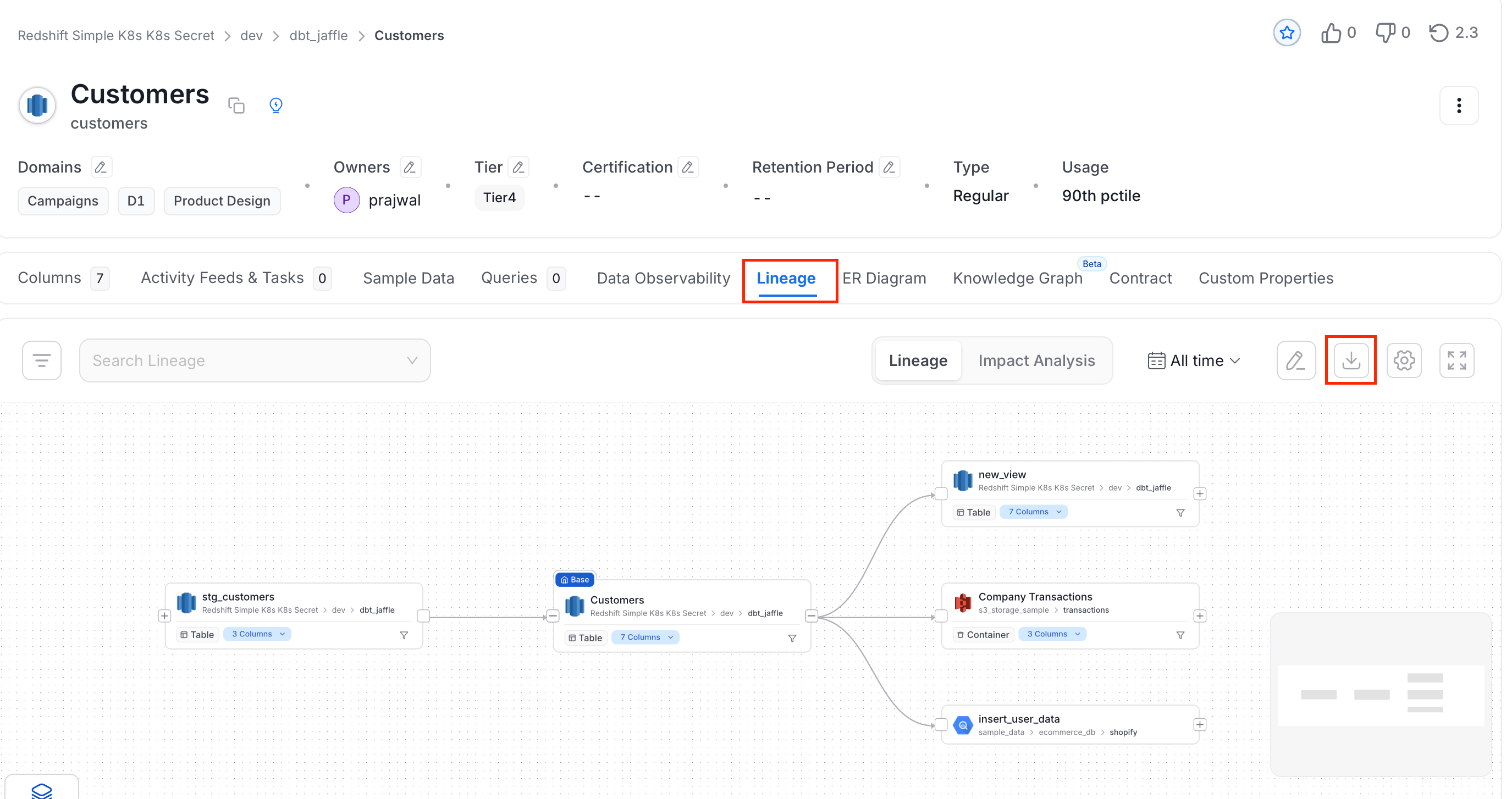
You can now export the lineage information in an CSV file which makes it easier to do an advance analysis on the lineage information. To export the lineage:- Navigate to the Explore Assets page and select a data asset.
- Click the Lineage tab.
-
Click the Export icon, and do the following:
- Select a Export Type from CSV and PNG.
-
Edit the File Name.
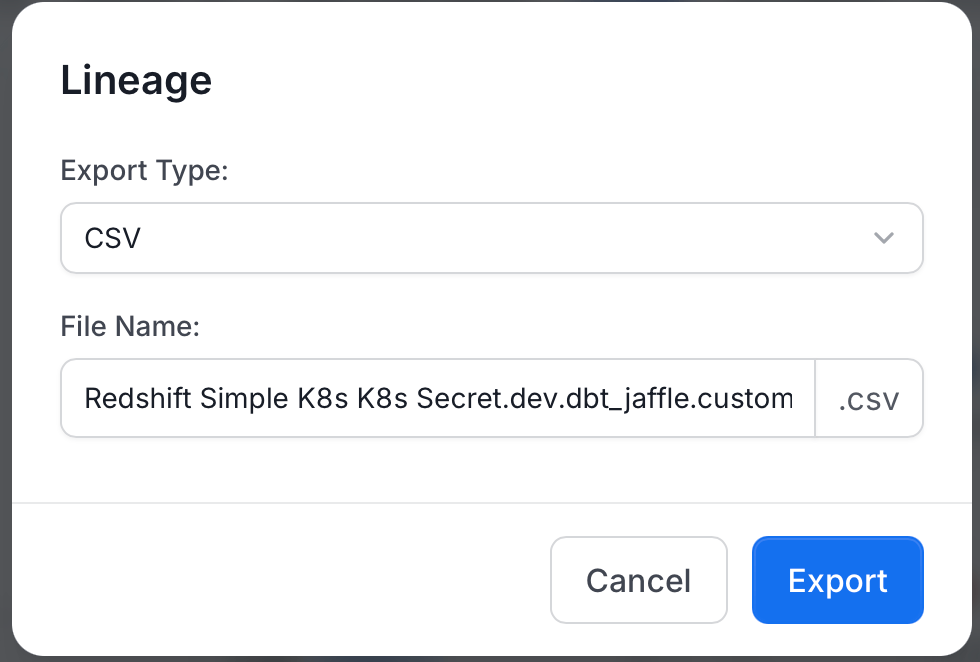
- Click Export.