
Data Asset Versioning
Collate automatically tracks every change to a data asset’s metadata, giving you a complete history of how your data evolved over time.Version Types
Versions follow a major.minor format, starting at 0.1 when an asset is first created.- Minor version (+0.1) — A backward-compatible change. Triggered when a description, tag, or ownership is added, updated, or removed. For example, version 0.1 → 0.2.
- Major version (+1.0) — A backward-incompatible change. Triggered when a column is deleted at the source. For example, version 0.2 → 1.2.
What You Can Do with Version History
- Debug data issues — See exactly when a metadata change was made and whether it caused a problem downstream.
- Review and govern changes — Data owners and admins can audit who changed what and when, supporting data governance requirements.
- Enable collaboration — When more users contribute metadata, versioning keeps a traceable record of every contribution.
Accessing Version History
-
Open any data asset and click the Version icon in the top-right area of the asset page.
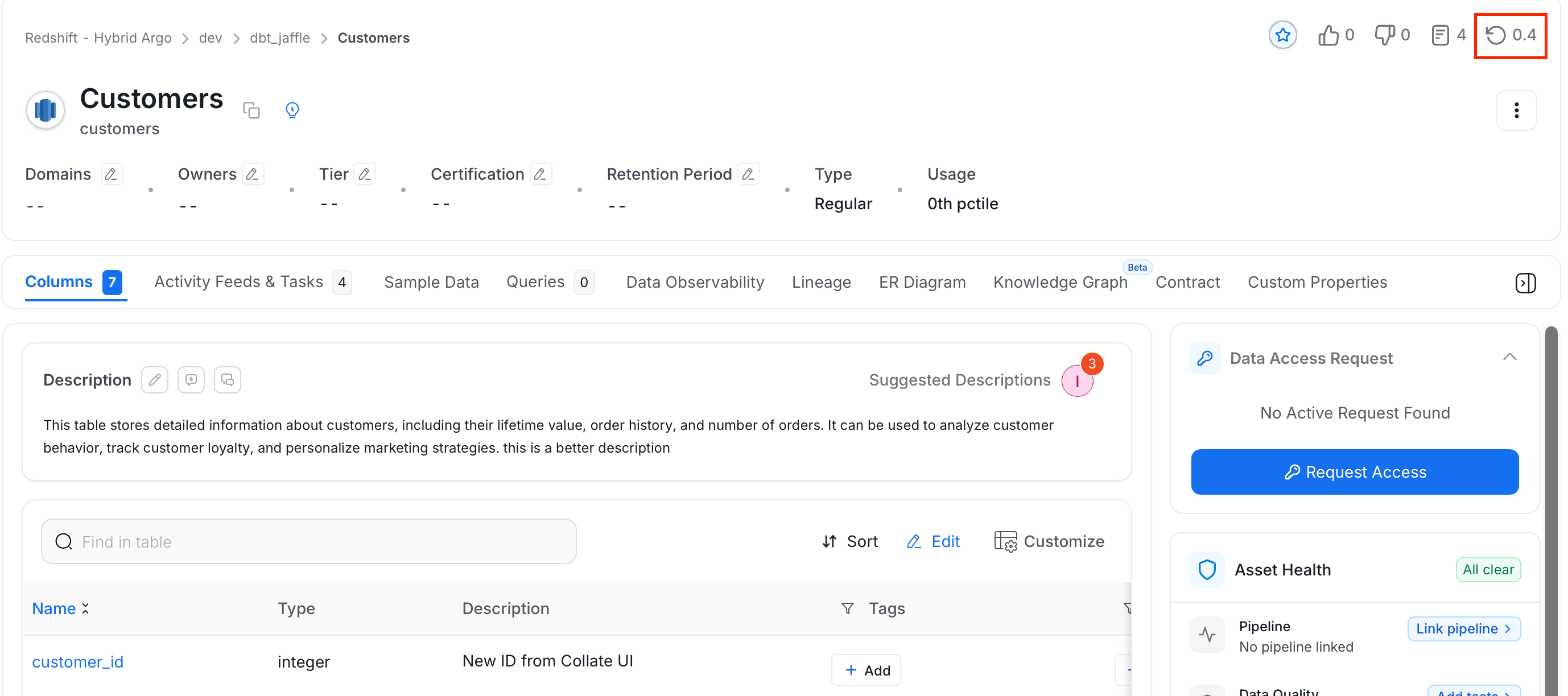
-
The Version History panel lists all recorded changes. Select any version to see what changed, including which fields were updated and whether the change was minor or major.
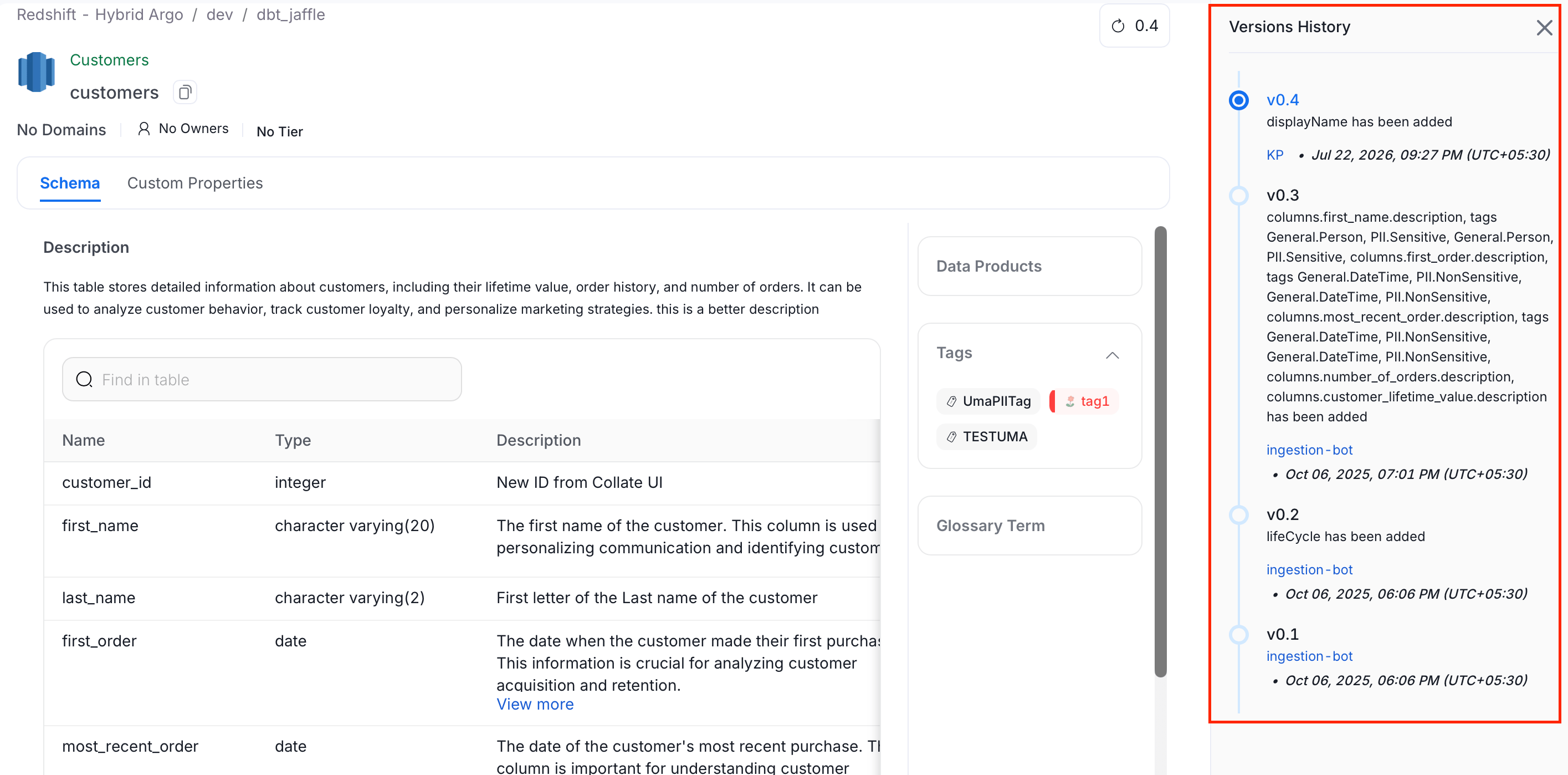
How to Delete a Data Asset
Soft, or hard delete data assets