
Glossary
A glossary is a shared dictionary for your organization — a central place to define business terms and concepts so everyone works from the same understanding of data. You can tag data assets with glossary terms to make them easier to find, understand, and categorize. This helps teams collaborate using consistent language and supports data discovery and governance across your organization.Glossary in Collate
In Collate, a glossary is organized as a hierarchy of terms — parent terms can contain child terms, making it easy to represent domain structures such as a Banking Glossary or a Business Glossary. To access the Glossary, go to Governance > Glossary. All glossaries appear in the left sidebar. Click any glossary to expand it and browse its full term hierarchy.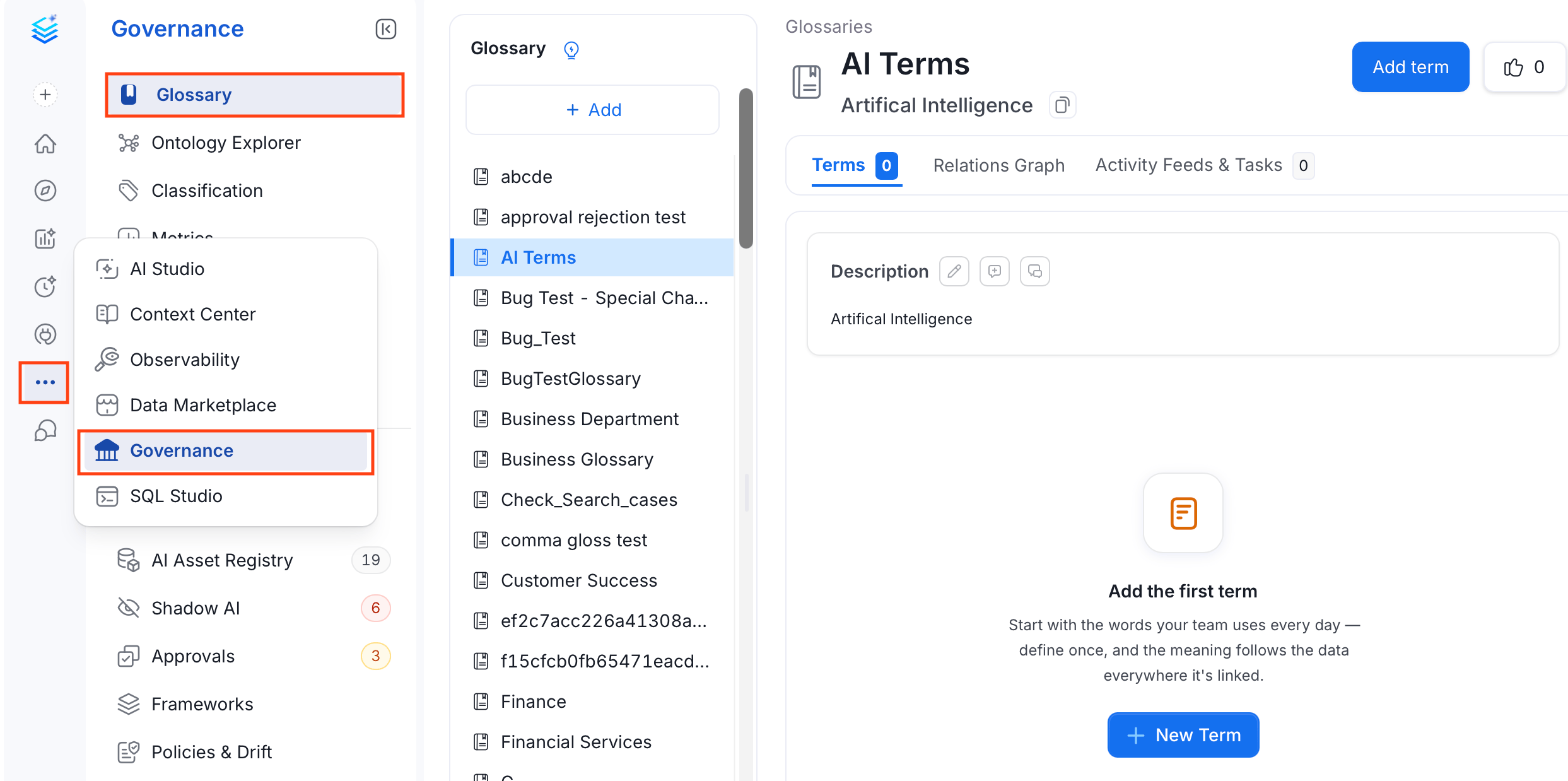
Glossary APIs
Collate has extensive Glossary APIs. The main entities are Glossary and Glossary Term. These entities are identified by a Unique ID. Glossary terms have a fully qualified name in the form ofglossary.parentTerm.childTerm
You can create, delete, modify, and update using APIs. Refer to the Glossary API documentation.
Glossary Term
Learn about the hierarchically arranged glossary terms.
Setup a Glossary
Learn how to set up a glossary manually in Collate.
Create Glossary Terms
Setup glossary terms to define the terminology. Add tags, synonyms, related terms, links, etc.
Bulk Import a Glossary
Save time and effort by bulk uploading glossary terms using a CSV file.
Glossary Export
Quickly export a glossary as a CSV file.
Glossary Approval Workflow
Set up a review and approval process for glossary terms.
Glossary Styling
Stylize your glossary terms with color-coding and icons.
Add Assets to Glossary Terms
Associate glossary terms to data assets making it easier for data discovery
Best Practices for Glossary
Here are the Top 8 Best Practices around Terminologies.