
Glossary Styling
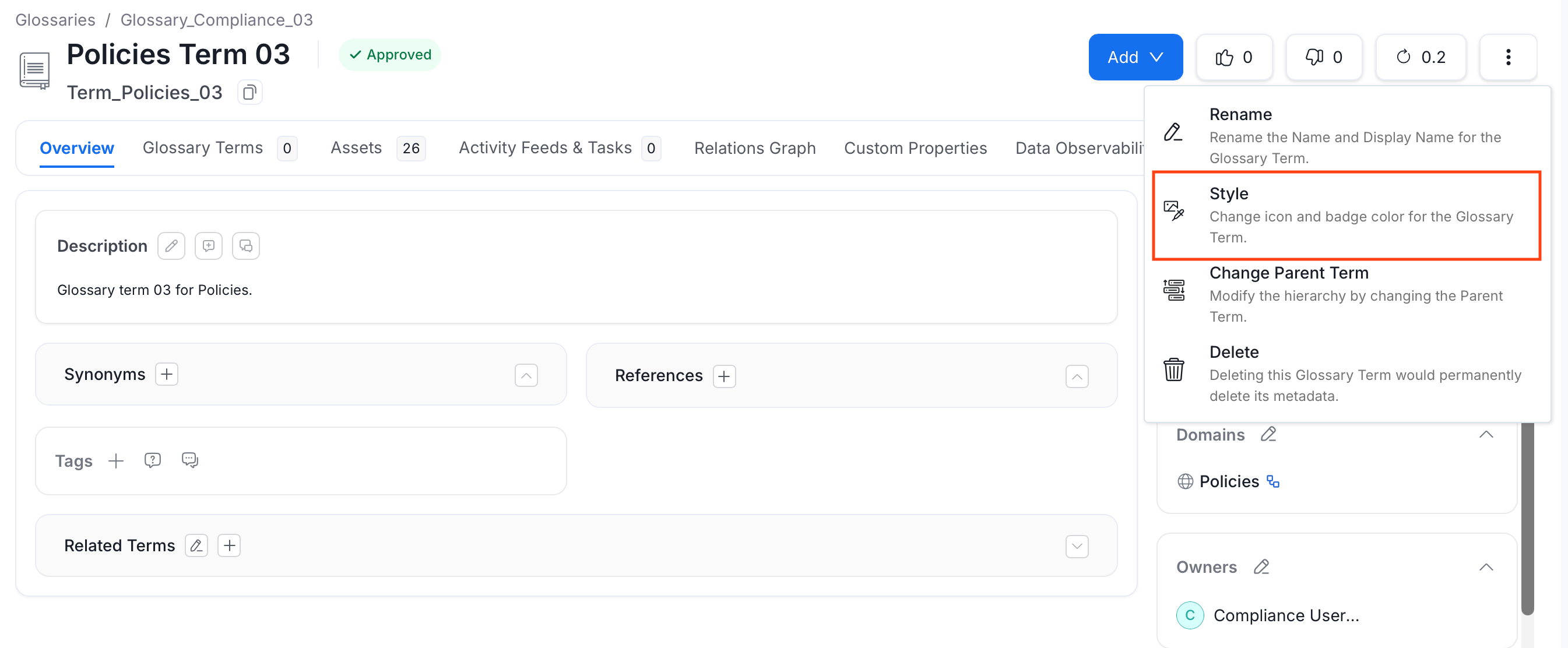
Collate supports glossary styling using colors and icons. Users can get a one-glance view of the related concepts and terms by color-coding the terms and by adding icons. When the glossary terms are color-coded and used for tagging the data assets, it is easier to differentiate and identify the data assets visually. To stylize your glossary terms:- Navigate to the glossary term you want to style.
- Click the ⋮ icon and select Style.
-
Add a link to the icon image. You can also change the font color. Click Submit to save the changes.


How to Add Assets to Glossary Terms
Associate glossary terms to data assets making it easier for data discovery.