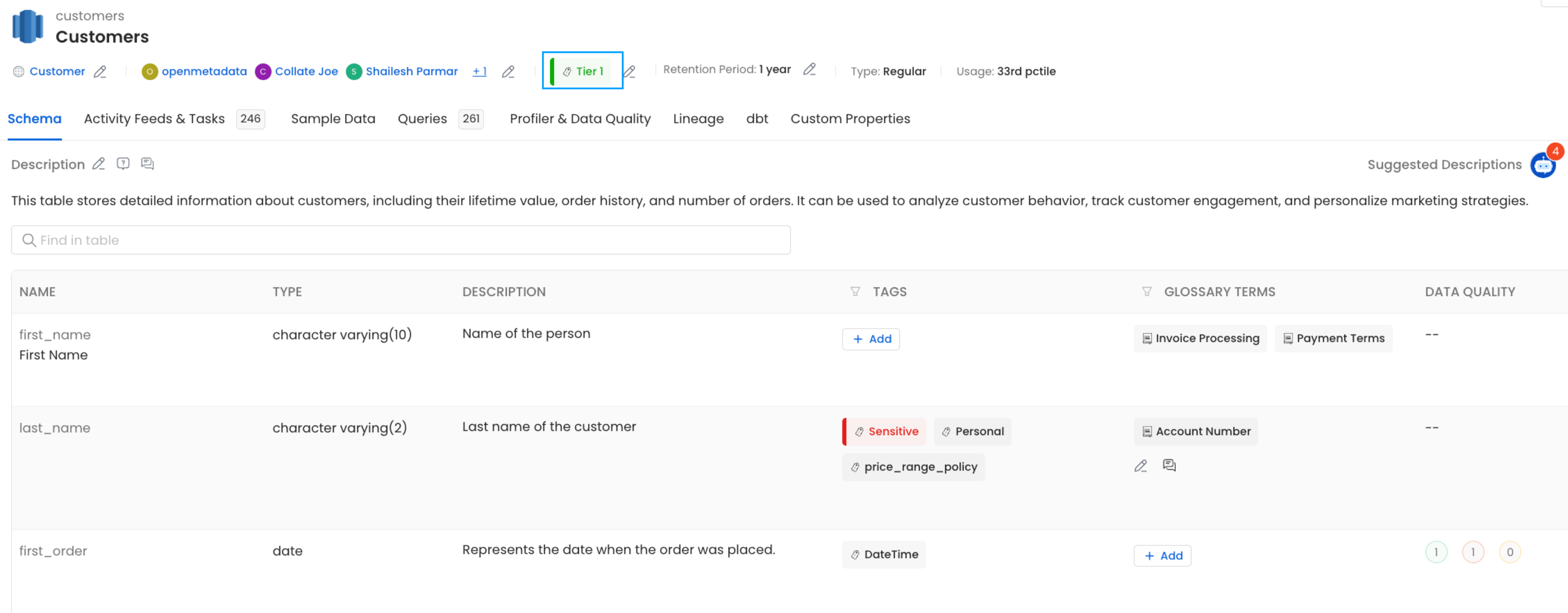
Make sure the tier you want to assign already exists in Collate before running ingestion.Tiers let data owners signal how important a dataset is to the organization — for example, Tier 1 for business-critical data and Tier 3 for experimental or low-priority data.If you haven’t set up tiers yet, see Tiers in Collate to create them first.
Tell dbt which tier applies to each model by adding it to your schema configuration.Open your schema.yml file and add the tier under model → meta → openmetadata → tier. Use the full tier FQN (e.g. Tier.Tier2).For example, to assign Tier2 to the customers model:
models:
  - name: customers
    meta:
      openmetadata:
        tier: 'Tier.Tier2'
    description: This table has basic information about a customer, as well as some derived facts based on a customer's orders
    columns:
      - name: customer_id
        description: This is a unique identifier for a customer
        tests:
          - unique
          - not_null
For more details on the dbt meta field, see the dbt meta configuration reference.After you save and run your dbt workflow, the generated manifest.json will include the tier assignment under node_name → config → meta → openmetadata → tier: