
How to Add a Team
Creating a Team in Collate is easy. Decide on theteamType that you would like to add. Refer to the Team Structure in Collate to get a clear understanding of the various Team Types.
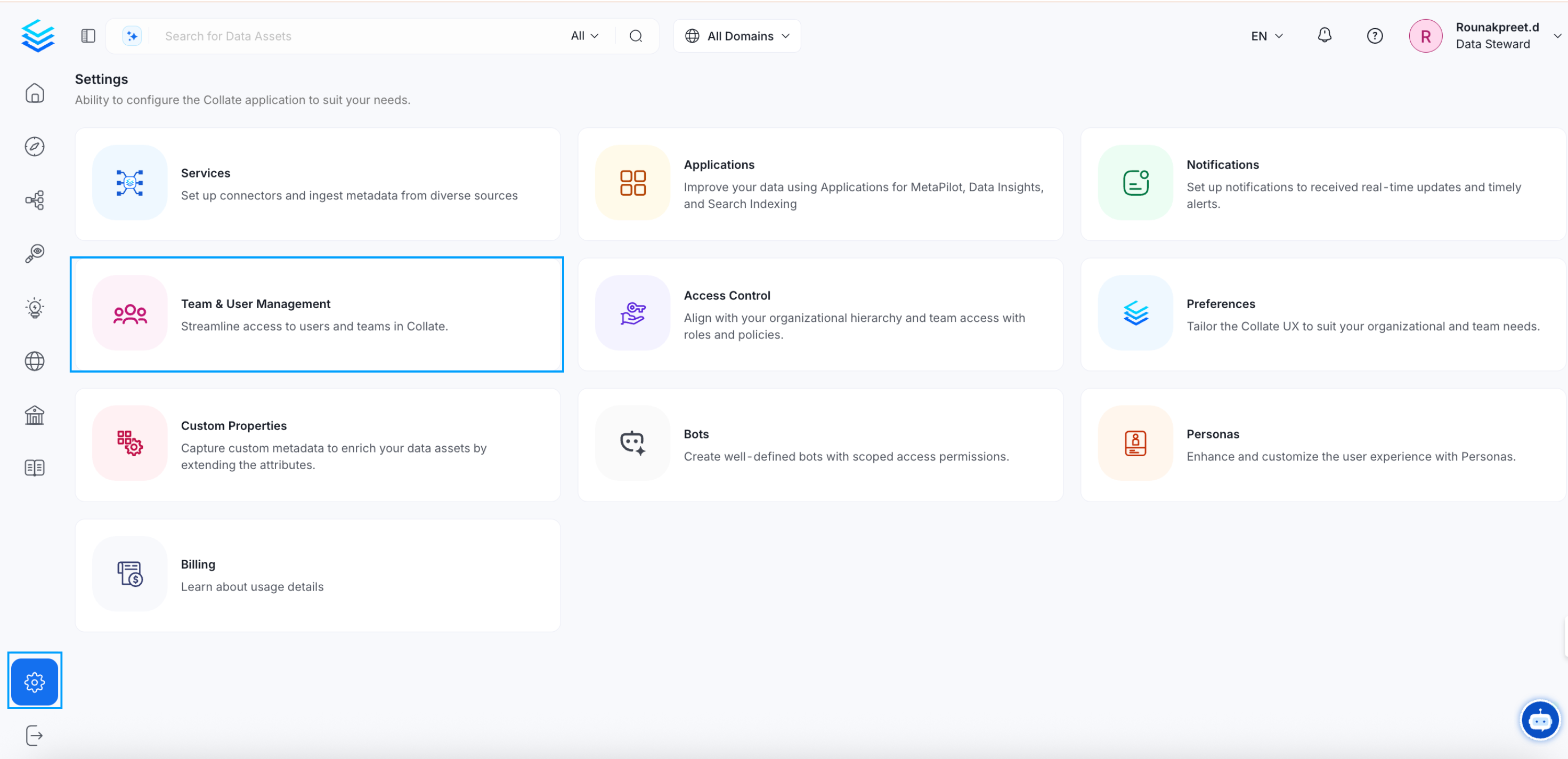
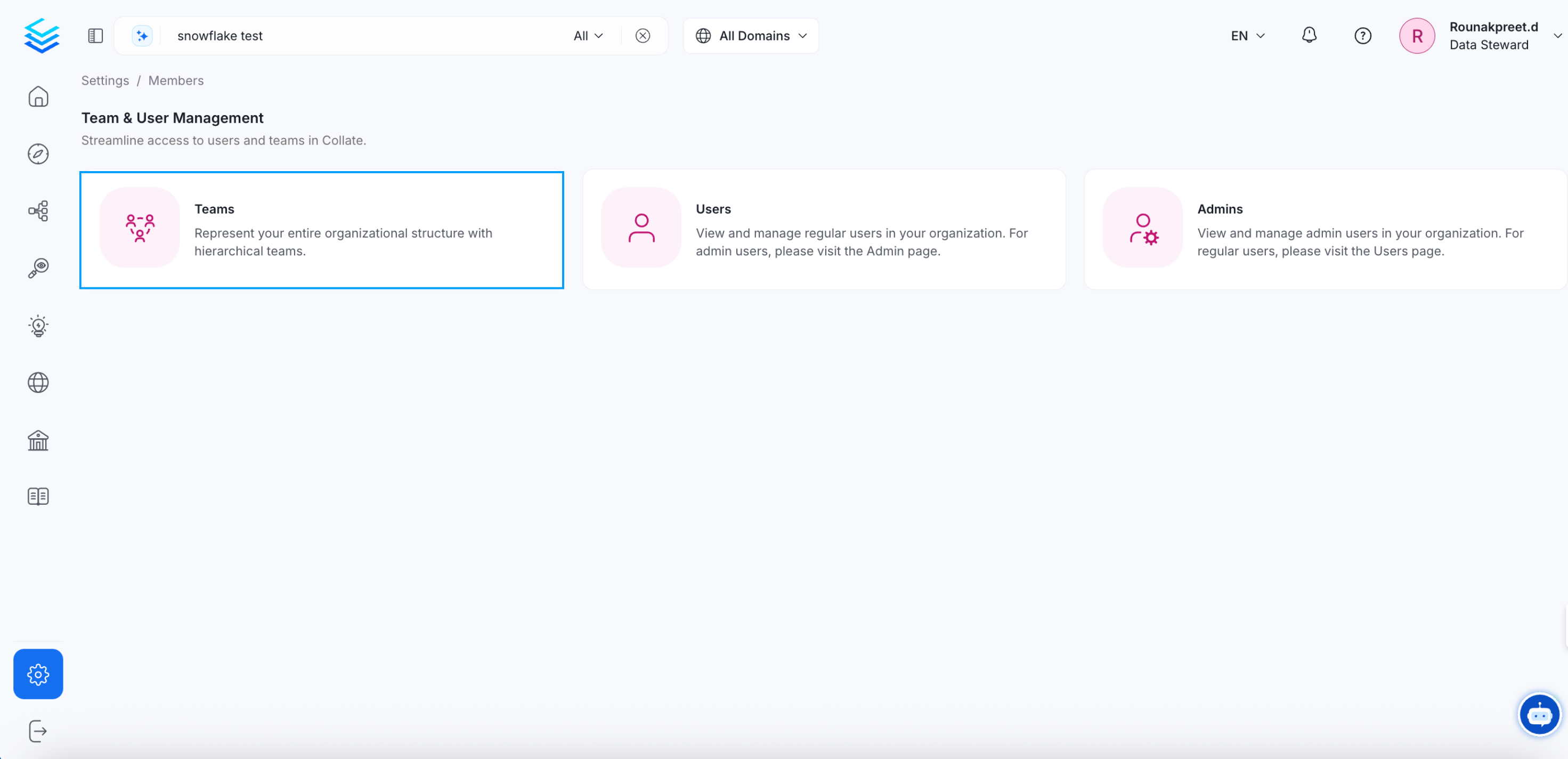
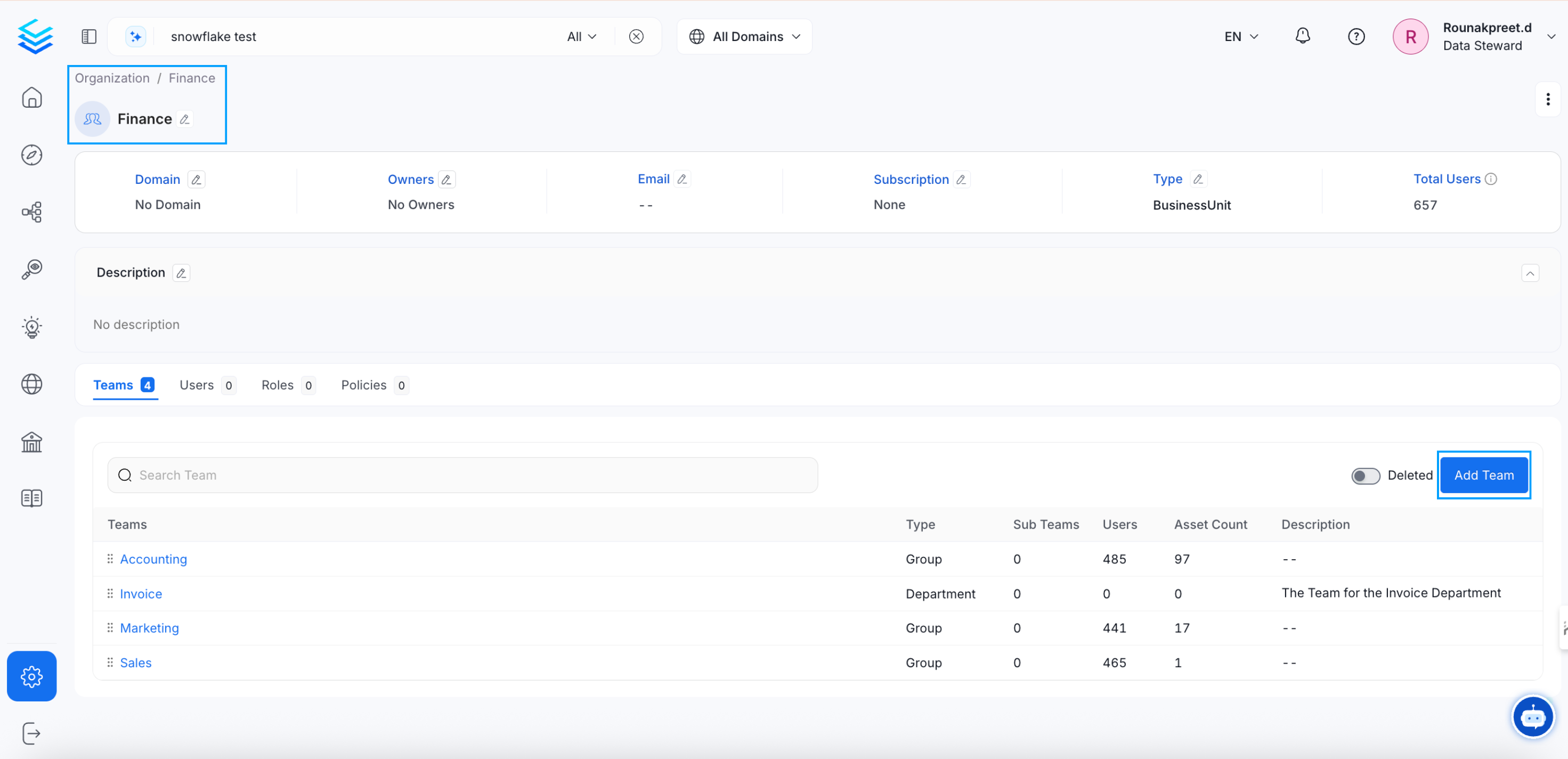
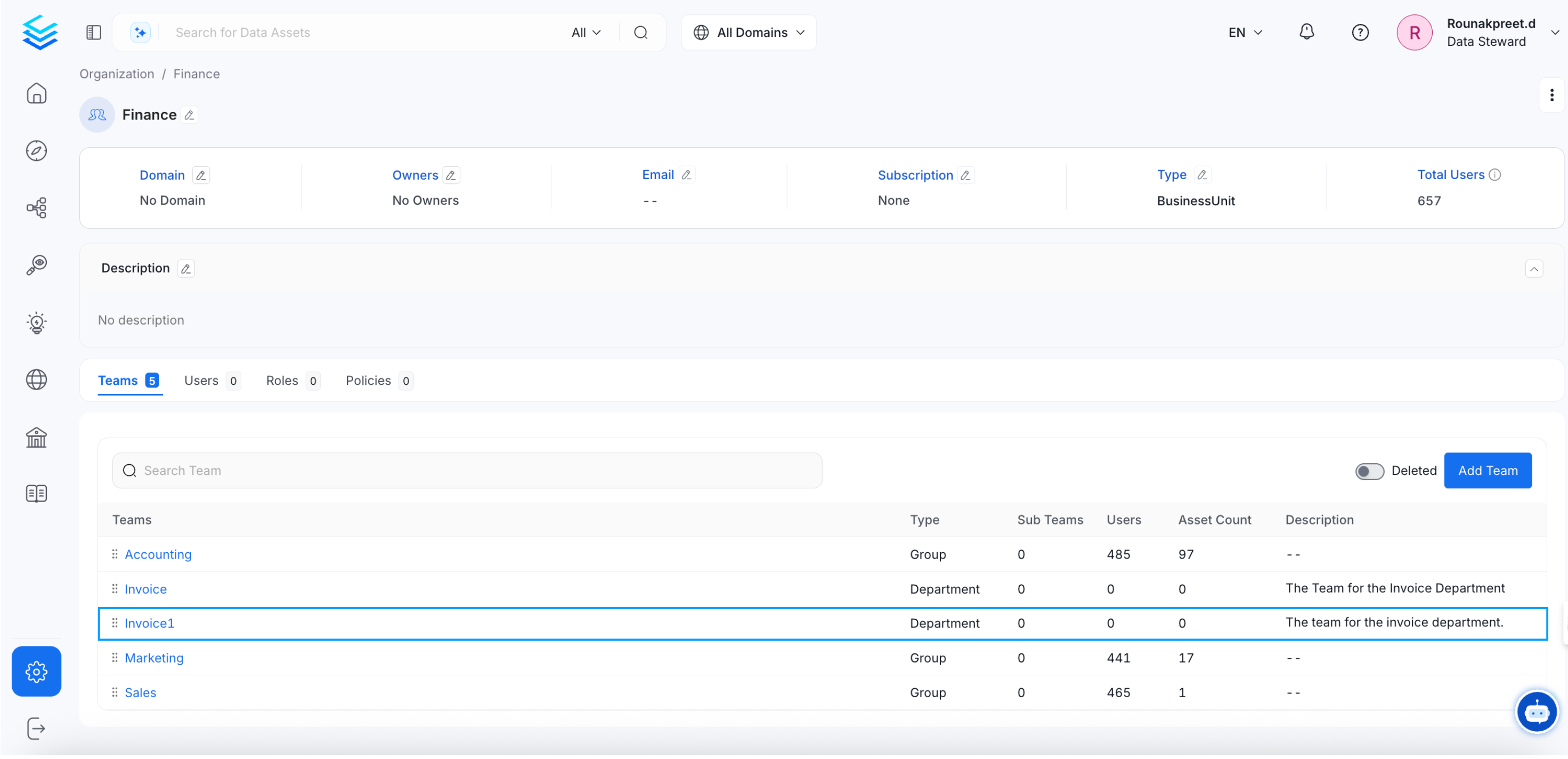
1. Click on Settings >> Team & User Management >> Teams. Further, navigate to the relevant BusinessUnit, Division, or Department where you would like to create a new team. Click on Add Team.
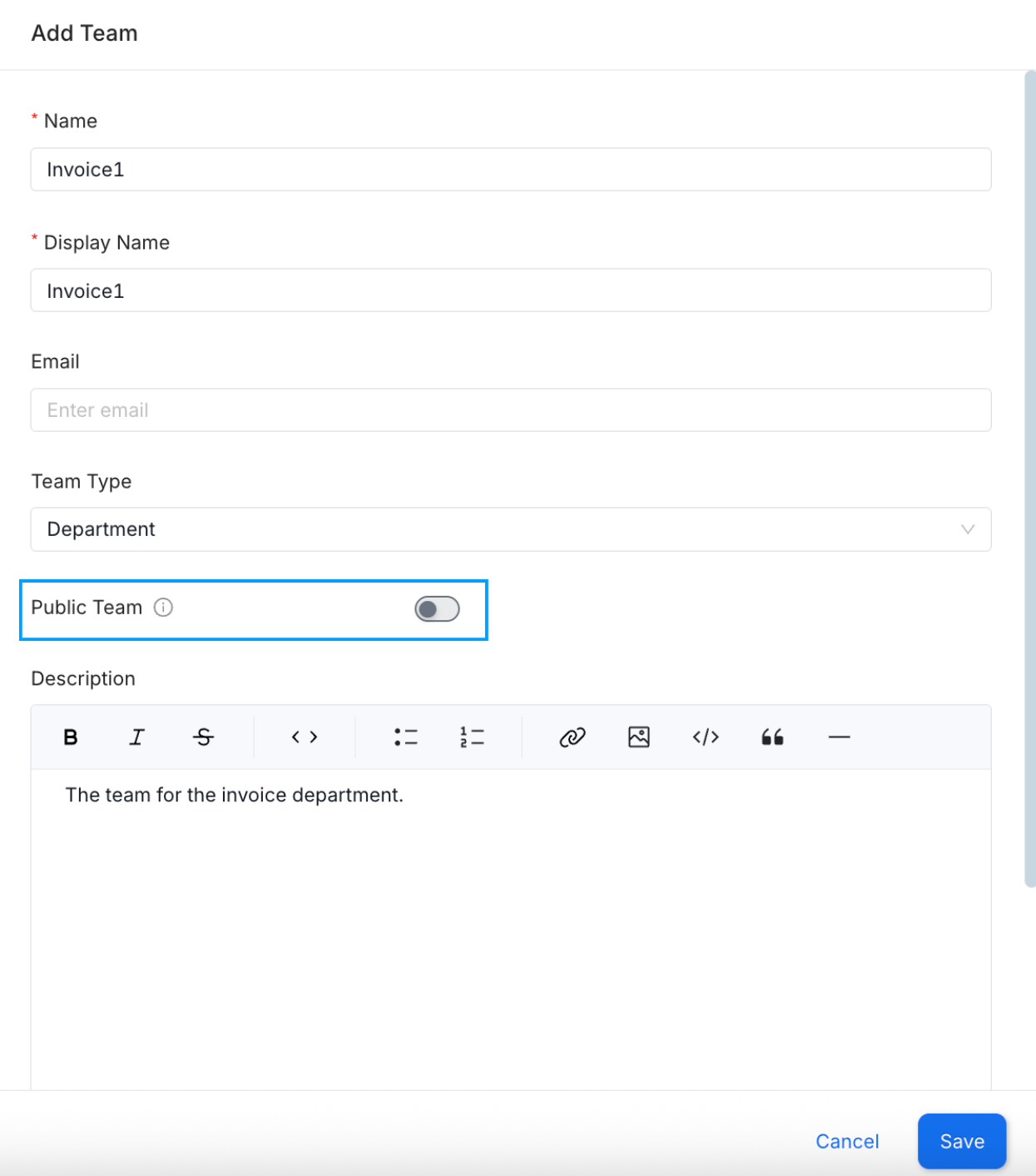
Name, Display Name, Email, Team Type, and Description and click on OK. The choice of the teamType is restricted by the type of the parent team selected. More information can be found in the Team Structure document. Enable the Public Team option to allow open access, permitting anyone to join the team, view data, and collaborate.
How to Invite Users to Collate
Data is a team game. Admins can invite other users.