Conversation Threads
Conversation threads let you discuss data assets in context, directly alongside the description, tags, columns, or glossary terms they relate to.Starting a Conversation
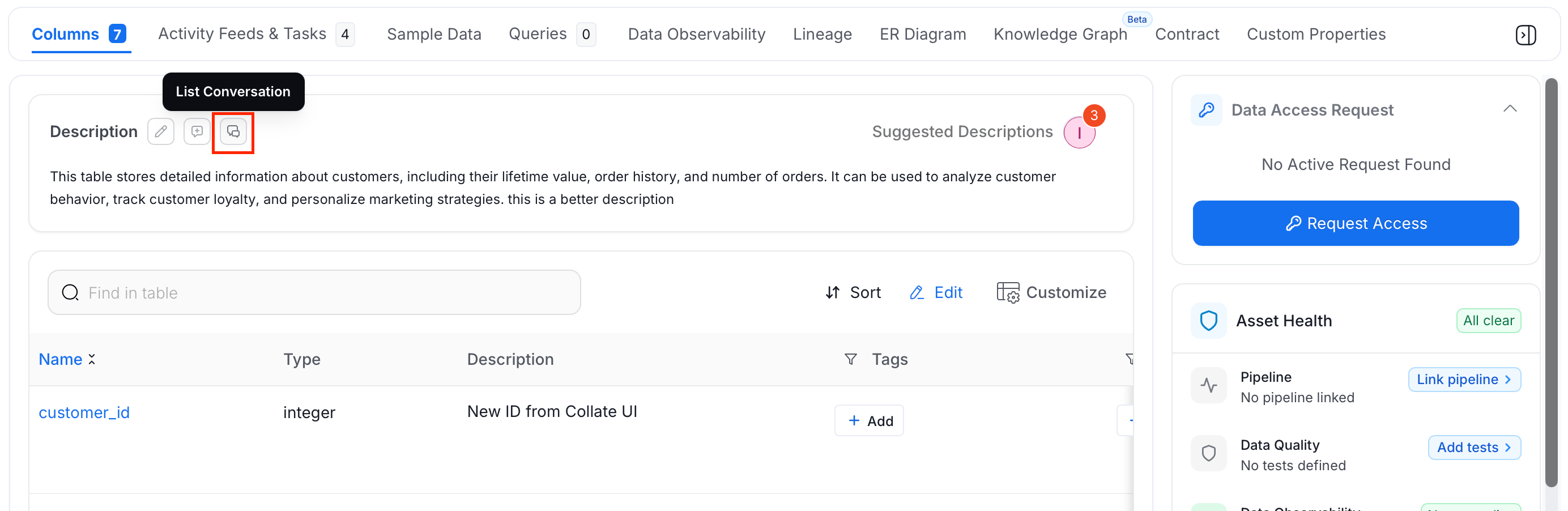
On any data asset page, select the Conversation icon next to a description, column, tag, or glossary term to start a thread.
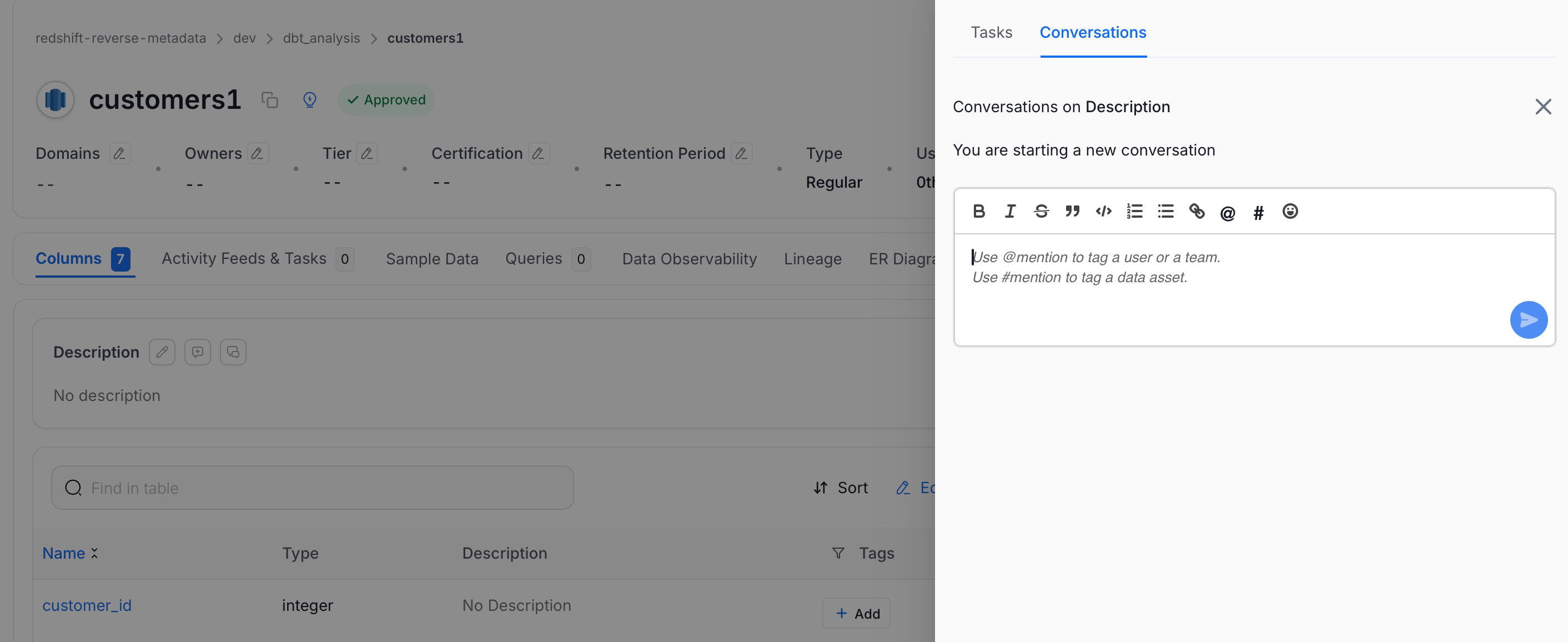
@mention suggestions are scoped to the domain selected in the Domains filter on the Explore Assets page. With a domain selected, only users in that domain appear as suggestions, even if the asset has no domain set. Clear the filter to see every user again.- Asset descriptions
- Column descriptions
- Tags
- Glossary terms
- Announcements
Replying and Reacting
Hover over any message in a thread to reveal reply and reaction options. You can:- Reply to extend the discussion
- React with an emoji
- Edit or Delete your own messages
Conversations in the Inbox
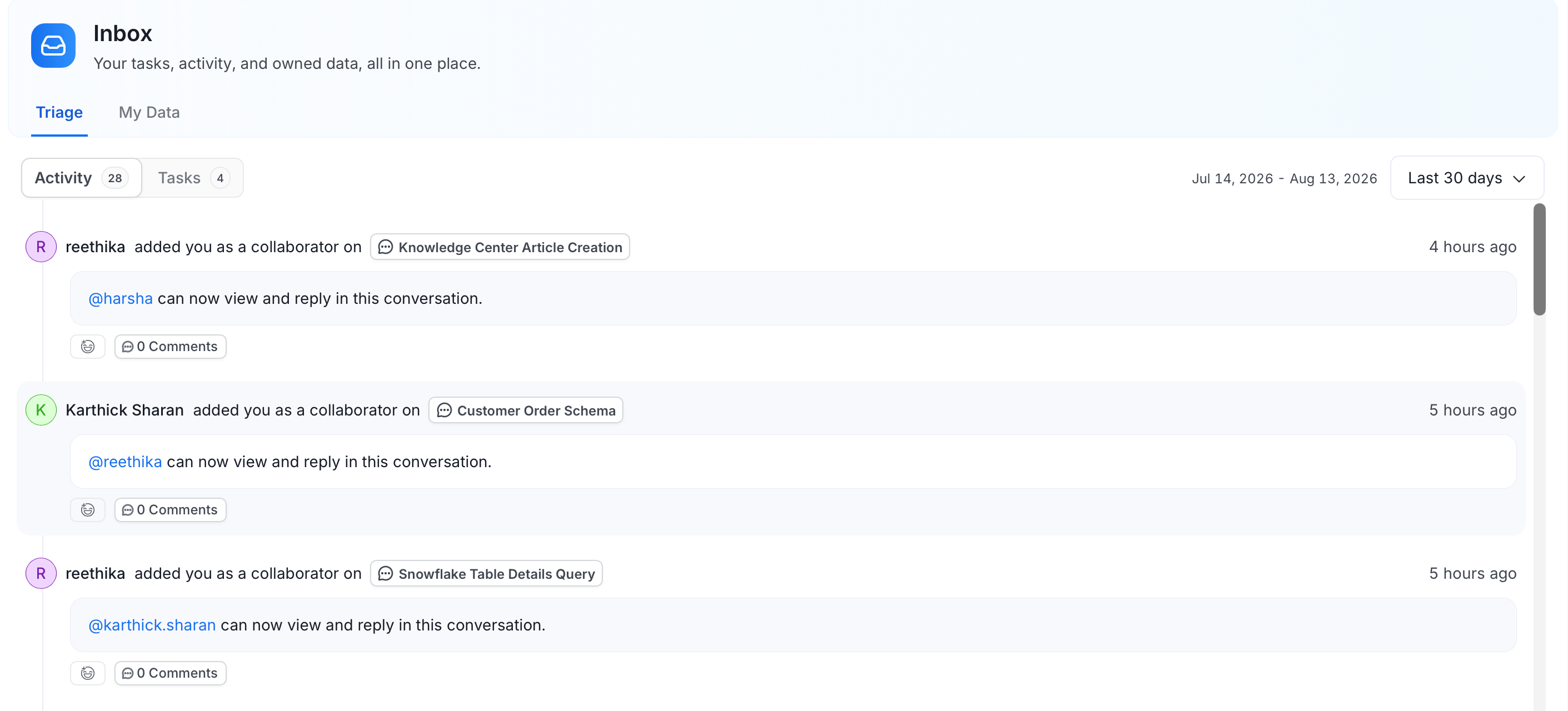
All conversations where you own, follow, or are mentioned in the data asset appear in the Inbox > Activity tab. Select any conversation item to open a side drawer where you can read the full thread and post a reply without leaving your current page.