Announcements
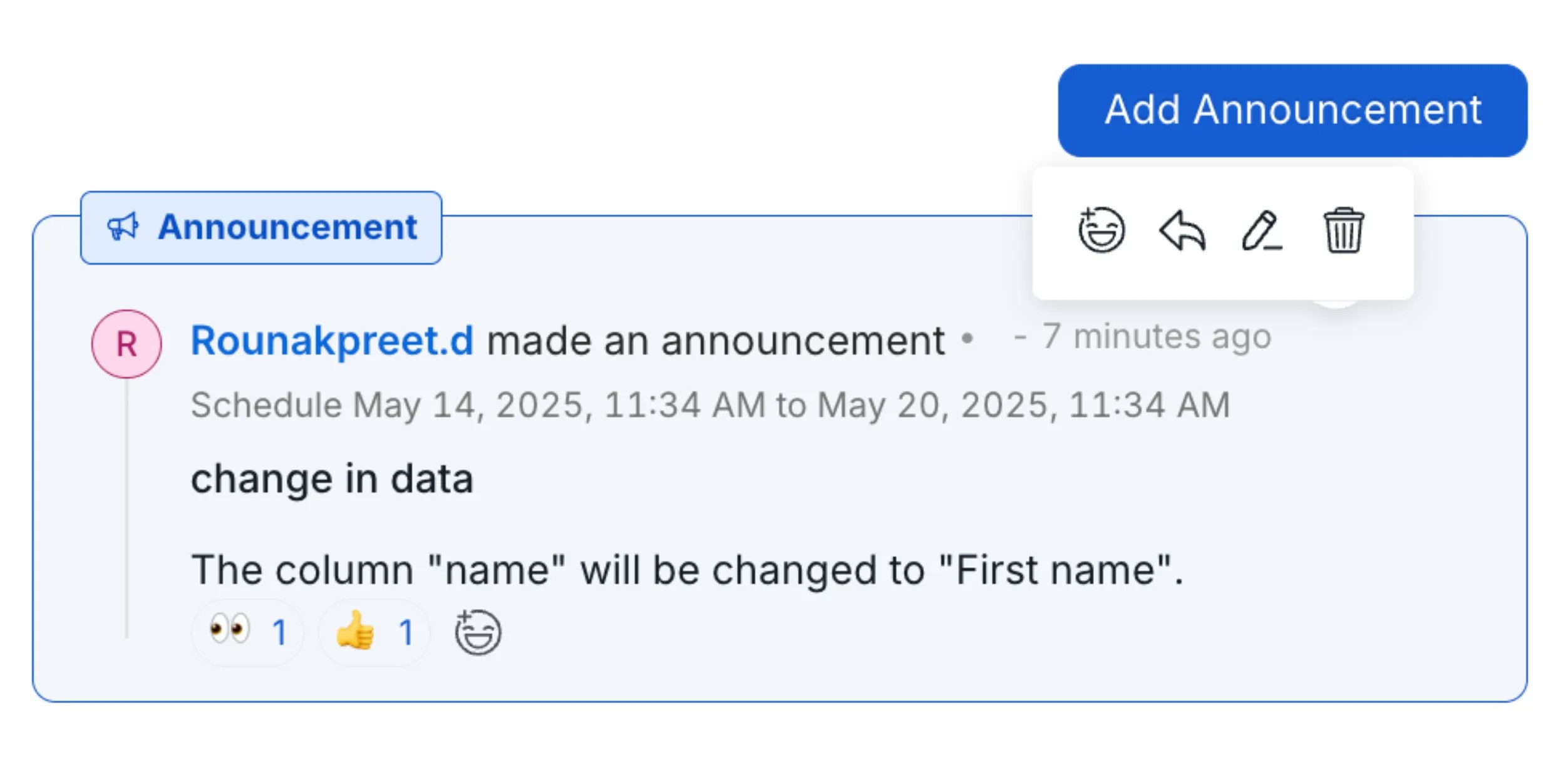
In Collate, announcements inform the entire team about upcoming changes to a data asset — such as deprecation, deletion, or schema changes. Announcements can be scheduled with a start and end date. All users following the data asset are notified in Activity Feeds, and a banner is shown on the data asset details page.-
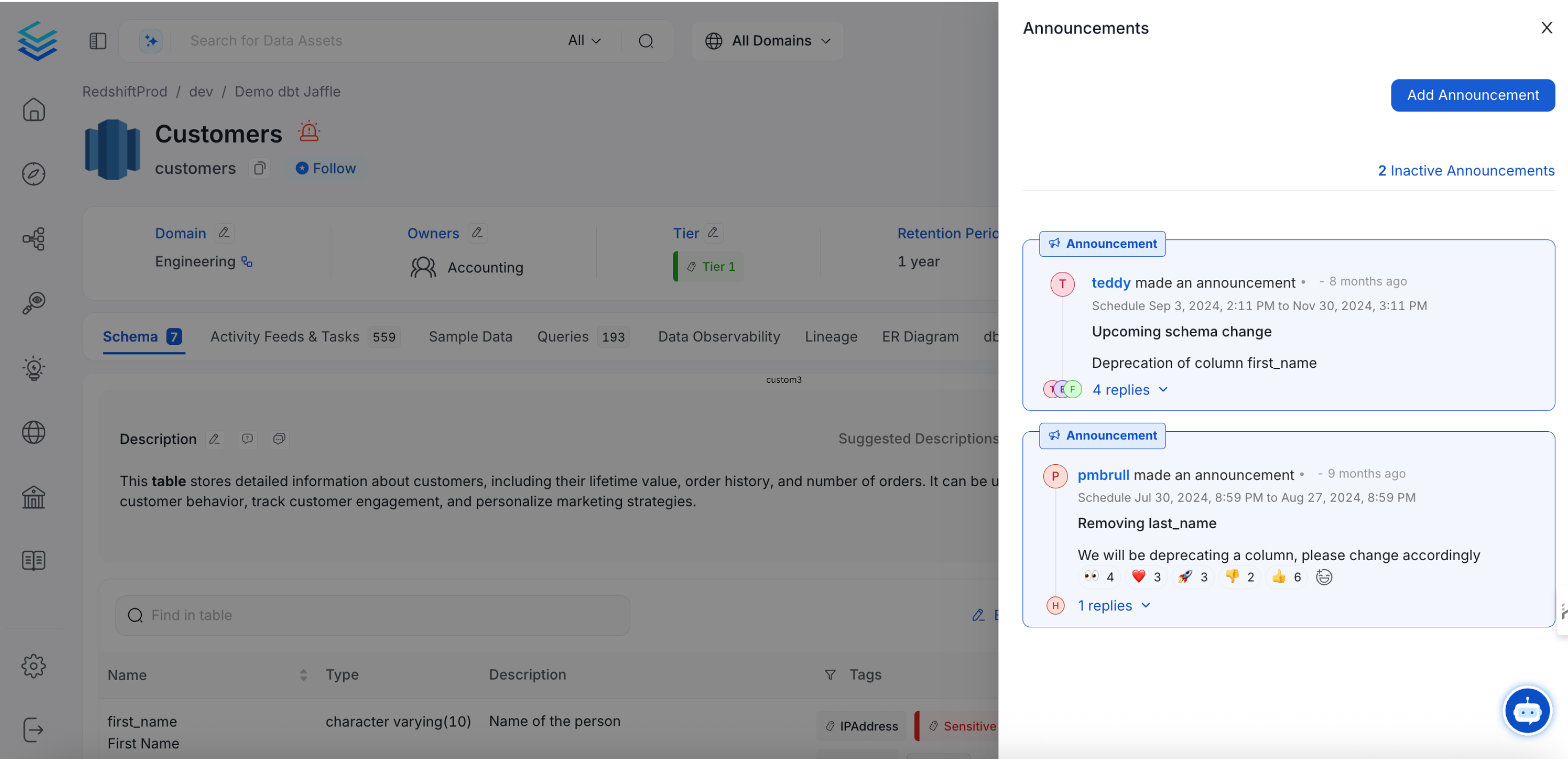
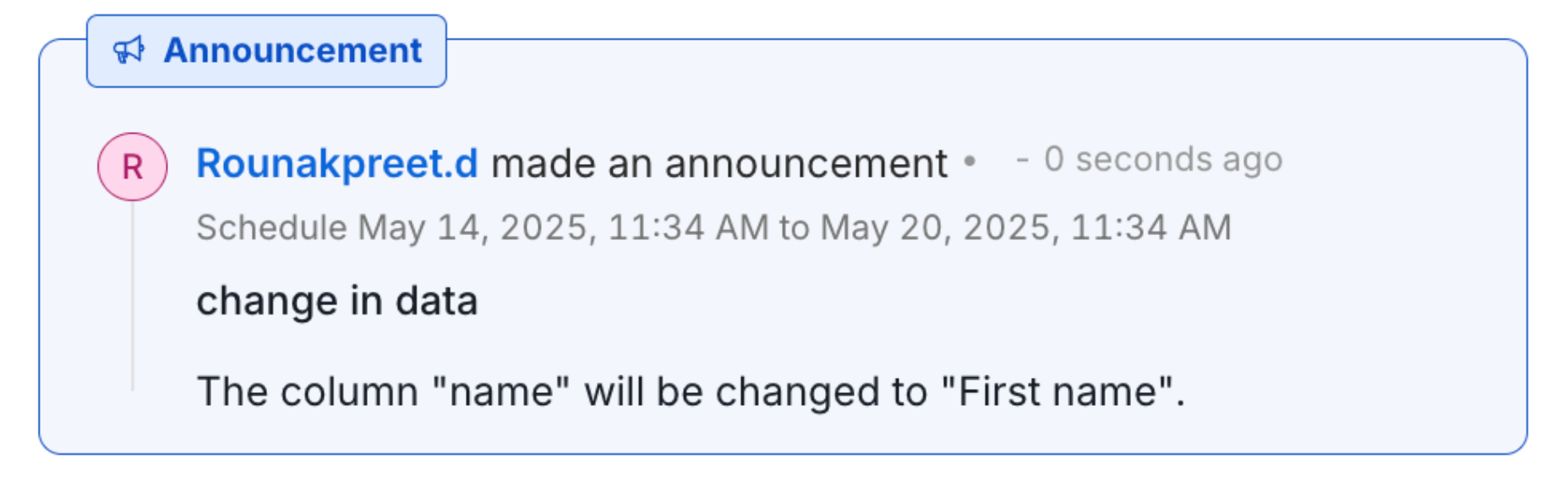
Click the announcement to view the further details:
-
Each announcement shows:
- Creator — Who added the announcement
- Data Asset — The type and name of the data asset it pertains to
- Scheduled Date — The start and end date during which the announcement is displayed
-
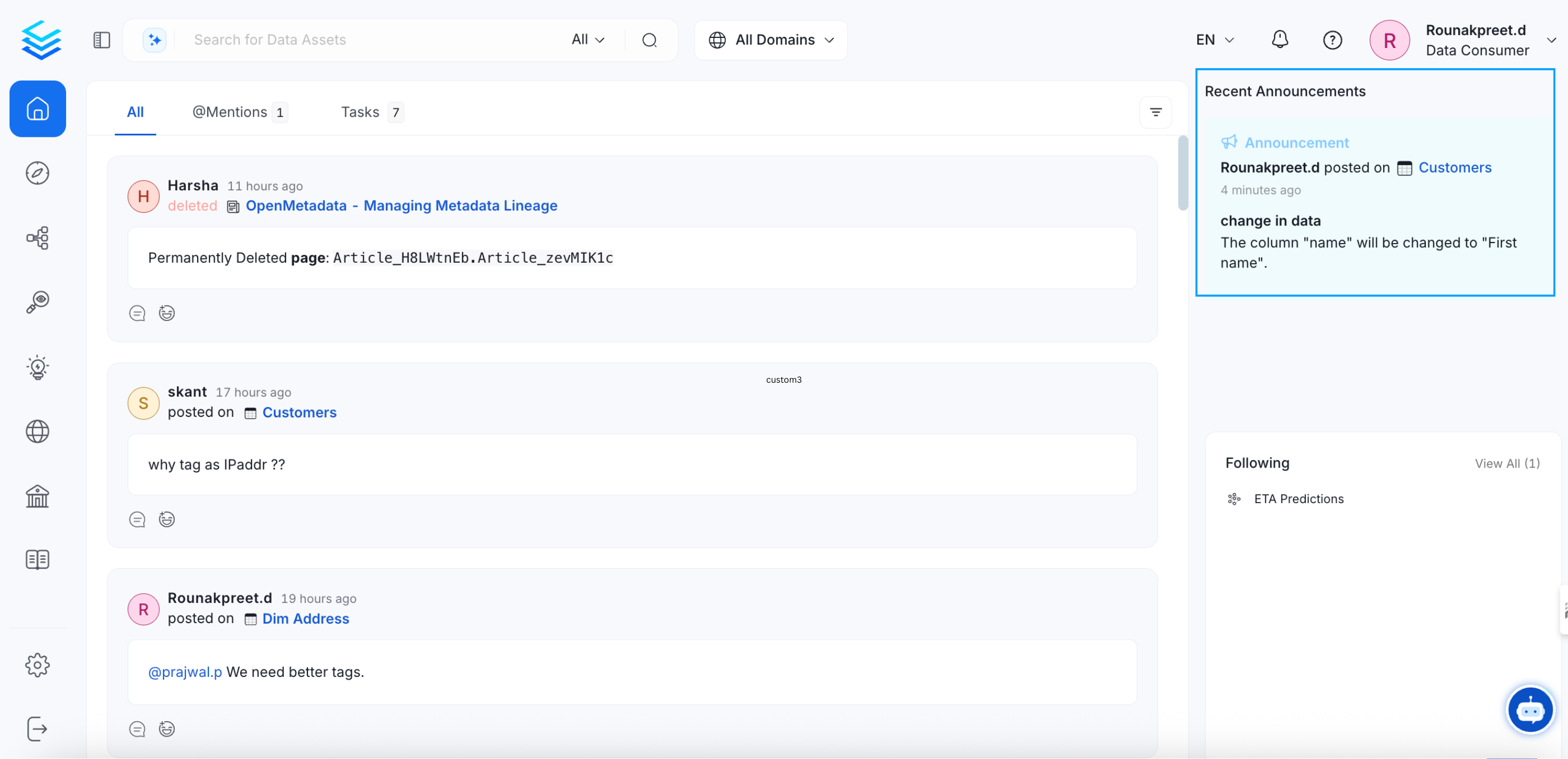
Announcements are also shown on the top right of the landing page.
-
Users can react with emojis and reply to announcements from both the Activity Feed on the homepage and from the data asset page.
Creating an Announcement
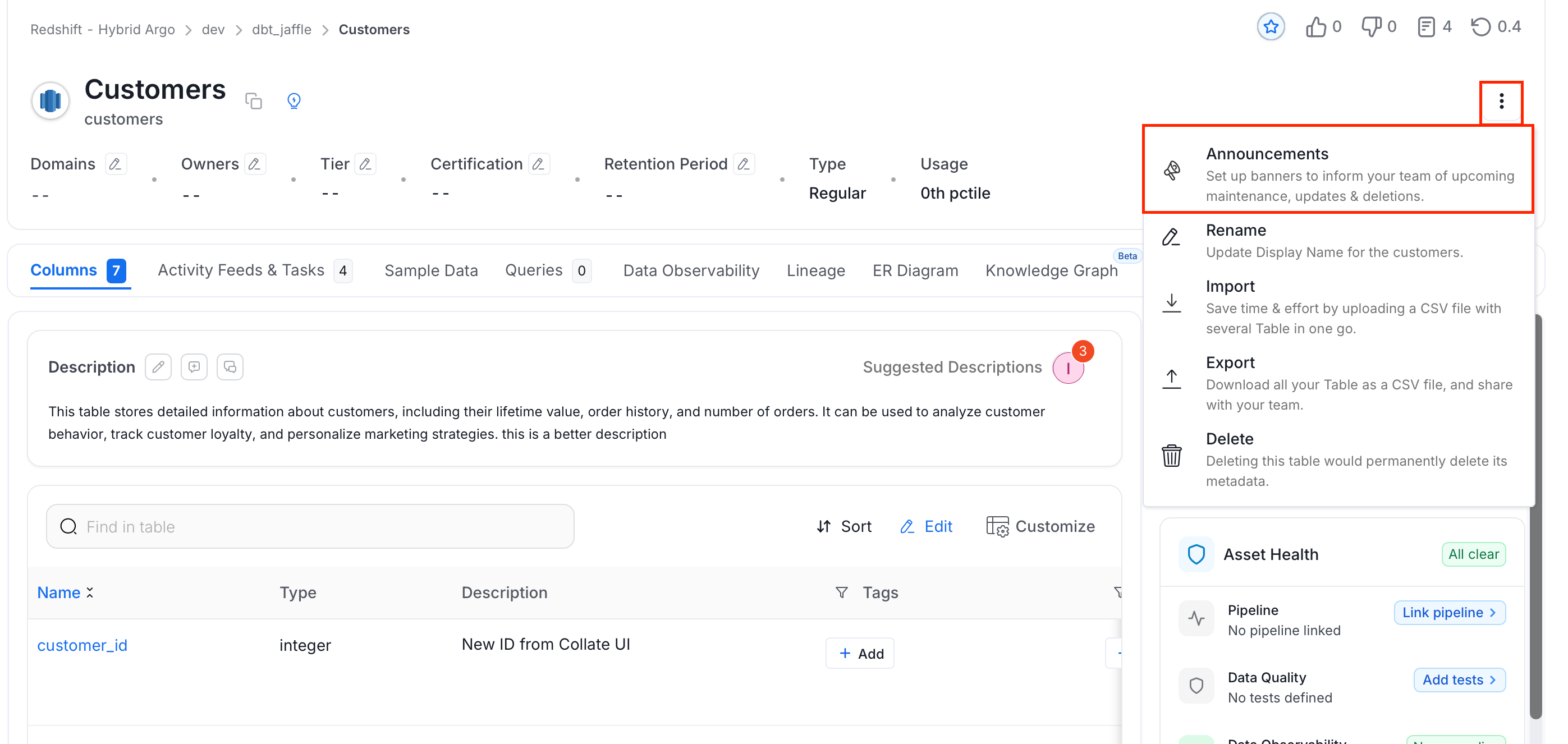
To create an announcement:- Navigate to the Explore Assets page and select the relevant data asset.
-
Click the ⋮ menu and select Announcements.
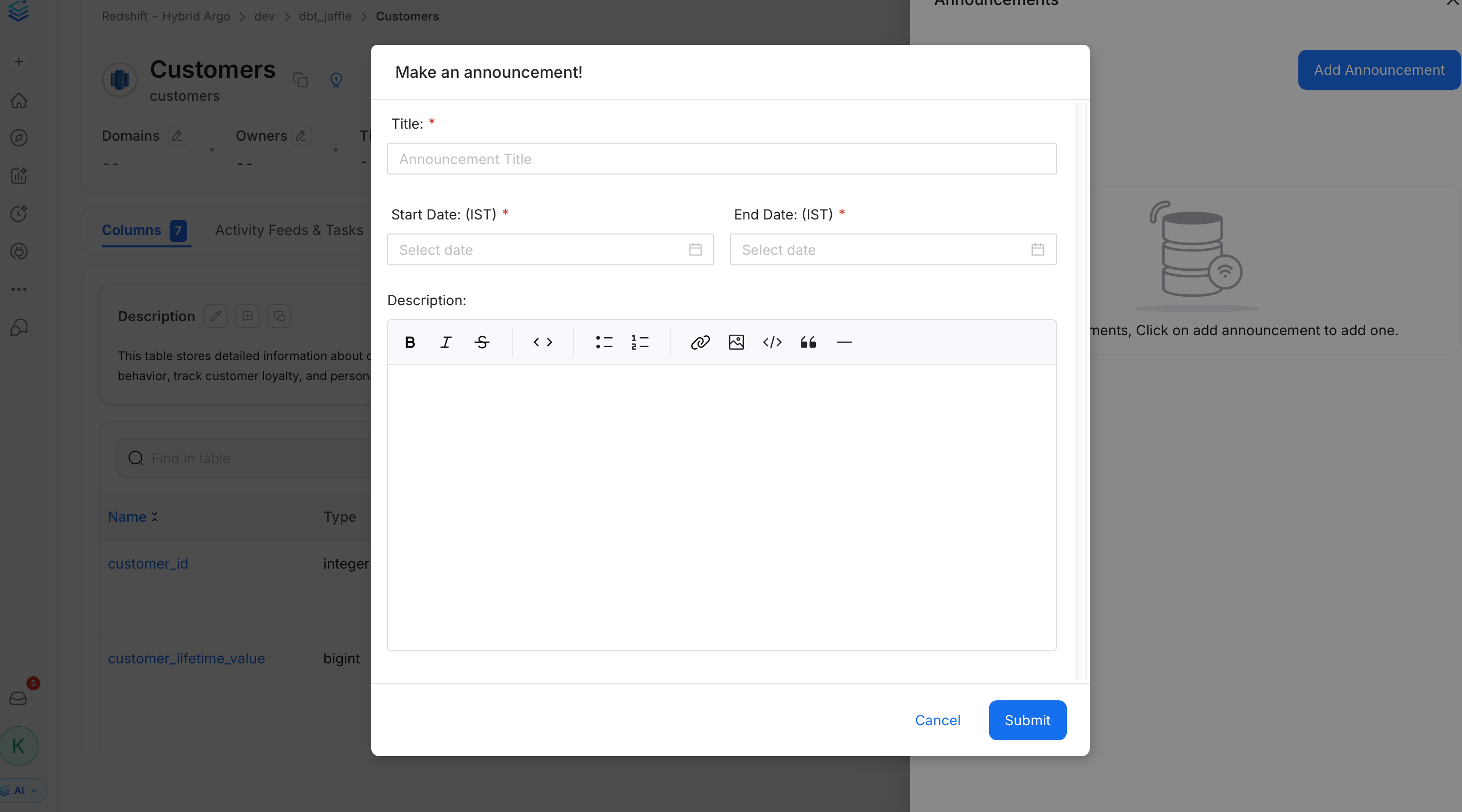
- Click Add Announcement.
-
Enter the following details and click Submit:
- Title — Title of the announcement
- Start Date — Date the announcement starts displaying
- End Date — Date the announcement stops displaying
- Description — Details about the upcoming change