
Documentation Index
Fetch the complete documentation index at: https://docs.getcollate.io/llms.txt
Use this file to discover all available pages before exploring further.
Set Tags to ML Model Workflow
Overview
The Set Tags to ML Model Workflow automatically evaluates machine learning model metadata and assigns the appropriate governance tag based on whether key documentation is complete. This ensures that every ML model in the catalog is clearly marked as Complete or Incomplete, improving transparency, governance, and readiness for downstream use.How the Workflow Works
- Workflow Start The workflow is triggered for an ML model entity. It begins by reading the model’s metadata.
- Check: NON-NULL Description The workflow evaluates whether the ML model contains a valid, non-empty Description field. This field is required to consider the model sufficiently documented.
-
Decision Outcome
- If the Description is present, the workflow follows the TRUE branch.
- If the Description is missing or empty, it follows the FALSE branch.
-
TRUE Path: Set Complete Tag
When the model passes the description check:
- The workflow automatically assigns the Complete tag to the ML model.
- The workflow then proceeds to the End step.
-
FALSE Path: Set Incomplete Tag
If the model does not have a valid description:
- The workflow assigns the Incomplete tag.
- The workflow then ends.
- Workflow Completion After the appropriate tag is assigned, the workflow concludes. No human intervention is required.
Workflow Diagram
Below is the visual representation of the Set Tags to ML Model Workflow: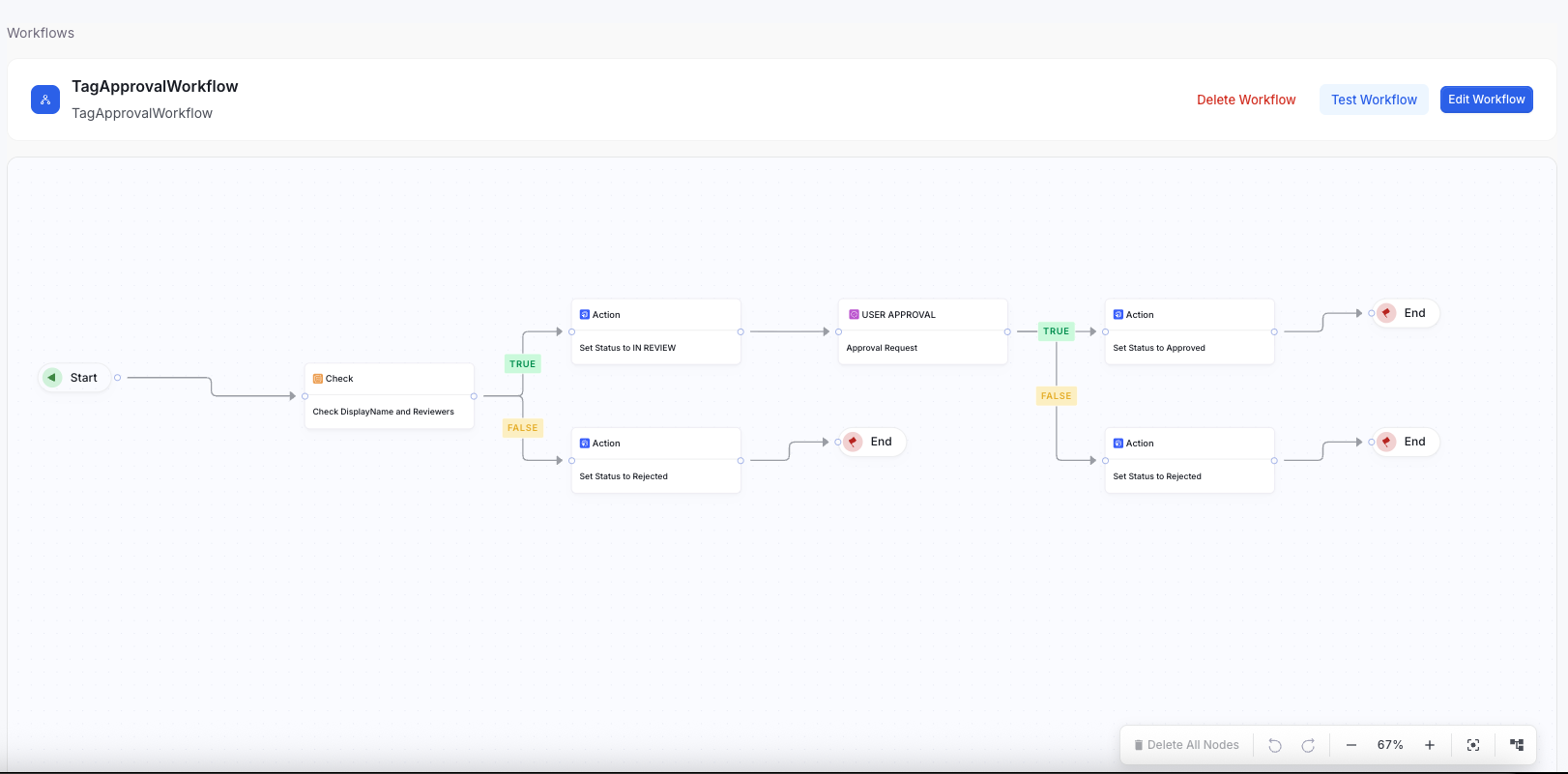
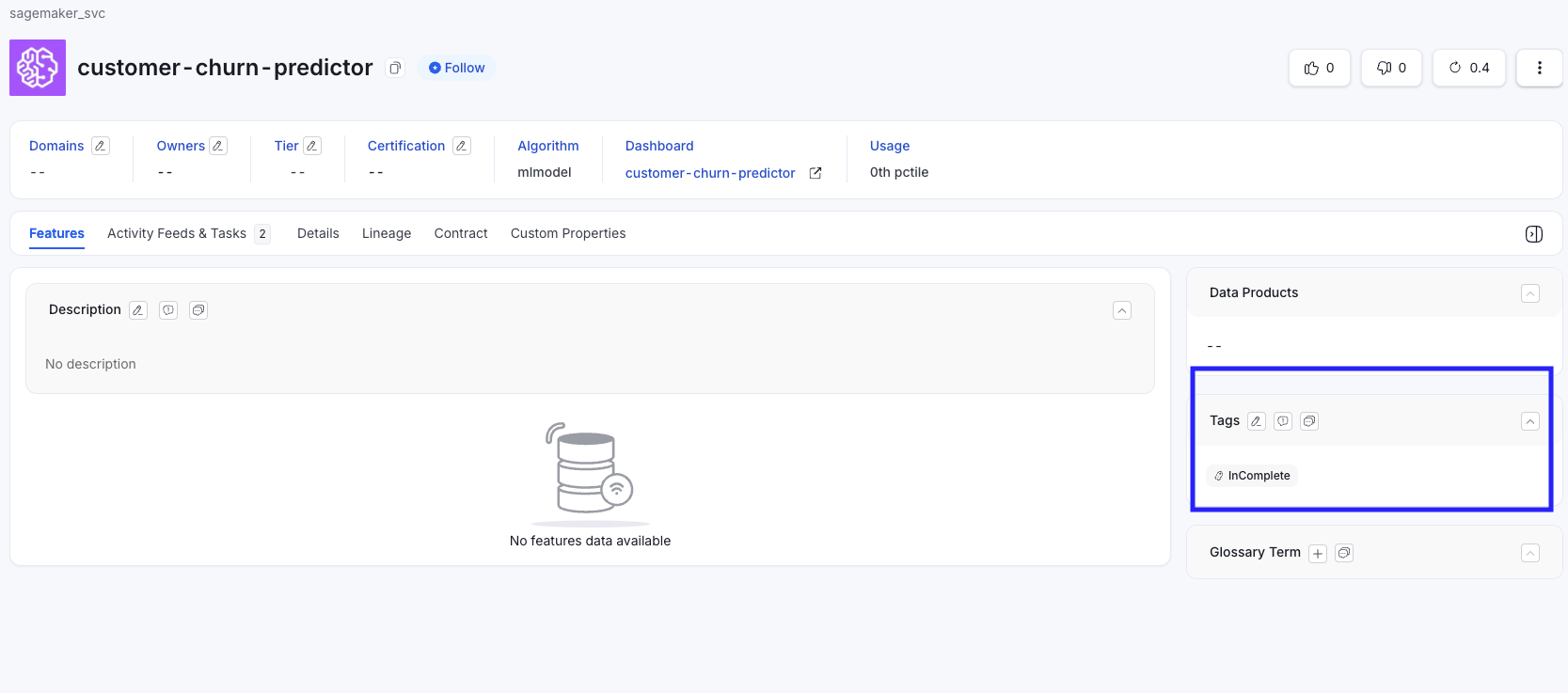
Before Workflow Execution
Description is set for the Machine Learning Model and Tags are Empty

After Workflow Execution
Complete Tag is populated
Key Features
- Automated documentation validation Ensures ML models meet basic metadata requirements.
- Automatic tag assignment Tags the model as Complete or Incomplete without manual action.
- Clear governance signals Stakeholders can quickly determine whether a model has sufficient documentation.
- Lightweight and fully automated No approval or human-in-the-loop required.
Example Outcomes
| Condition | Assigned Tag |
|---|---|
| ML model contains a non-null Description | Complete |
| ML model missing/empty Description | Incomplete |
Why This Workflow Matters
- Ensures minimum documentation quality for ML models
- Helps data scientists and consumers quickly identify model readiness
- Improves governance and catalog hygiene
- Reduces manual tagging work
- Enables filtering and reporting based on documentation completeness