
How to Follow a Data Asset
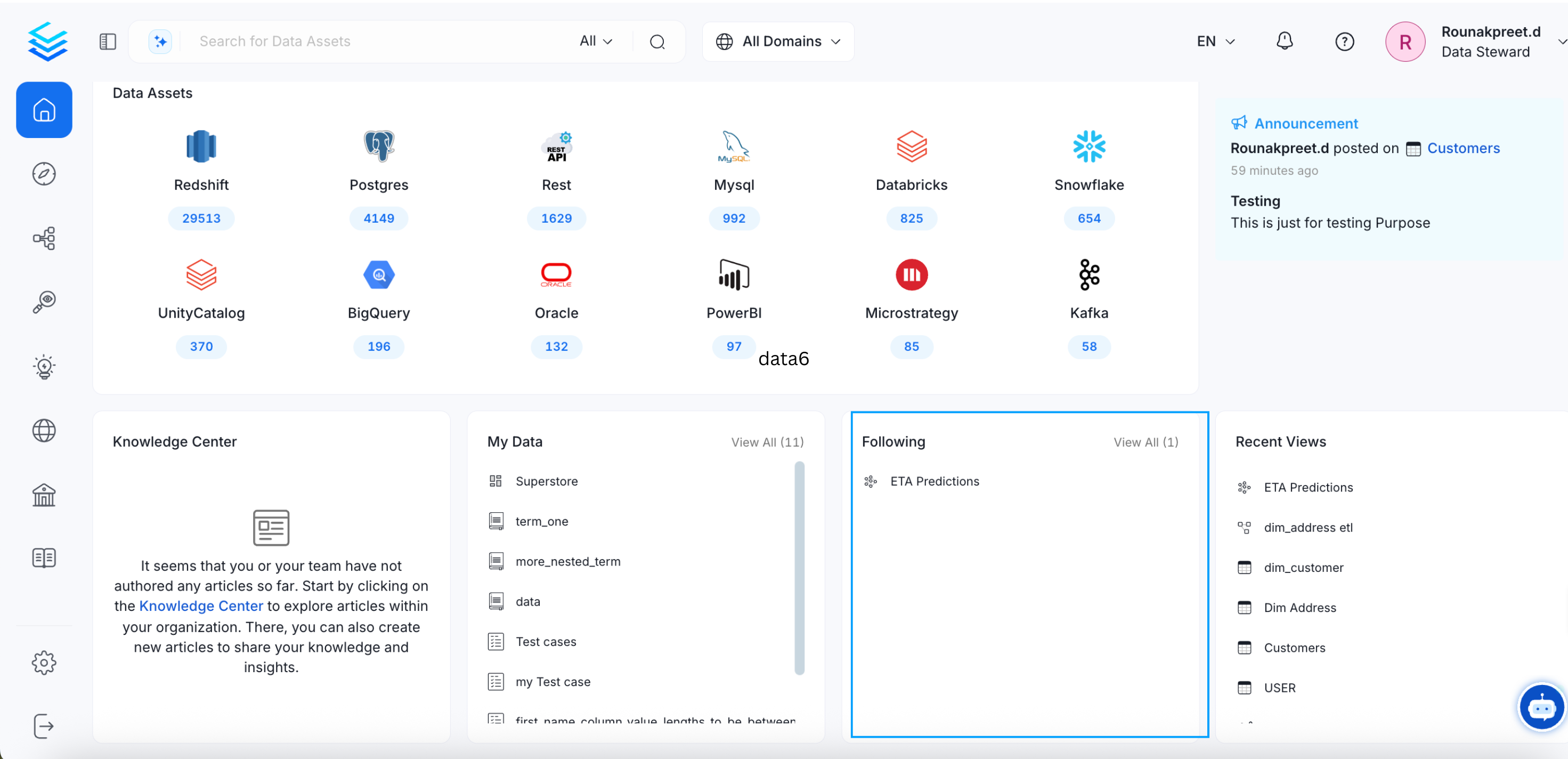
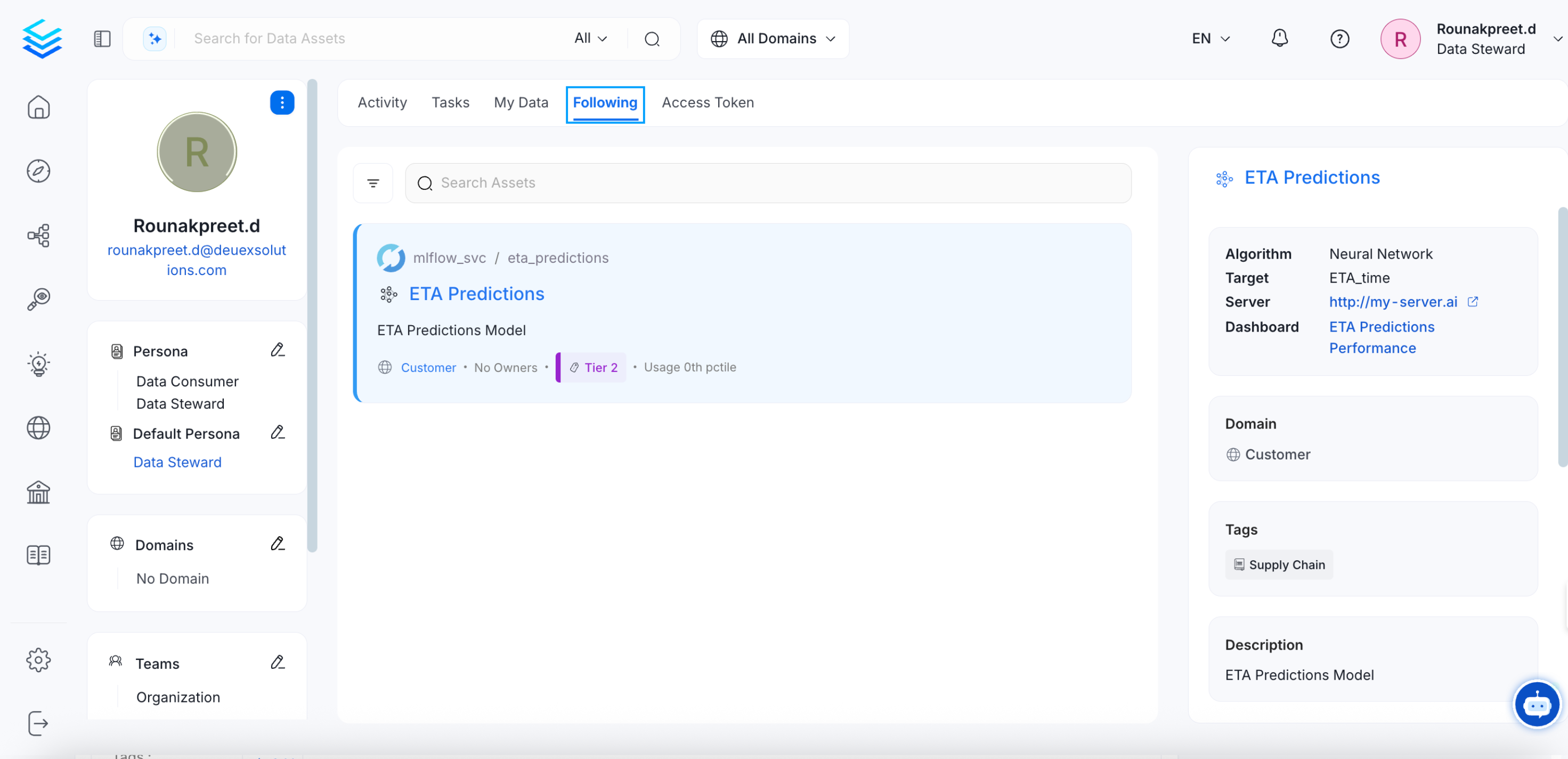
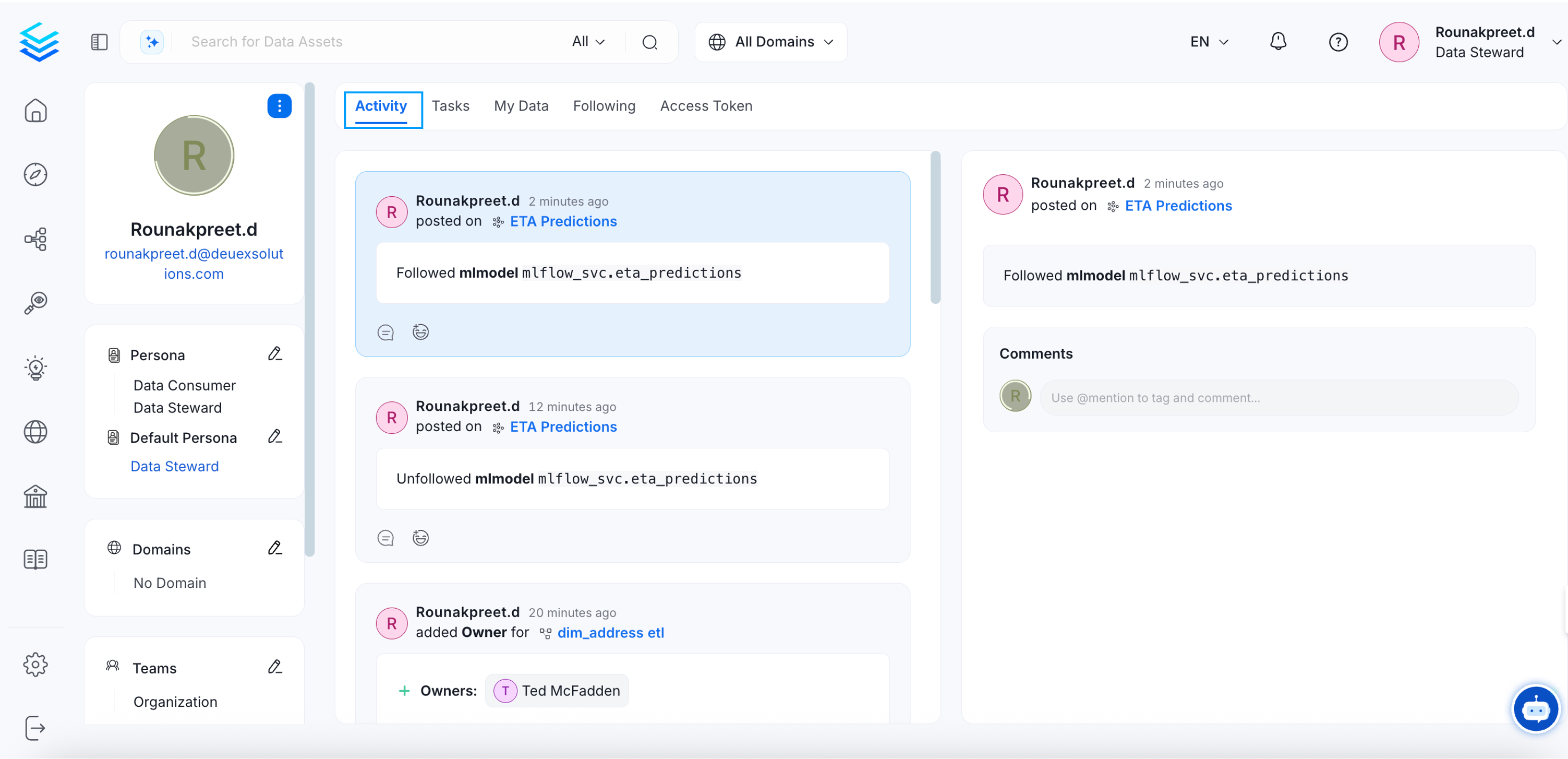
Users can get timely information about all the activities, announcements, and feeds related to a data asset by following those assets. The owners of the data assets will receive all the updates by default. The follow option can be used for the assets that you do not own.
To follow a data asset,
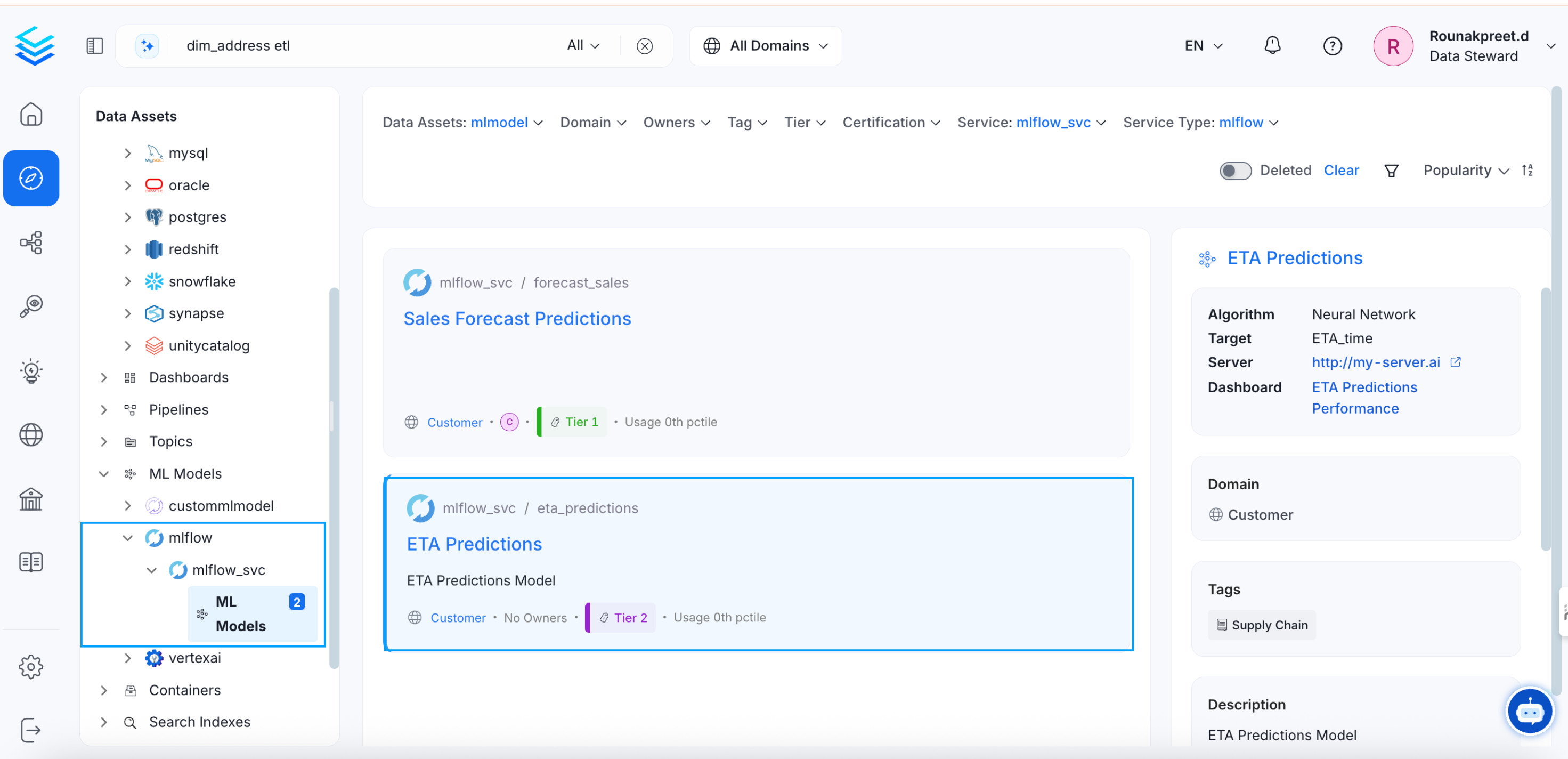
- Navigate to the Explore page.
- Select the relevant type of data asset (Tables, Topics, Dashboards, Pipelines, ML Models, and Containers).
- Select a data asset.
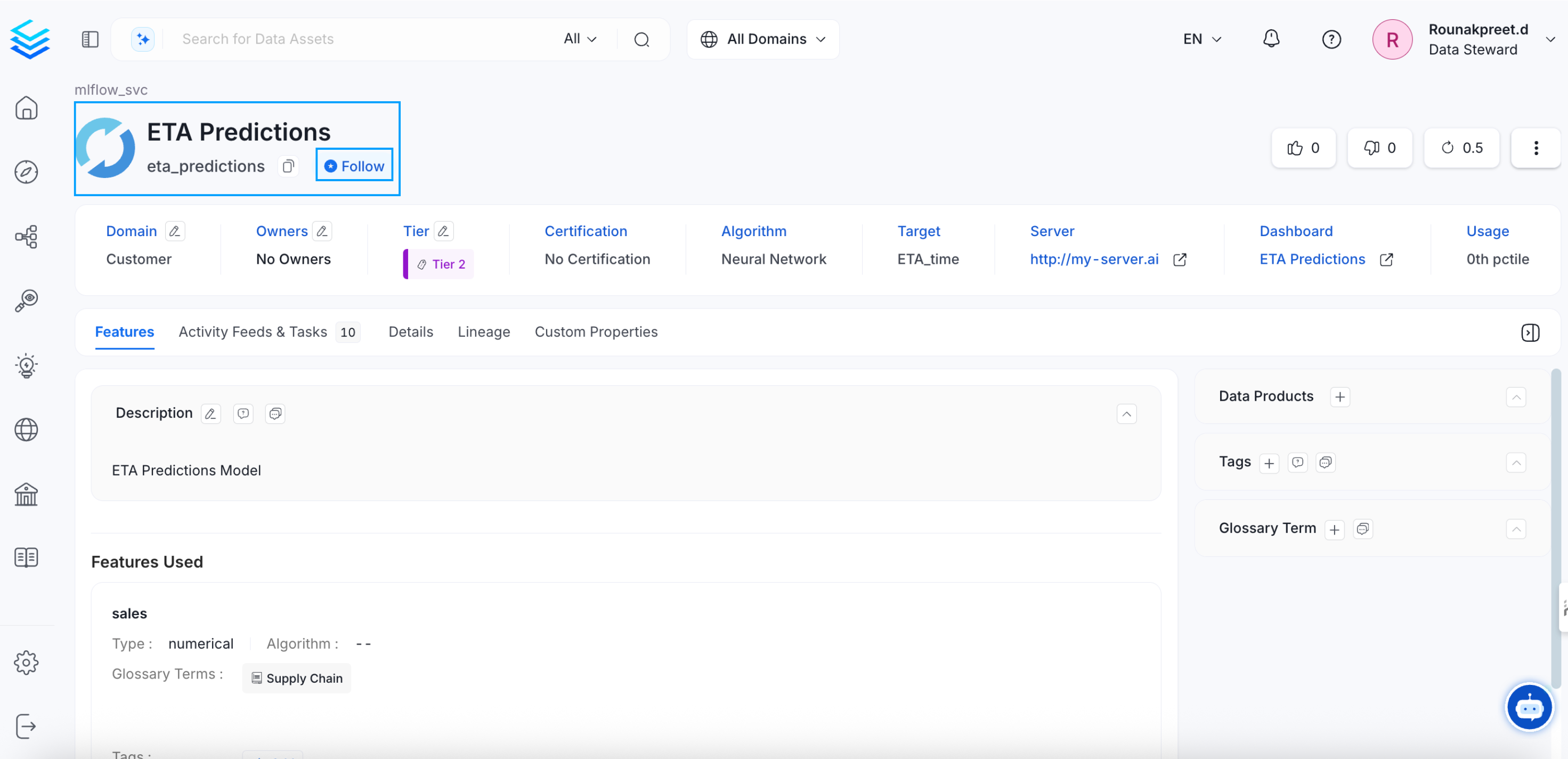
- Click the Follow button to start following it.
How to Add Tags
Add tags to data assets and learn about auto-PII classification.