Governance Workflows - Check Condition
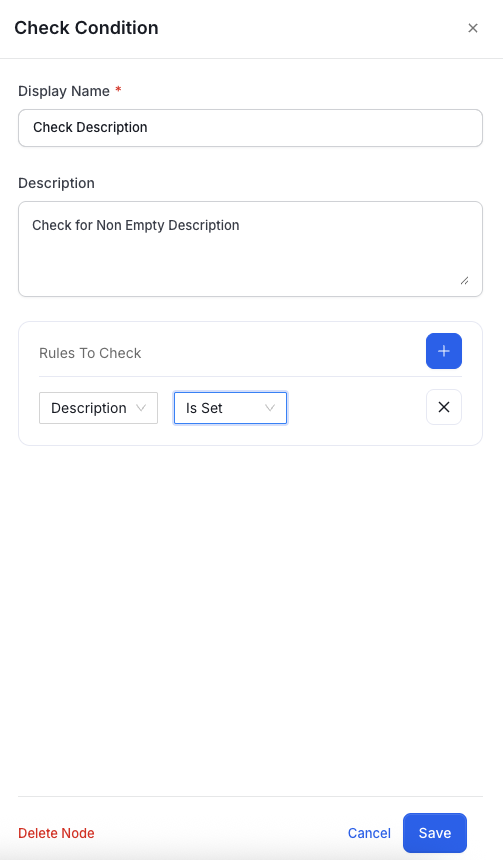
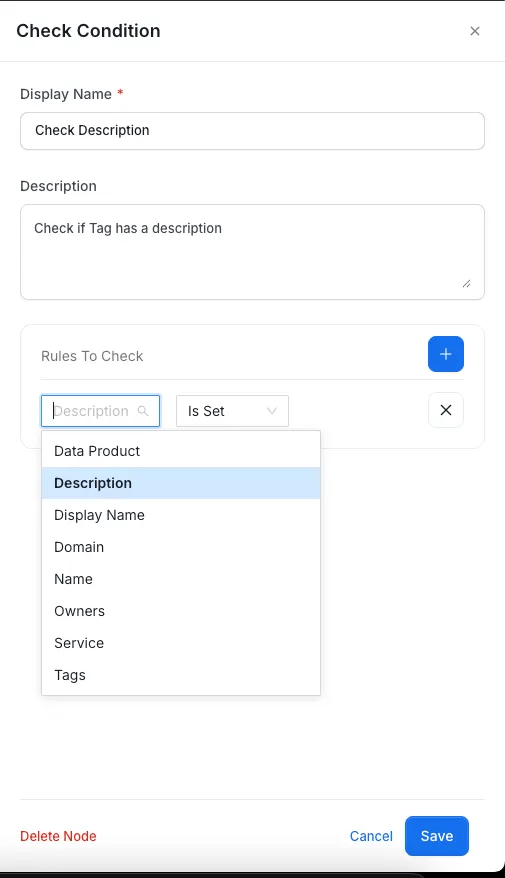
This node evaluates conditions on data assets. Examples:- Is a description provided?
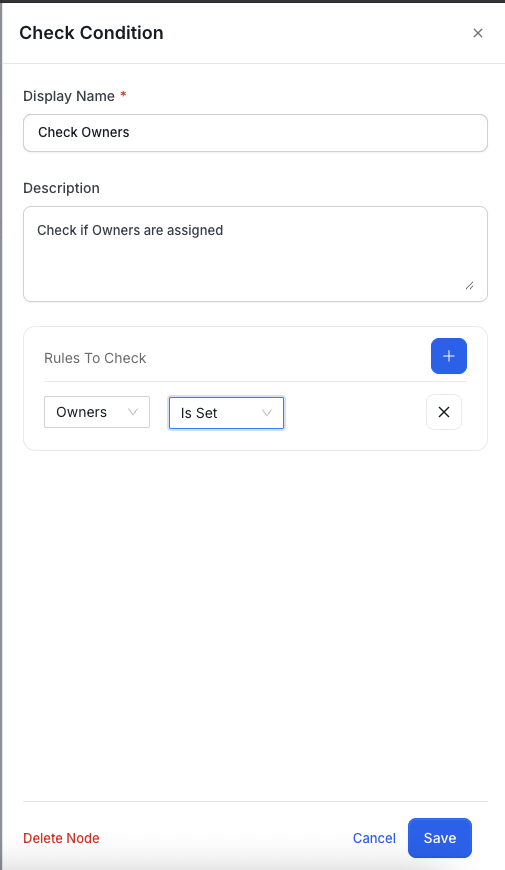
- Are owners assigned?
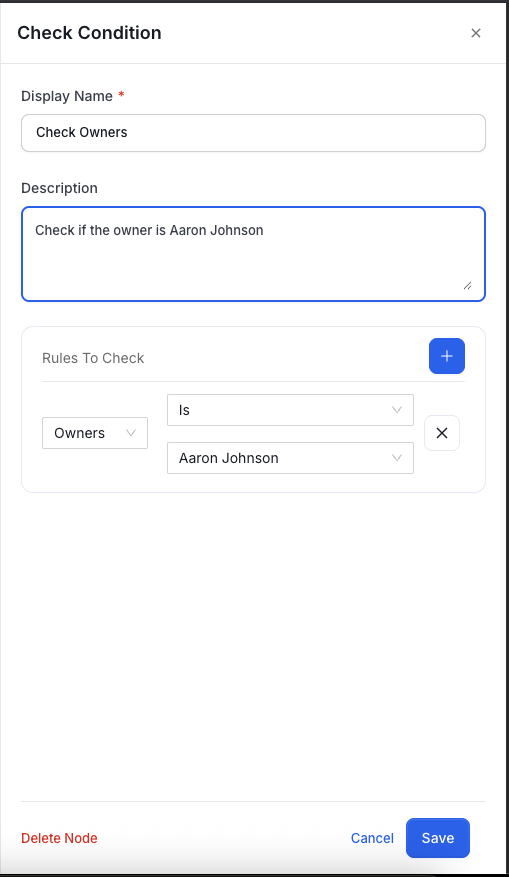
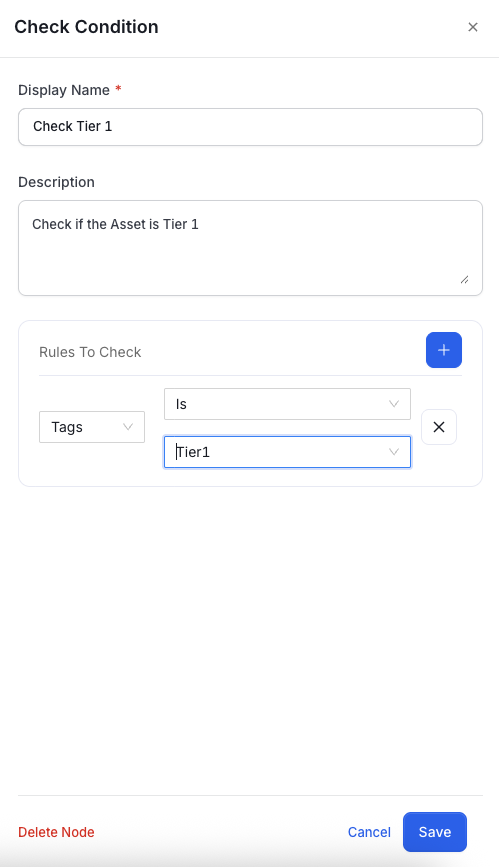
- Is the asset Tier 1?
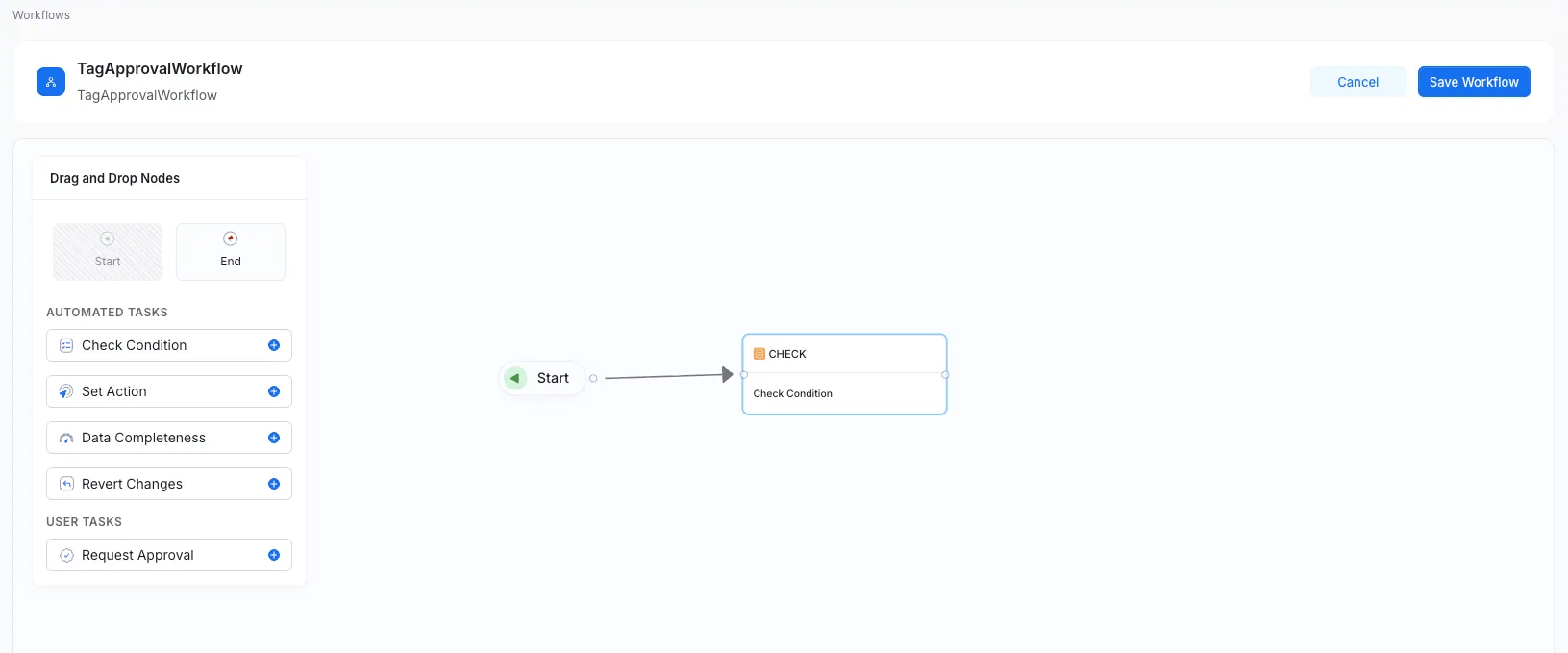
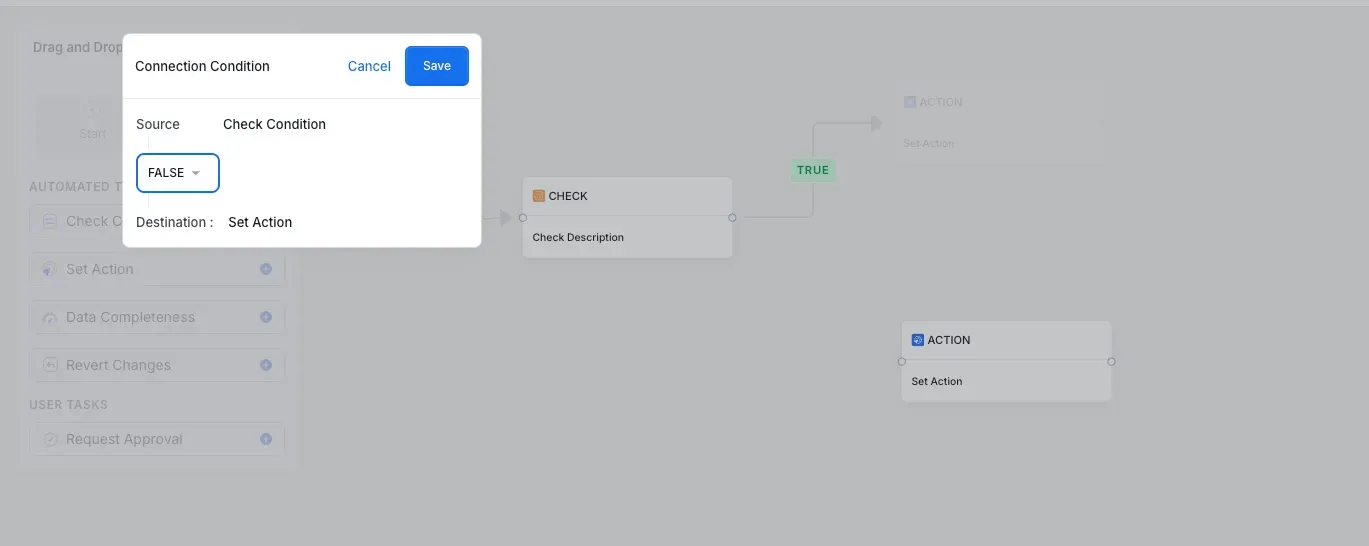
- TRUE – When the condition is satisfied.
- FALSE – When the condition fails. Both branches must be connected for a complete workflow path.