
How to Add Assets to Glossary Terms
After creating a glossary term, data assets can be associated with the term. In the Glossary Term > Assets Tab all the assets associated with the glossary term are displayed. These data assets are further subgrouped as Tables, Topics, Dashboards, etc.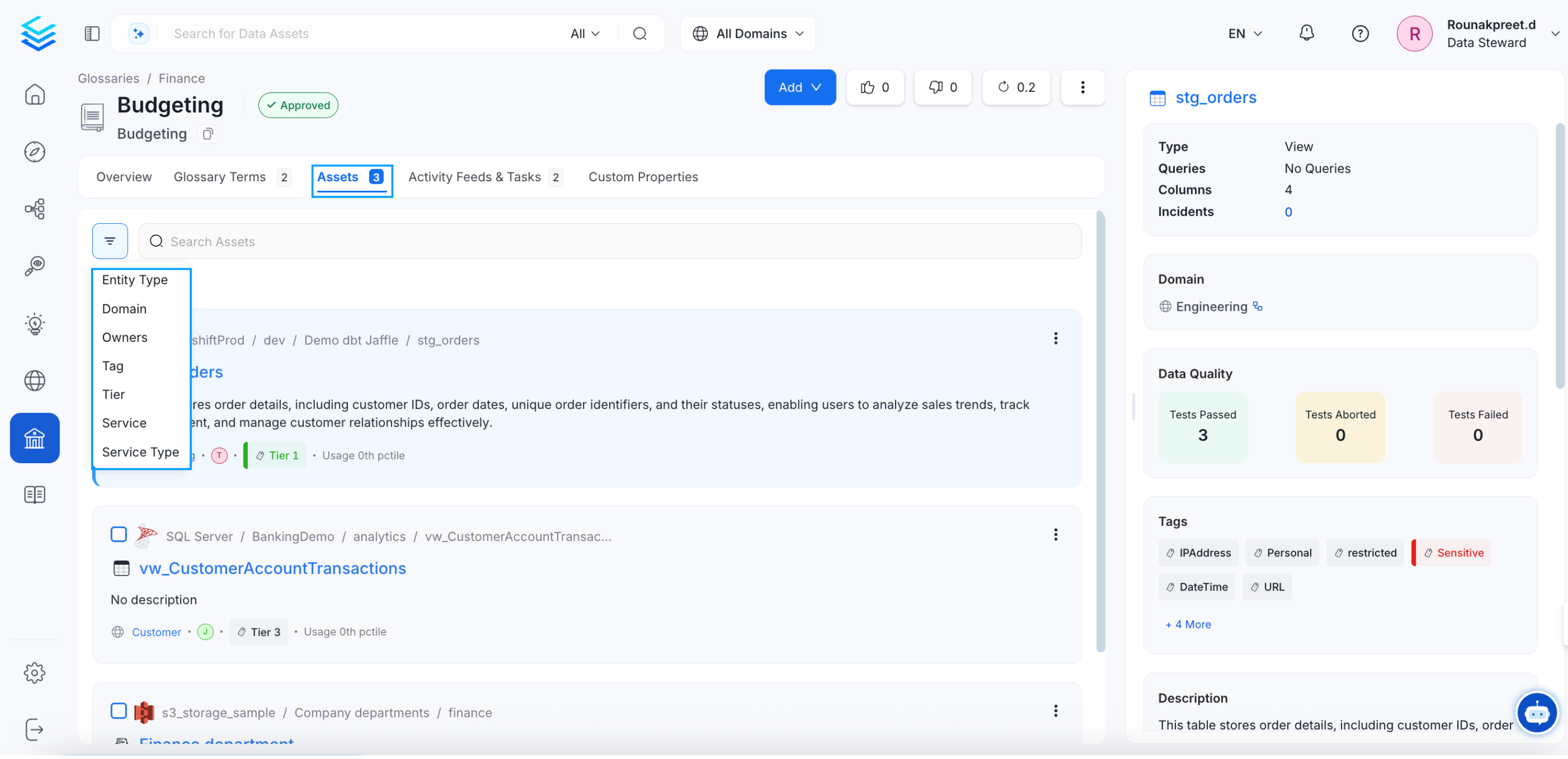
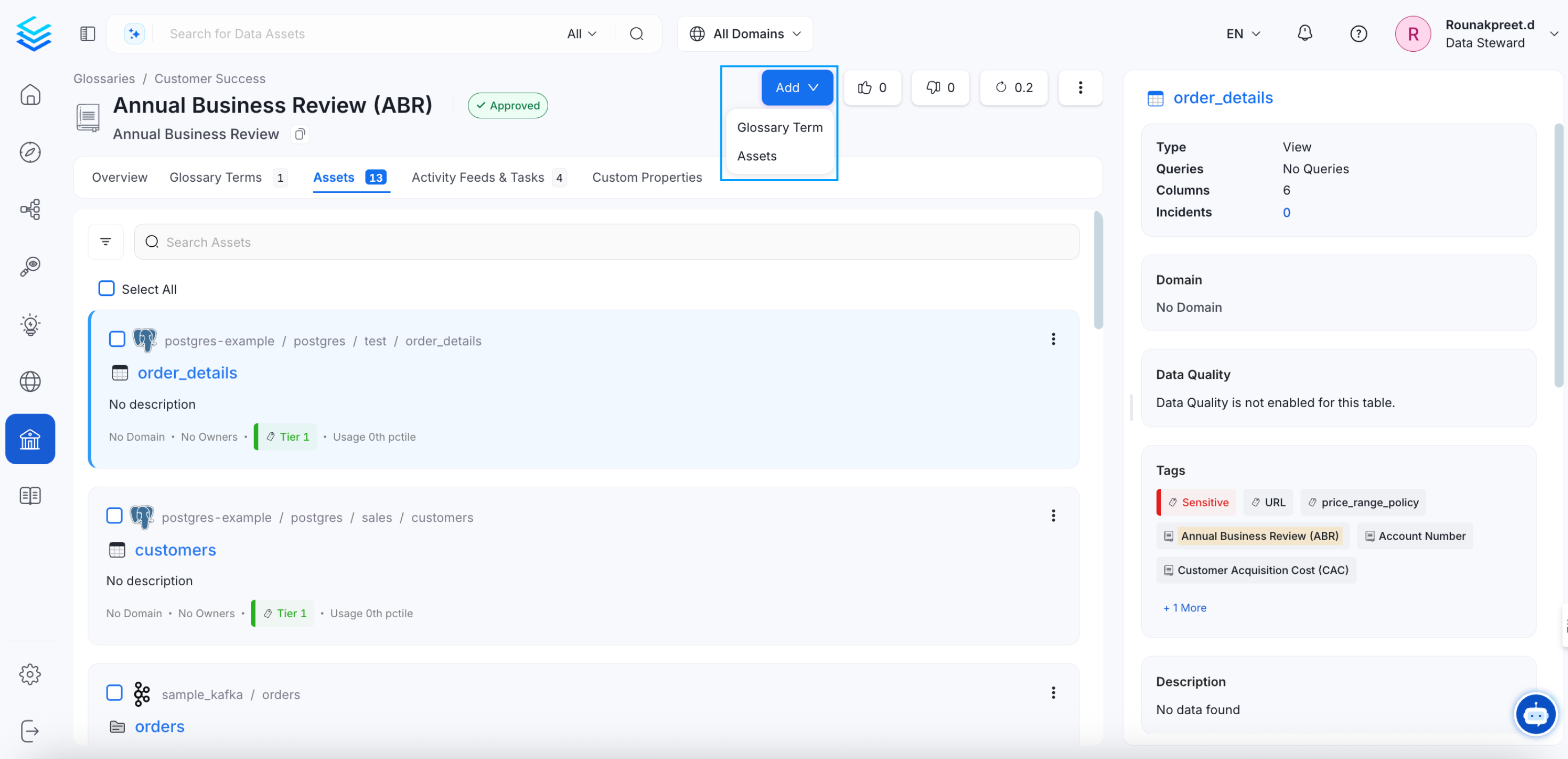
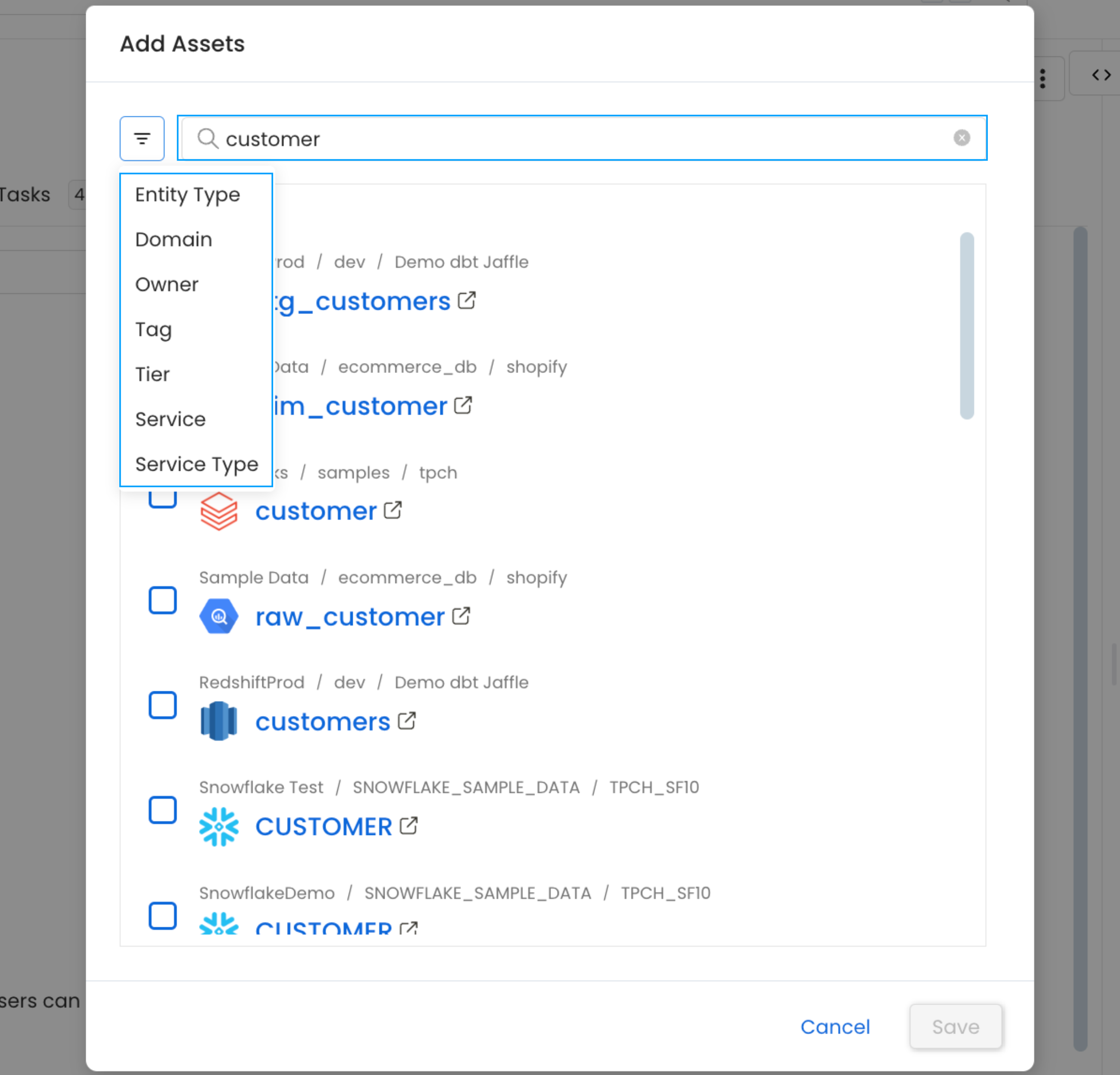
Glossary Terms and Tags
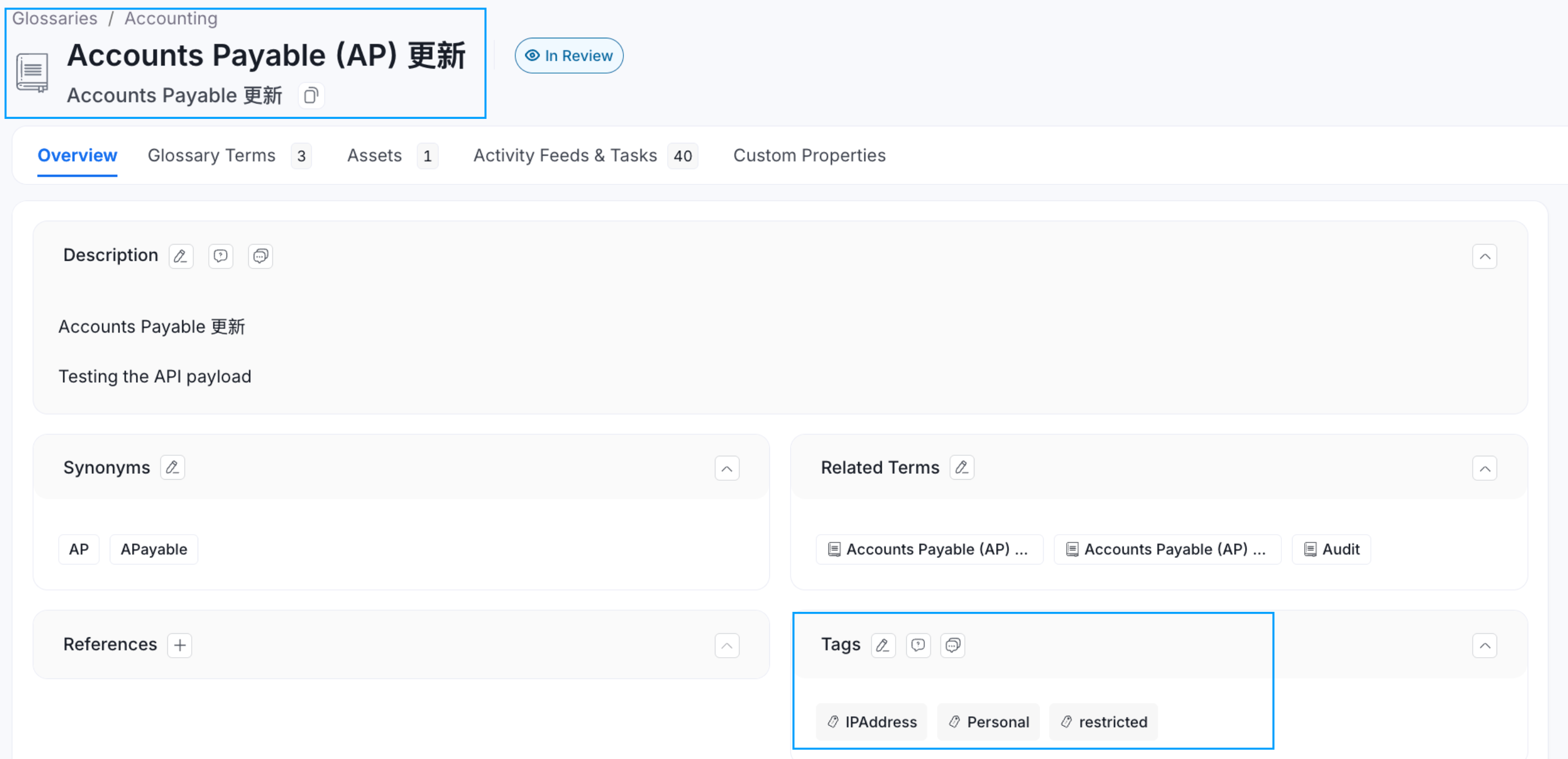
If Tags are associated with a Glossary Term, then applying that glossary term to a data asset, will also automatically apply the associated tags to that data asset. For example, the glossary term ‘Account’ has a PII.Sensitive tag associated with it. When you add a glossary term to a data asset, the associated tags also get added.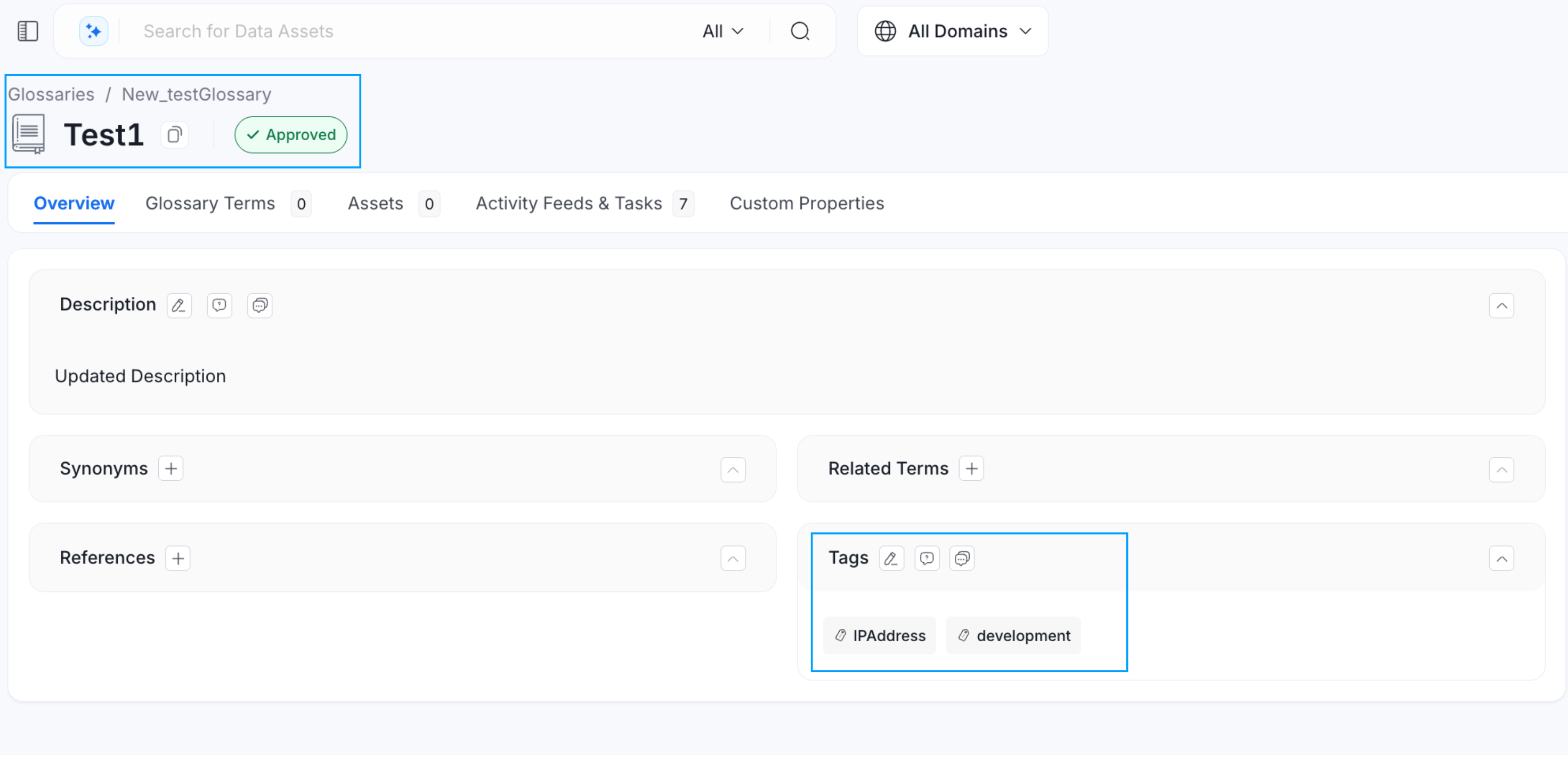
Best Practices for Glossary
Here are the Top 8 Best Practices around Terminologies.