
Set Up Data Insights Ingestion
Set up a data insights ingestion pipeline directly from the Collate UI.Install Data Insight
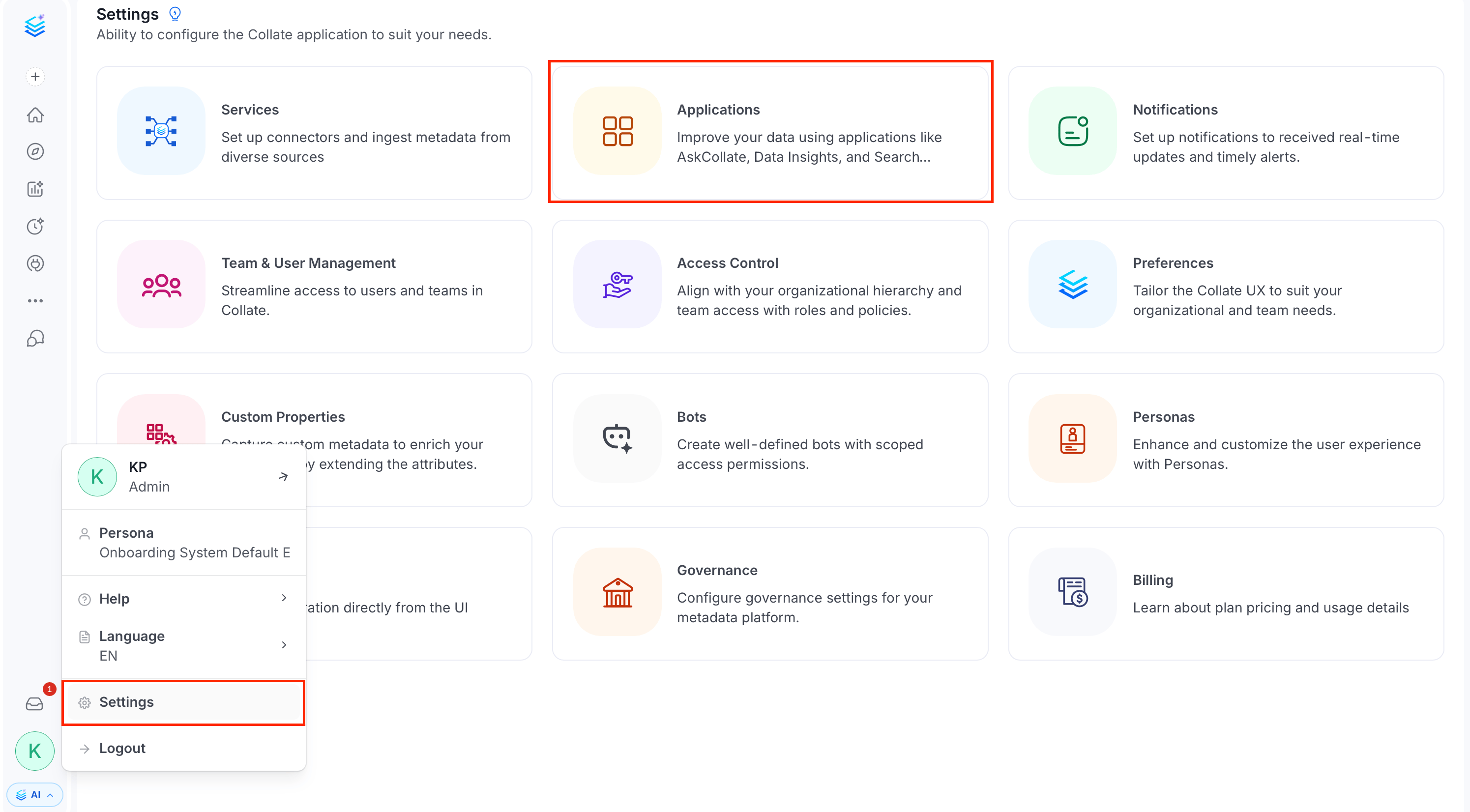
- Click the Profile icon and navigate to Settings > Applications.
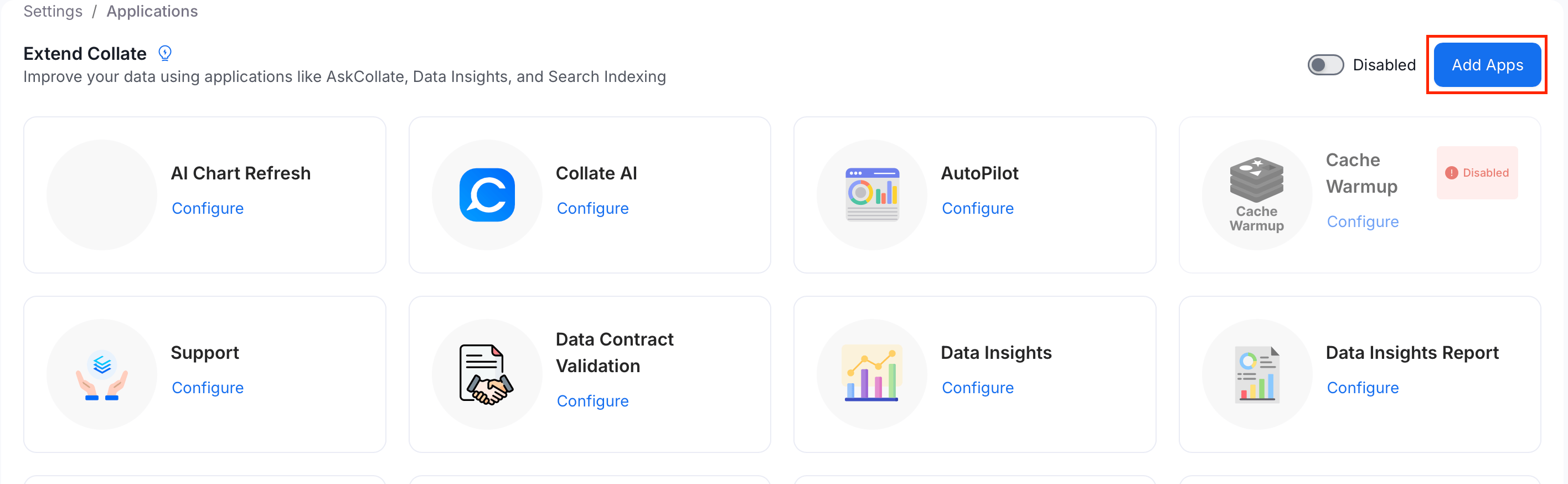
- Click Add Apps.
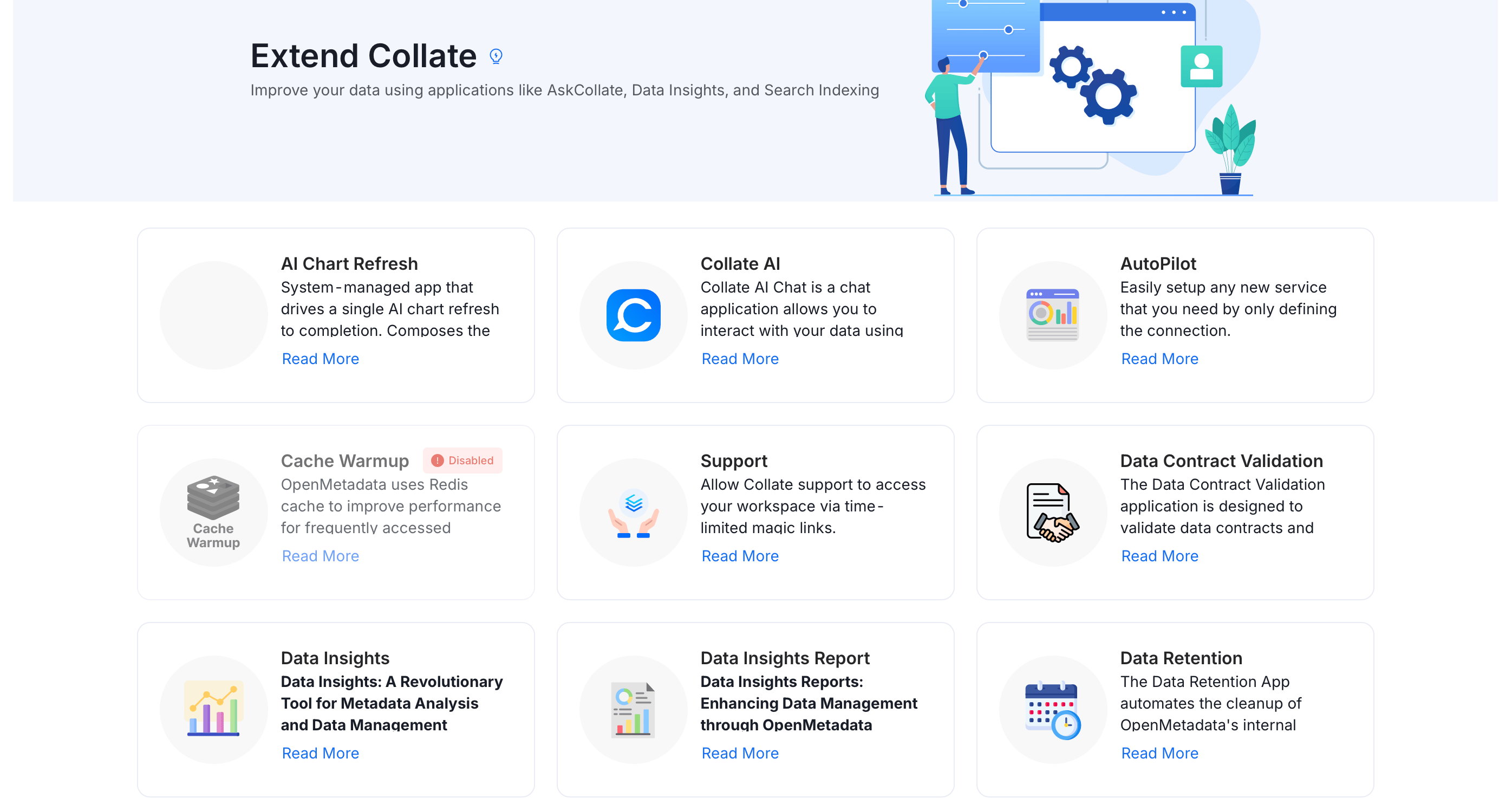
- Select the Data Insights application.
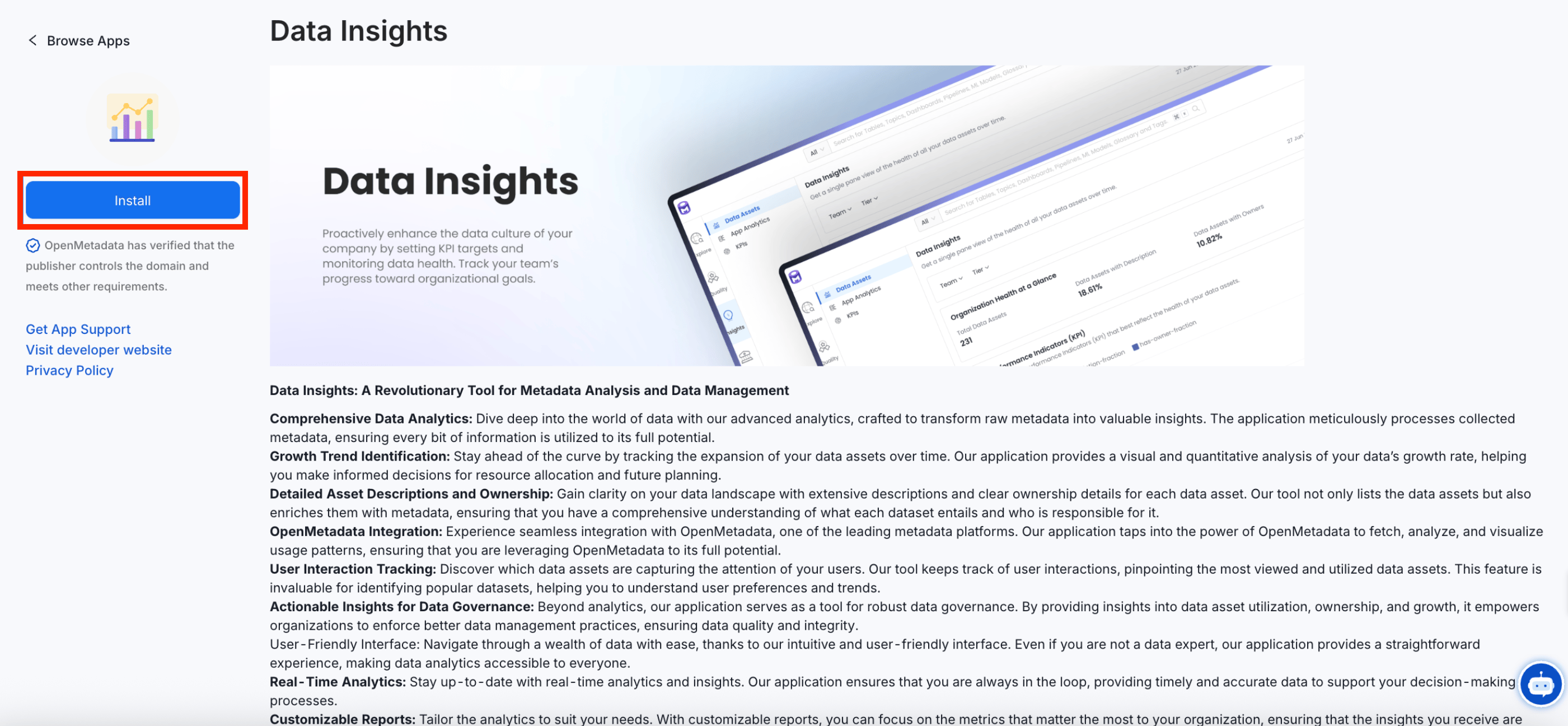
- Install the Data Insights application.
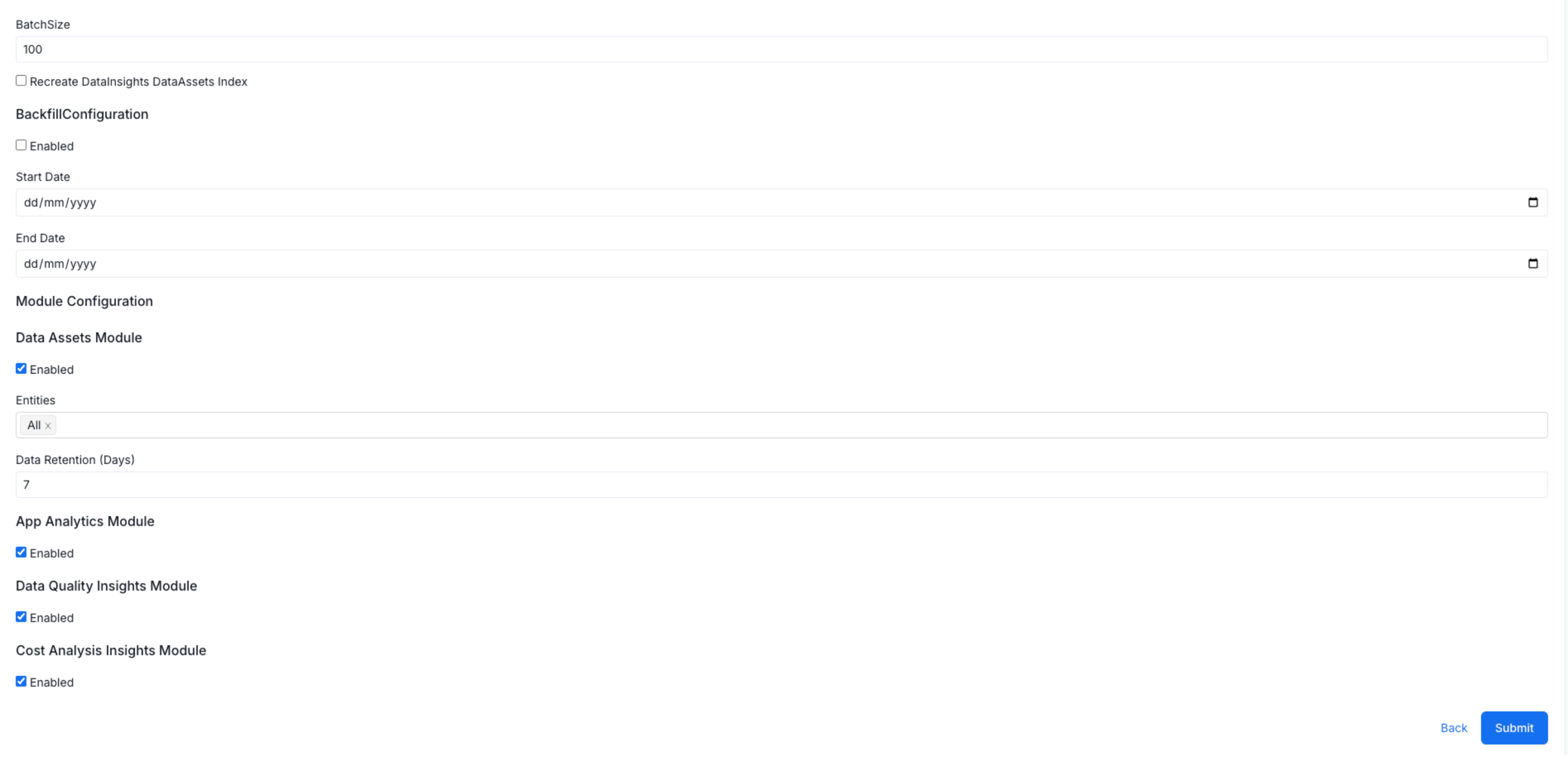
- Click Configure to adjust the batch size and other settings according to your specific requirements, then click Submit.
- Choose a schedule execution time for your workflow. The schedule time is displayed in UTC.
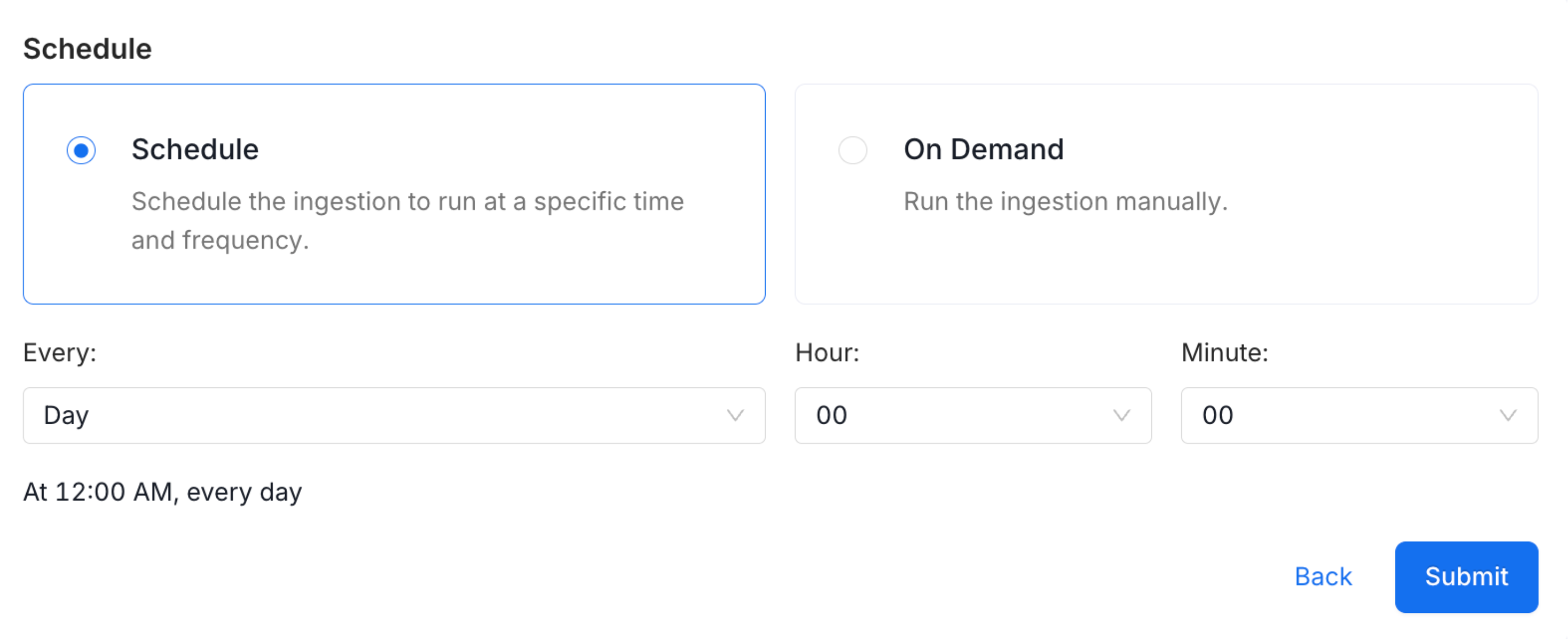
- Click Submit to complete the installation.
Run Data Insights Pipeline
After installation, the Data Insights application appears on the Applications page. To run the data insights pipeline, follow these steps:- Click the Data Insights application.
- Click Run now to set up the ingestion pipeline.

Manage Data Insights
-
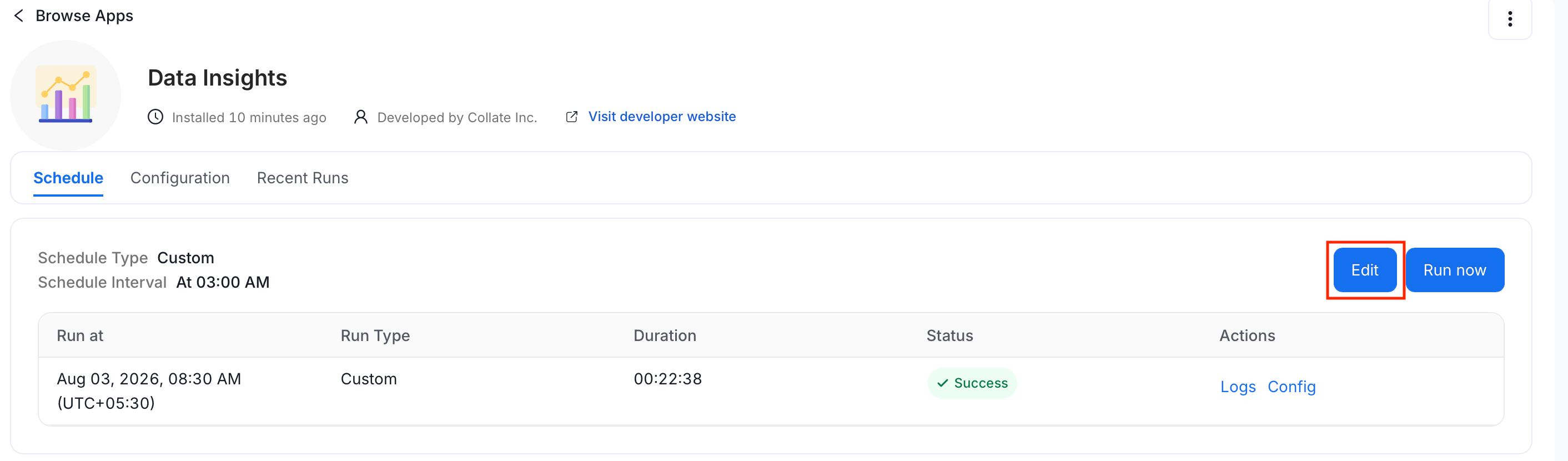
To modify the data insights schedule, follow these steps:
- Click the Data Insights application.
- Click Edit and modify the schedule.
-
To update configuration details, follow these steps:
- Click the Data Insights application.
- Select the Configuration tab and update the configuration details.
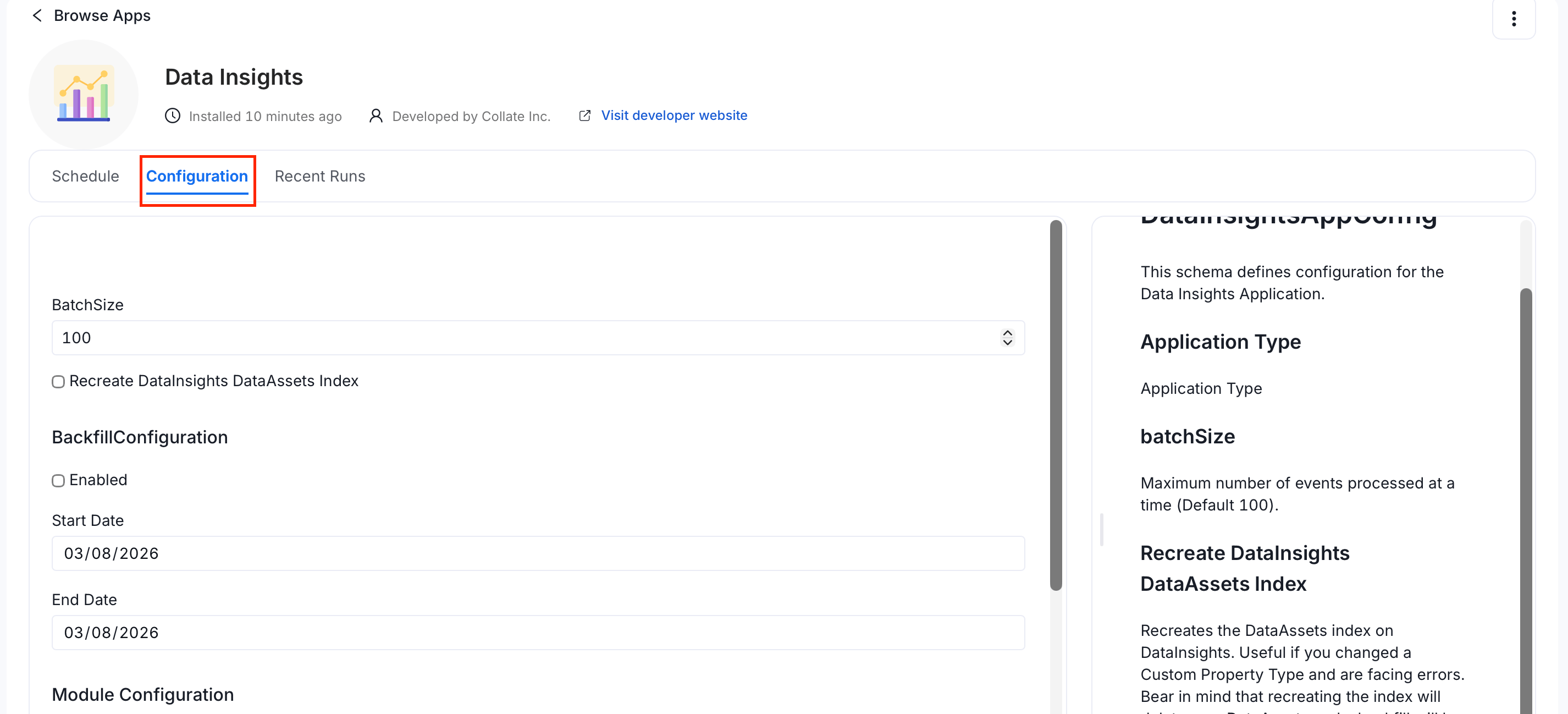
- Click Save.
-
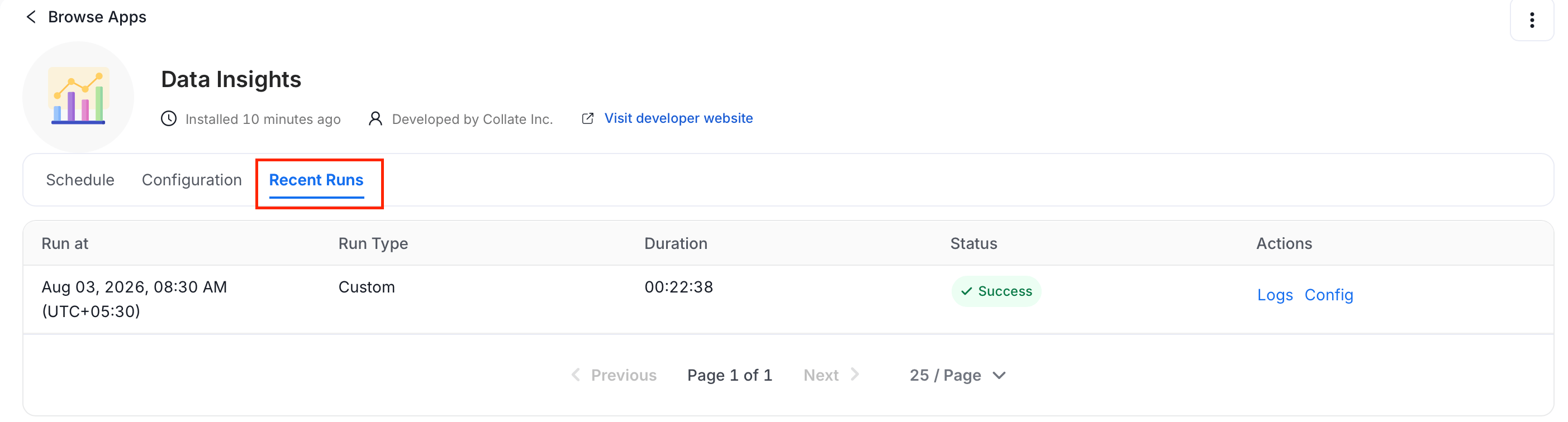
To view the recently run data insights details, click the Recent Runs tab.
Note: If you have just deployed Collate, App Analytics data might not be present. App Analytics data is fetched from the previous day (UTC).
Key Performance Indicators (KPI)
Define the KPIs and set goals for documentation and ownership.