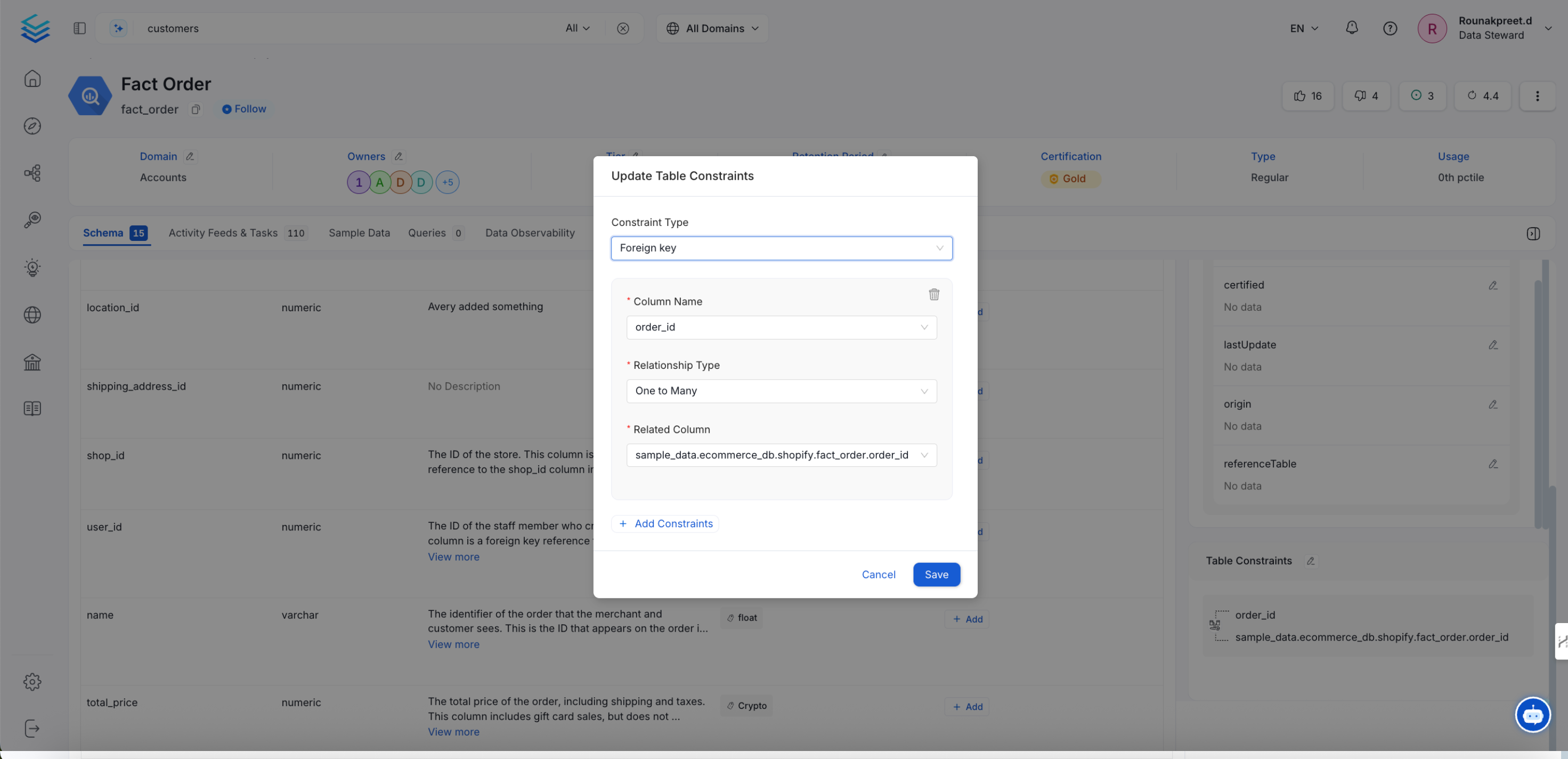
Table Constraint
In Collate, table constraint are integral to understanding the relationships between tables, enhancing data discovery, and facilitating comprehensive data lineage tracking. By default, the ingestion process captures these constraints, allowing users to visualize and manage table relationships effectively.Viewing table constraint
Once the metadata ingestion is complete, foreign key relationships can be explored within the Collate UI:Navigate to the Table Details Page:
- Access the desired table within the Collate interface.
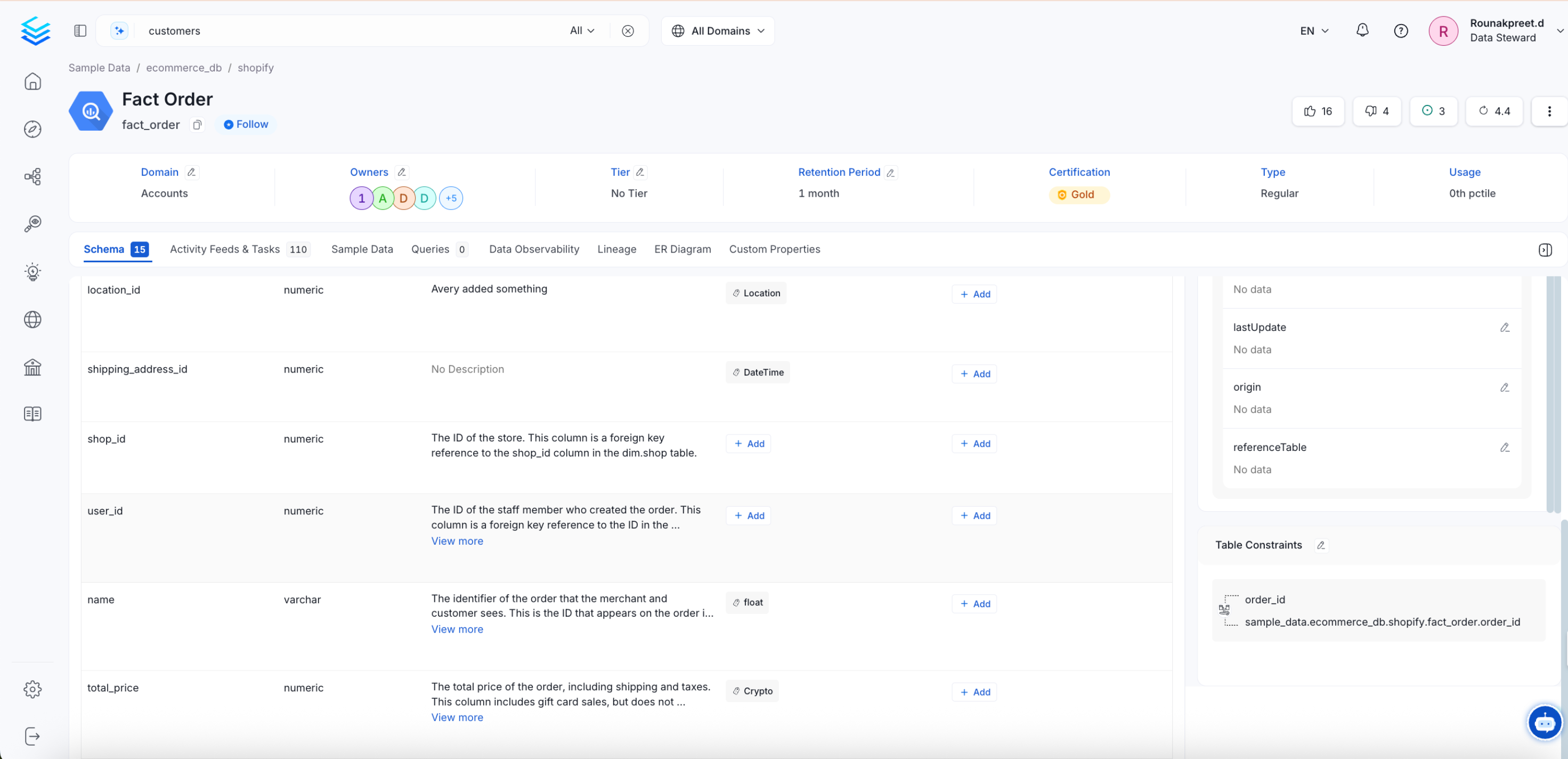
Explore Table Constraints:
- Table constraint are displayed, detailing the relationships between the current table and its related tables. Collate referred column for foreign key
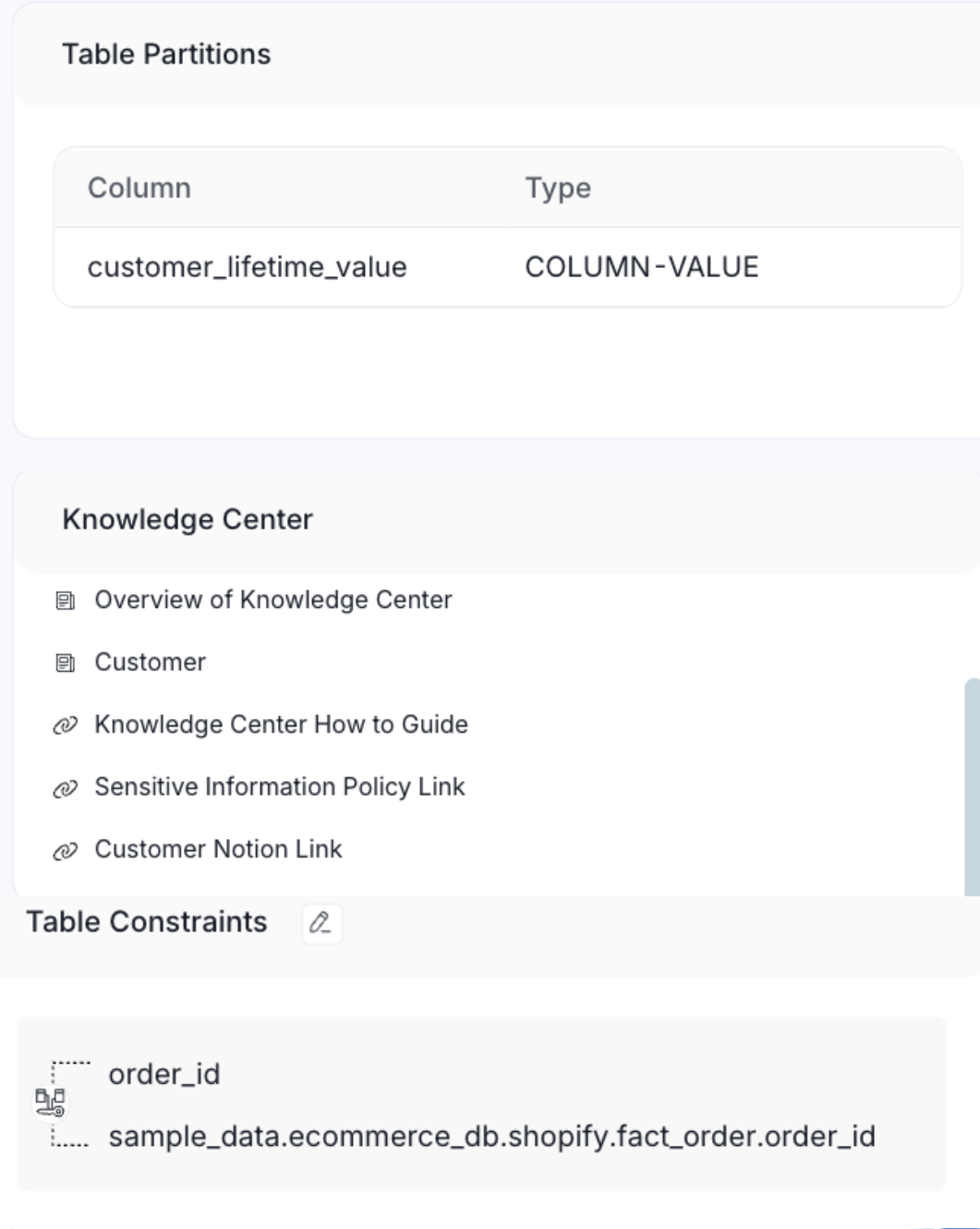
Editing table constraint:
To modify table constraint:GitHubEnsure Appropriate Permissions:
- Confirm that you have the necessary edit permissions for the table.
Access the Table’s Schema:
- Navigate to the table’s schema view within the Collate UI.
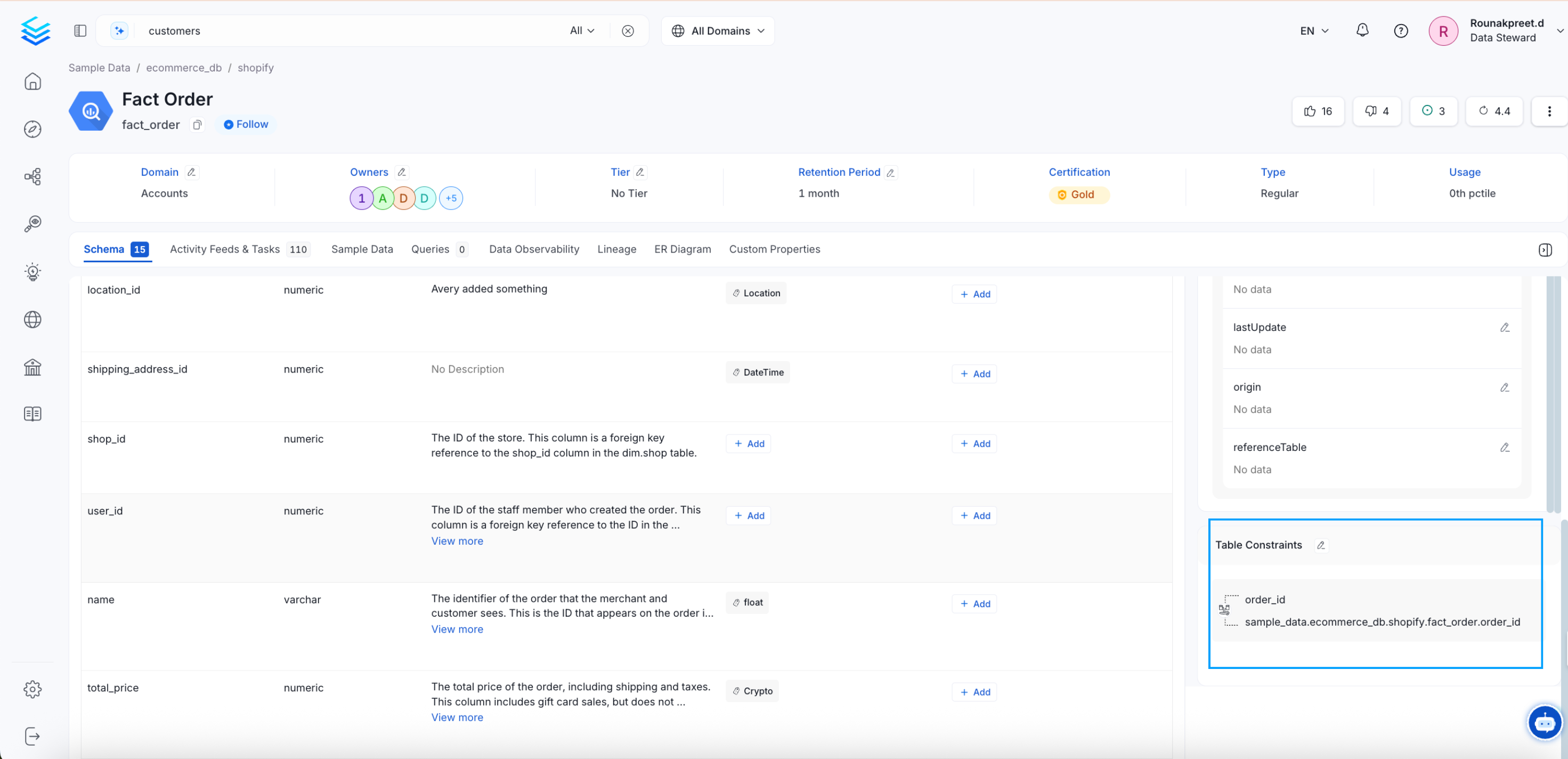
Modify Constraints:
- Edit the table constraint as required.