
Get a Quick Glance of the Data Assets
For the each of the data assets displayed in the Explore page, some basic information is displayed on the data asset card. Users can view the Source, Name of the Data Asset, Description, Owner (Team/User details), Tier, and Usage information for each data asset.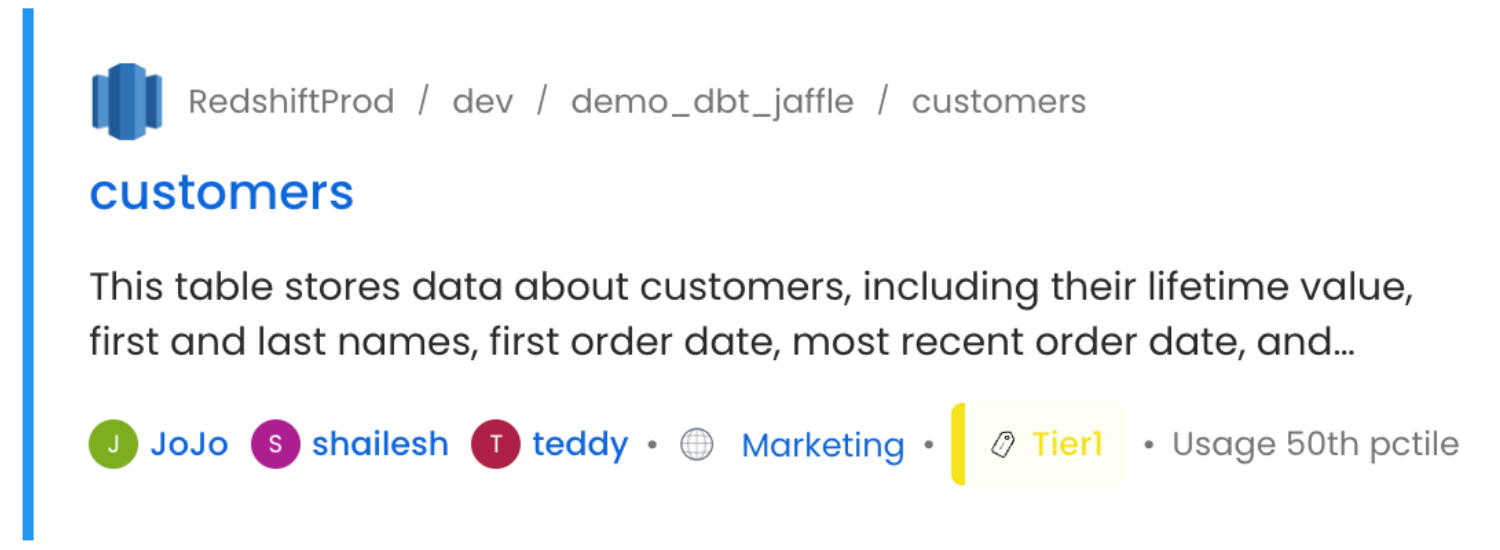
Preview based on the Data Asset Type
Based on the type of data asset (Table, Topic, Dashboard, Pipeline, ML Model, Container, Glossary, Tag), the quick preview provides information. For example, the type of table, the number of queries, and columns are displayed fortables.
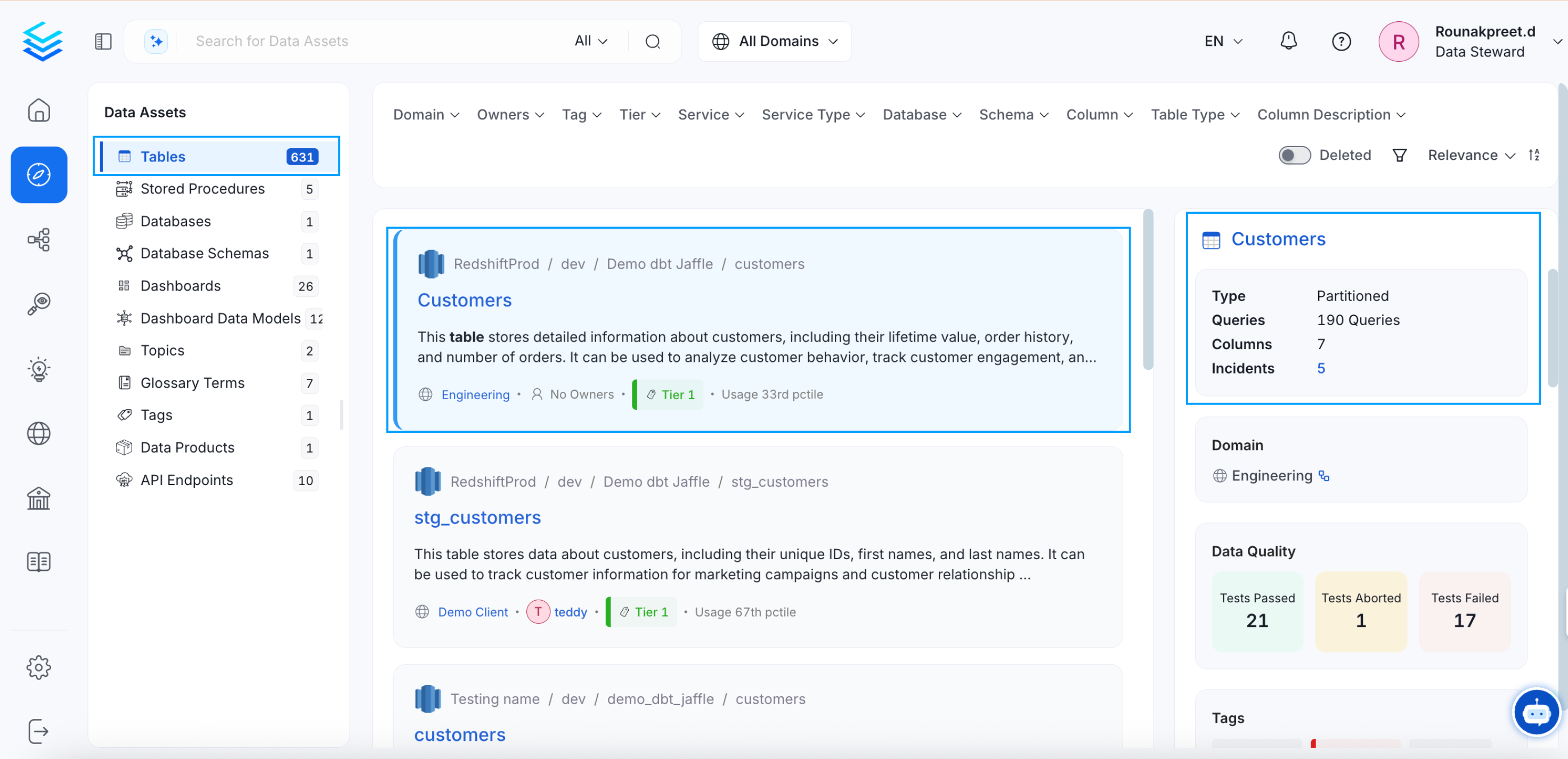
topics.
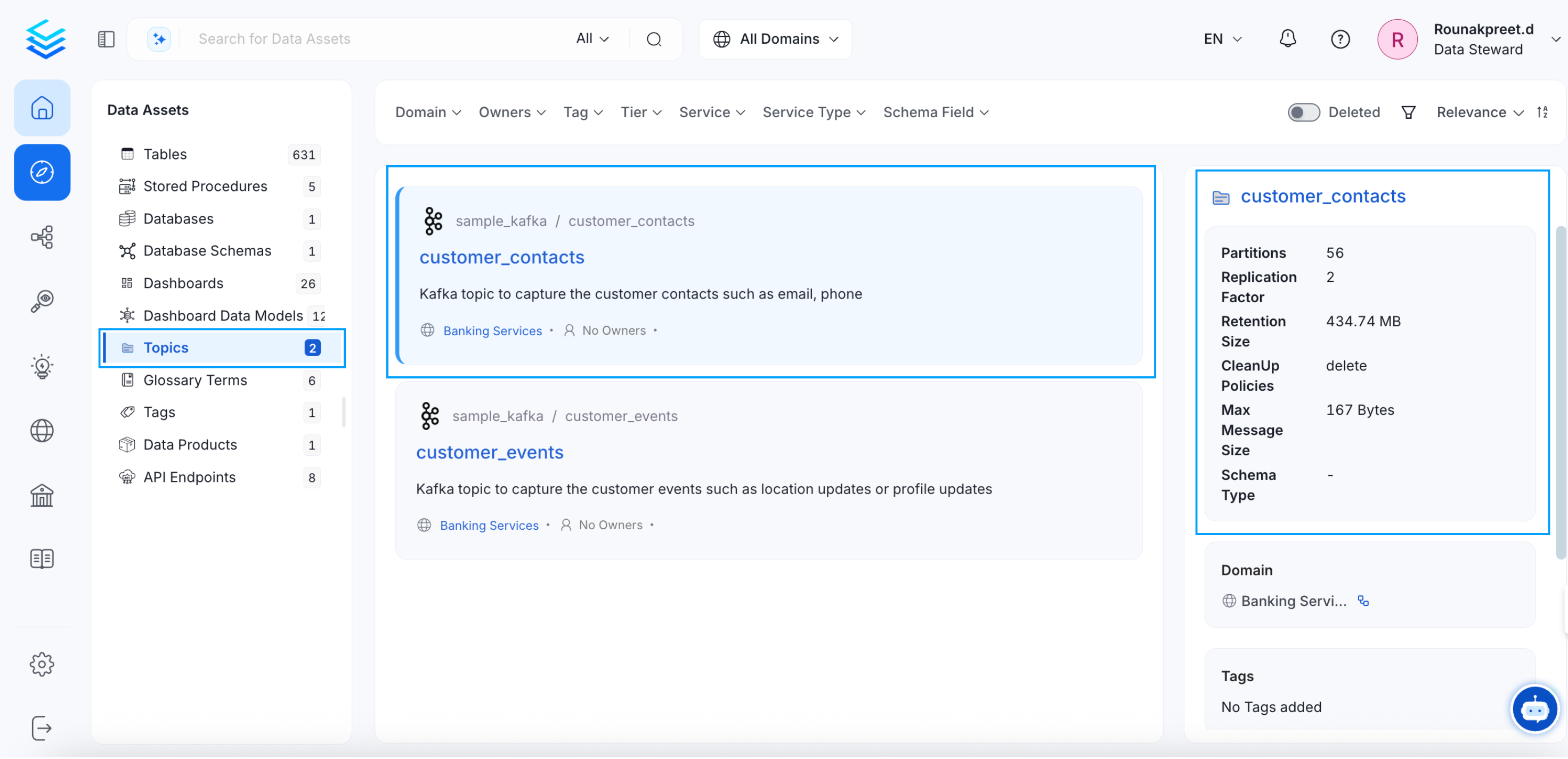
ML Models, it displays the Algorithm, Target, Server, and Dashboard.
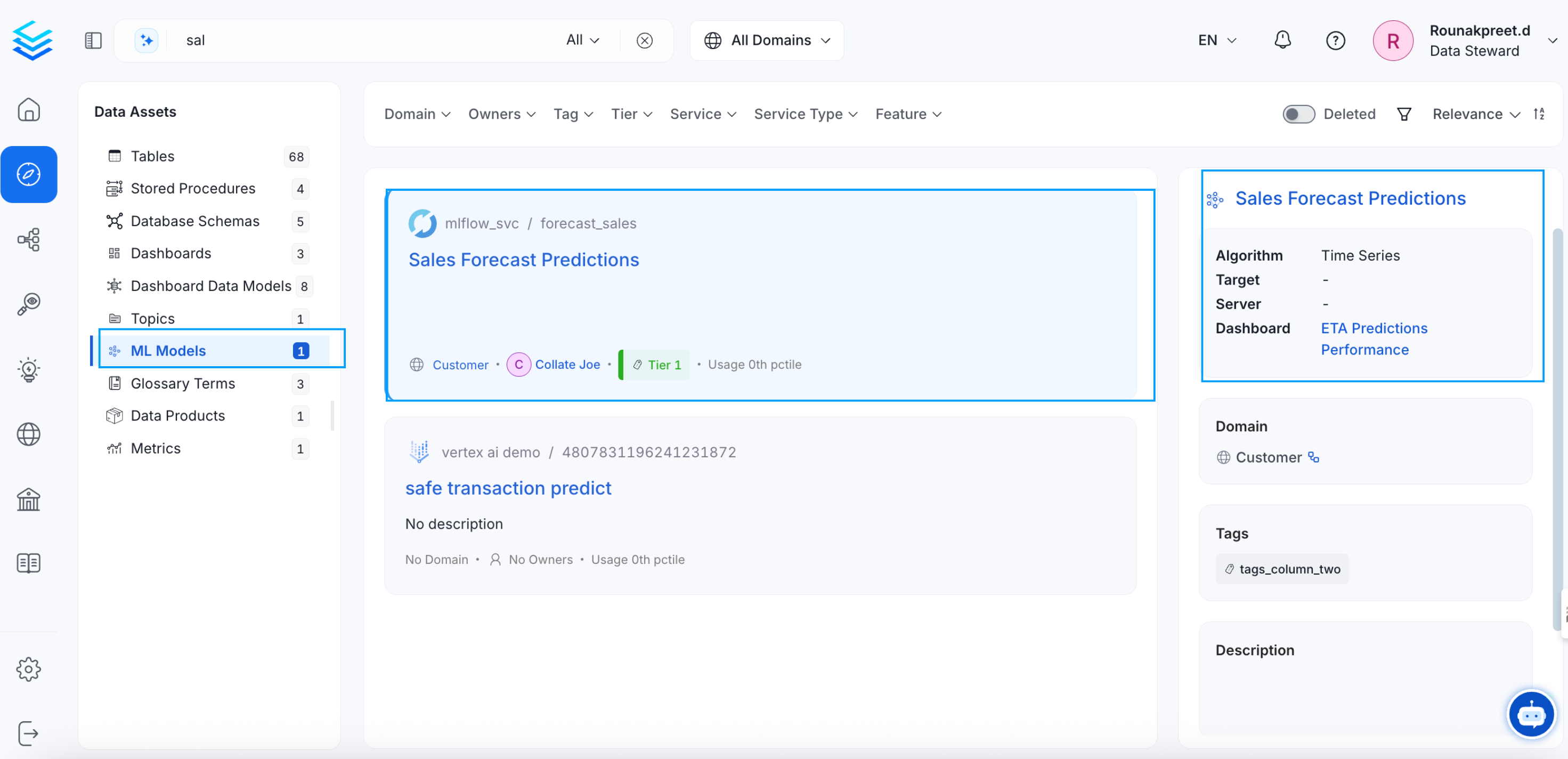
glossary preview displays the Reviewers, Synonyms, and Children.
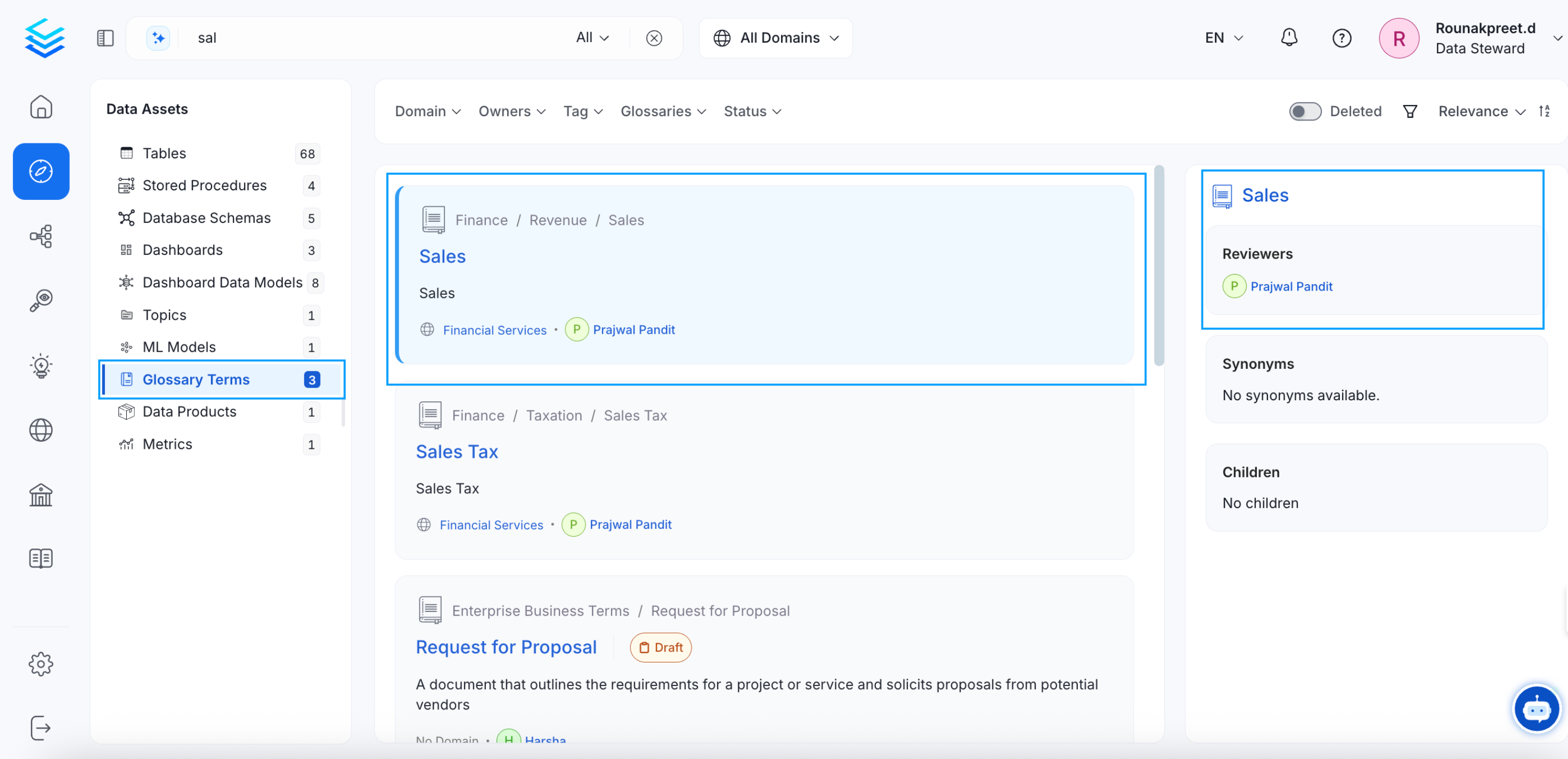
dashboards, and pipelines, it displays the Dashboard URL and Pipeline URL respectively. For containers, the Objects, Service Type, and Columns are displayed. The tag preview displays the Usage of the tags.
Data Quality and Profiler Metrics
The data quality and profiler metrics displays the details on the Tests Passed, Aborted, and Failed.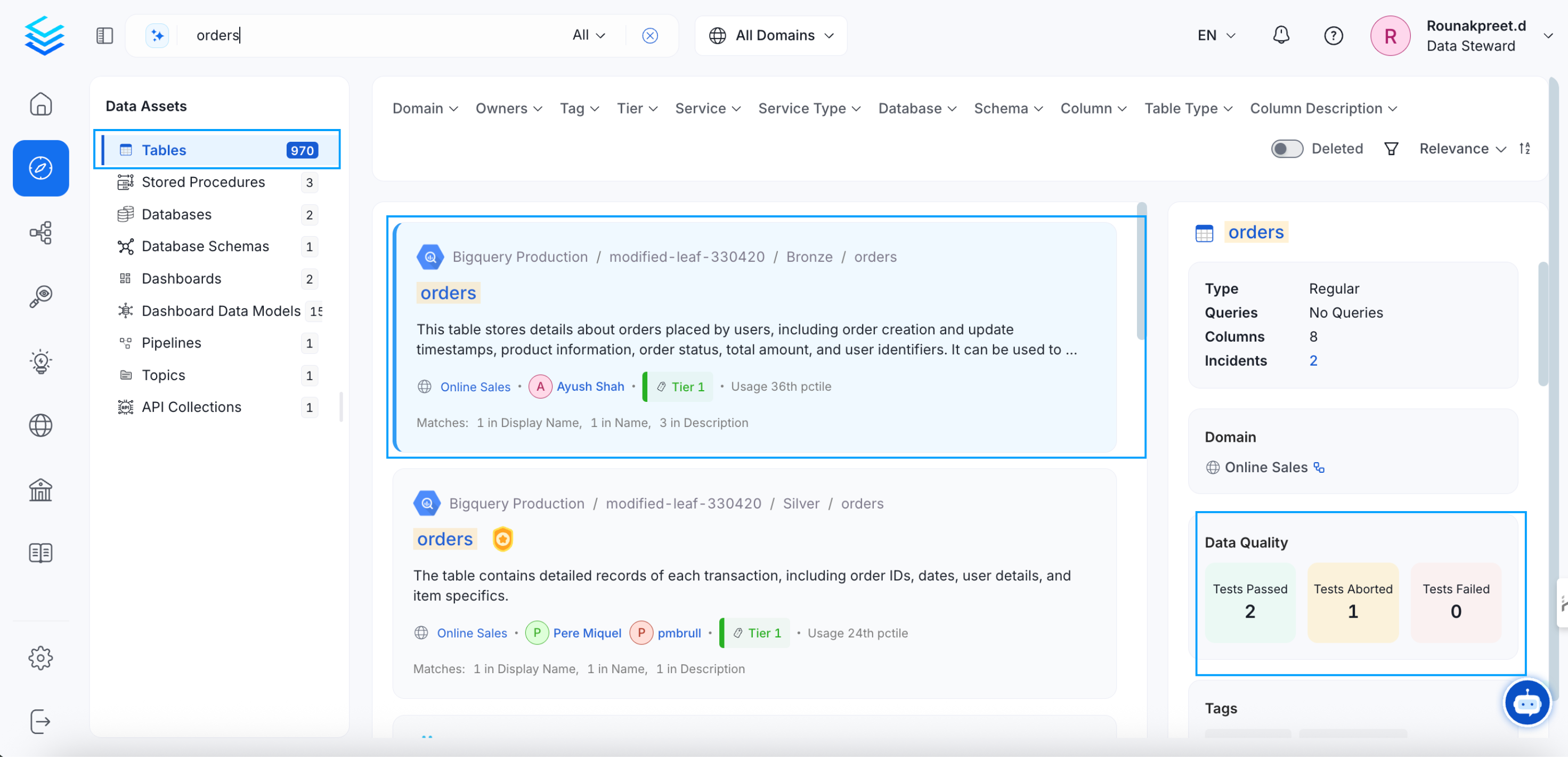
Tags
Users can view all the tags associated with a particular data asset.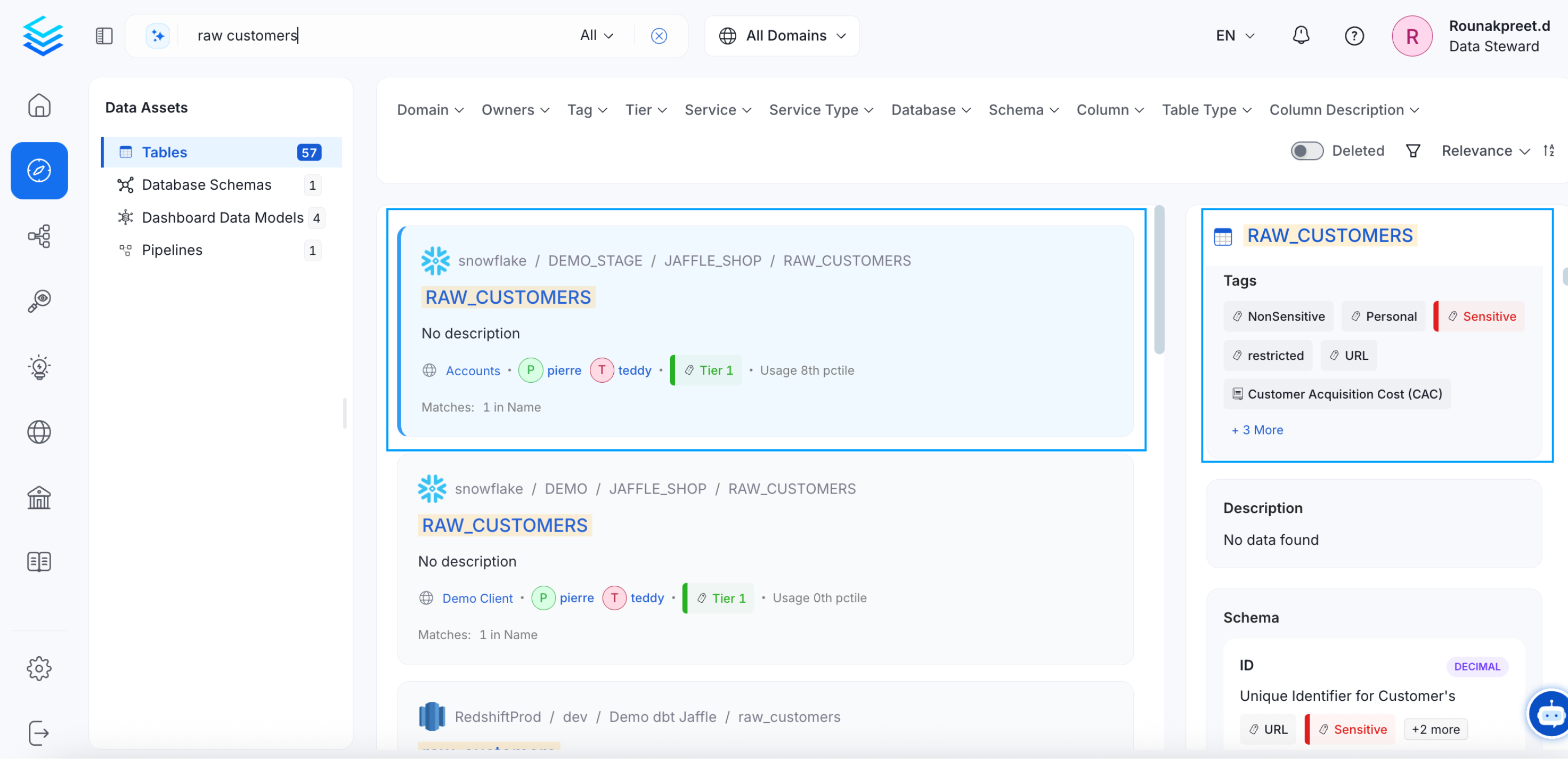
Schema
The Schema provides the details on the column names, type of column, and column description.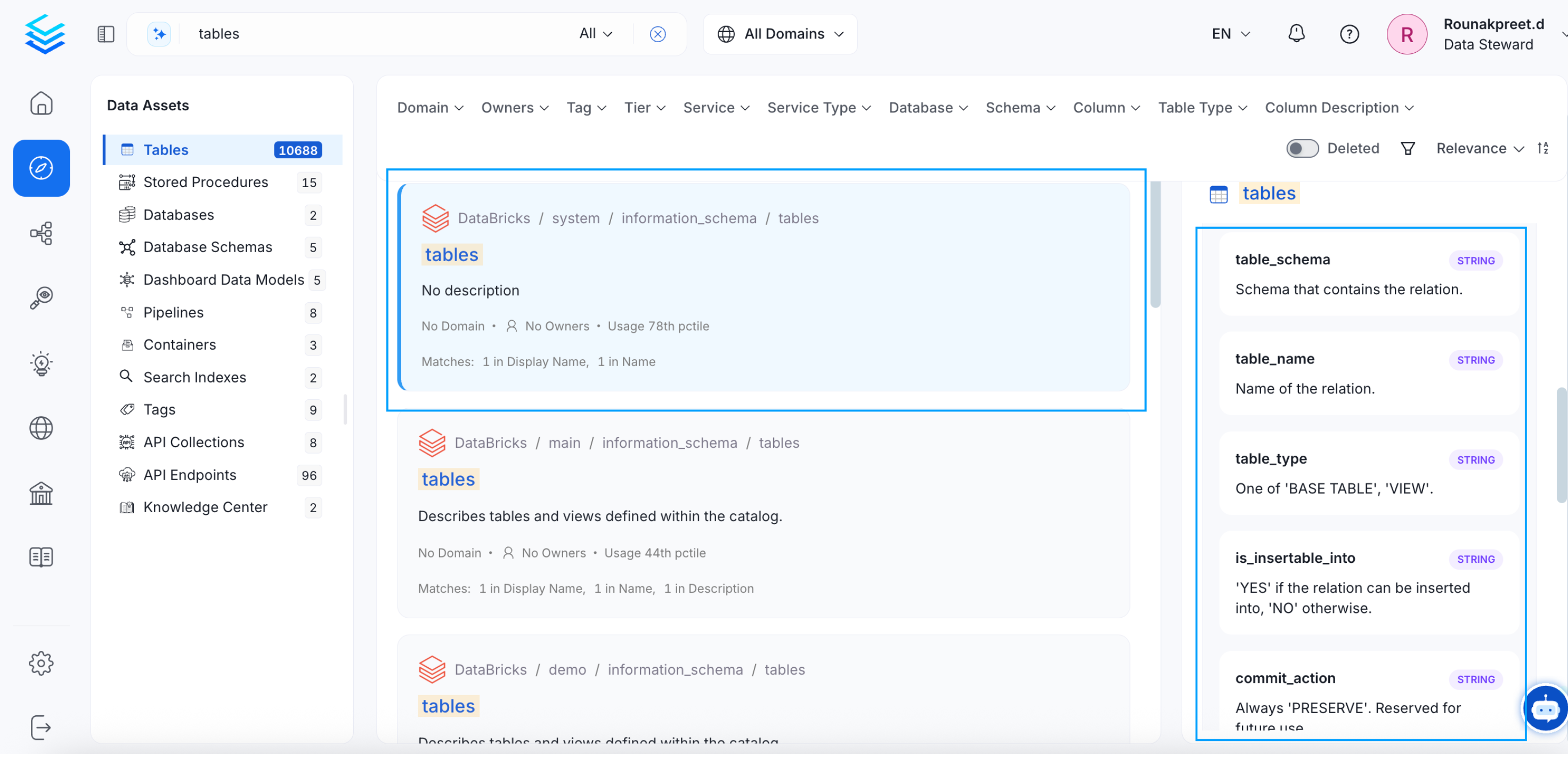
Data Asset Details
Get a holistic view of the data assets.