
Auth0 SSO
Follow the sections in this guide to set up Auth0 SSO.Create Server Credentials
Step 1: Create the Account
- If you don’t have an account, Sign up to create one.
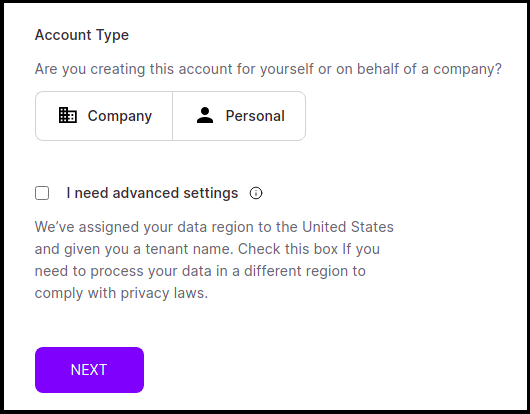
- Select the Account Type, i.e., Company or Personal
- Click I need advanced settings and click next.
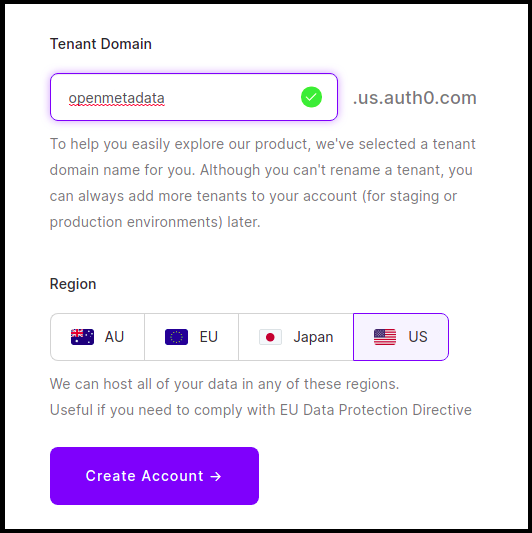
- Provide the Tenant Domain, select the region and click on Create Account.
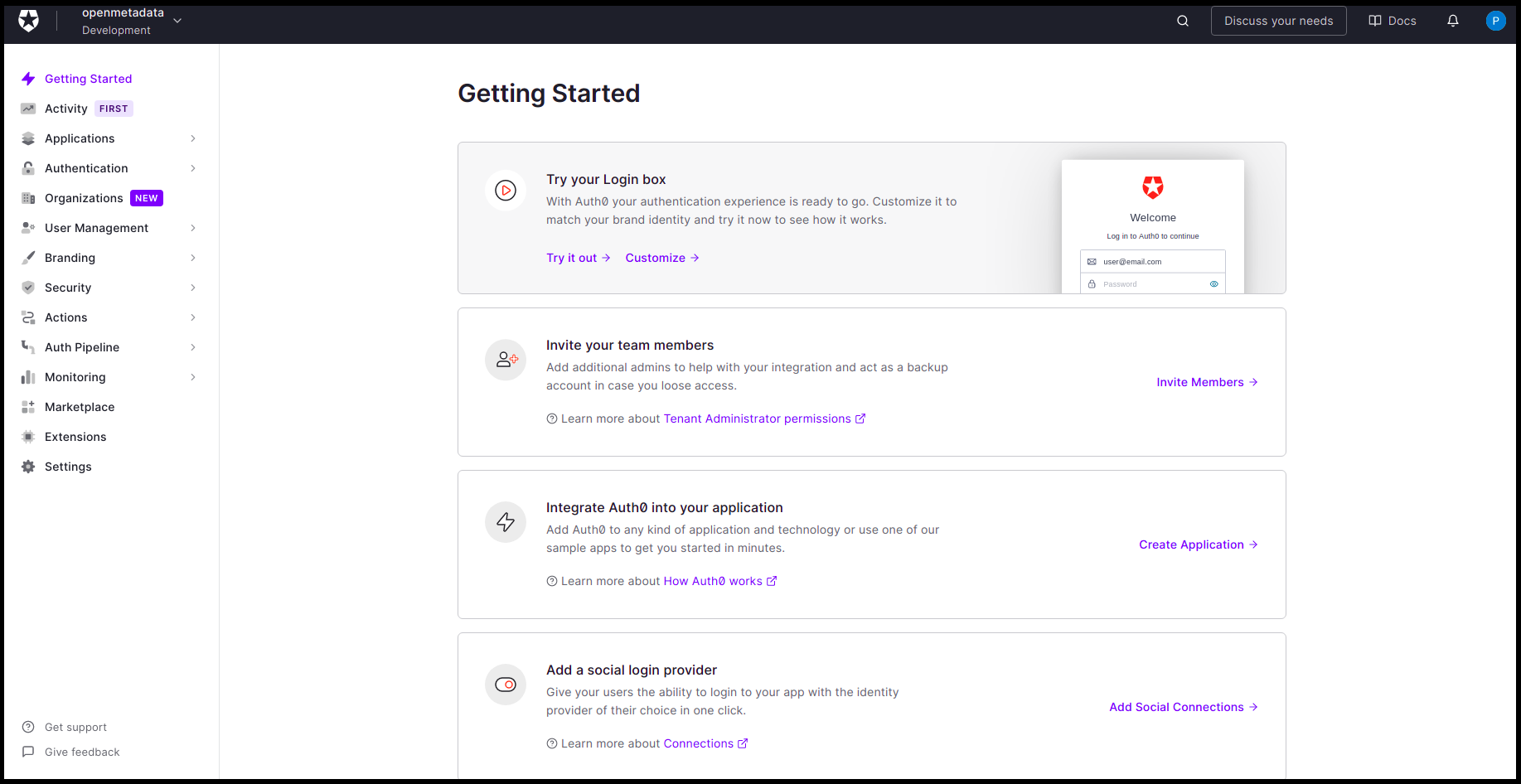
- Once done, you will land on the dashboard page.
Step 2: Create Server Credentials
Choose Your Authentication Flow
After creating the account, choose the authentication flow you want to use:- Implicit Flow (Public)
- Auth Code Flow (Confidential)