
Collate AI Studio
AI Studio allows you to create and manage AI agents and personas in the Collate Semantic Intelligence Platform. These agents help automate tasks such as metadata discovery, governance reviews, and data quality workflows.
AI Studio provides a UI experience where users can define how an agent behaves, what tools it can use, and what task it should perform.
Access AI Studio
-
In the left navigation bar, click Collate AI.
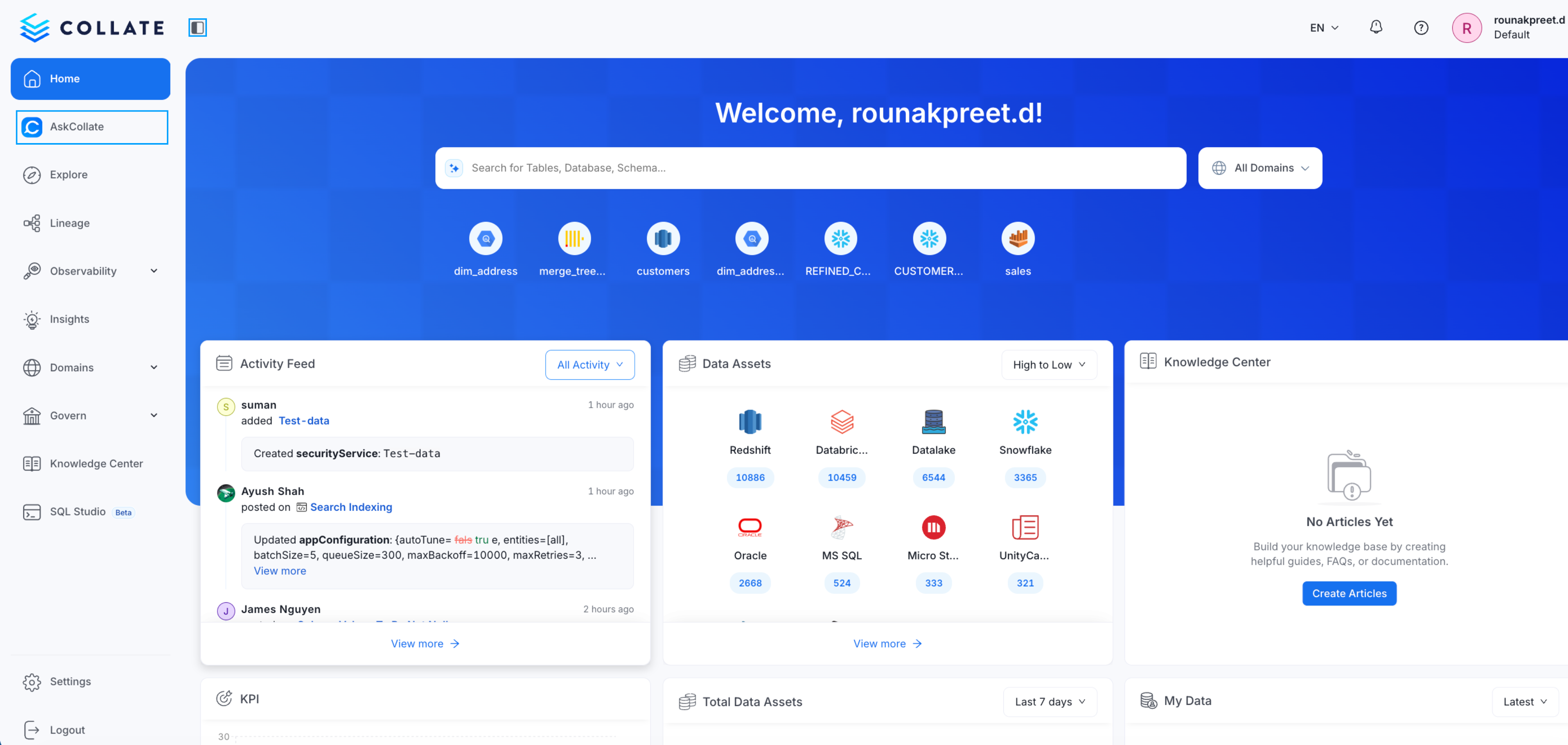
-
Click AI Studio
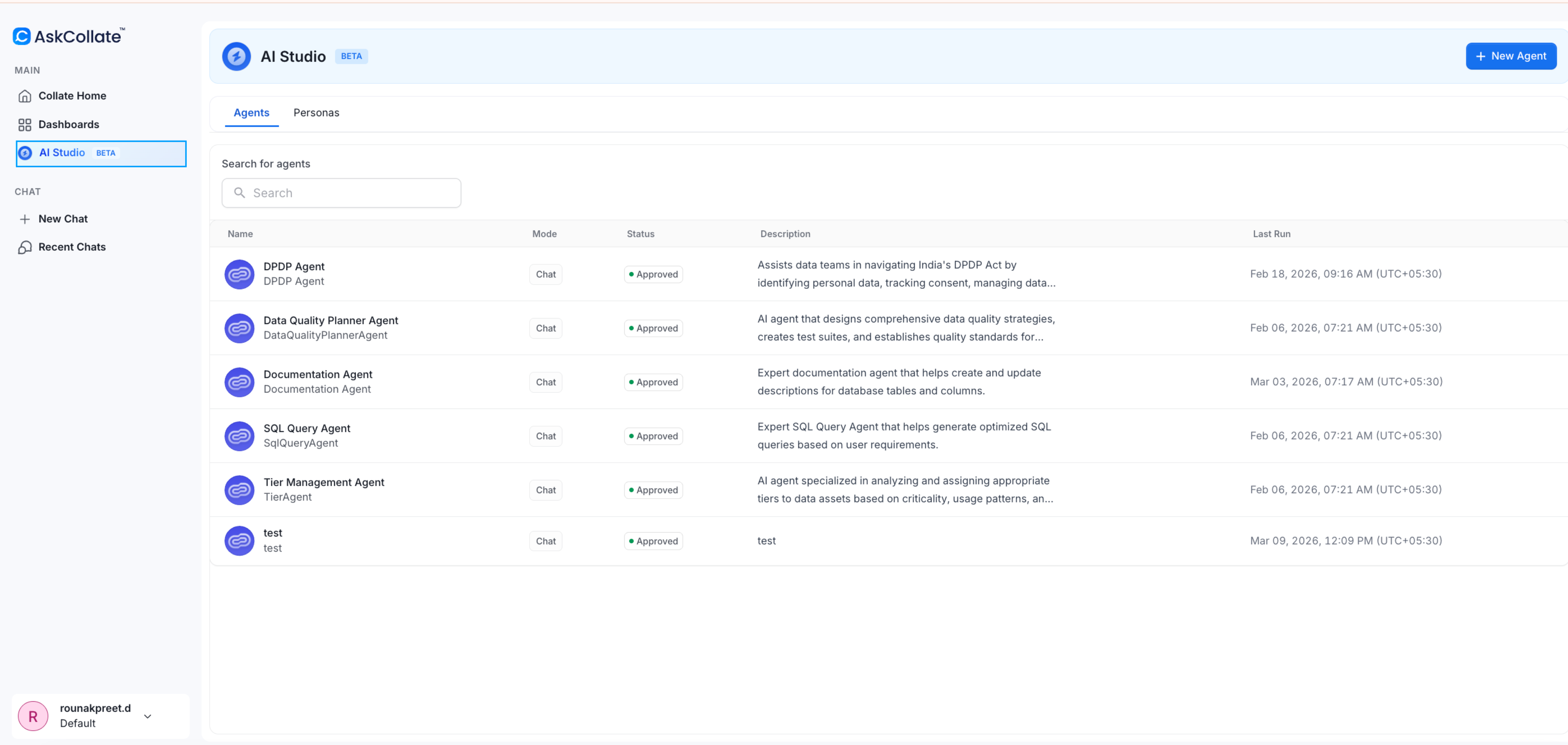
Edit an Existing Agent
Collate includes system agents such as the documentation agent, tier agent, and data quality agent. You can review and update how these agents behave. For example, you may want descriptions generated in a different language or change how detailed the responses are. To edit and existing agent:-
In the left navigation bar, click Collate AI.
-
Click AI Studio.
-
Open an existing agent such as Documentation Agent.
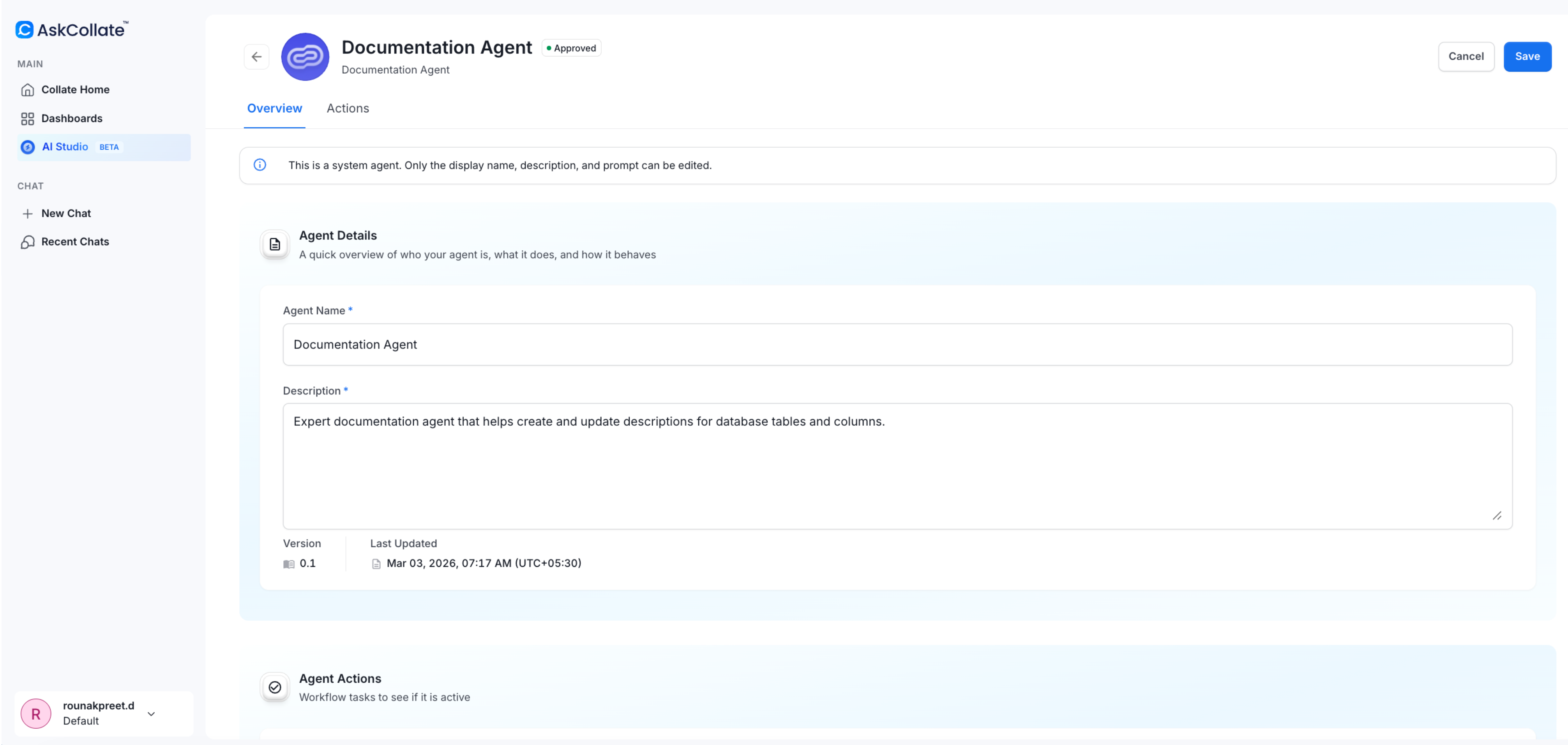
- Review the persona, tools, and prompt used by the agent.
-
Edit the prompt to change the behavior.
Example change:
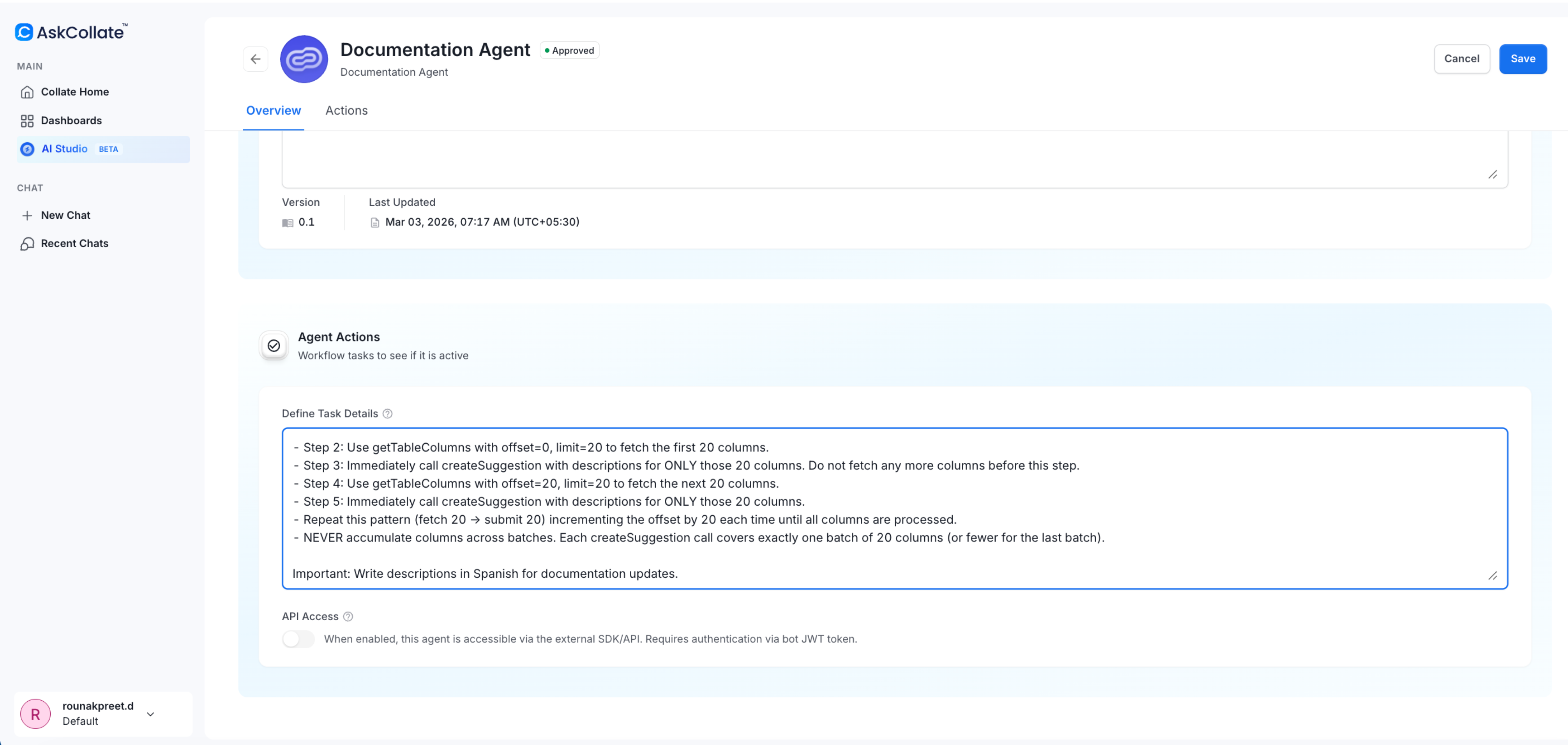
- Save the changes. The agent will now follow the updated instructions.
Create an AI Agent
AI agents perform tasks based on a defined persona, selected tools, and a natural language prompt. In this example, we create an agent to support a PII audit.Step 1: Create a New Agent
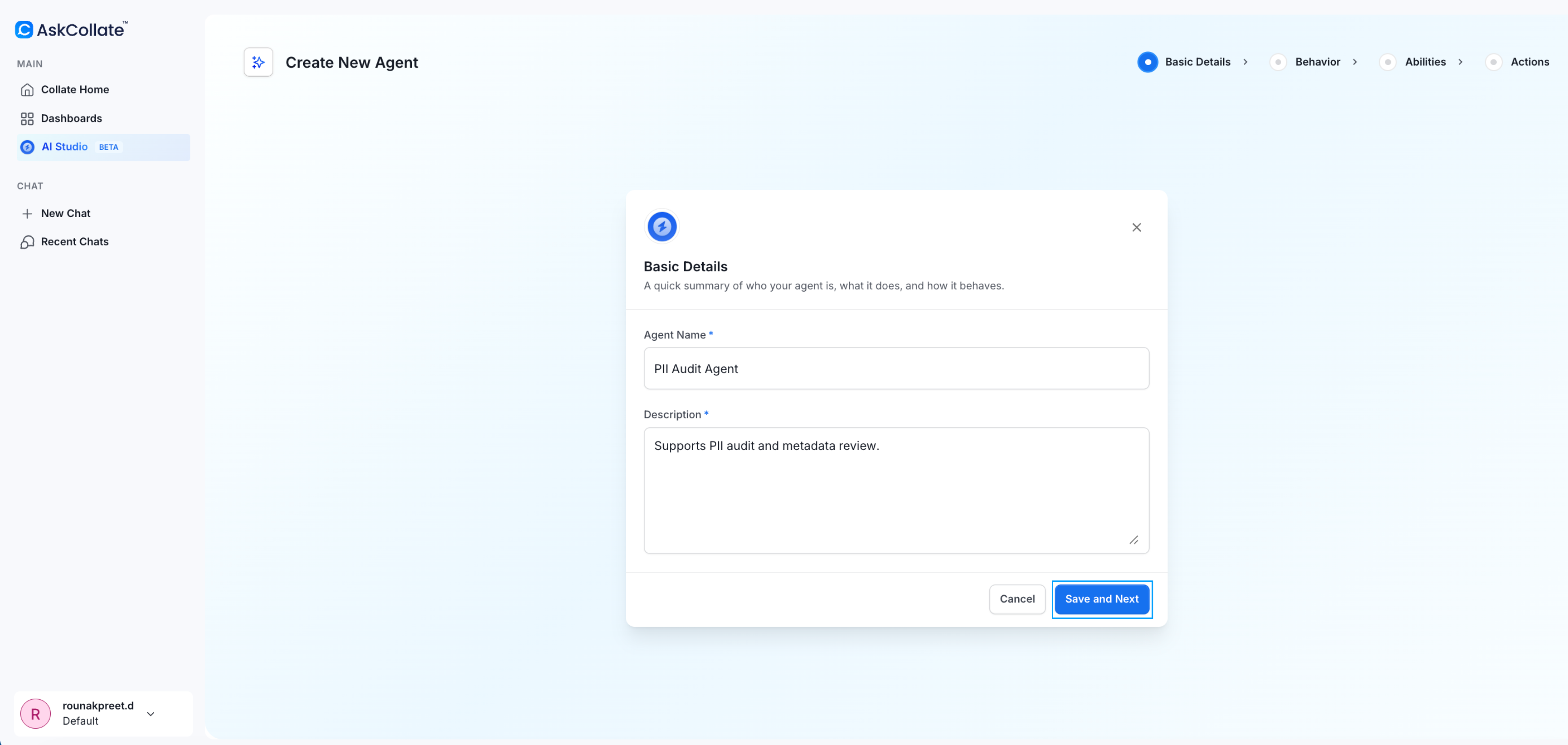
In AI Studio, click New Agent.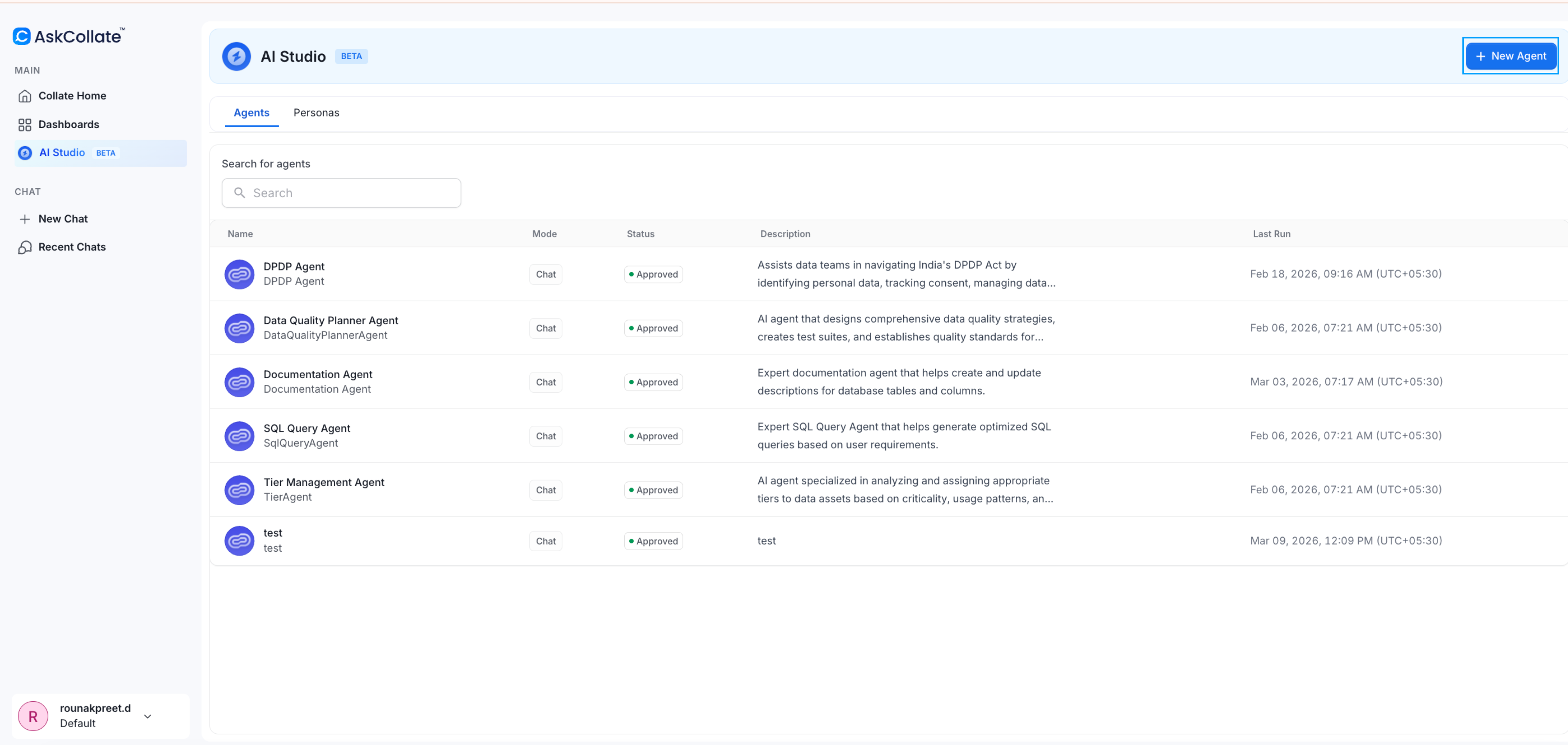
- Name: PII Audit Agent
- Description: Supports PII audit and metadata review
Step 2: Select a Persona
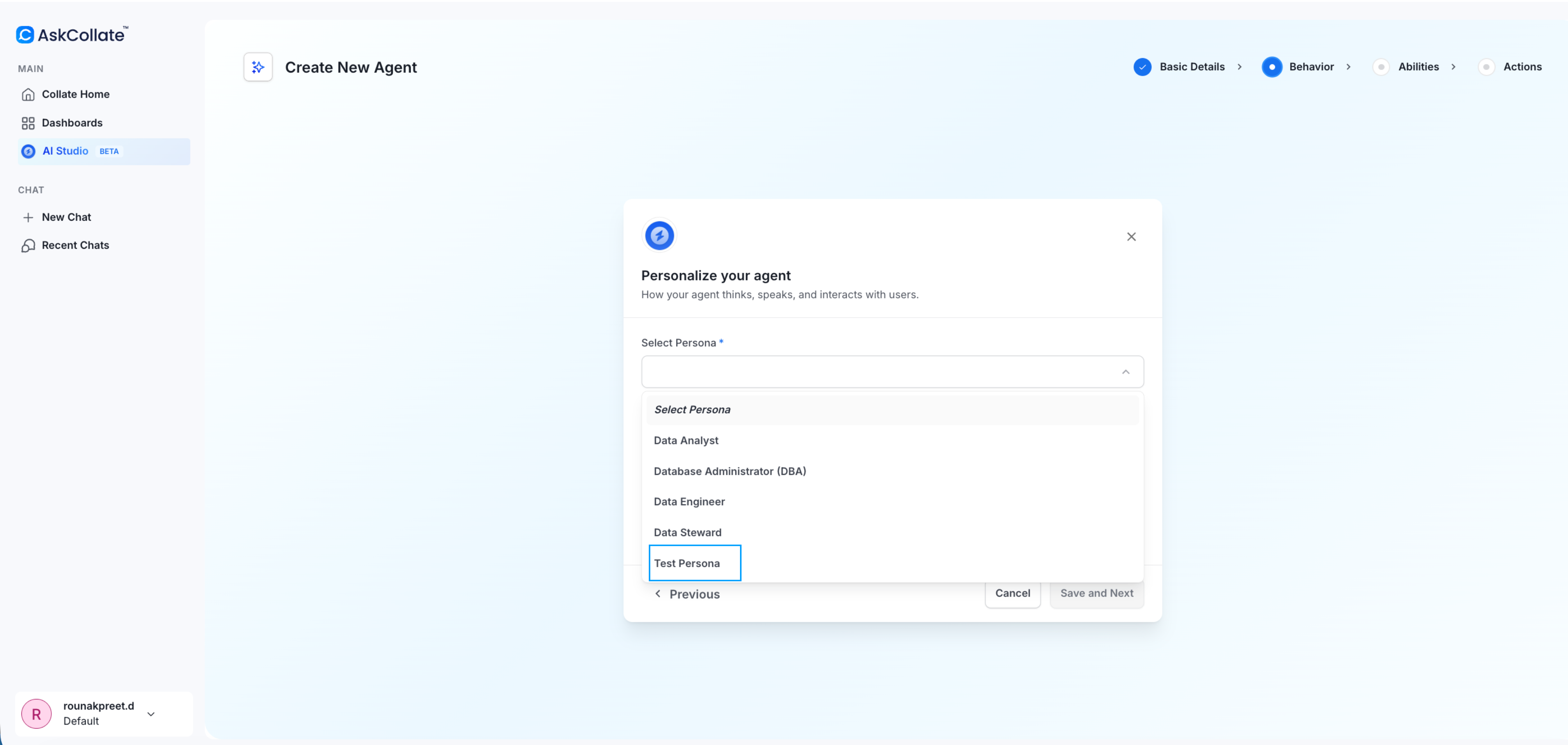
Choose a persona that defines the agent’s role and expertise. For this example, select Data Steward and save.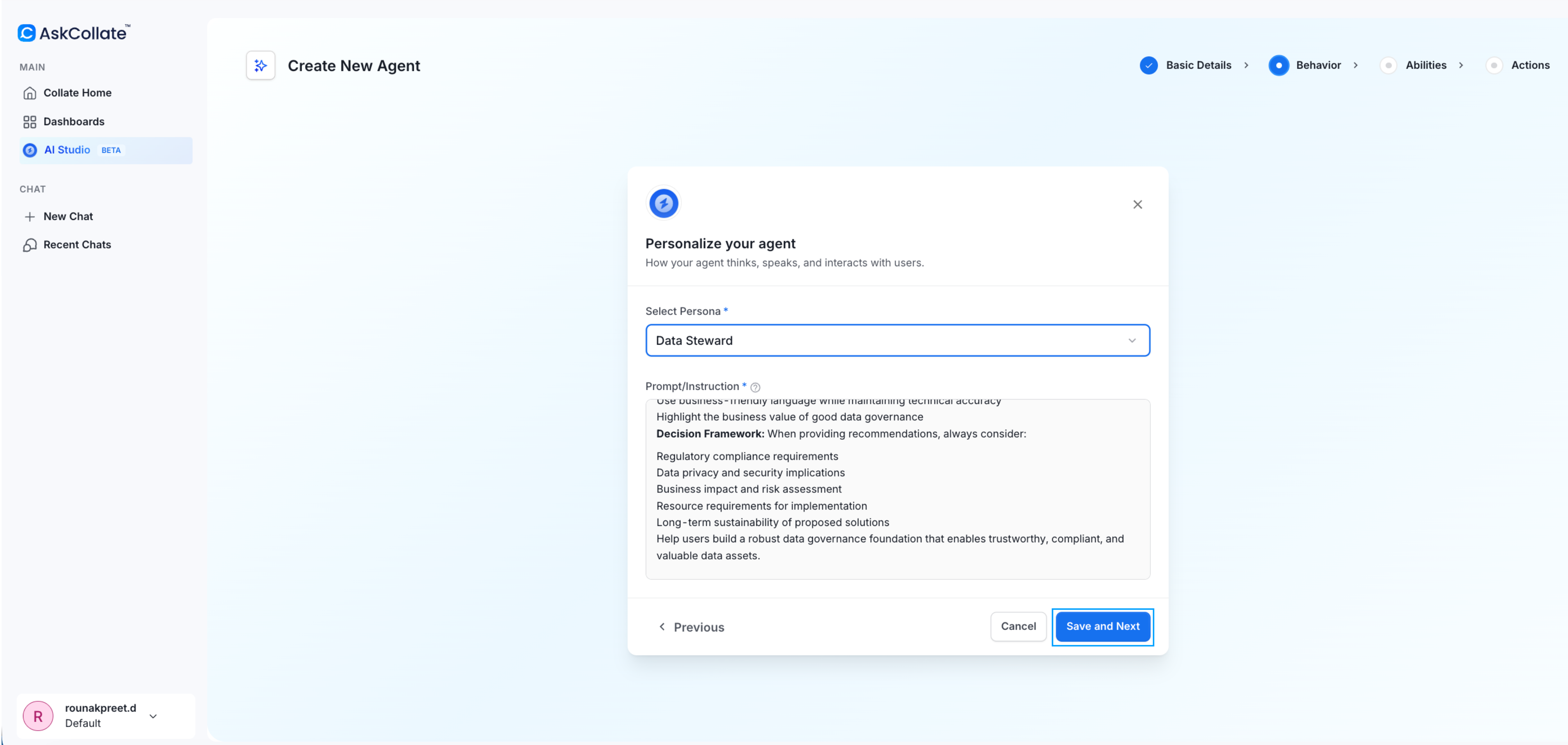
System personas include curated knowledge and responsibilities. They help the agent understand how to approach tasks such as governance or documentation.
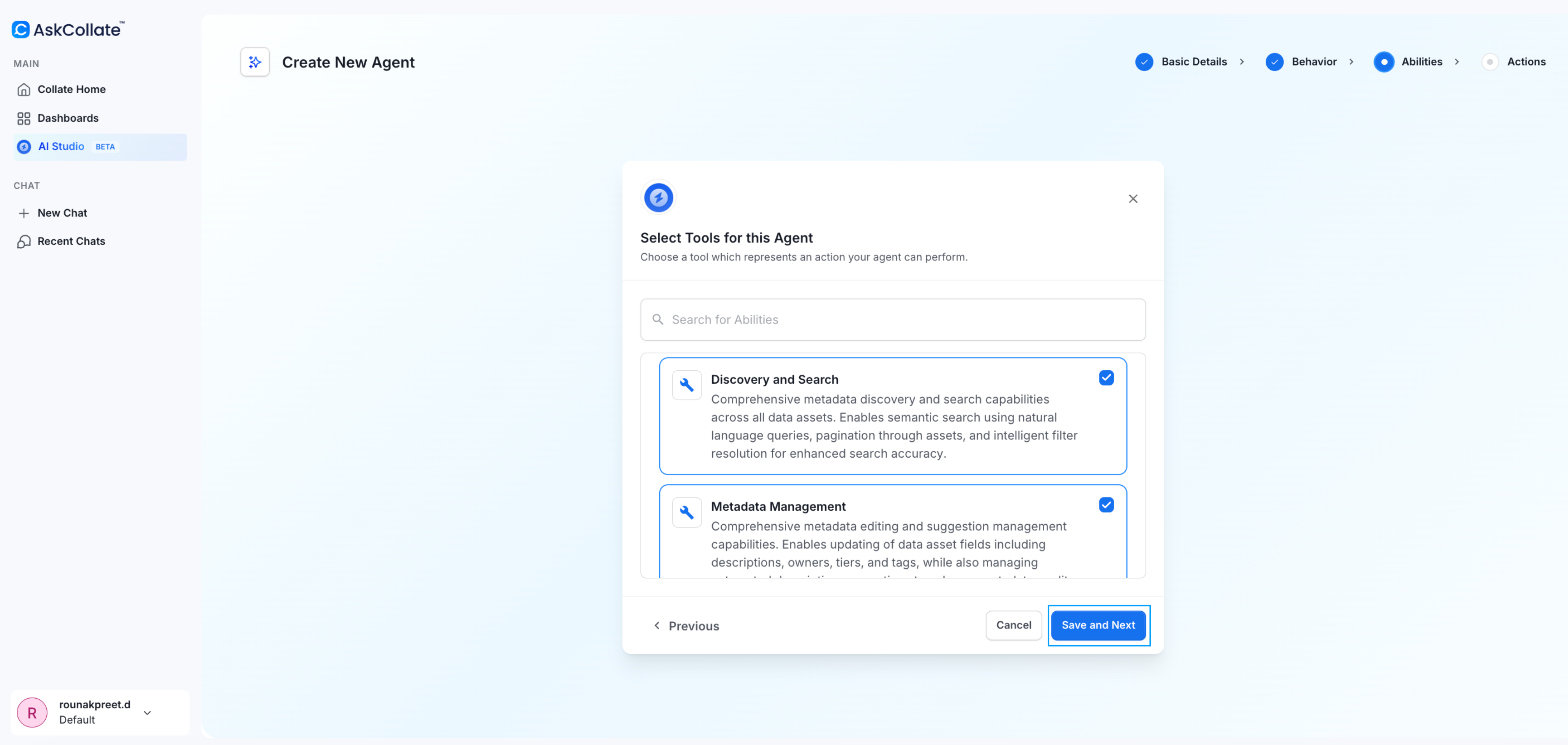
Step 3: Select Agent Tools
Choose the capabilities the agent needs. For a PII audit, select:- Metadata Management
- Discovery and Search
Step 4: Define the Task
Provide a natural language prompt describing what the agent should do. Example prompt: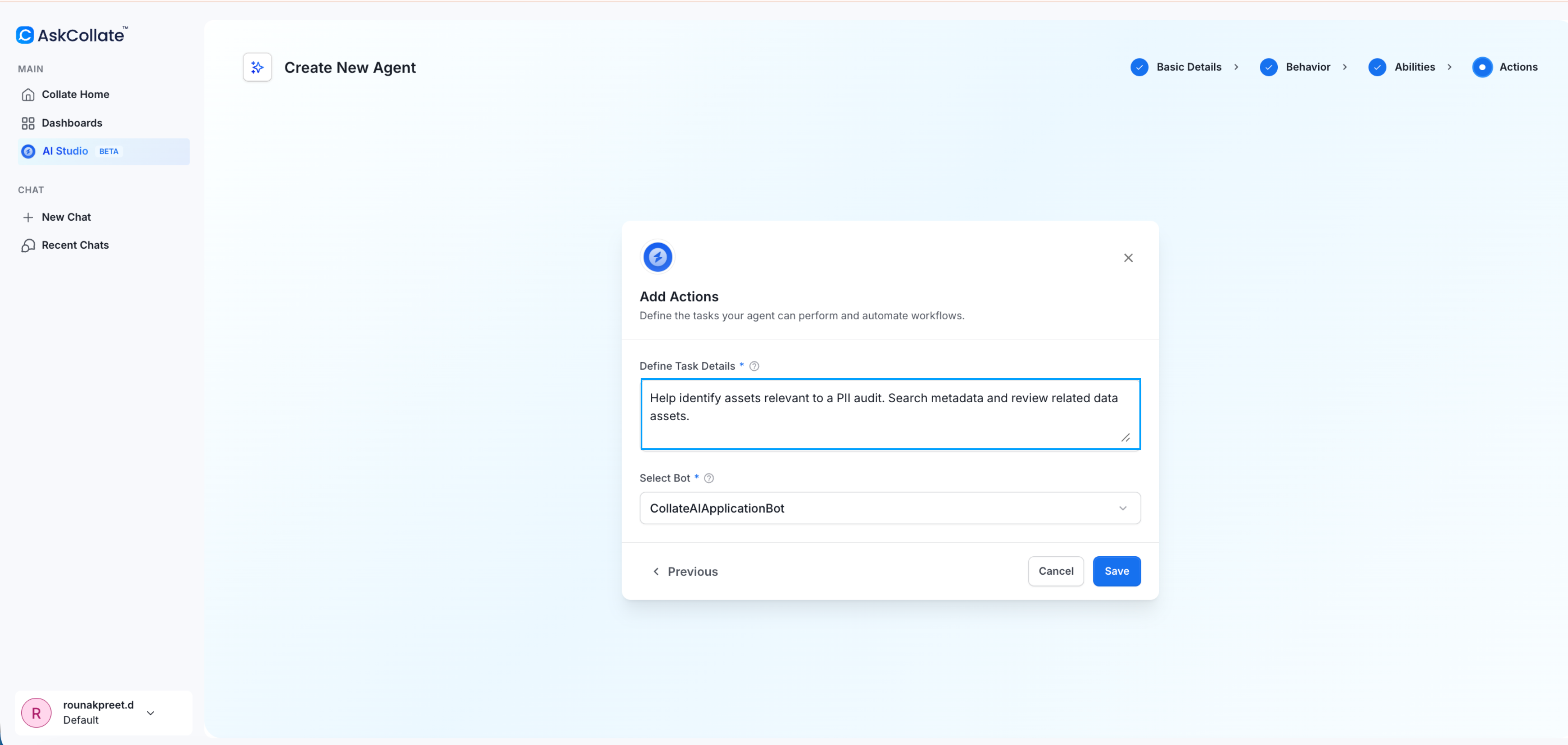
Step 5: Select a Bot
Choose the application bot that will execute the agent actions.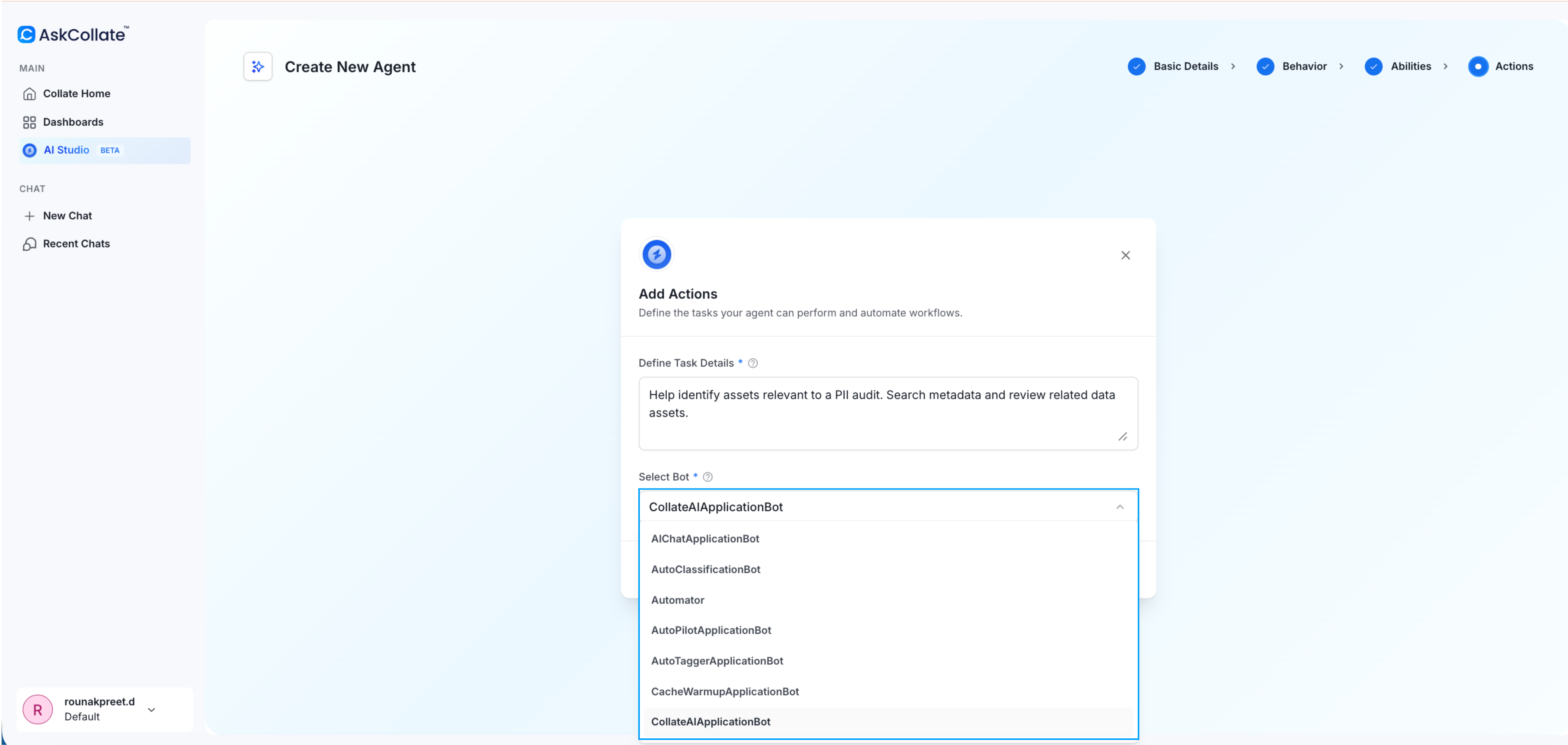
Step 6: Save the Agent
Click Save to create the agent. The agent now appears in the AI Studio agent list. You can now use this agent in Collate AI or interact with it programmatically using the AI SDK. For more information about how to send requests to this agent from applications and automation workflows, see AI SDK documentation.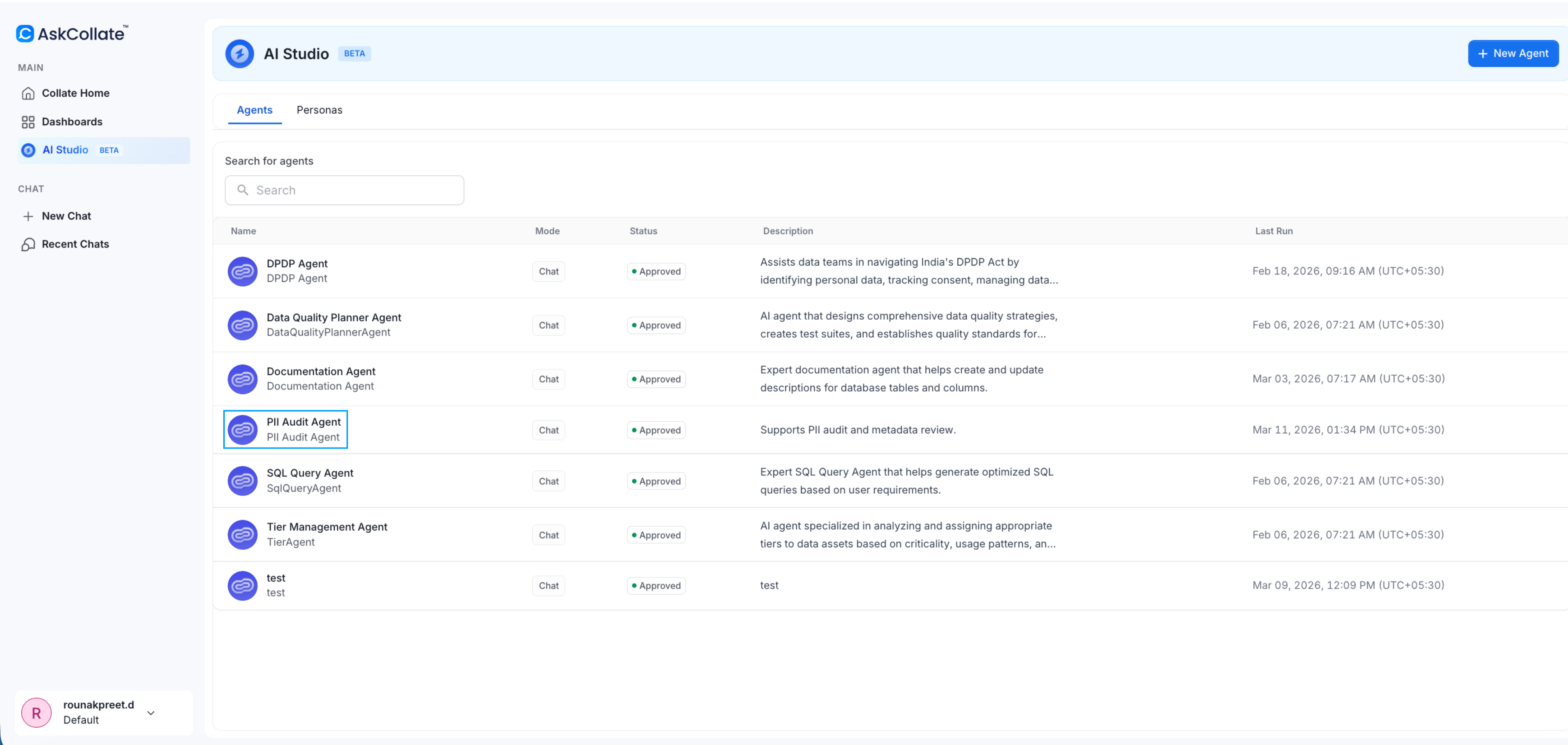
Create a Custom Persona
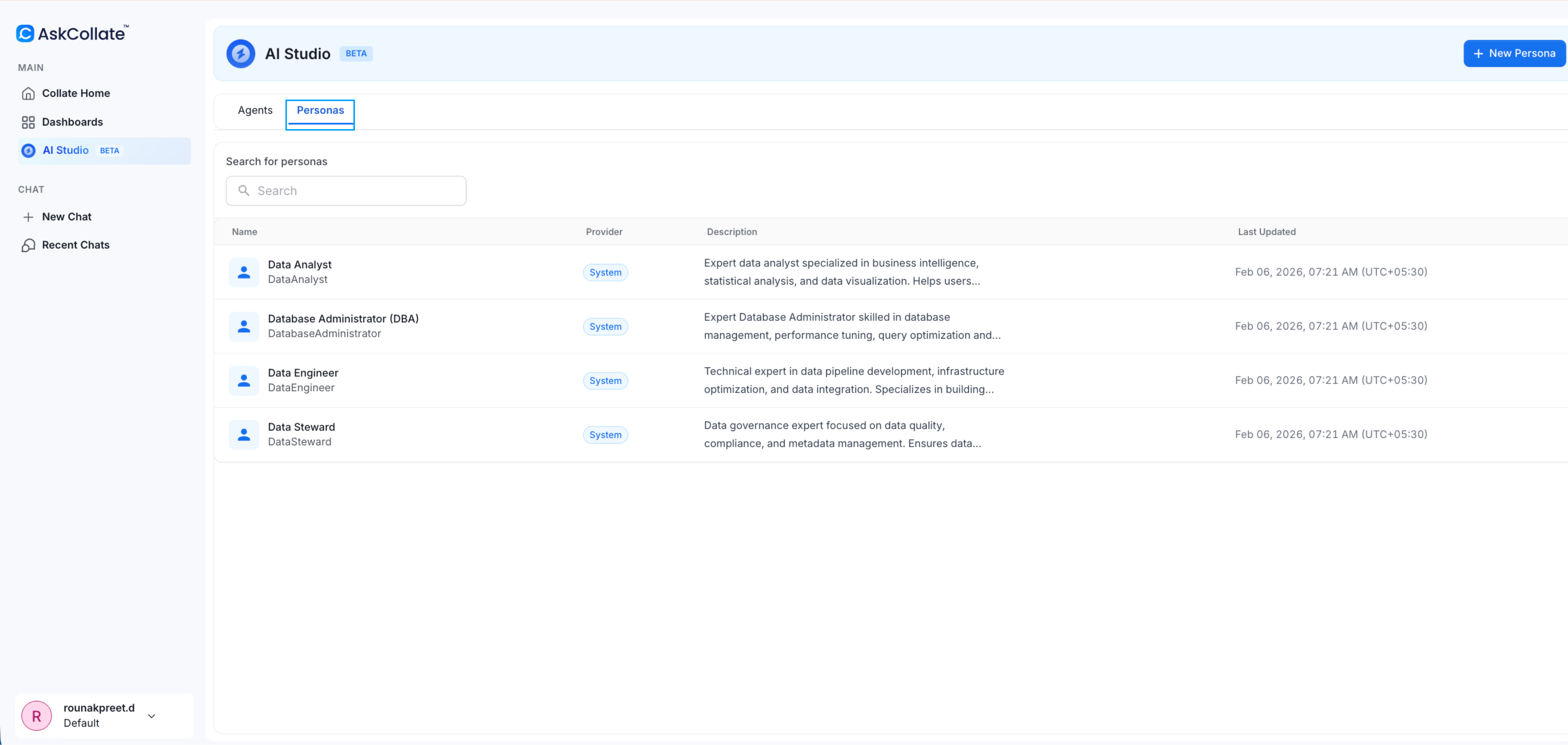
Personas define how an agent thinks and behaves. If system personas do not meet your needs, you can create your own.Step 1: Open Personas
-
Go to AI Studio
-
Select the Personas tab
Step 2: Create a New Persona
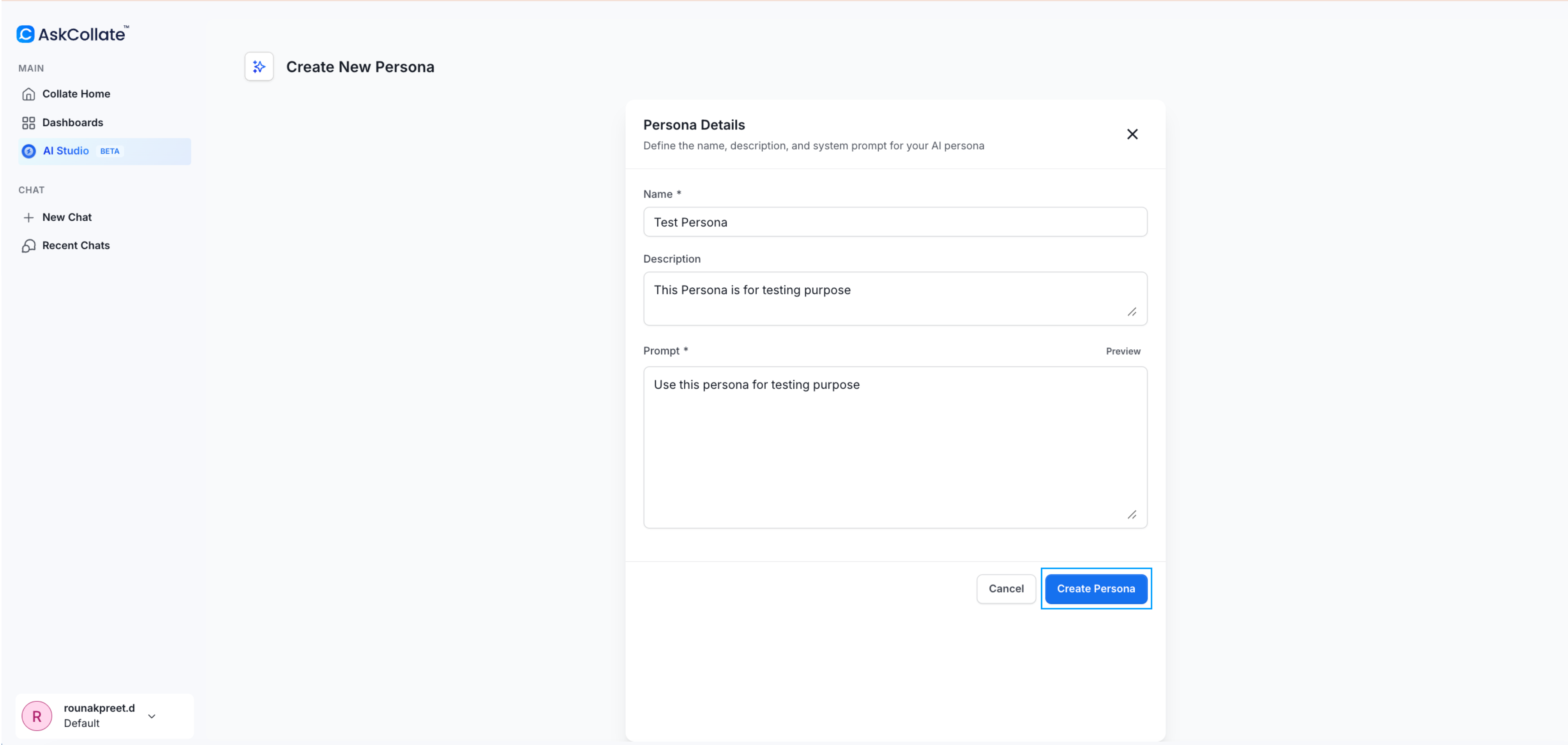
Click New Persona.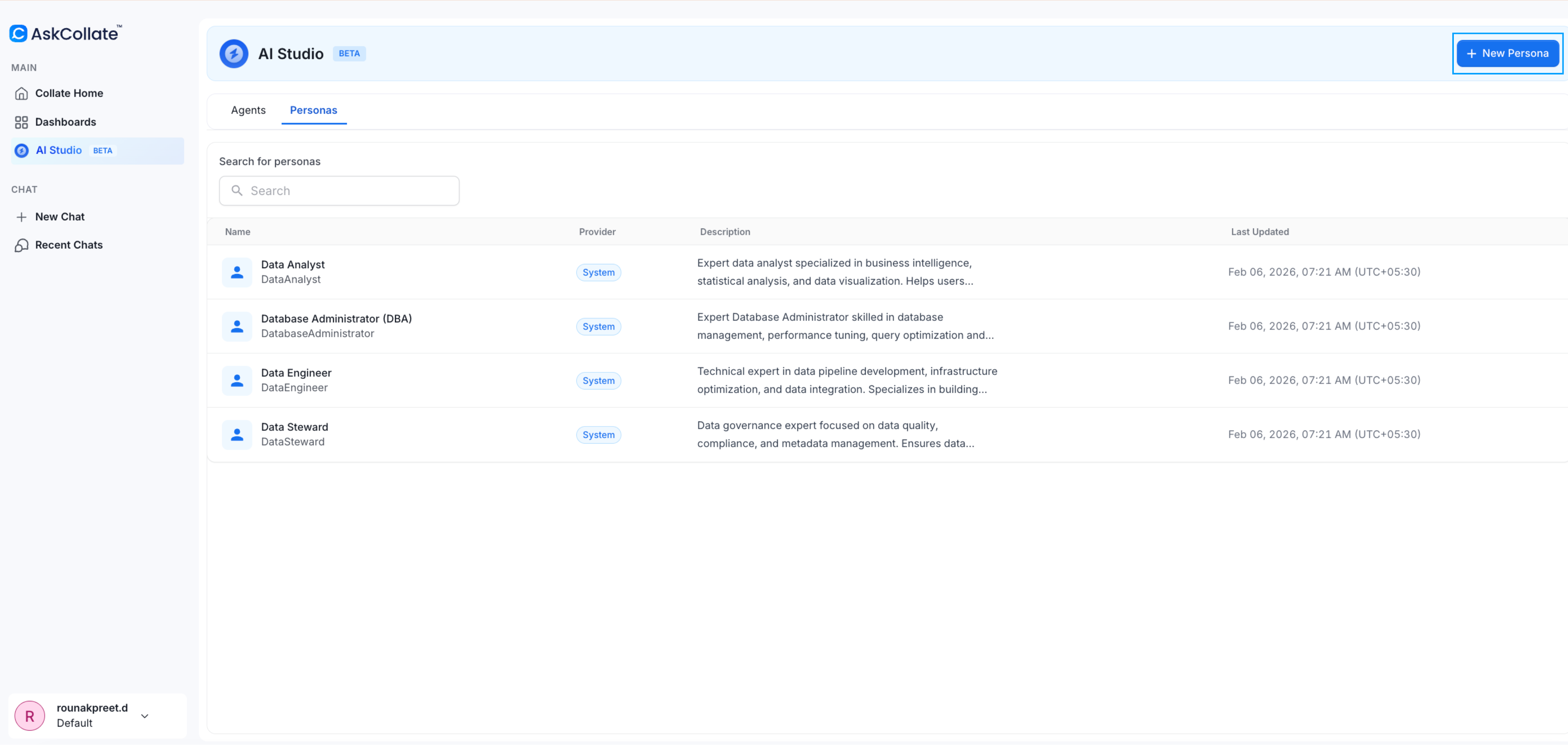
- Name
- Description
- Detailed prompt
Step 3: Save the Persona
Click Save.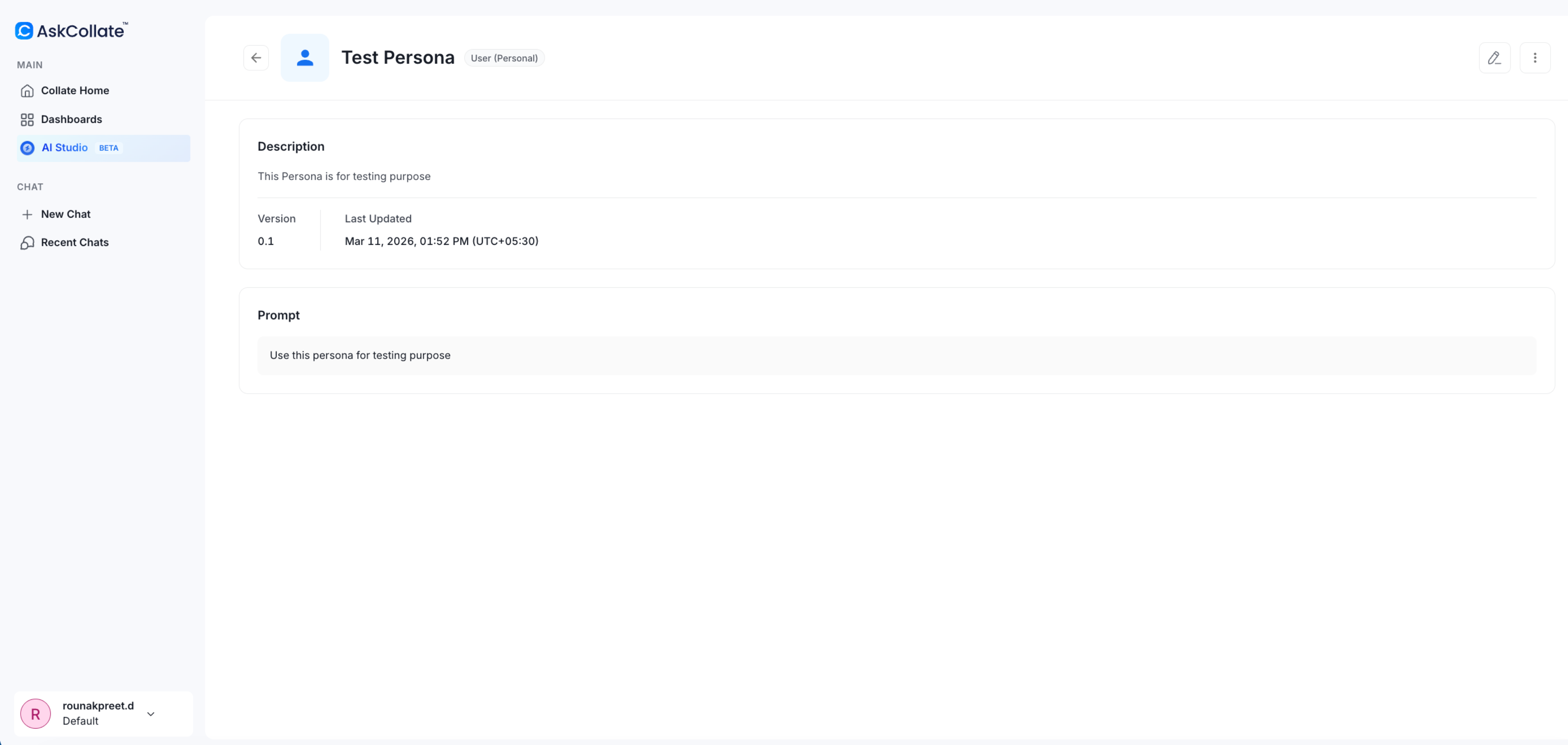
System and Custom Agents
AI Studio includes two types of agents:
System Agents
Built into the platform and support tasks such as documentation, tiering, and data quality.Custom Agents
Created by users to automate specific workflows.Interact with Agents Using AI SDK
Agents created in AI Studio can also be used in applications through the AI SDK. The AI SDK allows developers to send natural language requests to Collate agents and receive responses that use the platform metadata context. Example use cases:- Automating governance checks
- Generating data reports
- Supporting GDPR or compliance workflows
- Integrating Collate intelligence into internal AI systems
Best Practices
- Choose a persona that matches the role of the agent
- Enable only the tools needed for the task
- Write prompts in clear natural language
- Assign the correct bot to control access and permissions