Root Cause Analysis
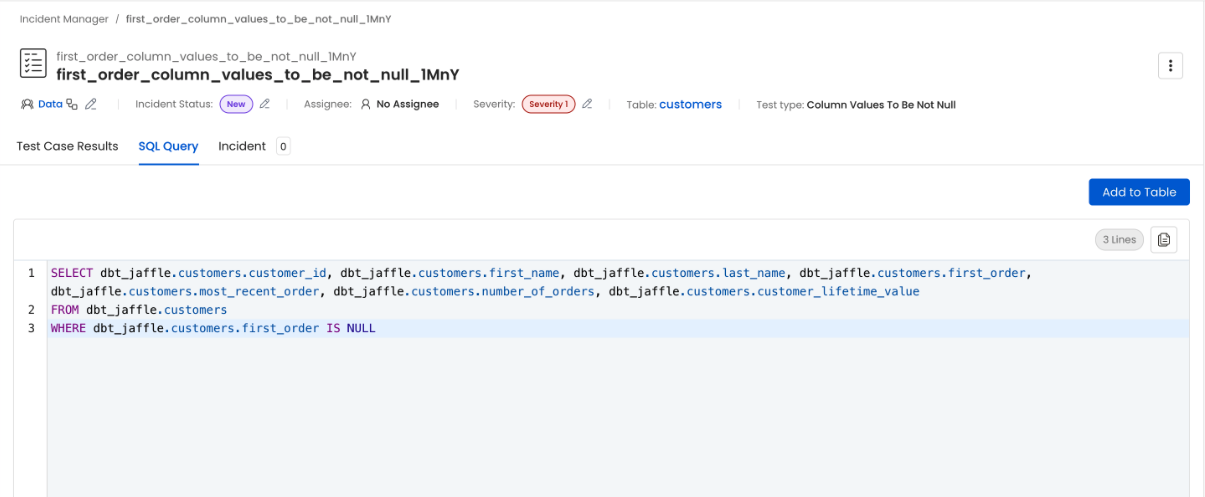
Collate provides two tools to help you identify the root cause of a test failure: failed row samples and inspection queries.Failed Rows Sample
Some tests produce a failed row sample when they fail. This helps you understand what caused the failure and take corrective action. The failed sample is a subset of the rows that failed the test. The sample will be collected when the optioncomputePassedFailedRowCount is set. For SQL-based tests, Collate stores up to 50 failed rows per test run. For Pandas-based tests, Collate takes up to 50 rows from each processed chunk and stops after the accumulated sample reaches at least 50 rows, so the stored sample can exceed 50 rows when a chunk crosses the limit.
Supported Test Definitions
The following test types produce a failed row sample on failure:- Column Values to Be Not Null
- Column Values to Match Regex
- Column Values to not Match Regex
- Column Values to Be in Set
- Column Values to Be Not In Set
- Column Values to Be Between
- Column Values Lengths to Be Between
- Custom SQL
Deleting Sample Rows
To delete sample rows, click the three dots above the sample rows table and selectDelete. Failed sample rows are automatically deleted when the test passes.
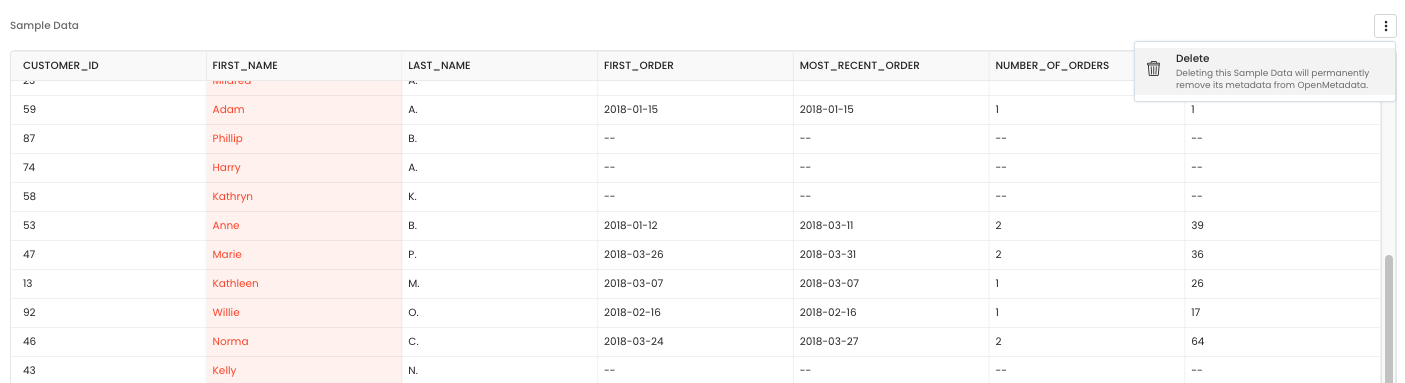
Example
The screenshots below show how to enable the option and what a failed row sample looks like in the UI.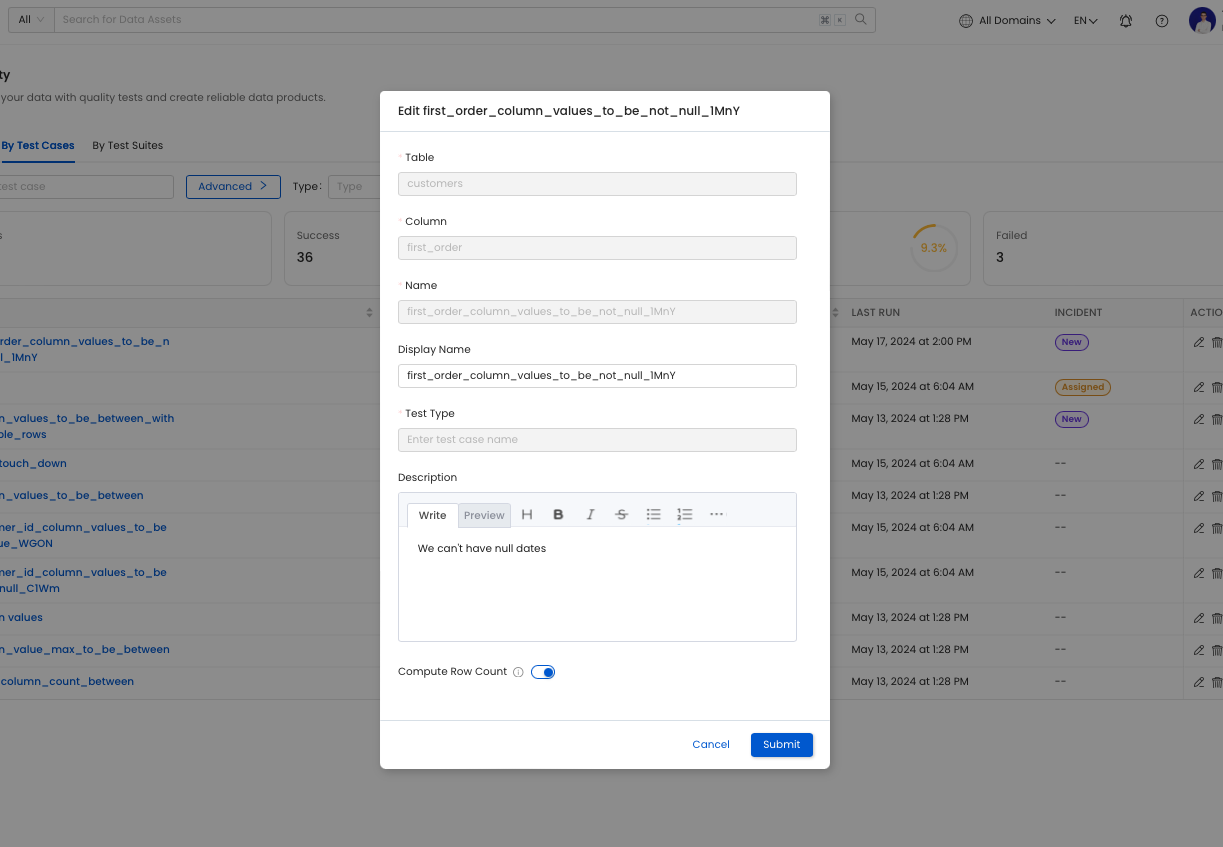


Inspection Query
Supported tests generate an inspection query when a test fails. Run this query on the source data to understand what caused the failure and take corrective action. Add this query to the table to share it with other users.