
Getting Started
Get up and running with the Collate API and the Python, Java, and Go SDKs. This guide walks you through authentication, SDK installation, and making your first API call.Prerequisites
- A Collate account (cloud or self-hosted instance)
- Your instance base URL (e.g.,
https://your-company.getcollate.io/api) - Python 3.10 - 3.11, Java 21, or Go 1.24+
Step 1: Get Your API Credentials
You need a JWT token to authenticate API requests. There are two ways to get one:-
Bot Token (recommended for automation)
Note: The Bots tile under Settings is only visible to users with Admin privileges. If you don’t see it, ask your organization’s Collate Admin to generate a bot token for you or grant you Admin access.
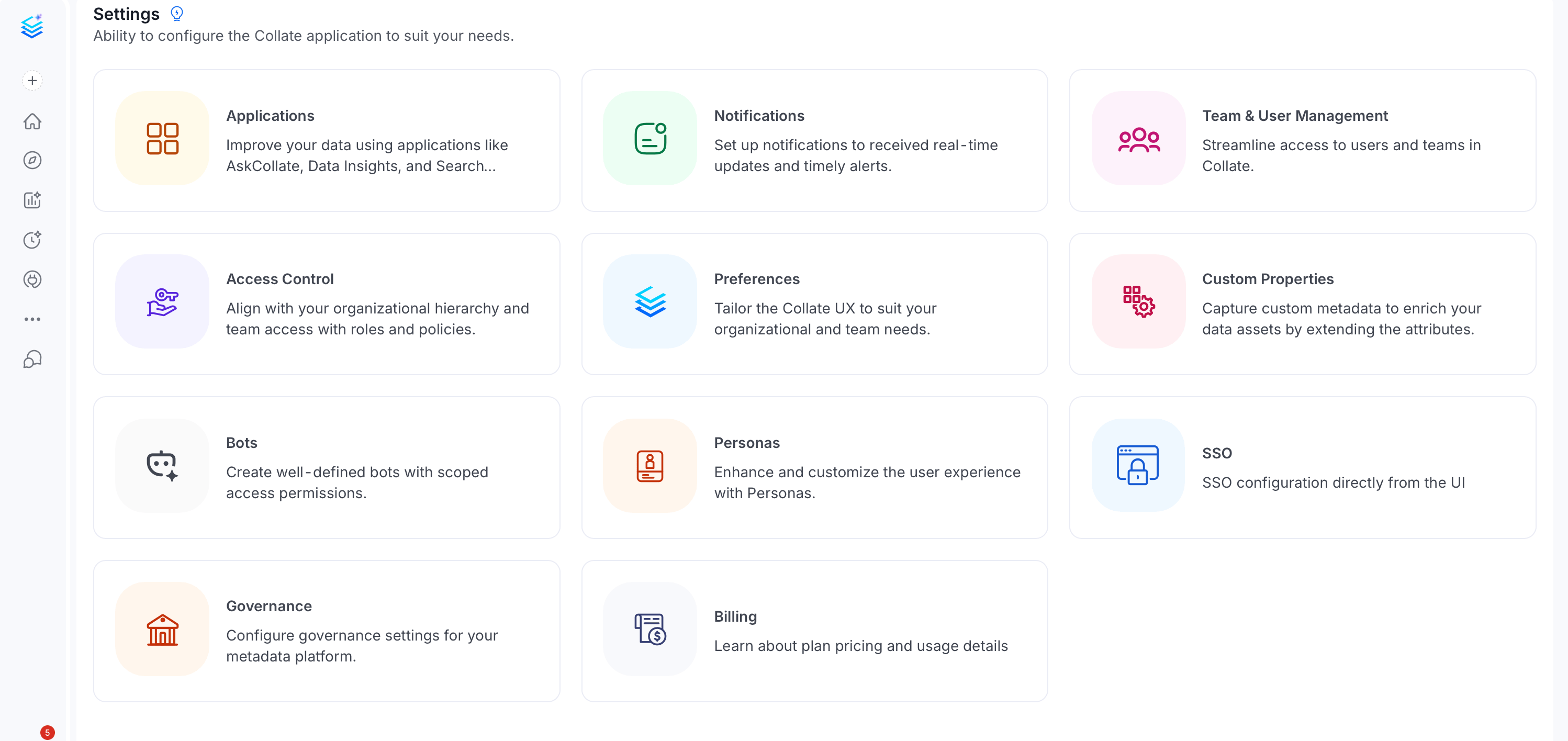
- Click the Profile icon and navigate to Settings > Bots.
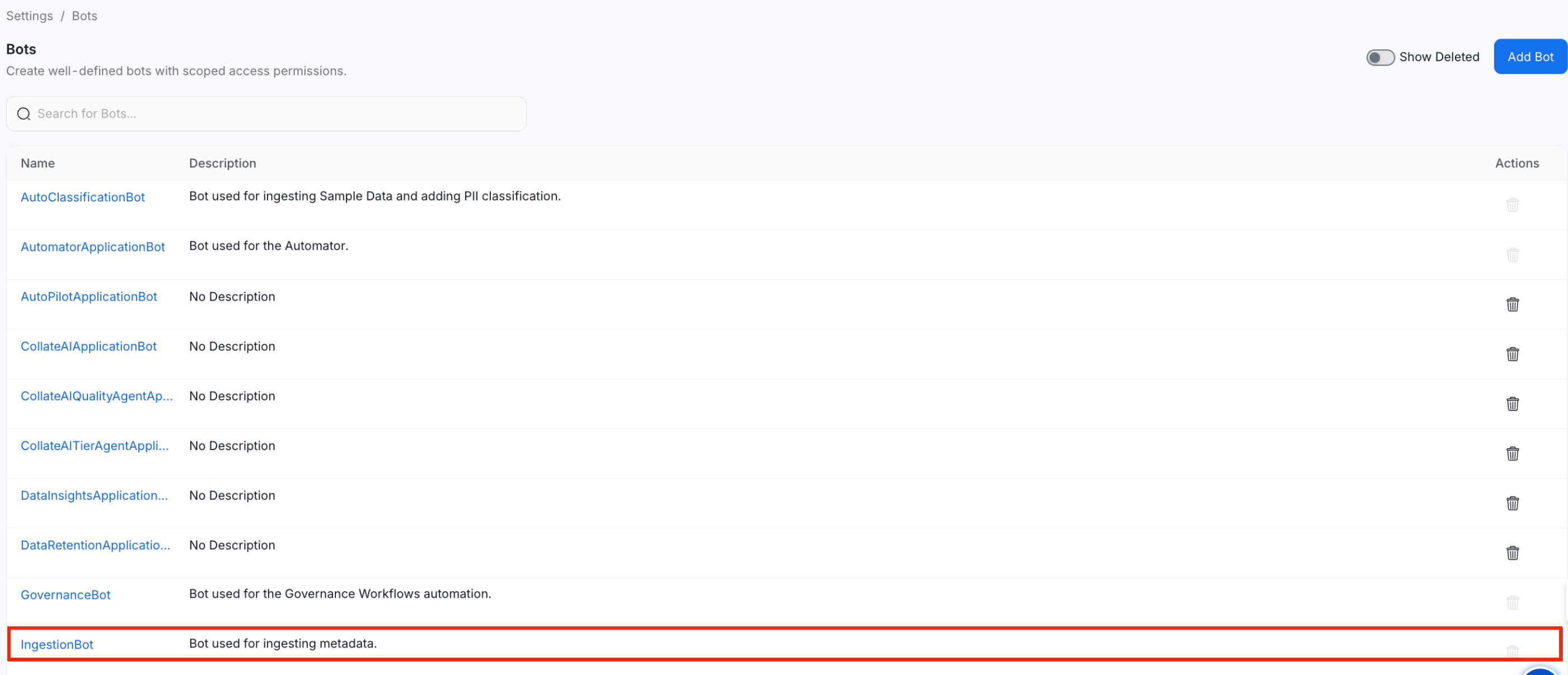
- Search and select ingestion-bot.
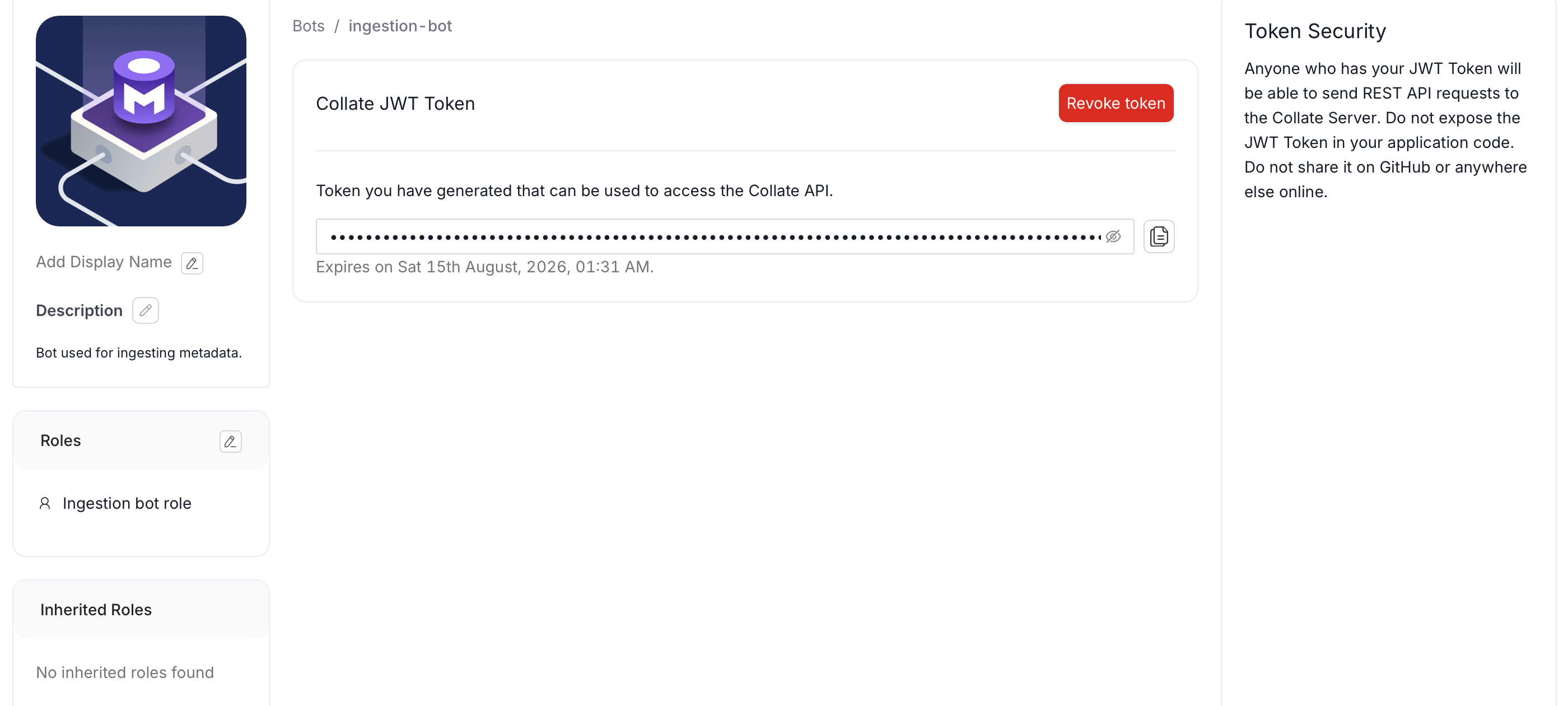
- Copy the Collate JWT token and save it for later use.
-
Personal Access Token (for development)
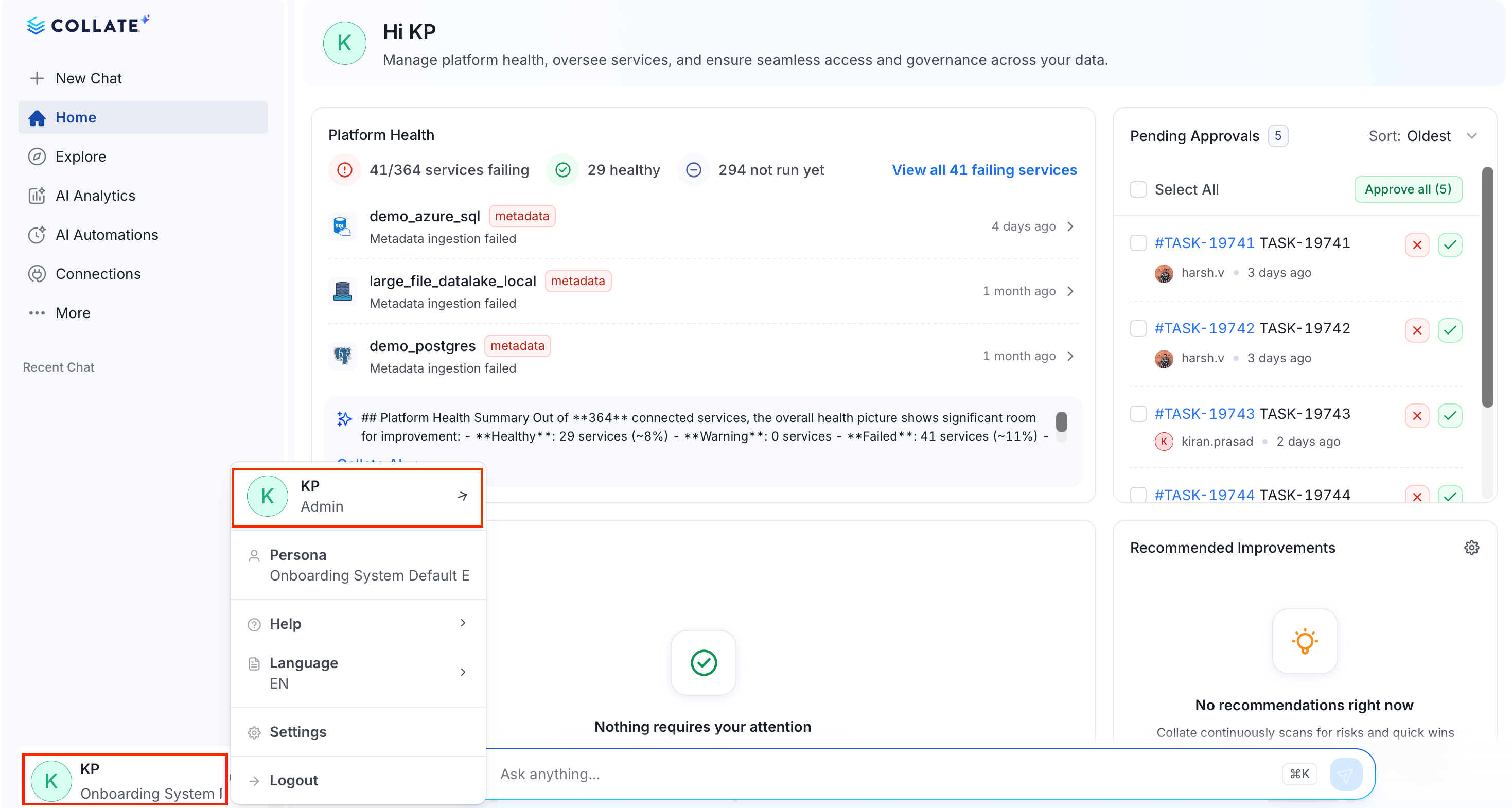
- Click the Profile icon and select your user name.
- In the Credentials group, click Access Token.
- Set the expiry time and click Generate Token.
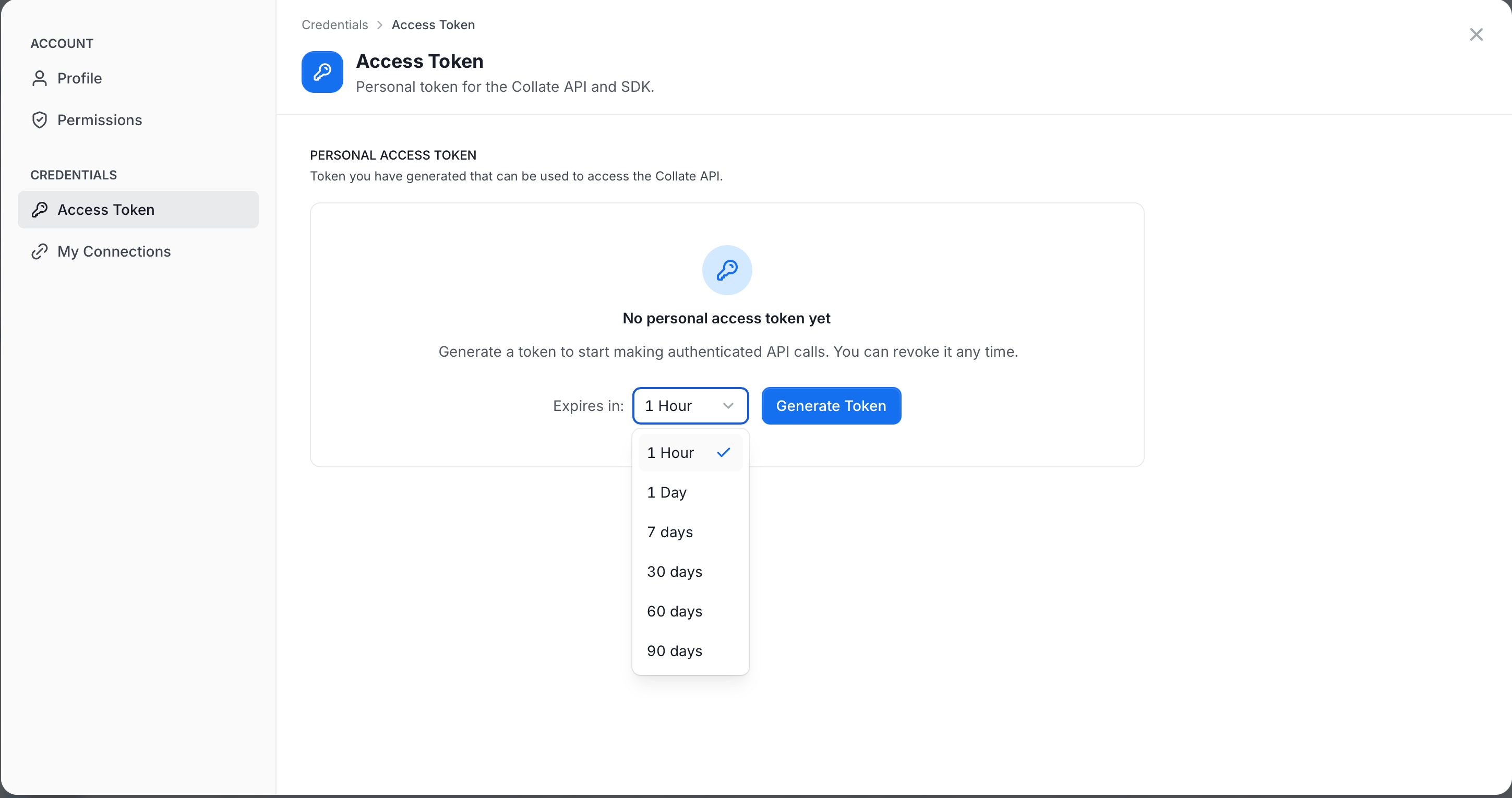
- Copy and save it securely for later use.
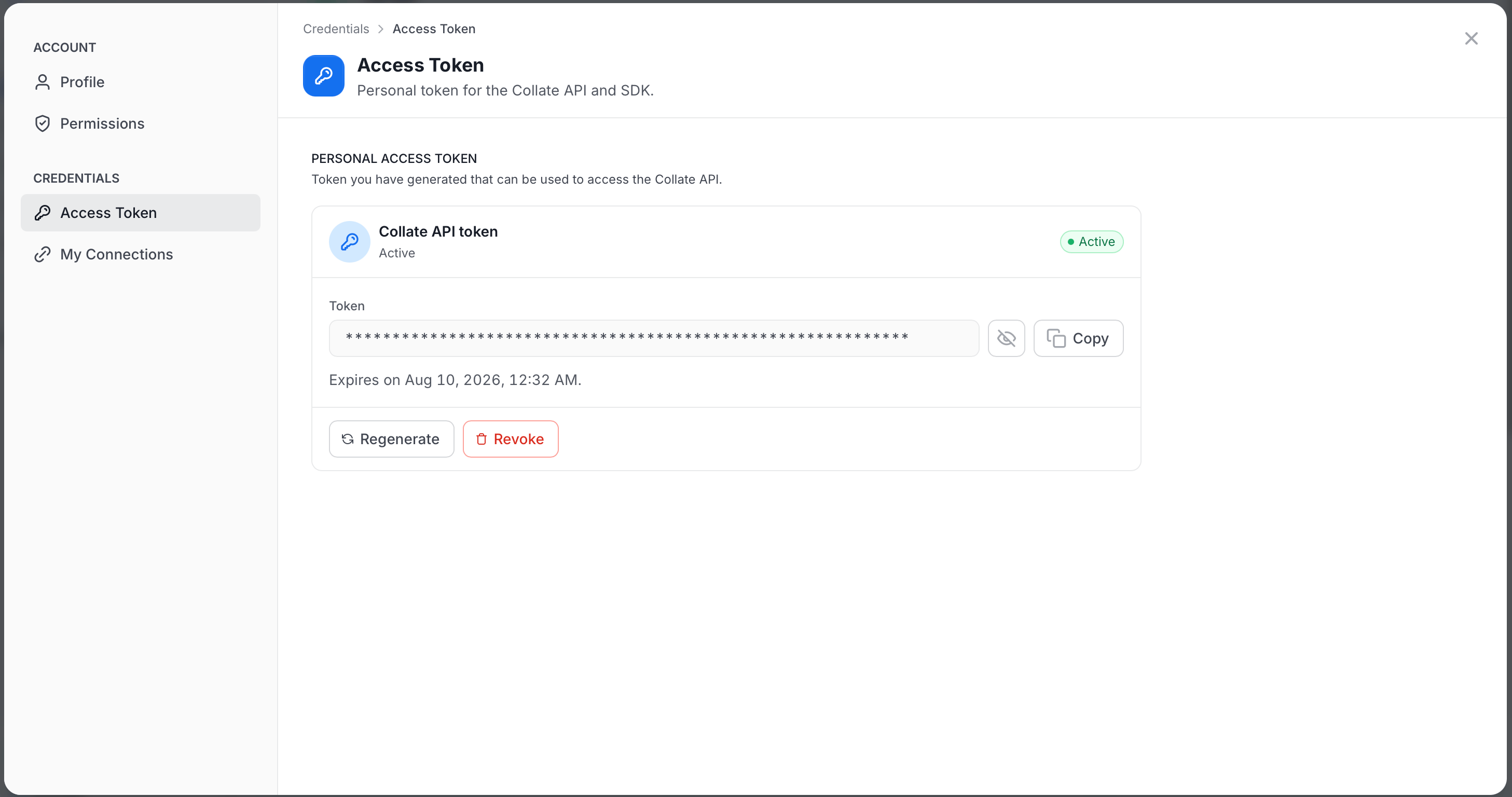
- Click the Profile icon and select your user name.
Step 2: Install an SDK
Choose your preferred language and install the SDK:Step 3: Initialize Your Client
Set up the connection to your Collate instance:Python
Step 4: Make Your First API Call
List the tables in your catalog to verify everything is working:Python
Expected Response
Step 5: Create Resources with the Fluent API
The SDKs provide a fluent API for creating and managing resources. Here’s how to create a table programmatically:Python
Common Use Cases
Discover Tables
Search and explore metadata across your entire catalog.
Manage Metadata
Create, update, and manage tables, dashboards, pipelines, and more.
Run Quality Tests
Define test suites and monitor data quality metrics programmatically.
Govern Data
Manage domains, glossaries, classifications, and tags.
Manage Teams
Provision users, teams, and manage organizational structure.
Define Data Contracts
Create and validate data contracts for your assets.
What’s Next?
Authentication
Deep dive into auth methods and token management.
Error Handling
Understand error codes and how to handle them.
Pagination
Learn how to paginate through large result sets.
Entity Updates
Understand PUT vs PATCH behavior and preserve/merge rules for bot-driven updates.