How to Run the Connector Externally
To run the Ingestion via the UI you’ll need to use the OpenMetadata Ingestion Container, which comes shipped with custom Airflow plugins to handle the workflow deployment. If, instead, you want to manage your workflows externally on your preferred orchestrator, you can check the following docs to run the Ingestion Framework anywhere.Requirements
Follow the official documentation to generate an API Access Token from here.Data Mapping and Assumptions
Following entities are supported and will be mapped to the OpenMetadata entities as shown below.| Alation Entity | OpenMetadata Entity |
|---|---|
| Data Source (OCF and Native) | Database Service |
| Data Source (OCF and Native) | Database |
| Schema | Schema |
| Table | Table |
| Columns | Columns |
| Custom Fields | Custom Properties |
| Tags | Tags |
| BI Servers | Dashboard Services |
| Dashboard DataSource | Dashboard DataModel |
| Folder | Dashboard |
| Report | Chart |
| Users/Groups | Users/Teams |
| Domains/Subdomains | Domains/Subdomains |
| Knowledge Articles | Knowledge Center Articles |
- Since Alation does not have a concept of a Service entity, the Data Sources (OCF and Native) will be mapped to Database Service and Database in OpenMetadata. Hence, for each Data Source in Alation, there will be one Database Service and one Database in OpenMetadata.
- Custom fields will have a 1:1 mapping for all the entities except for Columns since OpenMetadata does not support custom properties for columns.
- Alation has two fields for descriptions i.e.
descriptionsandcomments. These fields will be combined under one fielddescriptionin OpenMetadata for all the entities. - Utilize the databaseFilterPattern (datasource in Alation), schemaFilterPattern, and tableFilterPattern to apply filters to Alation entities. Provide the
idsof the datasource, schemas, and tables for the Alation entities in the respective fields.
Metadata Ingestion
Connection Options
Connection Options
hostPort: Host and port of the Alation instance.authType: Following authentication types are supported:
- Basic Authentication: We’ll use the user credentials to generate the access token required to authenticate Alation APIs
- username: Username of the user.
- password: Password of the user.
- Access Token Authentication: The access token created using the steps mentioned here can directly be entered. We’ll use that directly to authenticate the Alation APIs
- accessToken: Generated access token
For Alation backend database Connection:
Alation APIs do not provide some of the metadata. We extract this metadata directly from Alation’s backend database by querying the tables. Note that this is an optional configuration, and if it is not provided, primary metadata will still be ingested. Below is the metadata fetched from the Alation database:1. User and Group Relationships
Choose either postgres or mysql connection depending on the db:- Postgres Connection
- username: Specify the user to connect to Postgres. Make sure the user has select privileges on the tables of the Alation schema. password: Password to connect to Postgres. hostPort: Enter the fully qualified hostname and port number for your Postgres deployment in the Host and Port field.
- database: Initial Postgres database to connect to. Specify the name of the database associated with the Alation instance.
- MySQL Connection
- username: Specify the user to connect to MySQL. Make sure the user has select privileges on the tables of the Alation schema. password: Password to connect to MySQL. hostPort: Enter the fully qualified hostname and port number for your MySQL deployment in the Host and Port field.
- databaseSchema: Initial MySQL database to connect to. Specify the name of the database schema associated with the Alation instance.
projectName: Project name can be anything, for example
ProdorDemo. It will be used while creating the tokens. paginationLimit: Pagination limit used for Alation APIs pagination. By default is set to 10. includeUndeployedDatasources: Specifies if undeployed datasources should be included while ingesting. By default is set tofalse. includeHiddenDatasources: Specifies if hidden datasources should be included while ingesting. By default is set tofalse. ingestUsersAndGroups: Specifies if users and groups should be included while ingesting. By default is set totrue. ingestKnowledgeArticles: Specifies if knowledge articles should be included while ingesting. By default is set totrue. ingestDatasources: Specifies if databases, schemas and tables should be included while ingesting. By default is set totrue. ingestDomains: Specifies if domains and subdomains should be included while ingesting. By default is set totrue. ingestDashboards: Specifies if BI sources and dashboards should be included while ingesting. By default is set totrue. alationTagClassificationName: Specify the classification name under which the tags from Alation will be created in OpenMetadata. By default, it is set toalationTags. connectionArguments: These are additional parameters for Alation. If not specified the ingestion will use the predefined pagination logic. The following arguments are intended to be used in conjunction and are specifically for Alation DataSource APIs: - skip: This parameter determines the count of records to bypass at the start of the dataset. When set to 0, as in this case, it means that no records will be bypassed. If set to 10, it will bypass the first 10 records.
- limit: This argument specifies the maximum number of records to return. Here, it’s set to 10, meaning only the first 10 records will be returned. To perform incremental ingestion, these arguments should be used together. For instance, if there are a total of 30 datasources in Alation, the ingestion can be configured to execute three times, with each execution ingesting 10 datasources.
- 1st execution:
{"skip": 0, "limit": 10} - 2nd execution:
{"skip": 10, "limit": 10} - 3rd execution:
{"skip": 20, "limit": 10}
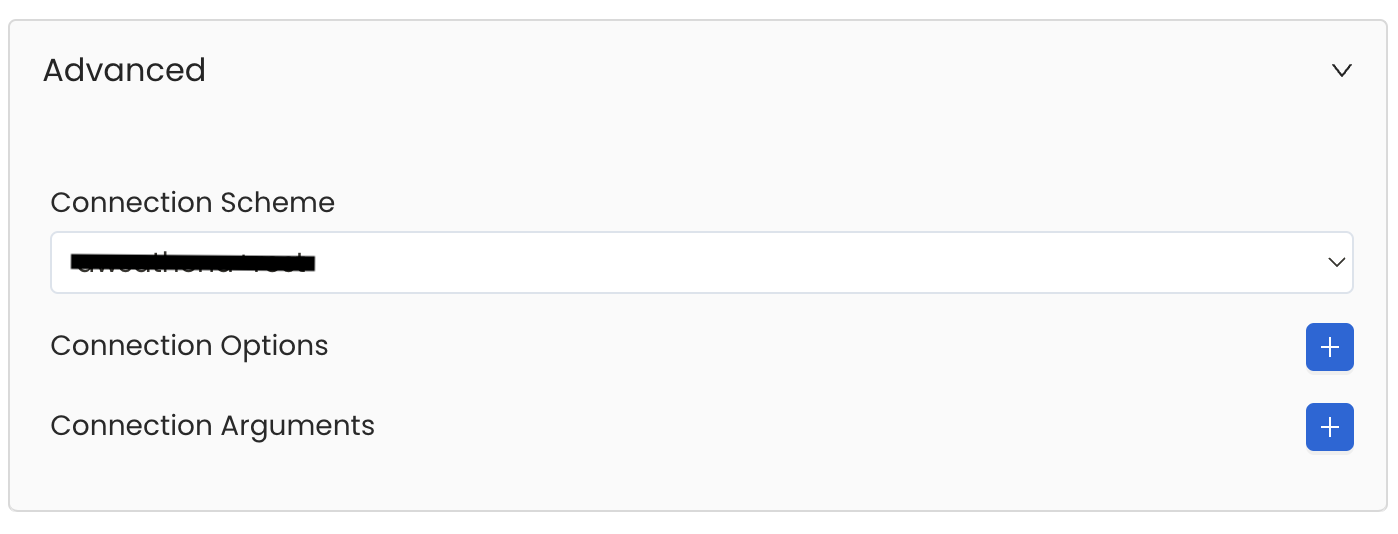
Advanced Configuration
Database Services have an Advanced Configuration section, where you can pass extra arguments to the connector
and, if needed, change the connection Scheme.This would only be required to handle advanced connectivity scenarios or customizations.
- Connection Options (Optional): Enter the details for any additional connection options that can be sent to database during the connection. These details must be added as Key-Value pairs.
-
Connection Arguments (Optional): Enter the details for any additional connection arguments such as security or protocol configs that can be sent during the connection. These details must be added as Key-Value pairs.
Test the Connection
Once the credentials have been added, click on Test Connection and Save the changes.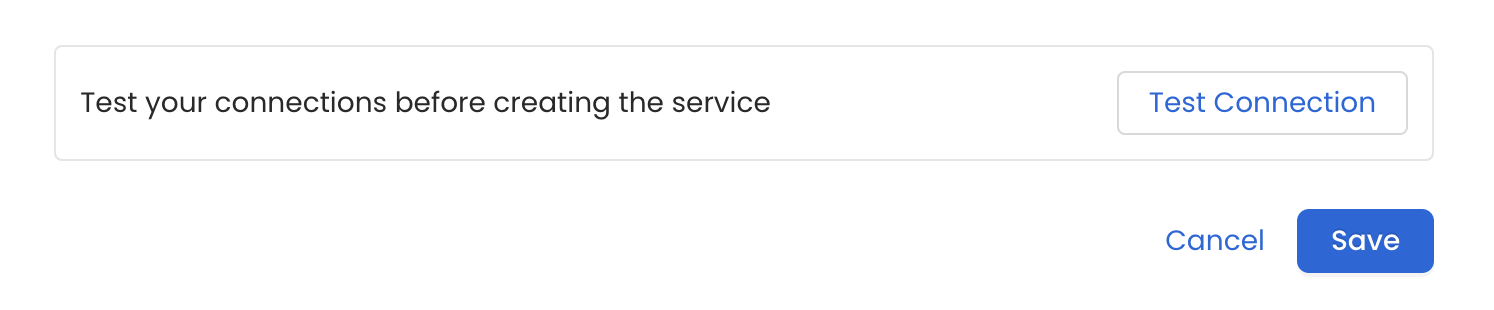
Configure Metadata Ingestion
In this step we will configure the metadata ingestion pipeline,
Please follow the instructions below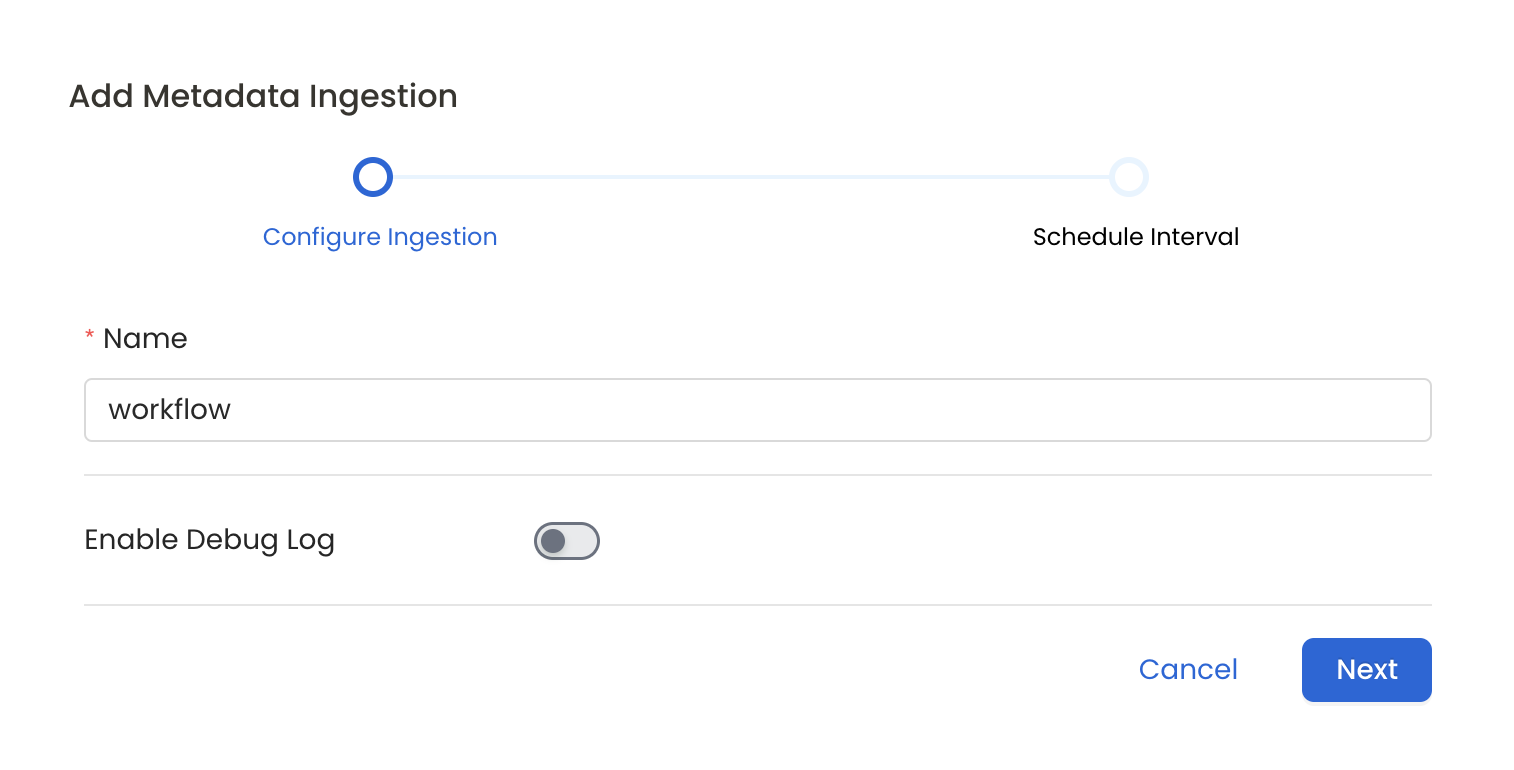
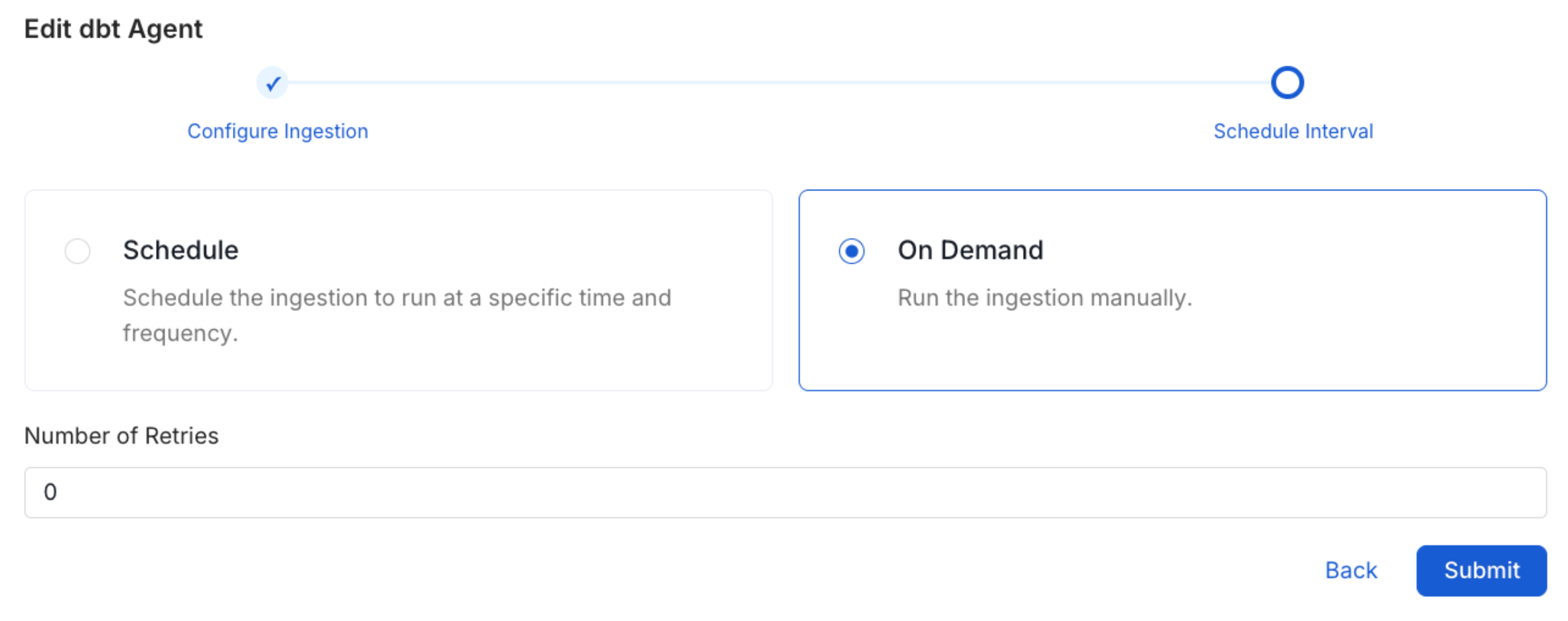
Schedule the Ingestion and Deploy
Scheduling can be set up at an hourly, daily, weekly, or manual cadence. The
timezone is in UTC. Select a Start Date to schedule for ingestion. It is
optional to add an End Date.Review your configuration settings. If they match what you intended,
click Deploy to create the service and schedule metadata ingestion.If something doesn’t look right, click the Back button to return to the
appropriate step and change the settings as needed.After configuring the workflow, you can click on Deploy to create the
pipeline.