
Requirements
To access the ThoughtSpot APIs and import liveboards, charts, and data models from ThoughtSpot into OpenMetadata, you need appropriate permissions on your ThoughtSpot instance.ThoughtSpot Account Setup and Permissions
- Authentication Setup
ThoughtSpot supports multiple authentication methods:
- Basic Authentication: Username and password authentication. The user should have appropriate permissions to read metadata from ThoughtSpot.
- API Token Authentication: Use ThoughtSpot API tokens for authentication. Generate API tokens from your ThoughtSpot instance.
- API Permissions
Ensure your ThoughtSpot user or service account has the following permissions:
- Read access to liveboards and answers
- Read access to worksheets and data models
- Access to metadata APIs
- Export permissions for TML (ThoughtSpot Modeling Language) data
- Multi-tenant Configuration (Optional)
If you’re using ThoughtSpot Cloud with multiple organizations:
- Set the
Organization IDparameter to specify which organization to connect to (only for ThoughtSpot Cloud).
- Set the
Connection Details
- Host and Port:
The URL of your ThoughtSpot instance.
Examples:
- Cloud:
https://my-company.thoughtspot.cloud - On-premise:
https://thoughtspot.company.com - Local:
https://localhostIf running ingestion in Docker and ThoughtSpot is onlocalhost, usehost.docker.internal.
- Cloud:
- Authentication:
Choose one of the following:
- Basic Authentication:
- Username: Your ThoughtSpot username
- Password: Your ThoughtSpot password
- API Token Authentication:
- API Token: Your ThoughtSpot API token
- Basic Authentication:
- API Version:
The ThoughtSpot API version to use for metadata extraction.
v1: Legacy API version (callosum endpoints)v2: Current API version (recommended, default)
- Organization ID:
For multi-tenant ThoughtSpot Cloud deployments.
- Leave empty for single-tenant
- Set to your org ID for multi-tenant
Metadata Ingestion
Connection Configuration
Test the Connection
Once the credentials have been added, click on Test Connection and Save the changes.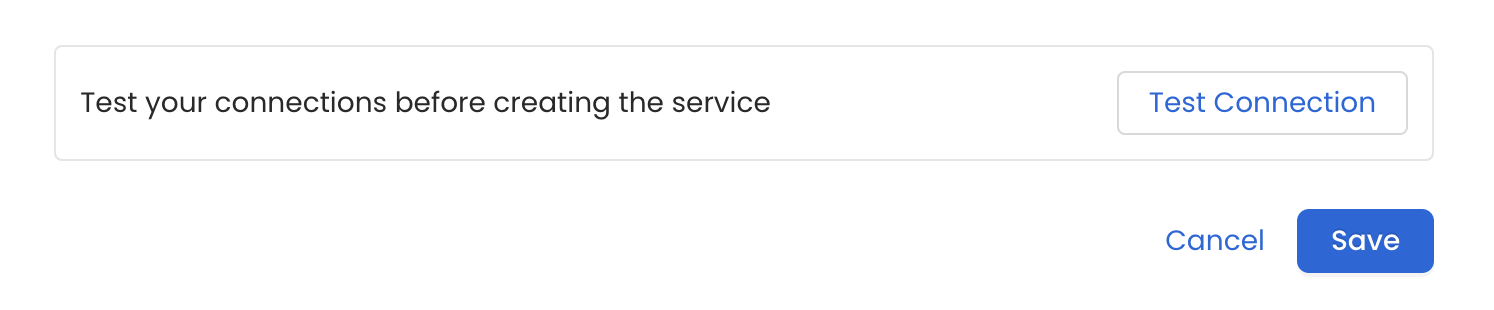
Configure Metadata Ingestion
In this step we will configure the metadata ingestion pipeline,
Please follow the instructions below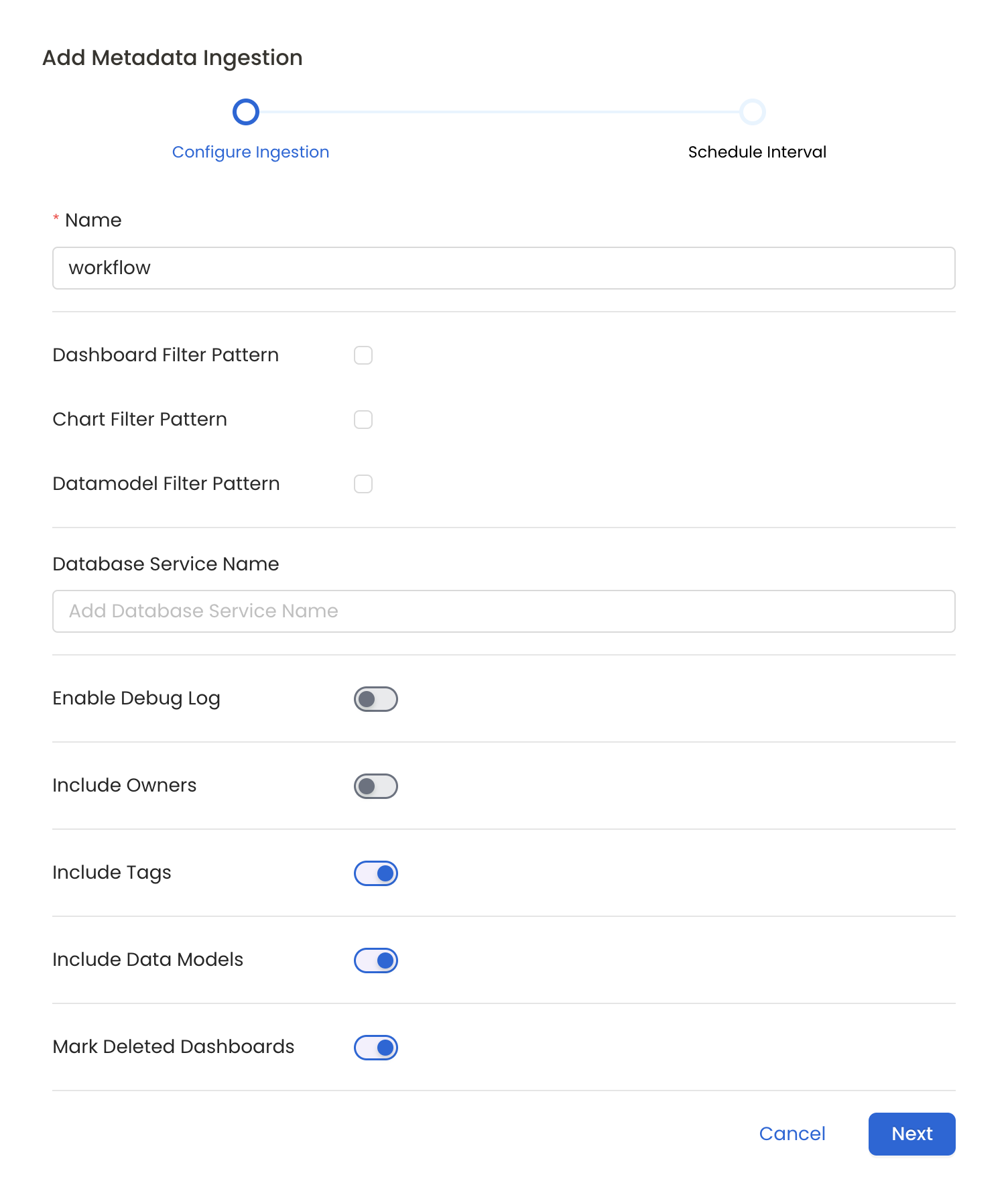
Metadata Ingestion Options
- Name: This field refers to the name of ingestion pipeline, you can customize the name or use the generated name.
- Dashboard Filter Pattern (Optional): Use it to control whether to include dashboard as part of metadata ingestion.
- Include: Explicitly include dashboards by adding a list of comma-separated regular expressions to the ‘Include’ field. OpenMetadata will include all dashboards with names matching one or more of the supplied regular expressions. All other dashboards will be excluded.
- Exclude: Explicitly exclude dashboards by adding a list of comma-separated regular expressions to the ‘Exclude’ field. OpenMetadata will exclude all dashboards with names matching one or more of the supplied regular expressions. All other dashboards will be included.
- projectFilterPattern: Filter the dashboards, charts and data sources by projects. Note that all of them support regex as include or exclude. E.g., “My project, My proj.*, .*Project”.
- Chart Pattern (Optional): Use it to control whether to include charts as part of metadata ingestion.
- Include: Explicitly include charts by adding a list of comma-separated regular expressions to the ‘Include’ field. OpenMetadata will include all charts with names matching one or more of the supplied regular expressions. All other charts will be excluded.
- Exclude: Explicitly exclude charts by adding a list of comma-separated regular expressions to the ‘Exclude’ field. OpenMetadata will exclude all charts with names matching one or more of the supplied regular expressions. All other charts will be included.
- Data Model Pattern (Optional): Use it to control whether to include data modes as part of metadata ingestion.
- Include: Explicitly include data models by adding a list of comma-separated regular expressions to the ‘Include’ field. OpenMetadata will include all data models with names matching one or more of the supplied regular expressions. All other data models will be excluded.
- Exclude: Explicitly exclude data models by adding a list of comma-separated regular expressions to the ‘Exclude’ field. OpenMetadata will exclude all data models with names matching one or more of the supplied regular expressions. All other data models will be included.
- Database Service Name (Optional): Enter the name of Database Service which is already ingested in OpenMetadata to create lineage between dashboards and database tables.
- Enable Debug Log (toggle): Set the ‘Enable Debug Log’ toggle to set the default log level to debug.
- Include Owners (toggle): Set the ‘Include Owners’ toggle to control whether to include owners to the ingested entity if the owner email matches with a user stored in the OM server as part of metadata ingestion. If the ingested entity already exists and has an owner, the owner will not be overwritten.
- Include Tags (toggle): Set the ‘Include Tags’ toggle to control whether to include tags in metadata ingestion.
- Include Data Models (toggle): Set the ‘Include Data Models’ toggle to control whether to include tags as part of metadata ingestion.
- Mark Deleted Dashboards (toggle): Set the ‘Mark Deleted Dashboards’ toggle to flag dashboards as soft-deleted if they are not present anymore in the source system.
- Include Draft Dashboard (toggle): Set the ‘Include Draft Dashboard’ toggle to include draft dashboards. By default it will include draft dashboards.
Schedule the Ingestion and Deploy
Scheduling can be set up at an hourly, daily, weekly, or manual cadence. The
timezone is in UTC. Select a Start Date to schedule for ingestion. It is
optional to add an End Date.Review your configuration settings. If they match what you intended,
click Deploy to create the service and schedule metadata ingestion.If something doesn’t look right, click the Back button to return to the
appropriate step and change the settings as needed.After configuring the workflow, you can click on Deploy to create the
pipeline.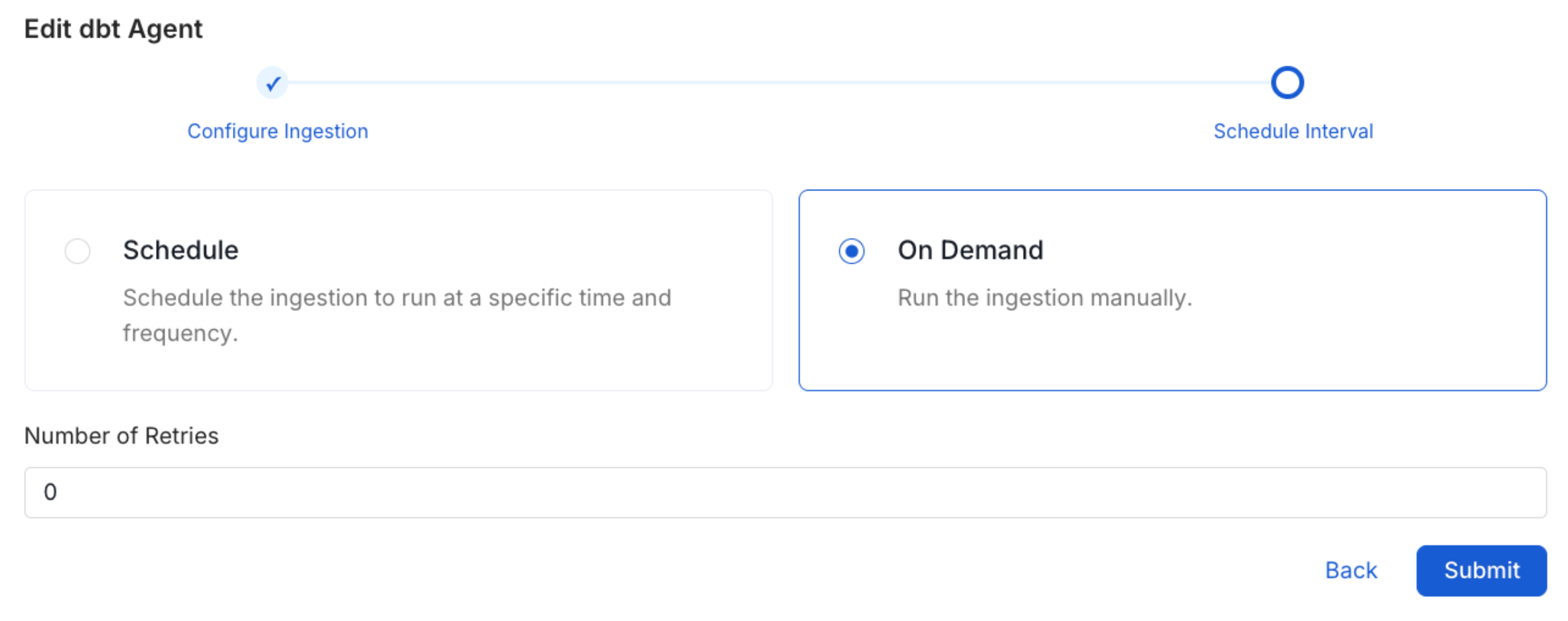
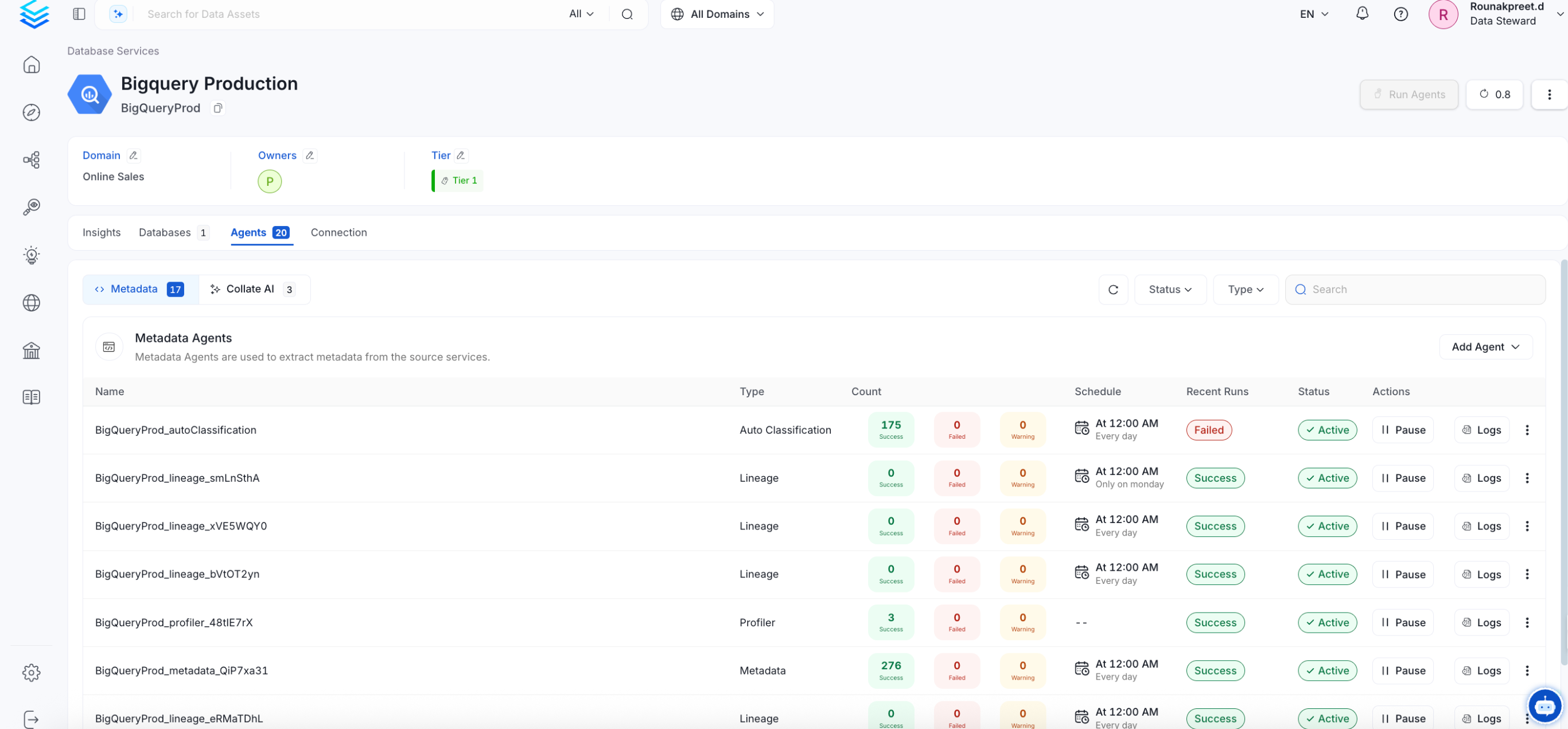
- Database service names to be configured in the lineage information
- Access to TML export functionality Enable debug logging to troubleshoot issues:
Troubleshooting
ThoughtSpot Troubleshooting
Learn more about how to troubleshoot common ThoughtSpot connector issues and resolve configuration or ingestion errors.