Source

The Source is the connector to external systems and outputs a record for downstream to process and push to OpenMetadata.

Source API

class Source(IterStep, ABC):
    """
    Abstract source implementation. The workflow will run
    its next_record and pass them to the next step.
    """

    metadata: OpenMetadata
    connection_obj: Any
    service_connection: Any

    # From the parent - Adding here just to showcase
    @abstractmethod
    def _iter(self) -> Iterable[Either]:
        """Main entrypoint to run through the Iterator"""

    @abstractmethod
    def prepare(self):
        pass

    @abstractmethod
    def test_connection(self) -> None:
        pass
prepare will be called through Python’s init method. This will be a place where you could make connections to external sources or initiate the client library. _iter is where the client can connect to an external resource and emit the data downstream. test_connection is used (by OpenMetadata supported connectors ONLY) to validate permissions and connectivity before moving forward with the ingestion.

Example

A simple example of this implementation can be found in our demo Custom Connector here

For Consumers of Openmetadata-ingestion to define custom connectors in their own package with same namespace

As a consumer of Openmetadata-ingestion package, You can to add your custom connectors within the same namespace but in a different package repository. Here is the situation
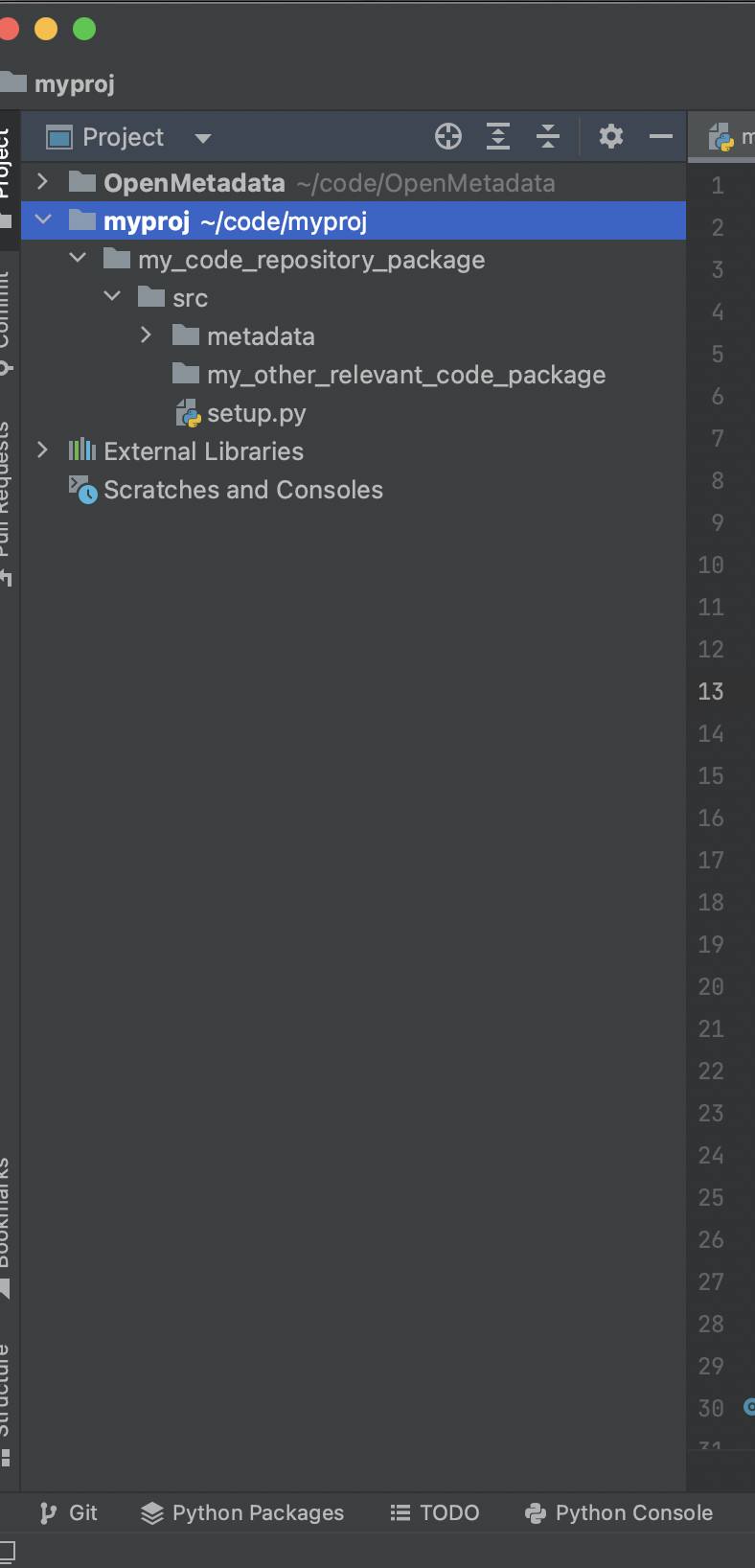
├─my_code_repository_package
  ├── src
      ├── my_other_relevant_code_package
      ├── metadata
      │   └── ingestion
      │       └── source
      │        └── database
      │         └── my_awesome_connector.py
      └── setup.py
├── openmetadata_ingestion
  ├── src
      ├── metadata
      │   └── ingestion
      │       └── source
      │        └── database
      │         └── existingSource1
      |         └── existingSource2
      |         └── ....
      └── setup.py
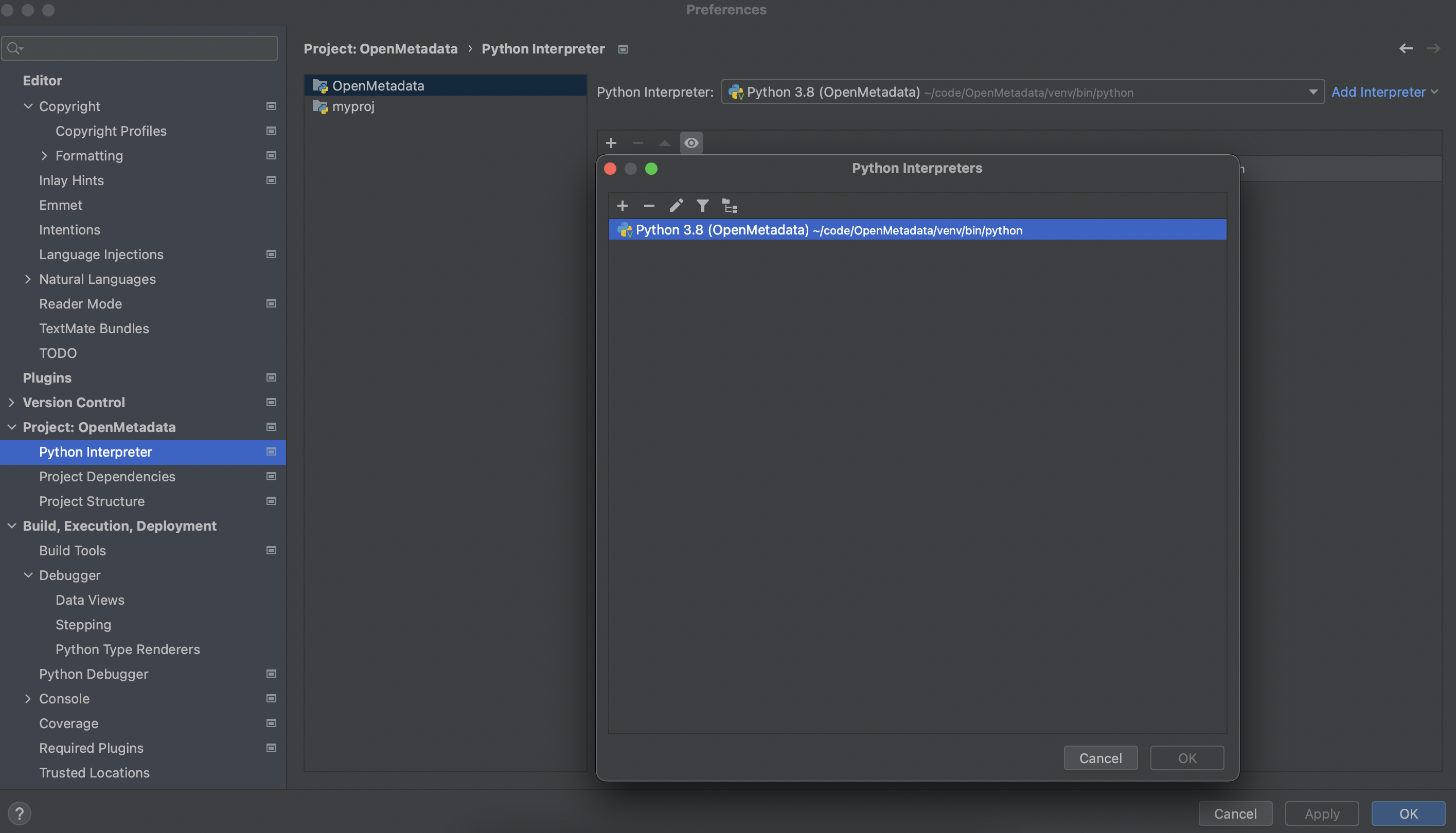
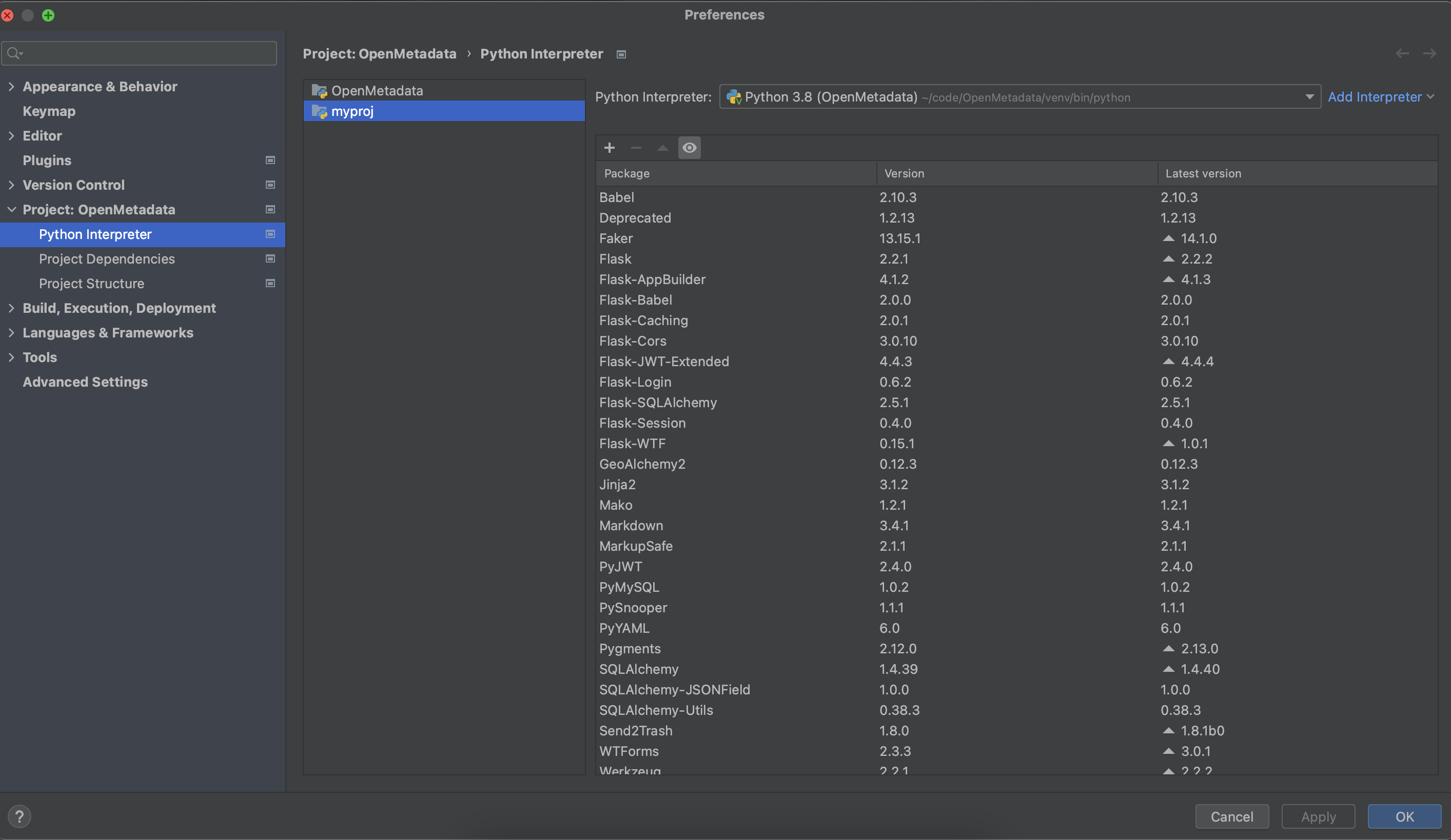
If you want my_awesome_connector.py to build as a source and run as a part of workflows defined in openmetadata_ingestion below are the steps. First add your coustom project in PyCharm. Add project in pycharm Now Go to IDE and Project Settings in PyCharm, inside that go to project section, and select python interpreter, Select virtual environment created for the project as python interpreter Select interpreter in pycharm Now apply and okay that interpreter Select interpreter in pycharm