> ## Documentation Index
> Fetch the complete documentation index at: https://docs.getcollate.io/llms.txt
> Use this file to discover all available pages before exploring further.
# Glossary Styling | Collate Glossary Customization
> Style your glossary with custom headers, icons, and formats to reflect organizational tone and branding.
# Glossary Styling
Collate supports glossary styling using colors and icons. Users can get a one-glance view of the related concepts and terms by color-coding the terms and by adding icons. When the glossary terms are color-coded and used for tagging the data assets, it is easier to differentiate and identify the data assets visually.
To stylize your glossary terms:
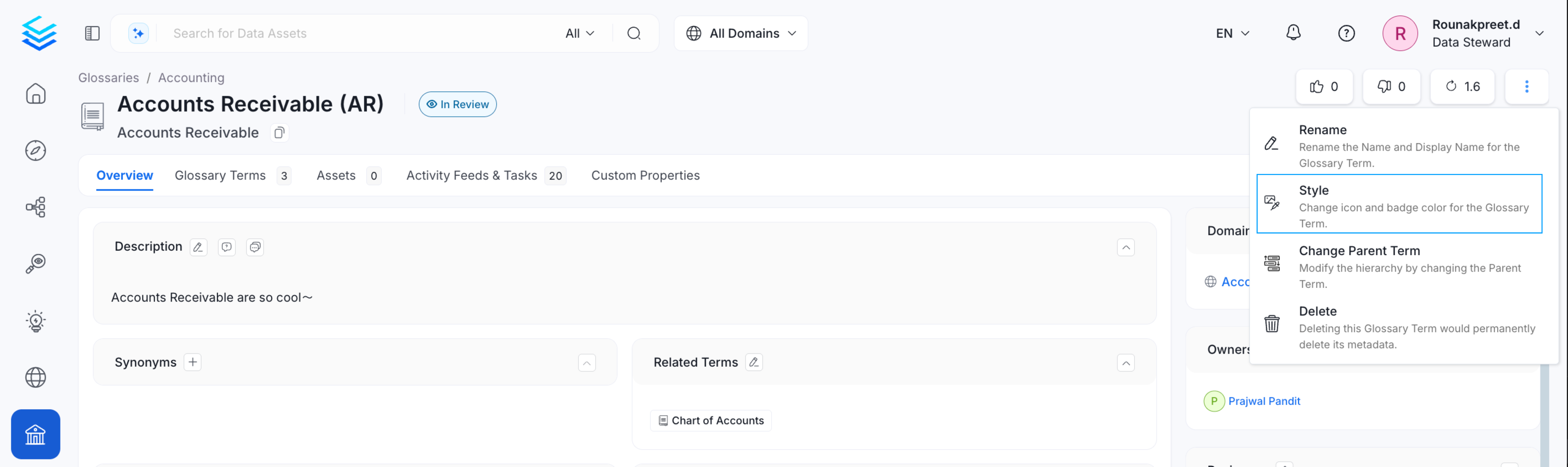
* Navigate to the **glossary term** to be edited.
* Click on the 3 dots icon **⋮** and click on **style**
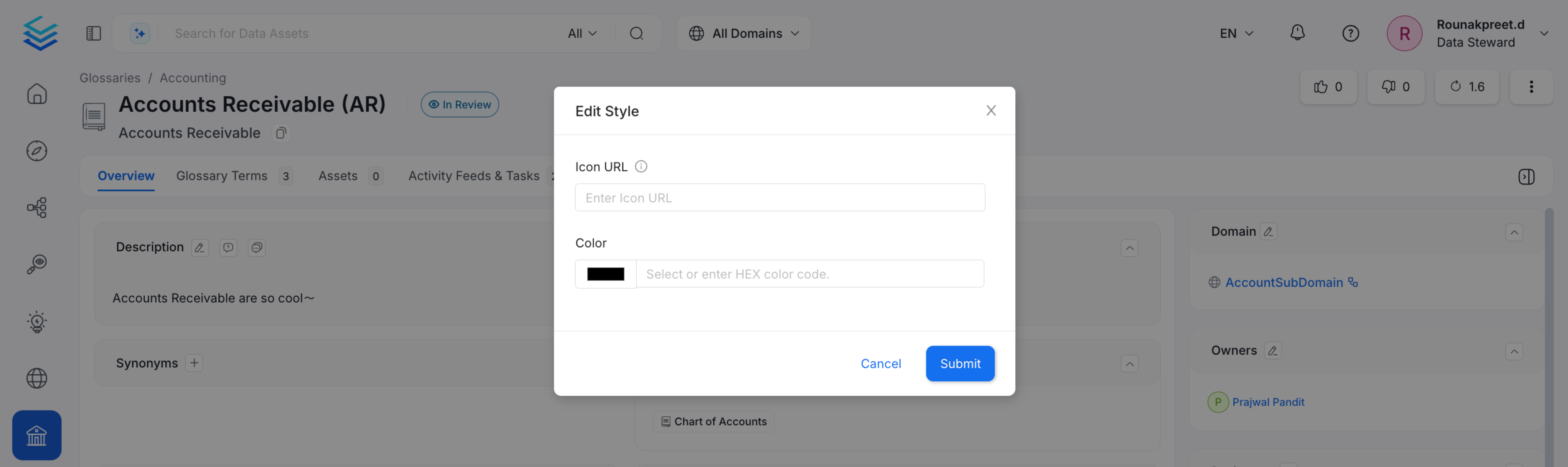
 * Add a link to the **icon image**. You can also change the **font color**. Click on **Submit** to save the changes.
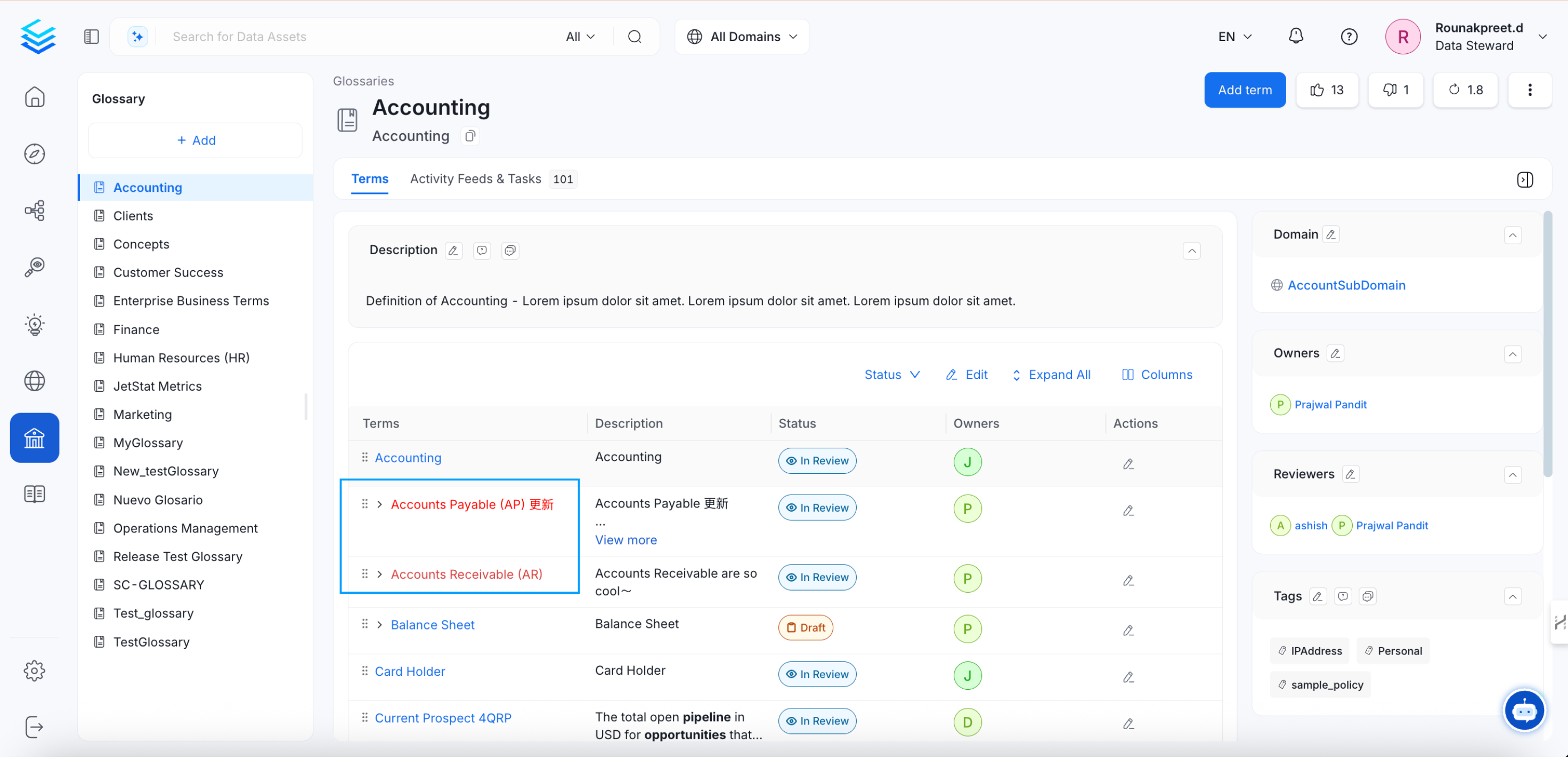 When data assets are tagged with the Glossary terms, the color-coding helps for easier identification of the required data assets.
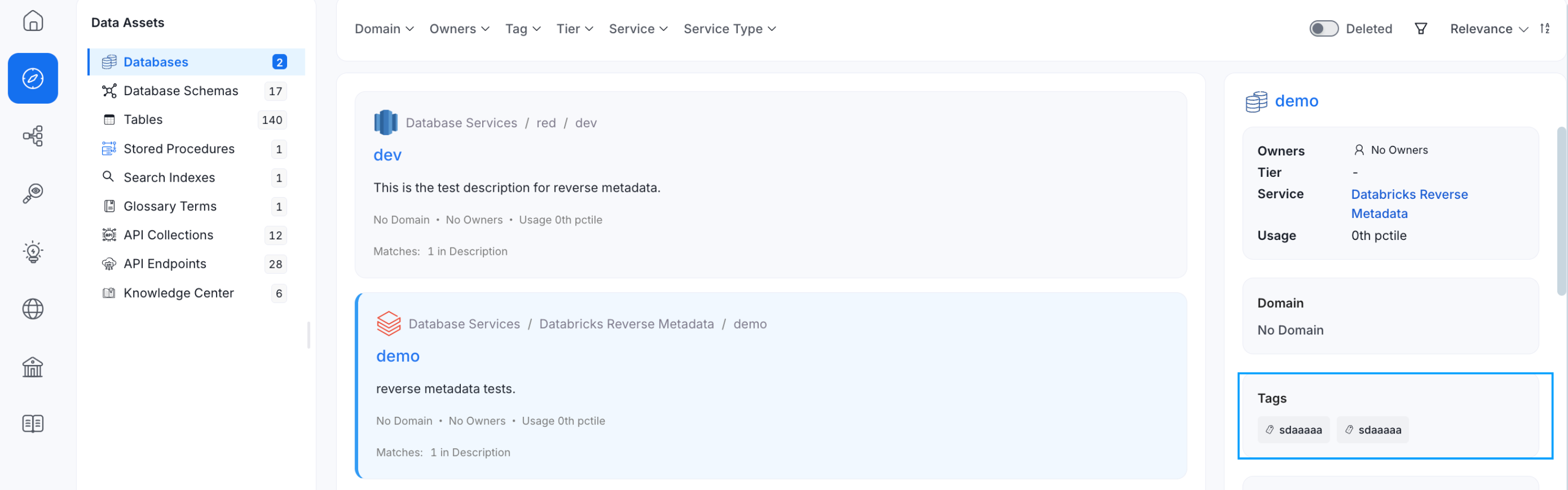 Stylize your glossary terms with color-coding and icons.