> ## Documentation Index
> Fetch the complete documentation index at: https://docs.getcollate.io/llms.txt
> Use this file to discover all available pages before exploring further.
# How to Invite Users to Collate
> Invite users and configure their team access using email, domain patterns, or integrations with your identity platform.
# How to Invite Users to Collate
Data is a team game and Collate is a platform to discover, collaborate and get your data right. Collaboration works best when all the team members have access to a standard tool. Admins can send invitations and invite users to onboard to Collate.
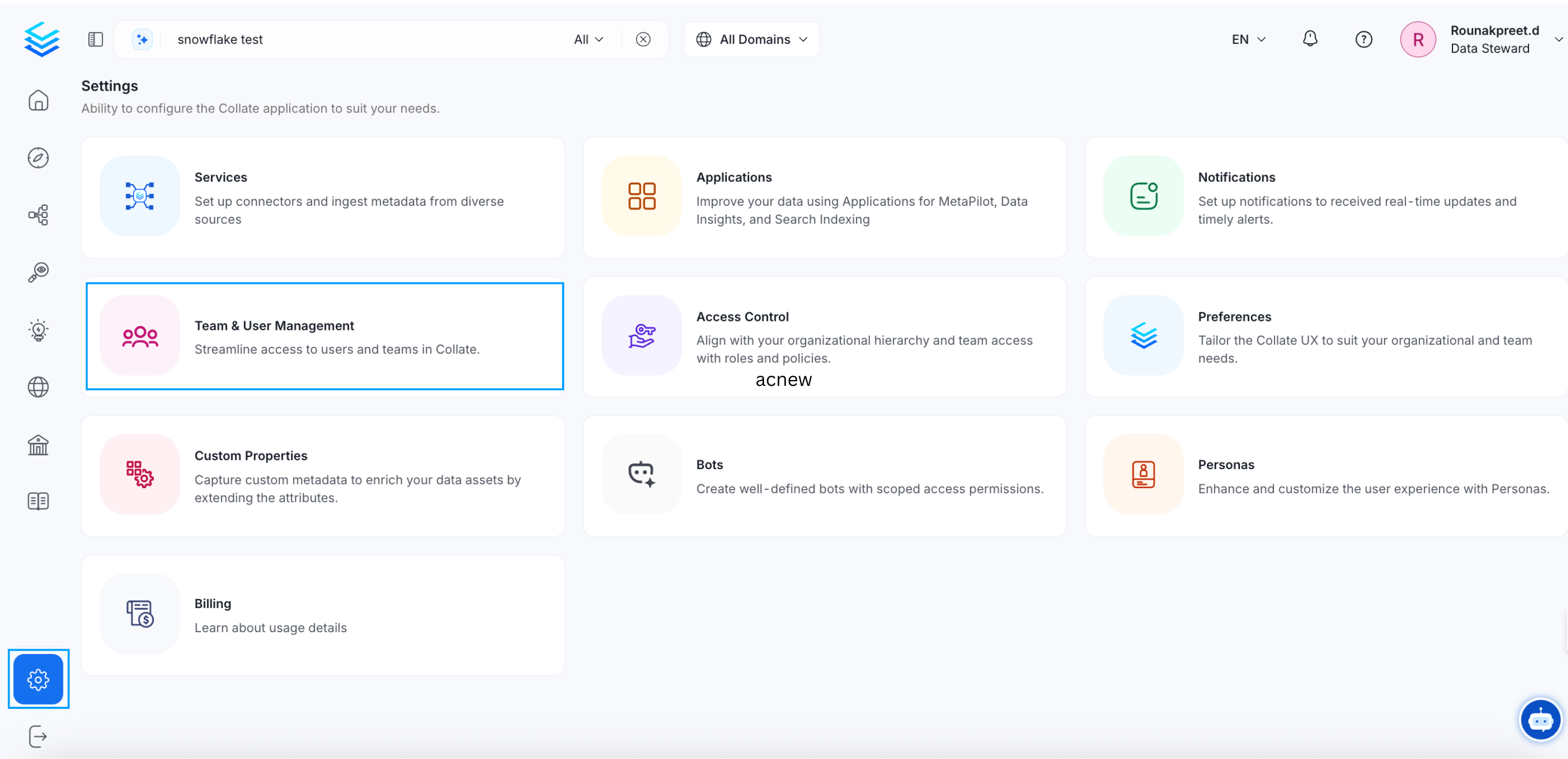
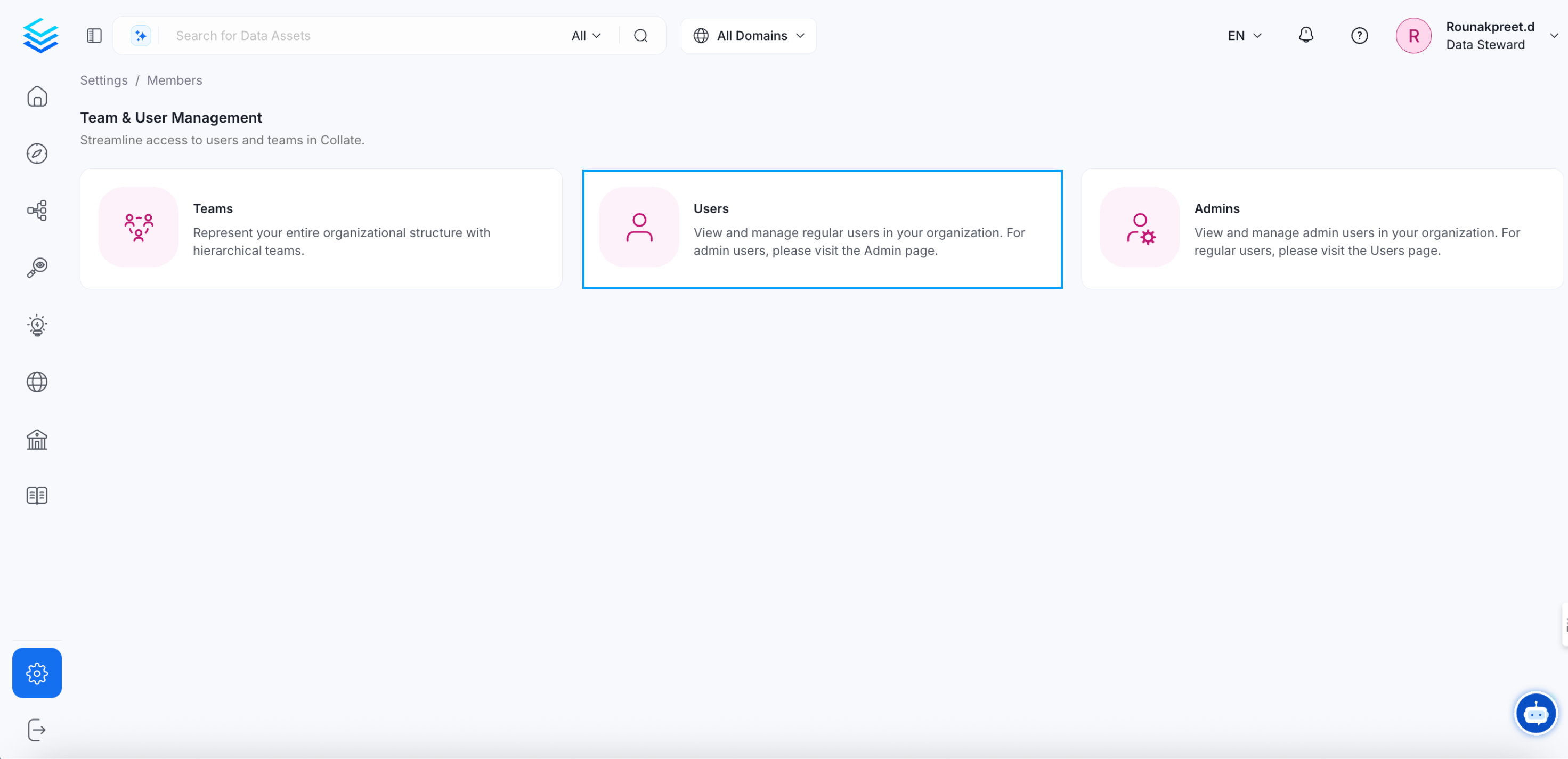
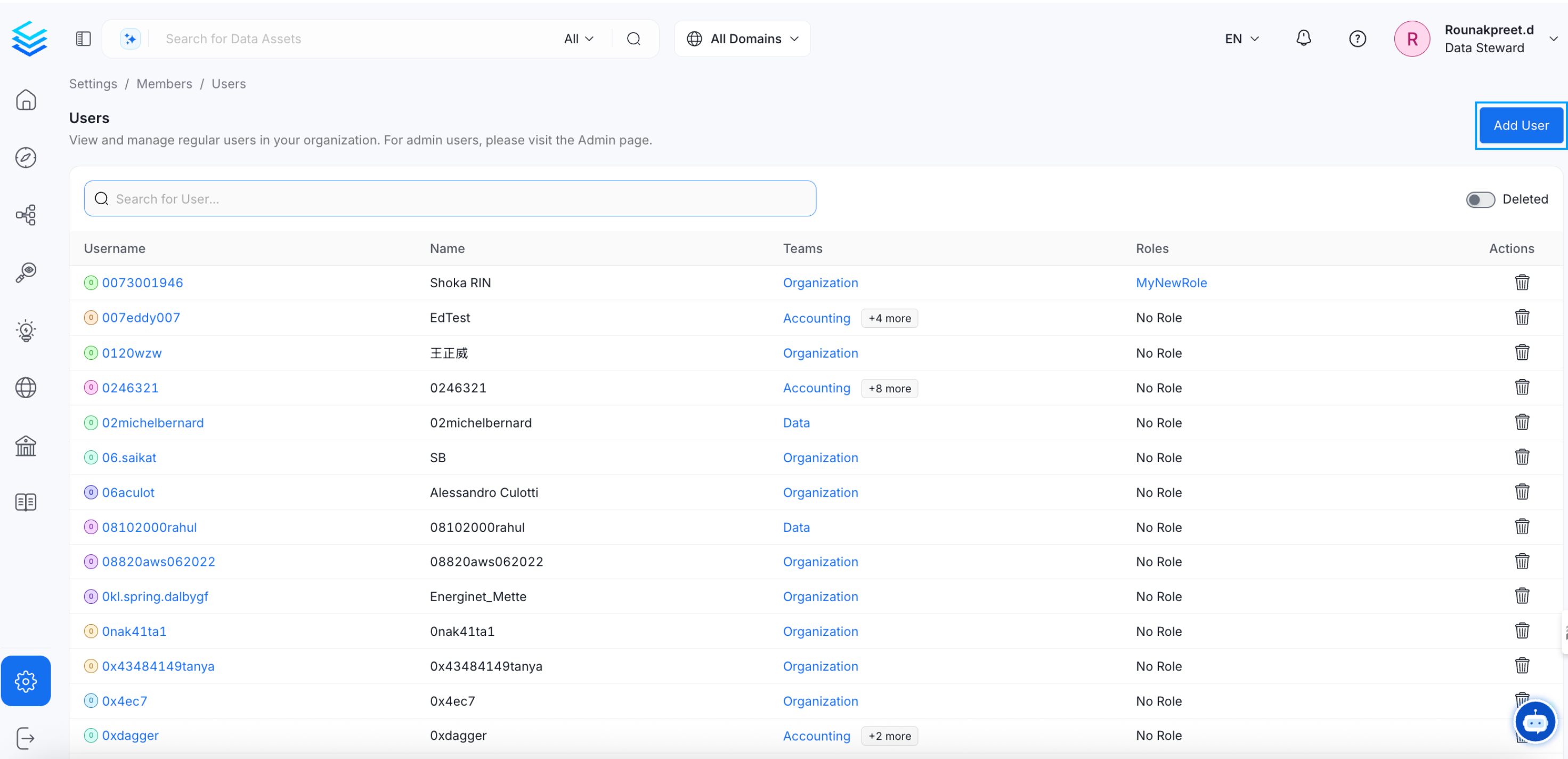
* Navigate to **Settings >> Team & User Management >> Users** and click on **Add Users**.
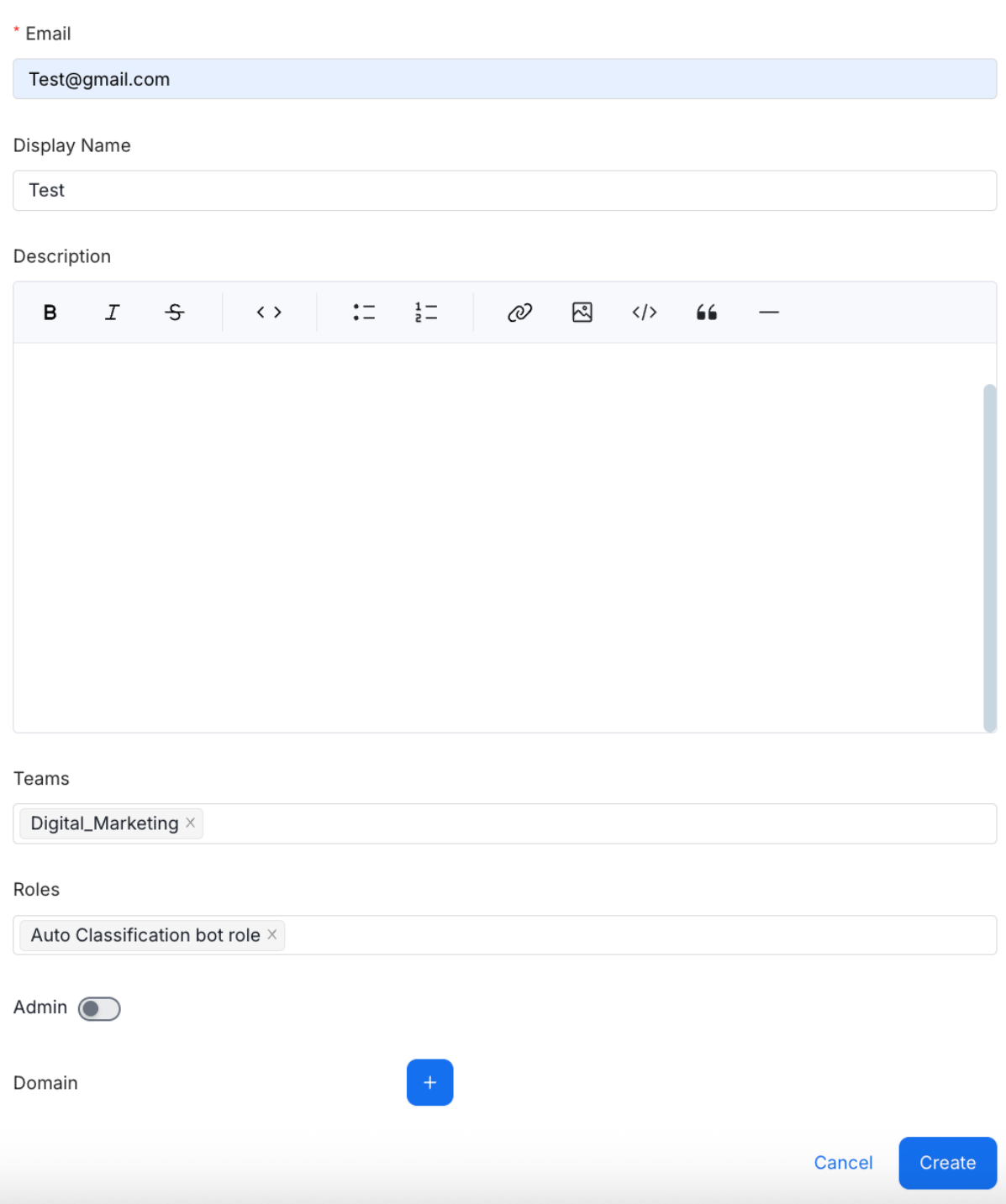
 * Enter the details and click on **Create**.
* Email,
* Display Name,
* Description,
* Teams - Users can be invited to multiple teams.
* Roles - Multiple roles can be assigned to a user.
* Admin - Use the toggle to provide Admin access.
**Note:** Users will inherit the Roles that apply to the Team they belong to. Additional roles can be explicitly assigned to a user.
* Enter the details and click on **Create**.
* Email,
* Display Name,
* Description,
* Teams - Users can be invited to multiple teams.
* Roles - Multiple roles can be assigned to a user.
* Admin - Use the toggle to provide Admin access.
**Note:** Users will inherit the Roles that apply to the Team they belong to. Additional roles can be explicitly assigned to a user.
 Add users to the relevant teams or sub teams.