How to Add a Custom Property to an Entity with API
This tutorial will create a custom property for atable entity.
A custom property can store a value for each entity, such as a table’s size for each table entity.
Step 1: Get the table entity type.
All OpenMetadata APIs are secured so make sure to add the proper headers. API requests can be sent with your JWT tokenid that corresponds to "name": "table" from the above response… 7f0b032f-cdc8-4573-abb0-22165dcd8e07.
Step 2: Get the field types with category=field
OpenMetadata’s UI supports three field types:
- String
- Markdown
- Integer
"name": "string" field type. i.e 7531f881-c37c-4e39-9154-4bdf0802e05e
Step 3: Make a call to create the custom property for the table entity
Create a payload using the field type id from the previous step and send a PUT request to the table id from the first request to create the custom property for tables.Step 4: Get the custom properties for the table entity
Verify the previous step with the following request. Look in"customProperties" for our new property.
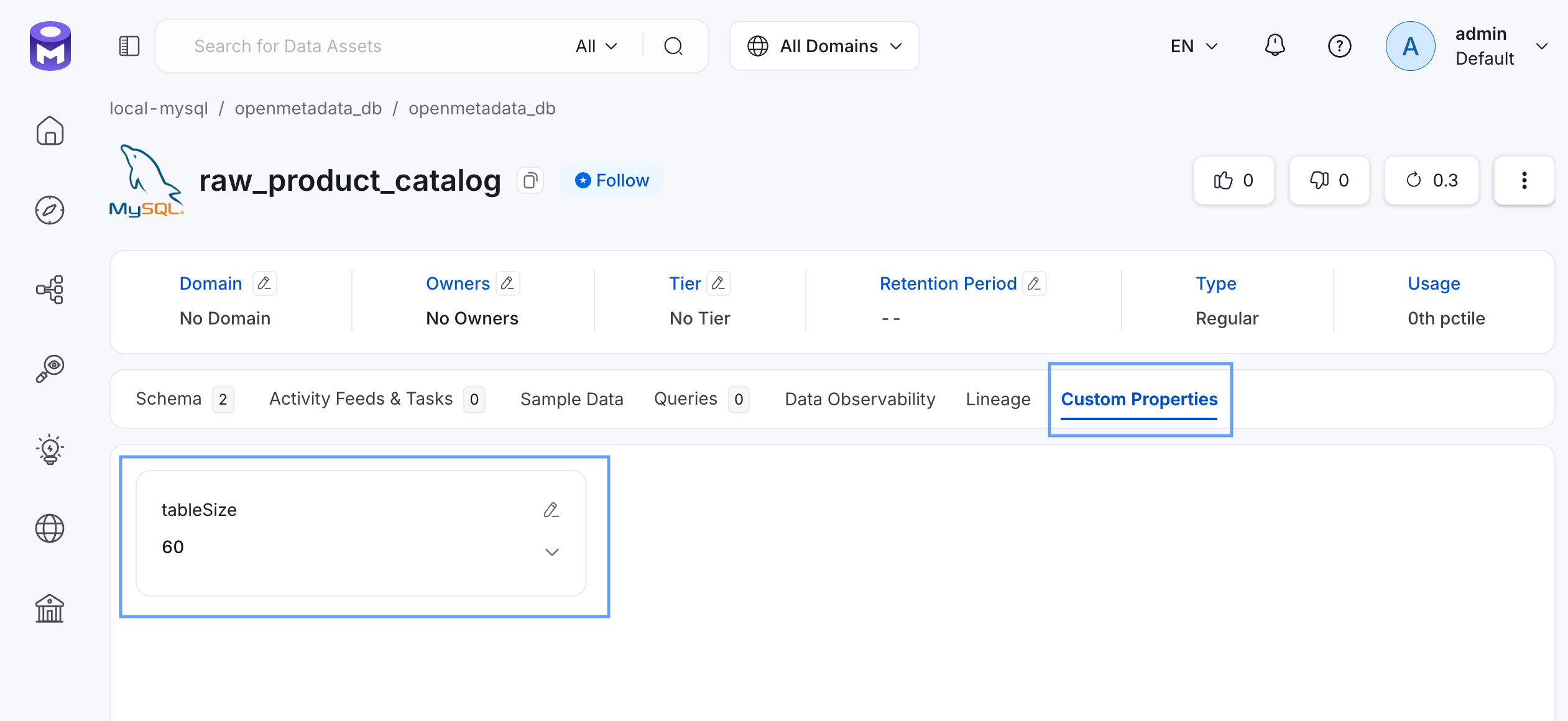
tableSize custom property available now, let’s add the value for it for the raw_product_catalog table.
Step 5: Add/Edit the value of the custom property for the entity.
All the custom properties value for the entity will be stored in theextension attribute.
Let’s assume you have raw_product_catalog table, find it’s id with the API call below.
208598fc-bd5f-458c-bf98-59224e1620c7 and we are adding a value to the custom property for the first time, our PATCH API request will be like this.
raw_product_catalog table
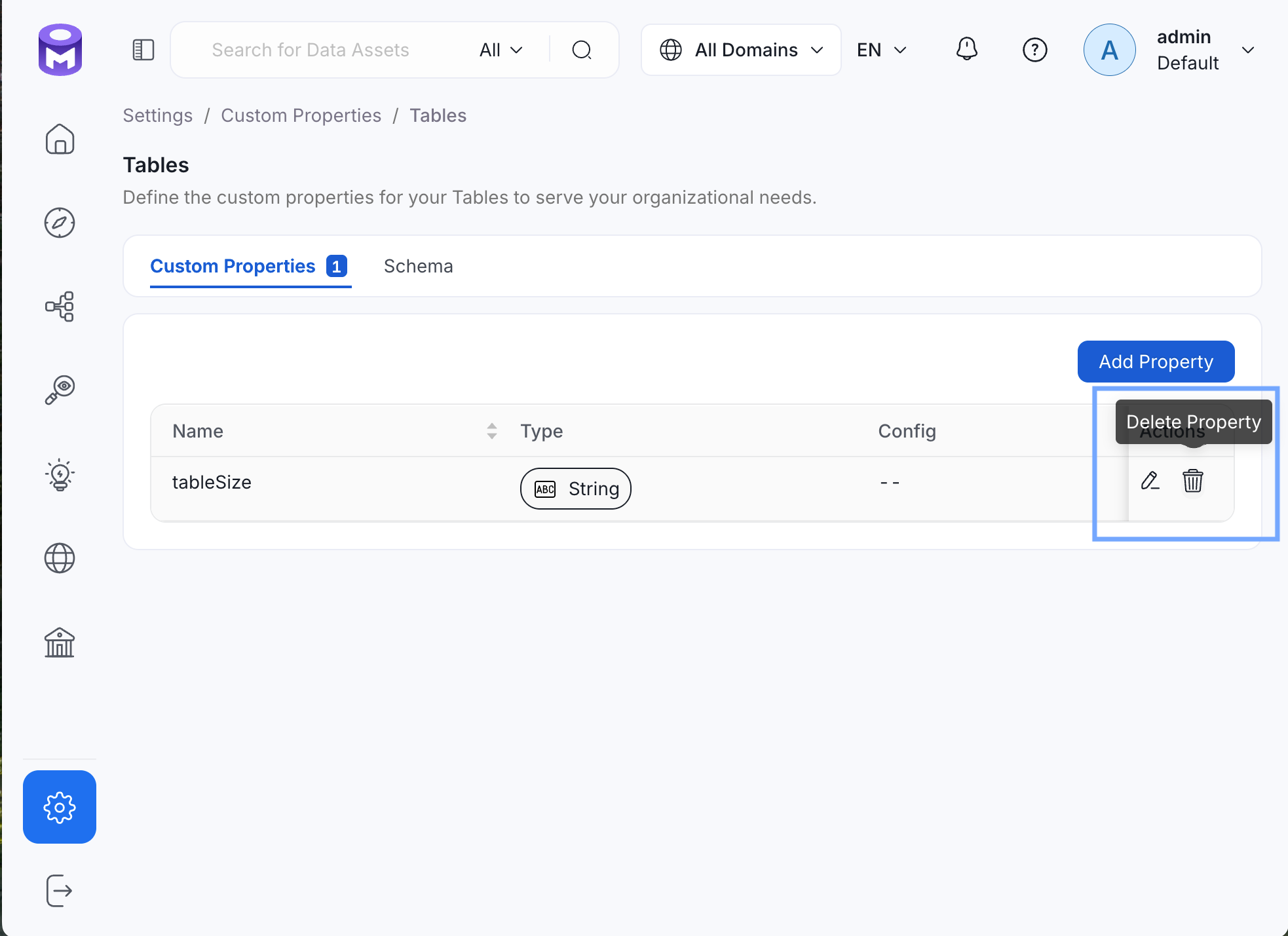
Step 5: Delete custom property.
To finish this tutorial, delete the newly created custom property,tableSize by going to Settings >> Custom Properties >> Tables.
Click Delete Property, then Confirm.