> ## Documentation Index
> Fetch the complete documentation index at: https://docs.getcollate.io/llms.txt
> Use this file to discover all available pages before exploring further.
# Collate Browser Extension
> Install the browser extension to explore metadata and documentation directly while navigating your data tools.
# Collate Browser Extension
The Collate Browser Extension lets you view metadata for any data asset directly in your browser, without leaving the tool you're working in.
## Installing the Extension
1. Open the Chrome Web Store and search for **Collate**, or go directly to the [Collate extension page](https://chromewebstore.google.com/detail/collate/ndjnpiadedlmgddlpeklbnobebkpkdgb).
2. Click **Add to Chrome**.
3. Pin the extension to your Chrome toolbar for quick access.
## Getting Started
1. Click the **Collate** icon in your Chrome toolbar.
2. Enter the base URL of your Collate instance.
3. Sign in — your **Activity Feeds** from the My Data page will load automatically.
## What You Can See
While working in any third-party tool integrated with Collate, click the extension to instantly view metadata for the asset you're on:
* **Ownership** — Who owns the data asset
* **Description** — What the asset is and how it's used
* **Tags** — Classification labels applied to the asset
* **Glossary Terms** — Business definitions linked to the asset
* **Schema** — Column names, types, and structure
* **Lineage** — Upstream and downstream data dependencies
* **Custom Properties** — Any additional metadata your organization has defined
**Tip**: If your Collate instance uses Single Sign-On (SSO), add the following URL to your SSO redirect list:
`https://ndjnpiadedlmgddlpeklbnobebkpkdgb.chromiumapp.org/auth0`
For more information, see [SSO Configuration](/ai-2-0/how-to-guides/sso).
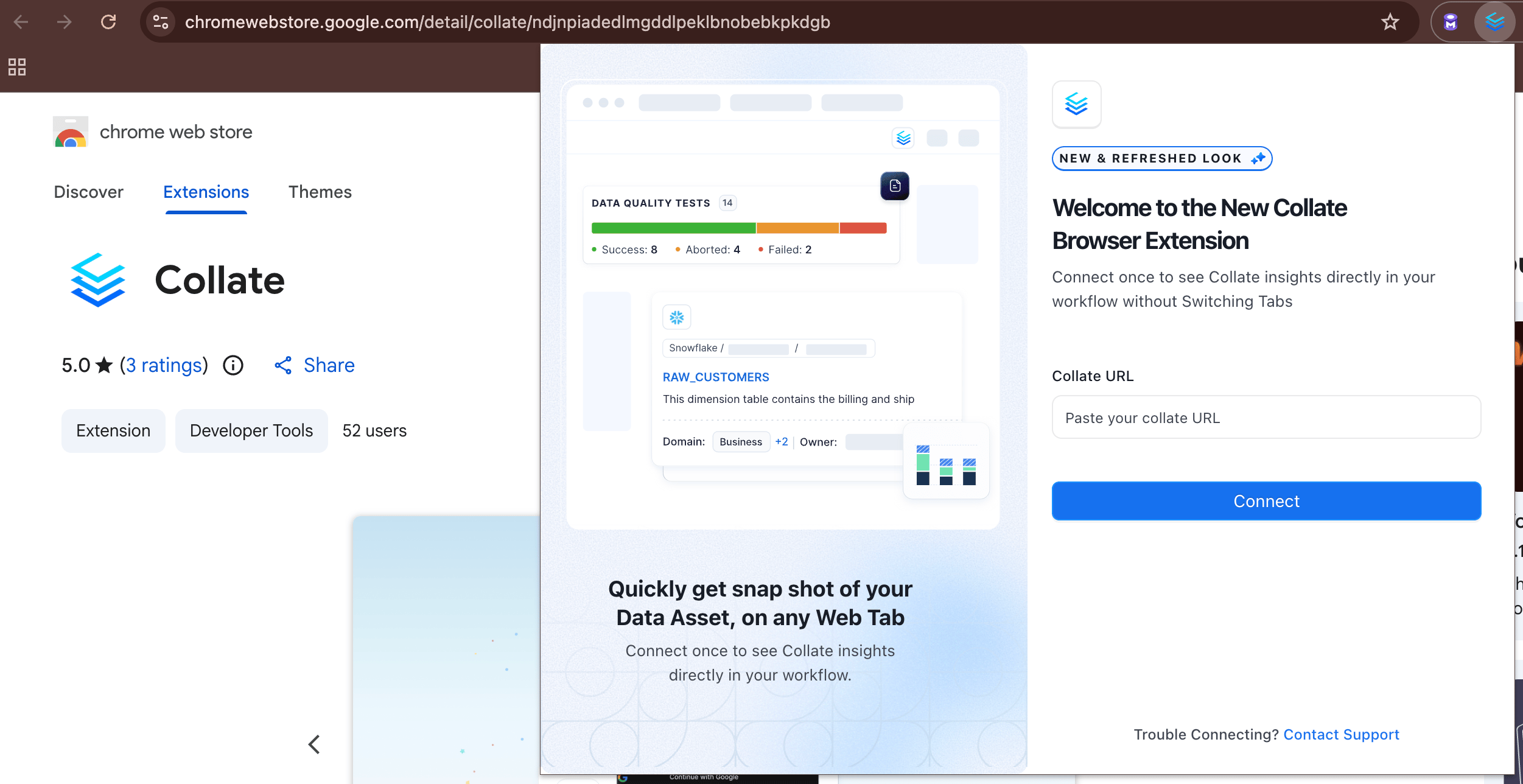 2. Enter the base URL of your Collate instance.
3. Sign in — your **Activity Feeds** from the My Data page will load automatically.
## What You Can See
While working in any third-party tool integrated with Collate, click the extension to instantly view metadata for the asset you're on:
* **Ownership** — Who owns the data asset
* **Description** — What the asset is and how it's used
* **Tags** — Classification labels applied to the asset
* **Glossary Terms** — Business definitions linked to the asset
* **Schema** — Column names, types, and structure
* **Lineage** — Upstream and downstream data dependencies
* **Custom Properties** — Any additional metadata your organization has defined
2. Enter the base URL of your Collate instance.
3. Sign in — your **Activity Feeds** from the My Data page will load automatically.
## What You Can See
While working in any third-party tool integrated with Collate, click the extension to instantly view metadata for the asset you're on:
* **Ownership** — Who owns the data asset
* **Description** — What the asset is and how it's used
* **Tags** — Classification labels applied to the asset
* **Glossary Terms** — Business definitions linked to the asset
* **Schema** — Column names, types, and structure
* **Lineage** — Upstream and downstream data dependencies
* **Custom Properties** — Any additional metadata your organization has defined