> ## Documentation Index
> Fetch the complete documentation index at: https://docs.getcollate.io/llms.txt
> Use this file to discover all available pages before exploring further.
# Request Description and Conversation
> Learn how to request data asset descriptions in Collate. Step-by-step guide for data users to collaborate and improve data documentation.
# Request Description and Conversation
## Request to Update Description
Apart from adding a description to the data assets directly, users can also request to update description. This is typically done when the user wants another opinion on the description being added, or if the user does not have access to edit the description. Requesting a description will create a Task in Collate.
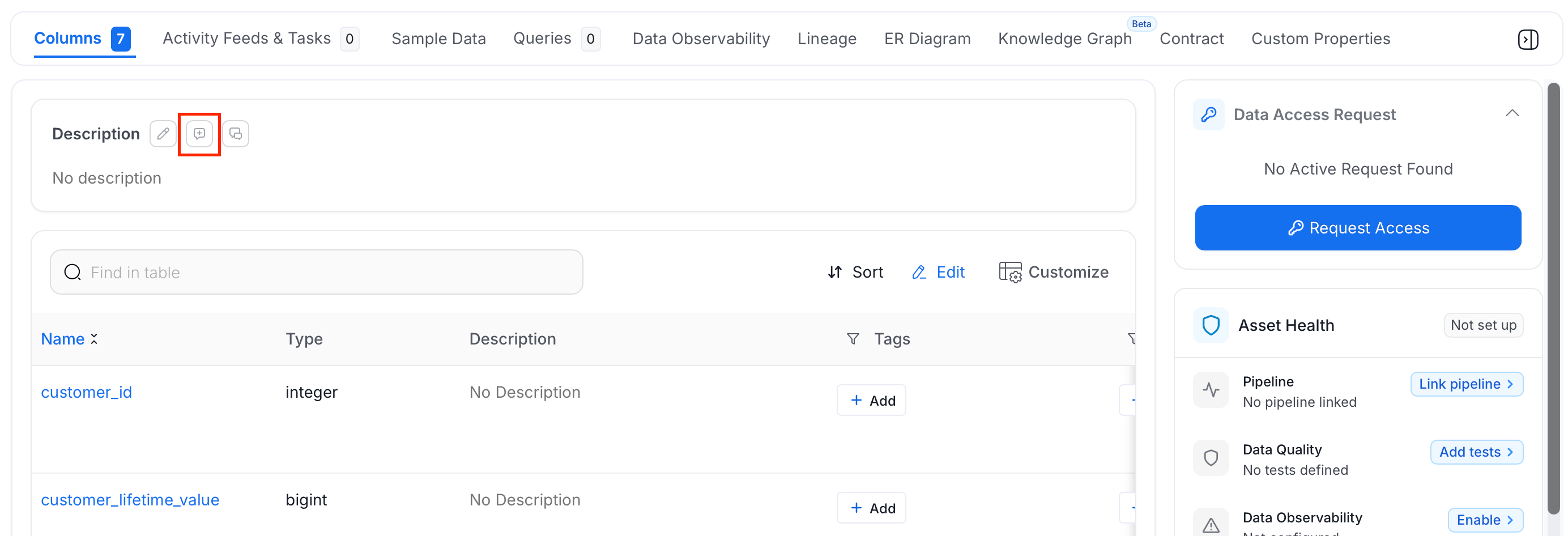
1. Click the  icon next to the **Description** header.
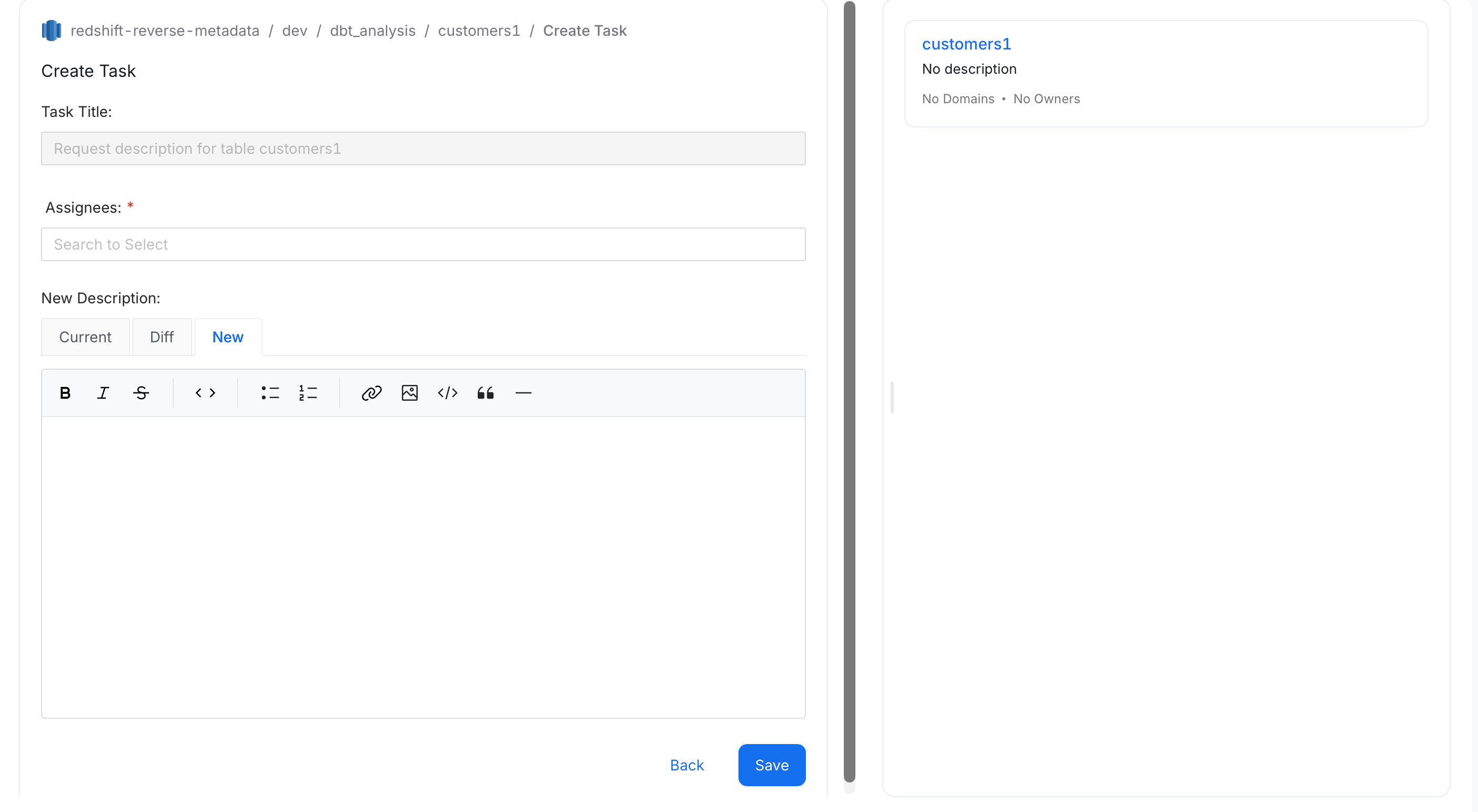
 2. A **Create Task** page appears with pre-populated **Task Title**. Fill the other important information:
* **Title** - This is auto-populated
* **Assignees** - Multiple users or teams can be added
* **Description** - Add the new description.
* You can view the **Current** description.
* You can add the **New** description.
* It will display the **Difference** as well.
* Click on **Submit** to create the task.
2. A **Create Task** page appears with pre-populated **Task Title**. Fill the other important information:
* **Title** - This is auto-populated
* **Assignees** - Multiple users or teams can be added
* **Description** - Add the new description.
* You can view the **Current** description.
* You can add the **New** description.
* It will display the **Difference** as well.
* Click on **Submit** to create the task.
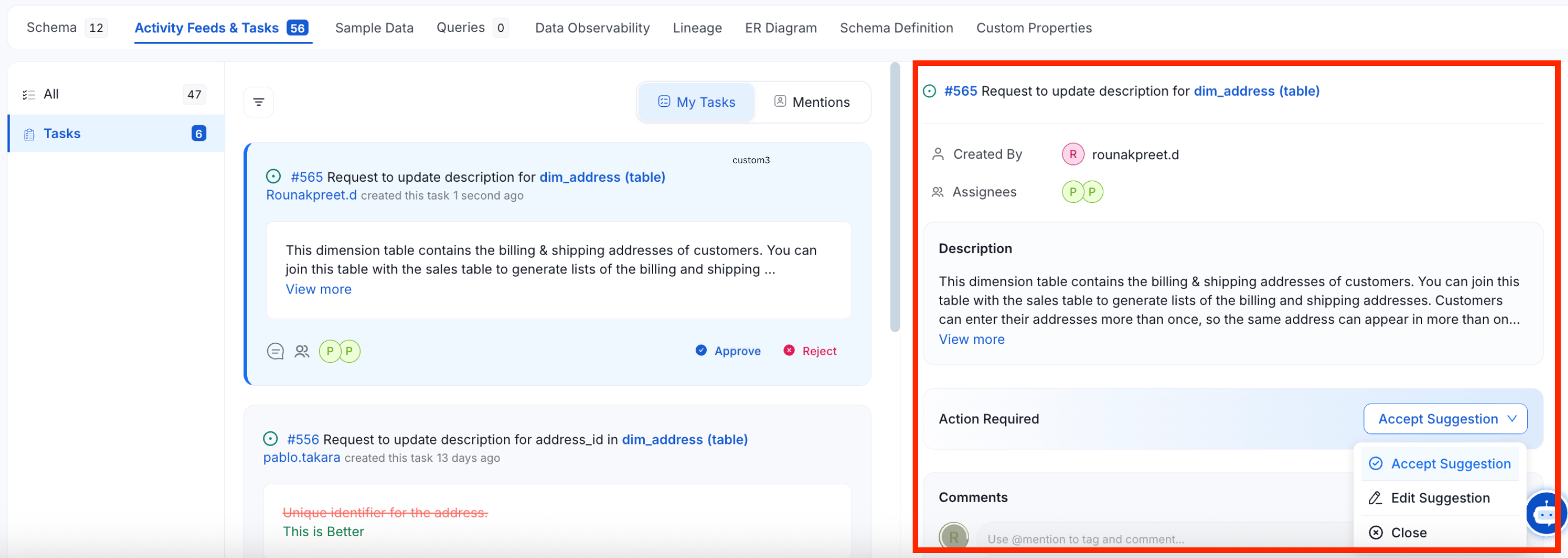
 After a task has been created, it is displayed in the **Activity Feeds & Tasks** tab for that Data Asset. The assignees, can either `Accept the Suggestion` or `Edit and Accept the Suggestion`. Assignees can also add a **Comment**. They can also add other users as **Assignees**.
 ## Conversations around the Data Asset Description
Apart from requesting a description, users can also create a **Conversation** around the description of a data asset.
1. Click the **Conversation** icon next to the description.
## Conversations around the Data Asset Description
Apart from requesting a description, users can also create a **Conversation** around the description of a data asset.
1. Click the **Conversation** icon next to the description.
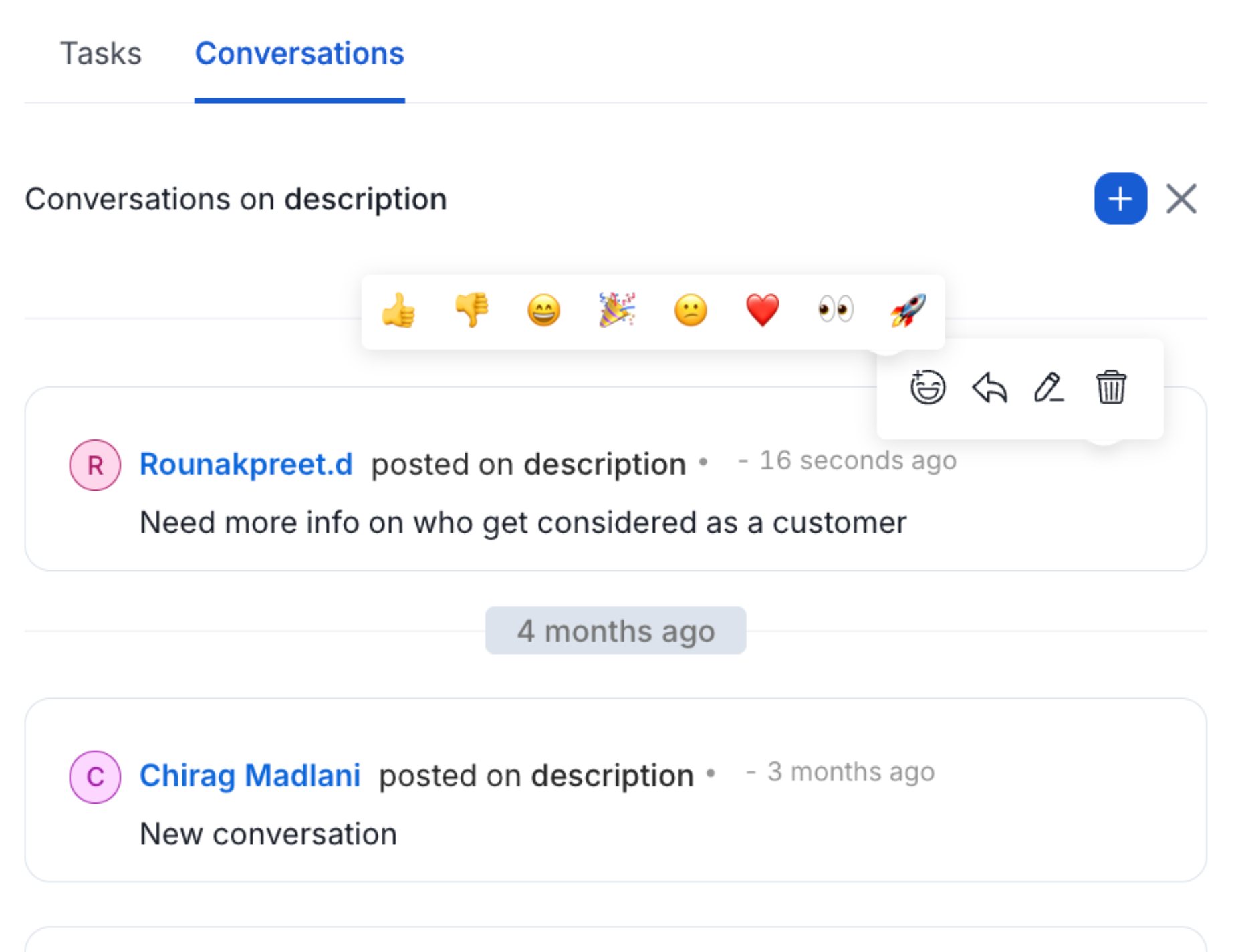
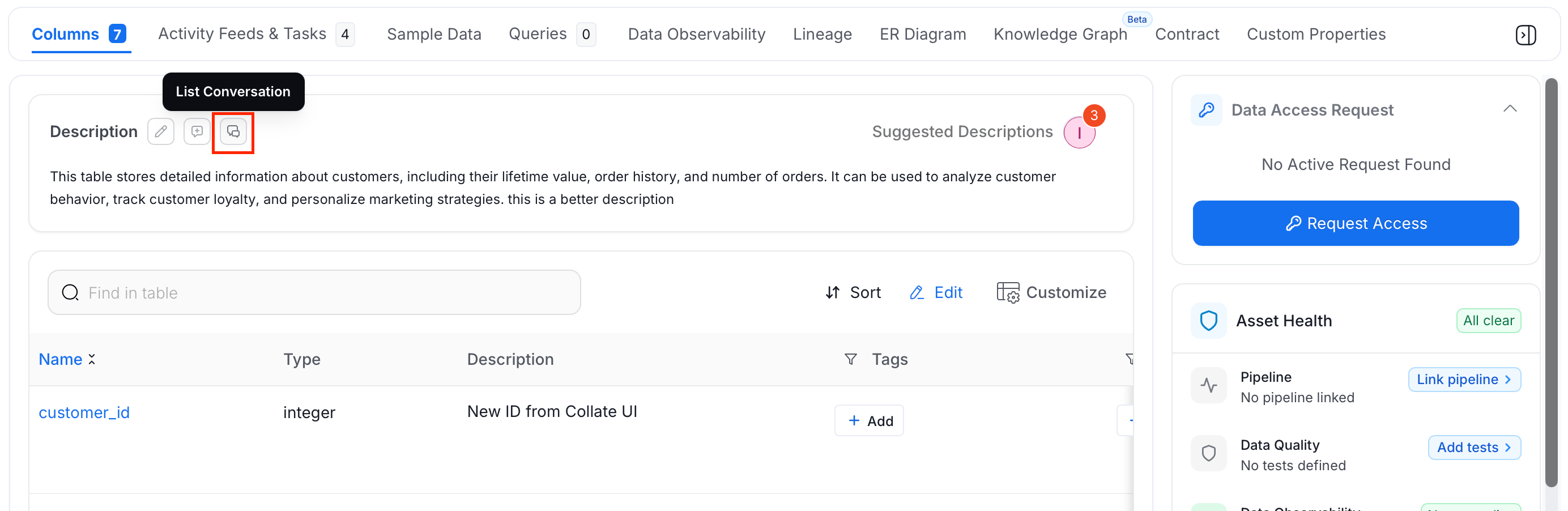 2. Start a conversation right within the data asset page. Add **@mention** to tag a user or team. Add a **#mention** to tag a data asset.
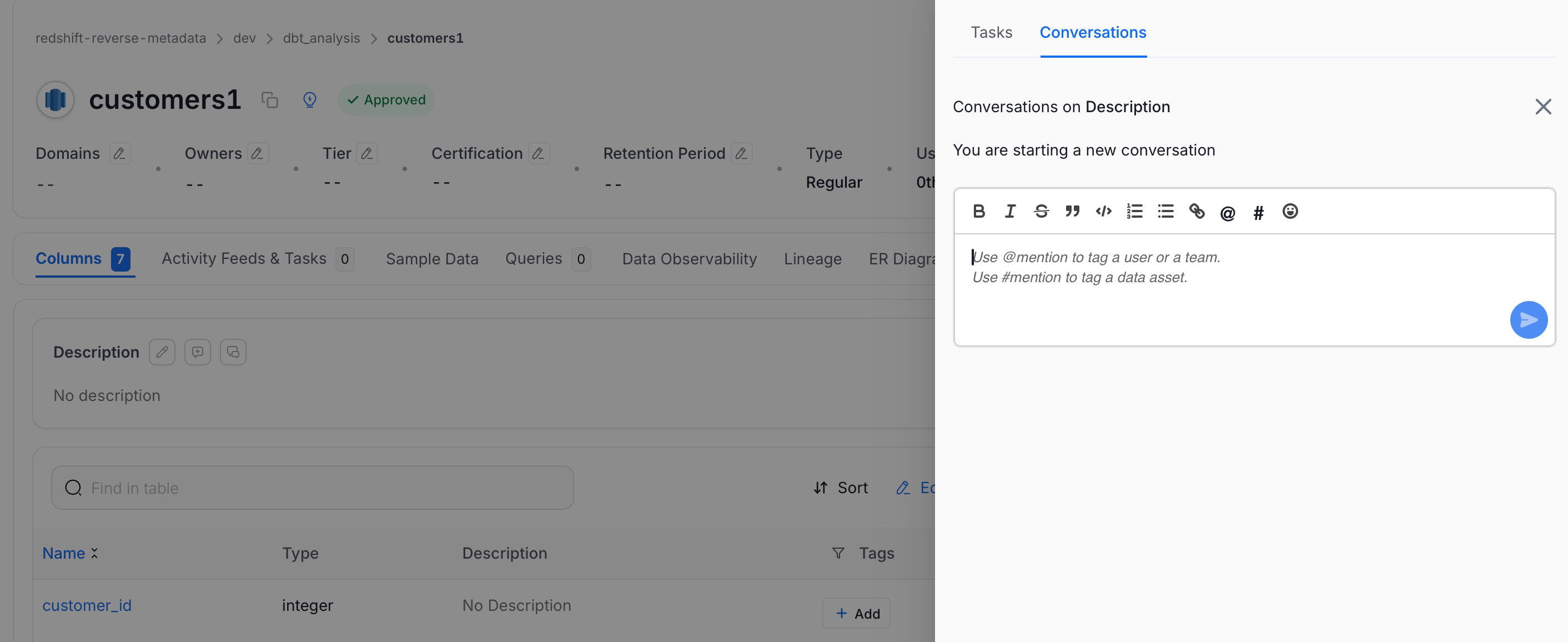 3. Further in the conversation, users can **Reply** to discuss further as well as add **Reactions**, **Edit**, or **Delete**.