> ## Documentation Index
> Fetch the complete documentation index at: https://docs.getcollate.io/llms.txt
> Use this file to discover all available pages before exploring further.
# Ingest Tiers from dbt | Data Tiering Guide
> Ingest dbt tier metadata to support quality scoring and classification for critical datasets and models.
# Ingest Tiers from dbt
Collate reads table-level tier assignments from your dbt `manifest.json` file and applies them to the matching tables in Collate.
**Tip**: The tier you assign in dbt must already exist in Collate before you run ingestion. Collate won't create new tiers automatically.
## How to Assign a Tier from dbt
Follow these steps to assign tier labels from dbt to your tables in Collate.
### Step 1: Create or Select a Tier in Collate
Make sure the tier you want to assign already exists in Collate before running ingestion.
Tiers let data owners signal how important a dataset is to the organization — for example, Tier 1 for business-critical data and Tier 3 for experimental or low-priority data.
If you haven't set up tiers yet, see [Tiers in Collate](/ai-2-0/how-to-guides/data-governance/classification/tiers) to create them first.
### Step 2: Add the Tier to Your dbt `schema.yml`
Tell dbt which tier applies to each model by adding it to your schema configuration.
Open your `schema.yml` file and add the tier under `model → meta → openmetadata → tier`. Use the full tier FQN (e.g. `Tier.Tier2`).
For example, to assign `Tier2` to the `customers` model:
```yaml theme={null}
models:
- name: customers
meta:
openmetadata:
tier: 'Tier.Tier2'
description: This table has basic information about a customer, as well as some derived facts based on a customer's orders
columns:
- name: customer_id
description: This is a unique identifier for a customer
tests:
- unique
- not_null
```
For more details on the dbt `meta` field, see the [dbt meta configuration reference](https://docs.getdbt.com/reference/resource-configs/meta).
After you save and run your dbt workflow, the generated `manifest.json` will include the tier assignment under `node_name → config → meta → openmetadata → tier`:
```json theme={null}
"model.jaffle_shop.customers": {
"raw_sql": "sample_raw_sql",
"compiled": true,
"resource_type": "model",
"depends_on": {},
"database": "dev",
"schema": "dbt_jaffle",
"config": {
"enabled": true,
"alias": null,
"meta": {
"openmetadata": {
"tier": "Tier.Tier2"
}
}
}
}
```
### Step 3: Verify
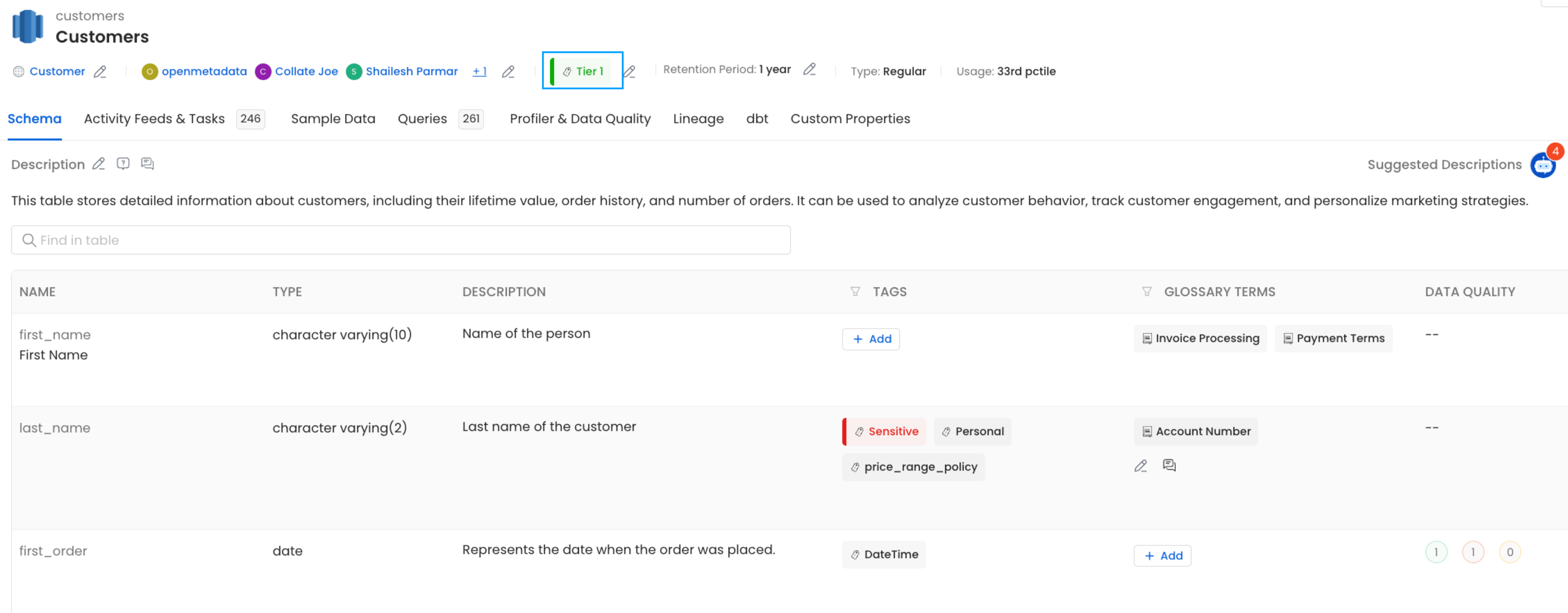
After ingestion completes, you can view the tier directly on the table page in Collate.