> ## Documentation Index
> Fetch the complete documentation index at: https://docs.getcollate.io/llms.txt
> Use this file to discover all available pages before exploring further.
# Skills | AI Studio
> Attach reusable capabilities to agents using skills in Collate AI Studio.
# Skills
A skill is a reusable set of capabilities that you attach to an agent to control what actions it can take. Each skill is built on top of an external [plugin](/ai-2-0/collate-ai/ai-studio/plugins) and exposes a specific subset of tools from that plugin. The built-in Collate plugin isn't available as a base for skills: skills are only built on plugins you've connected yourself, such as Confluence or GitHub.
For example, a **Documentation Lookup** skill built on the Confluence plugin gives an agent the ability to search and retrieve pages from your Confluence site, without granting access to unrelated tools.
## Create a Skill
Follow the steps below to create a new skill in AI Studio.
### Step 1: Navigate to the Skills Tab
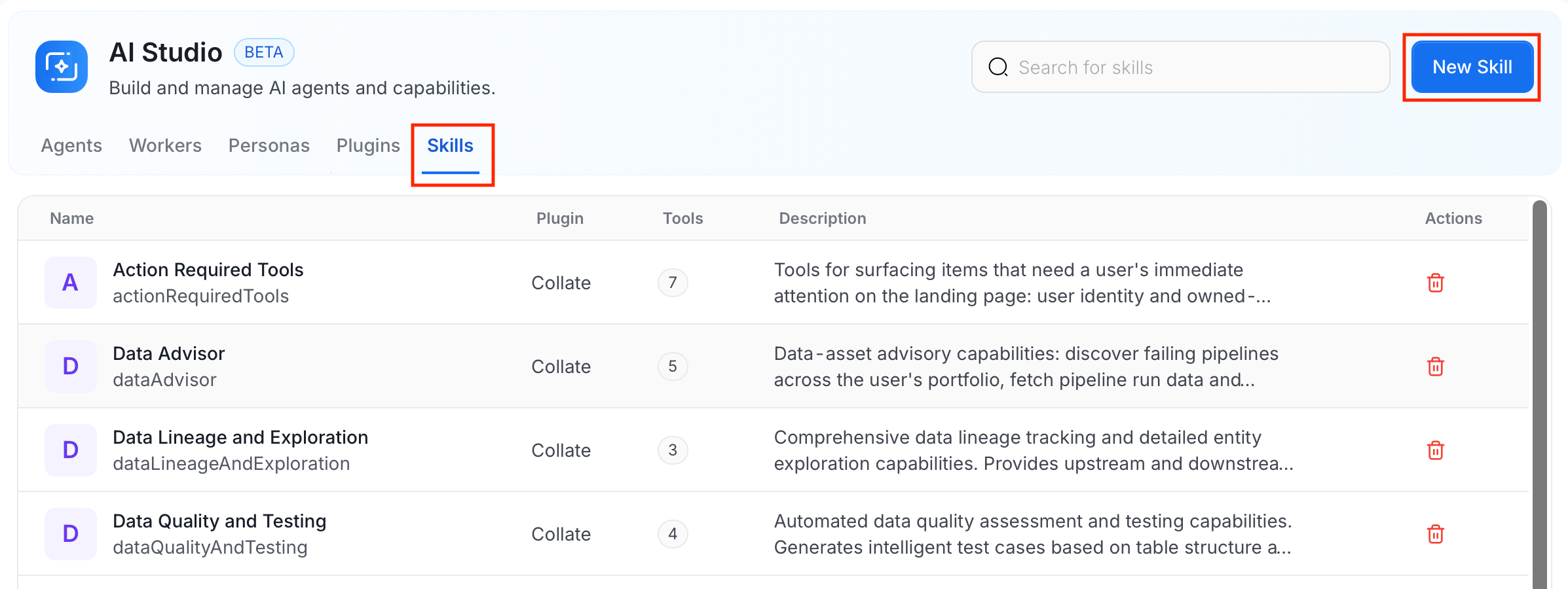
1. In the left navigation menu, click **More** > **AI Studio**.
2. Navigate to the **Skills** tab, and click **New Skill**.
 ### Step 2: Fill in Skill Details
Enter the following details:
| Field | Required | Description |
| ----------------------- | -------- | -------------------------------------------------------------------------------------------------------------------------------------------------------------------------------------------------------------------------------------------------------------- |
| **Skills Name** | Yes | The internal identifier for this skill. |
| **Skills Display Name** | Yes | The name shown in the UI and in agent configuration. |
| **Description** | Yes | A short description of what this skill does and the tools it provides. |
| **Select Plugin** | Yes | The external plugin this skill is built on. Only plugins you've connected (Confluence, GitHub, or Custom) appear here. The built-in Collate plugin is excluded. After you select a plugin, the tools discovered from it become available for the skill to use. |
### Step 2: Fill in Skill Details
Enter the following details:
| Field | Required | Description |
| ----------------------- | -------- | -------------------------------------------------------------------------------------------------------------------------------------------------------------------------------------------------------------------------------------------------------------- |
| **Skills Name** | Yes | The internal identifier for this skill. |
| **Skills Display Name** | Yes | The name shown in the UI and in agent configuration. |
| **Description** | Yes | A short description of what this skill does and the tools it provides. |
| **Select Plugin** | Yes | The external plugin this skill is built on. Only plugins you've connected (Confluence, GitHub, or Custom) appear here. The built-in Collate plugin is excluded. After you select a plugin, the tools discovered from it become available for the skill to use. |
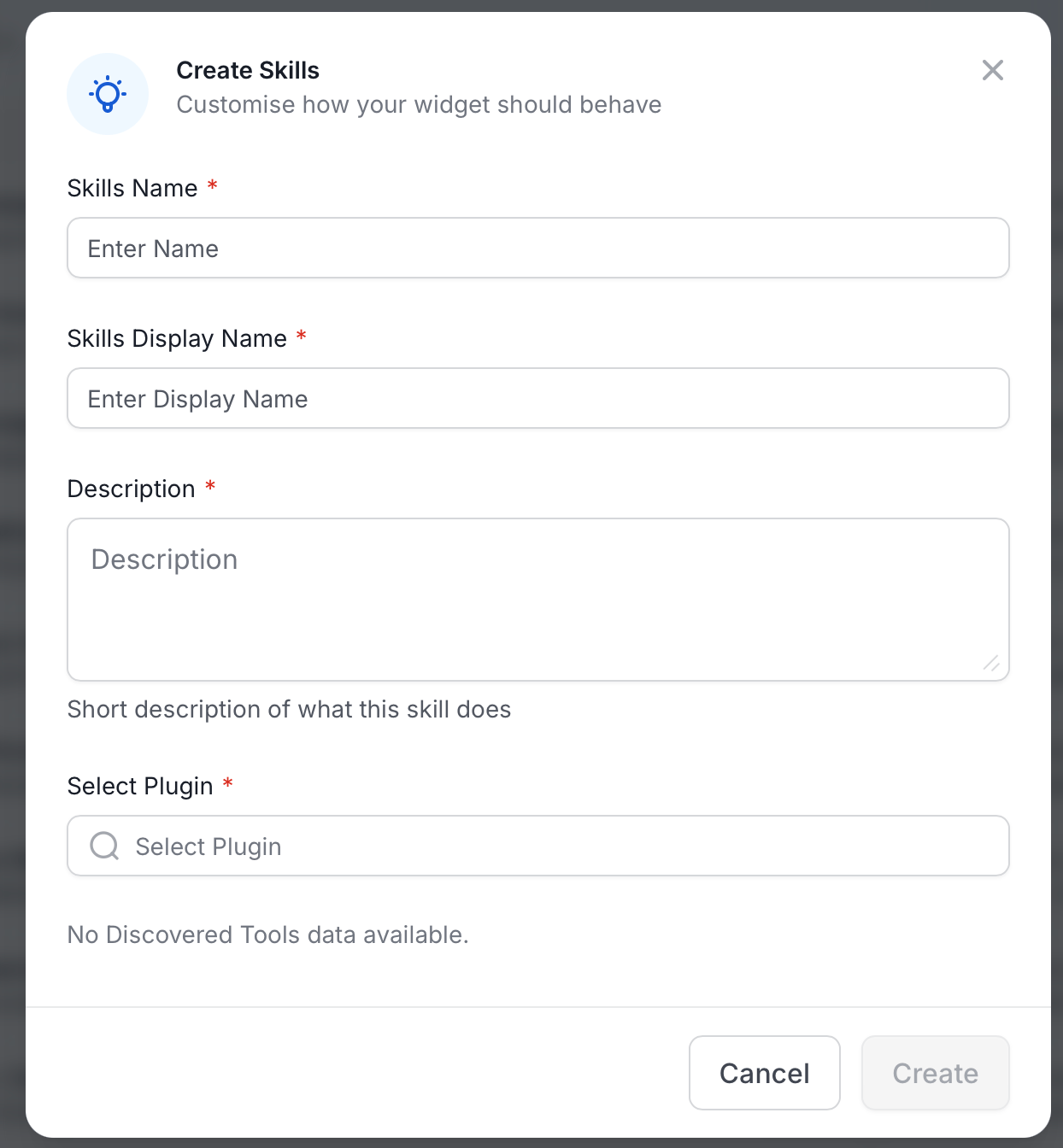 Click **Create** to save the skill.
## View Skills
The **Skills** tab lists all skills with their name, the plugin they're built on, the number of tools they expose, and a description. Use the search bar to filter by name.
## Manage Skills
Use the following options to edit or delete a skill.
* To edit a skill:
1. In the **Skills** tab, click the skill you want to edit.
Click **Create** to save the skill.
## View Skills
The **Skills** tab lists all skills with their name, the plugin they're built on, the number of tools they expose, and a description. Use the search bar to filter by name.
## Manage Skills
Use the following options to edit or delete a skill.
* To edit a skill:
1. In the **Skills** tab, click the skill you want to edit.
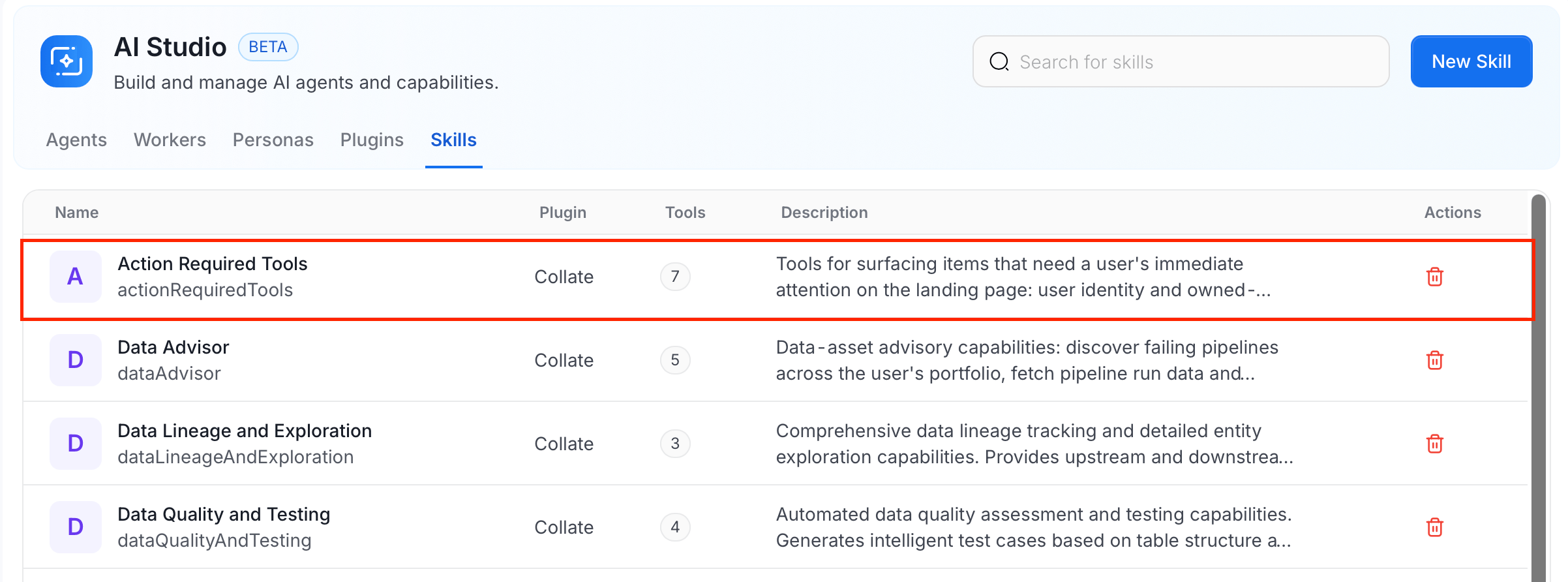 2. Modify the details and click **Save**.
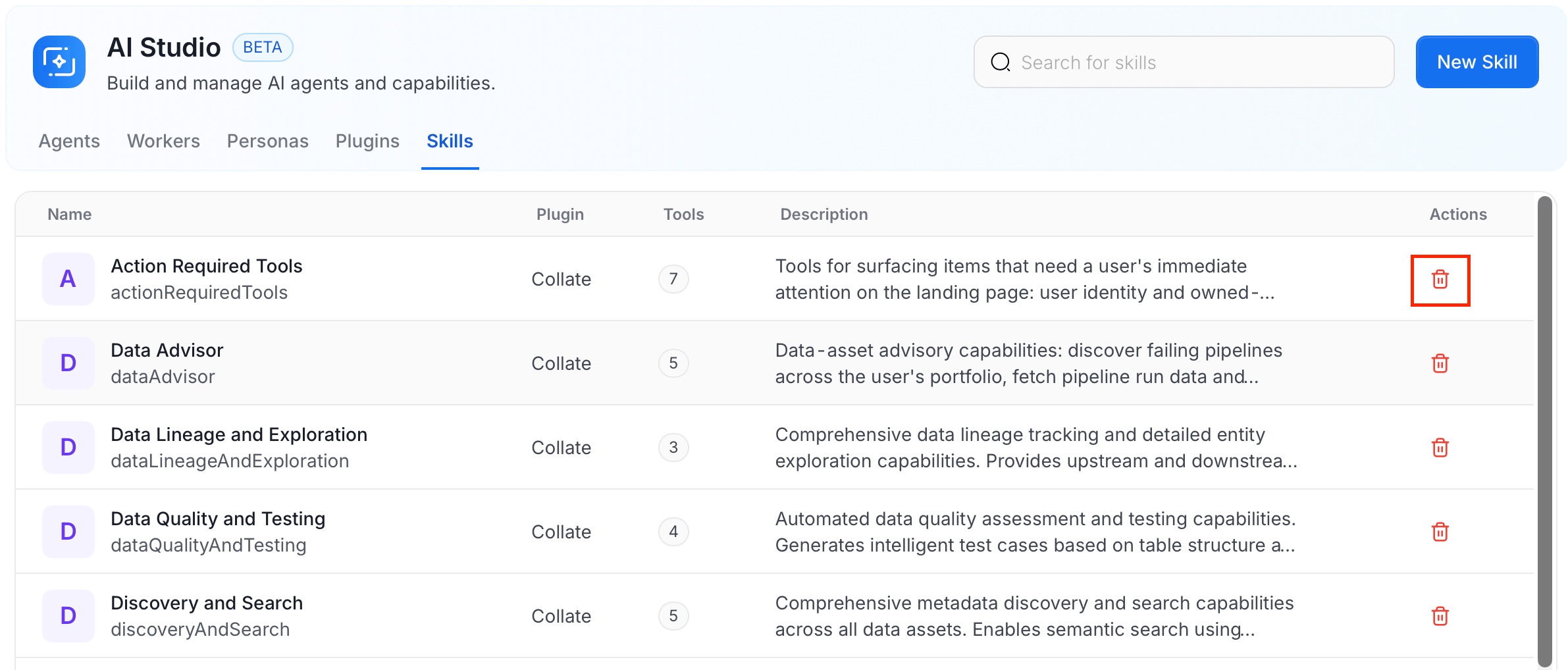
* To delete a skill, click the **Delete** icon in the **Actions** column next to the skill.
2. Modify the details and click **Save**.
* To delete a skill, click the **Delete** icon in the **Actions** column next to the skill.