> ## Documentation Index
> Fetch the complete documentation index at: https://docs.getcollate.io/llms.txt
> Use this file to discover all available pages before exploring further.
# Customize Persona UI
> Configure navigation, app mode, entity pages, and AI navigation for each persona so every role sees exactly what they need.
# Customize Persona UI
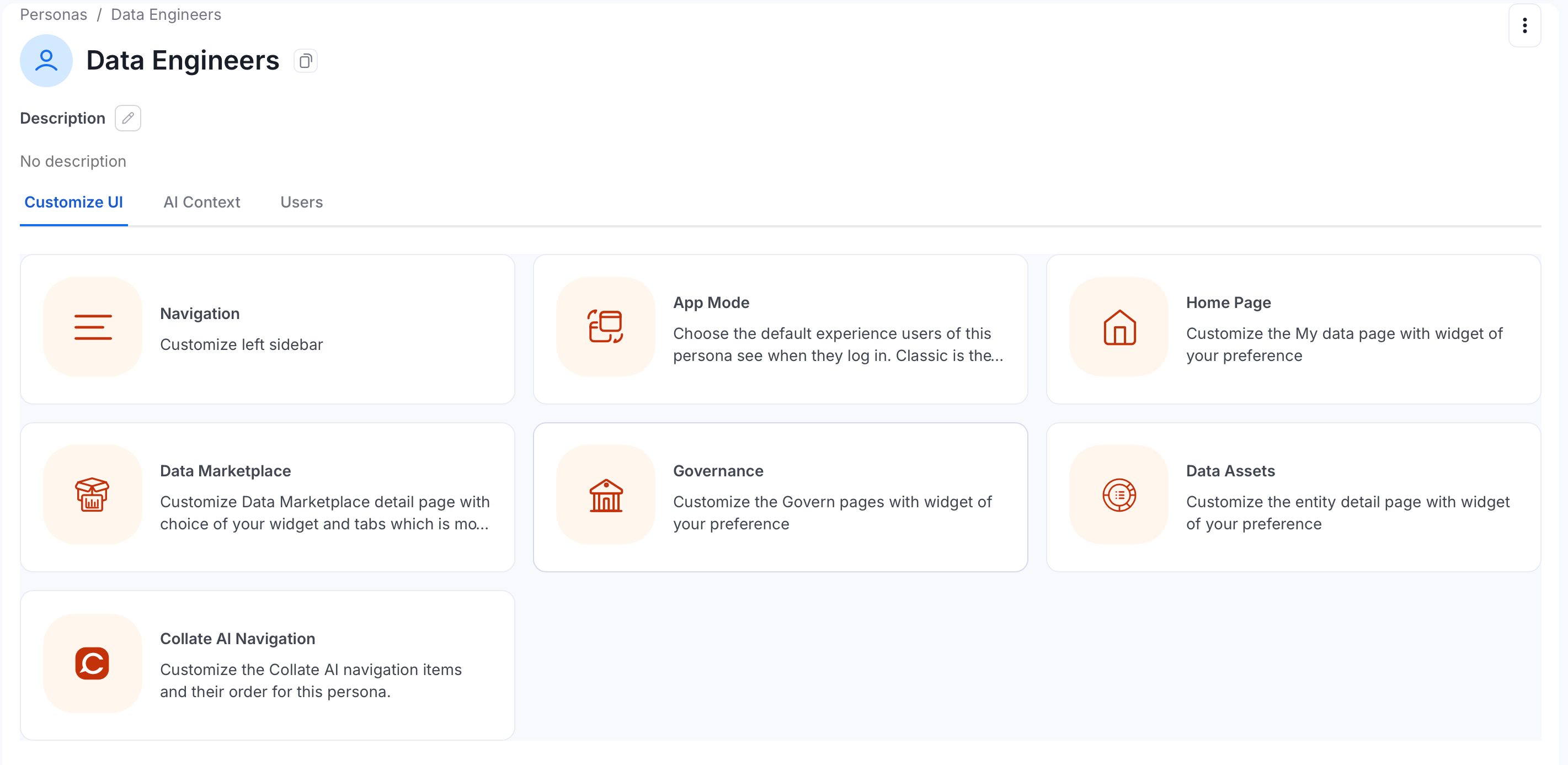
The **Customize UI** tab on a persona's detail page gives admins six ways to tailor the Collate interface for that persona. Changes apply to every user assigned to the persona.
To open these settings, navigate to **Settings** > **Personas**, select a persona, and click the **Customize UI** tab.
**Note**: Home page widget customization — adding, removing, and rearranging widgets on the persona's landing page — will be available in a future release.
 ## App Mode
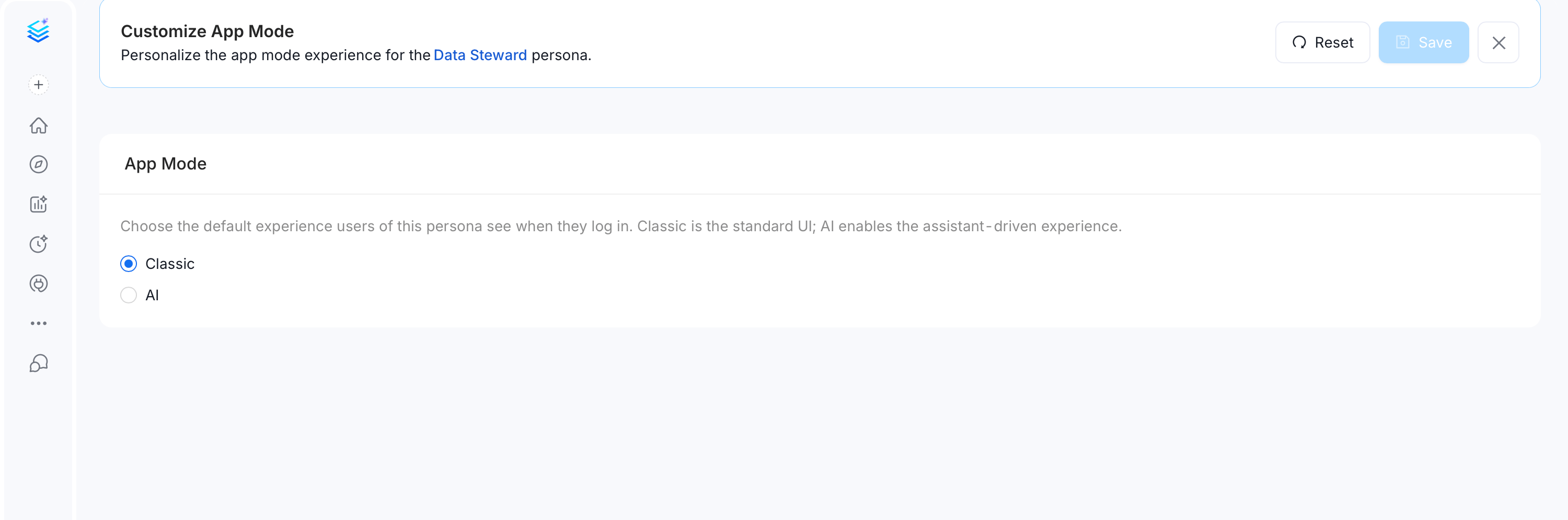
Choose the default experience users of this persona see when they log in:
* **AI mode** — the Collate 2.0 home page, with the AI-powered dashboard: Platform Health, Action Required, Recommended Improvements, Pending Approvals, and more. Recommended for most personas in Collate 2.0.
* **Classic mode** — the traditional home page with a My Data, Domain, and My Tasks layout. Use this when a team prefers the pre-2.0 experience or relies on Classic-only widgets.
## App Mode
Choose the default experience users of this persona see when they log in:
* **AI mode** — the Collate 2.0 home page, with the AI-powered dashboard: Platform Health, Action Required, Recommended Improvements, Pending Approvals, and more. Recommended for most personas in Collate 2.0.
* **Classic mode** — the traditional home page with a My Data, Domain, and My Tasks layout. Use this when a team prefers the pre-2.0 experience or relies on Classic-only widgets.
 ## Navigation
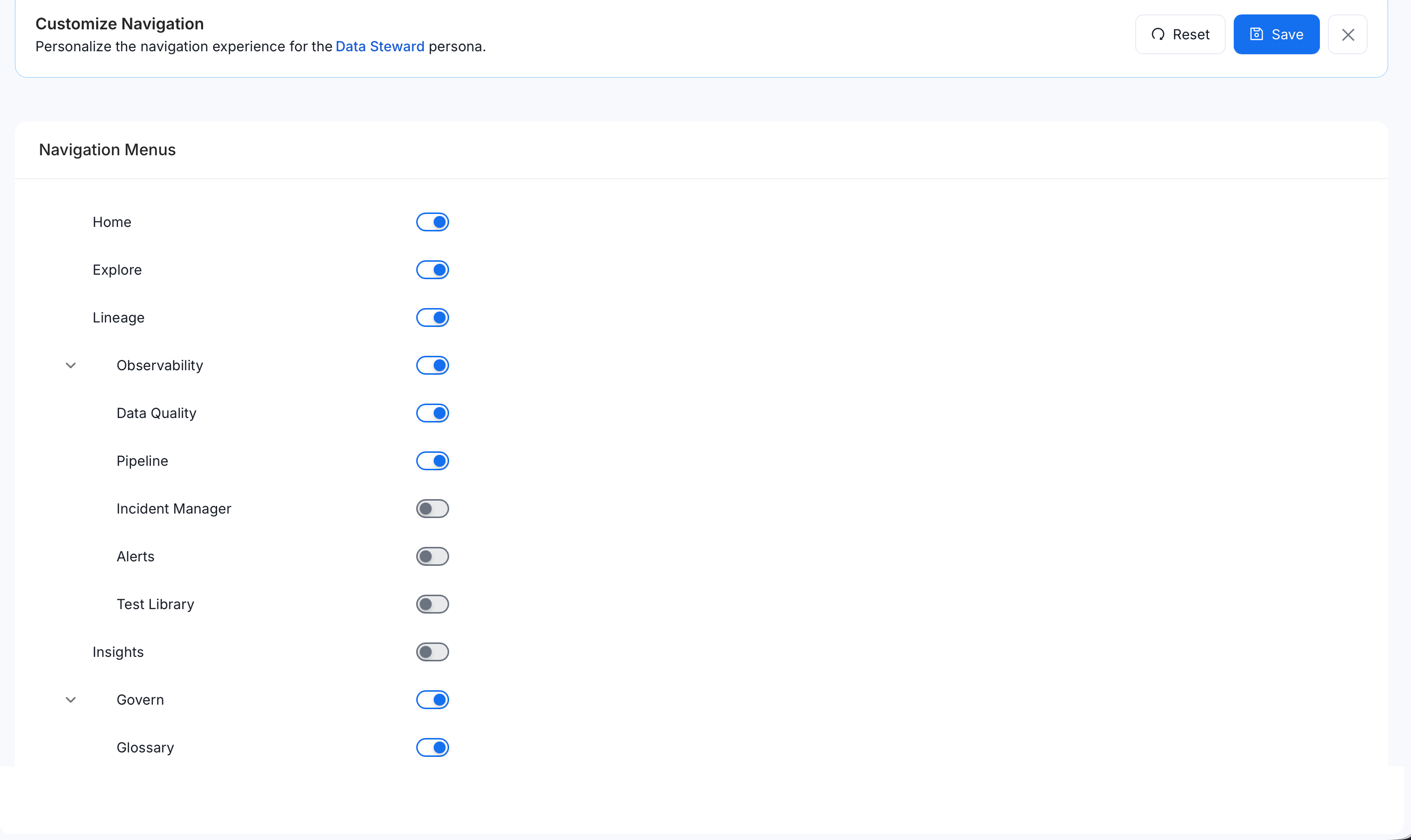
Customize which items appear in the left sidebar for this persona, and in what order. Remove sections that aren't relevant to the role to reduce clutter and keep the user focused on what matters.
## Navigation
Customize which items appear in the left sidebar for this persona, and in what order. Remove sections that aren't relevant to the role to reduce clutter and keep the user focused on what matters.
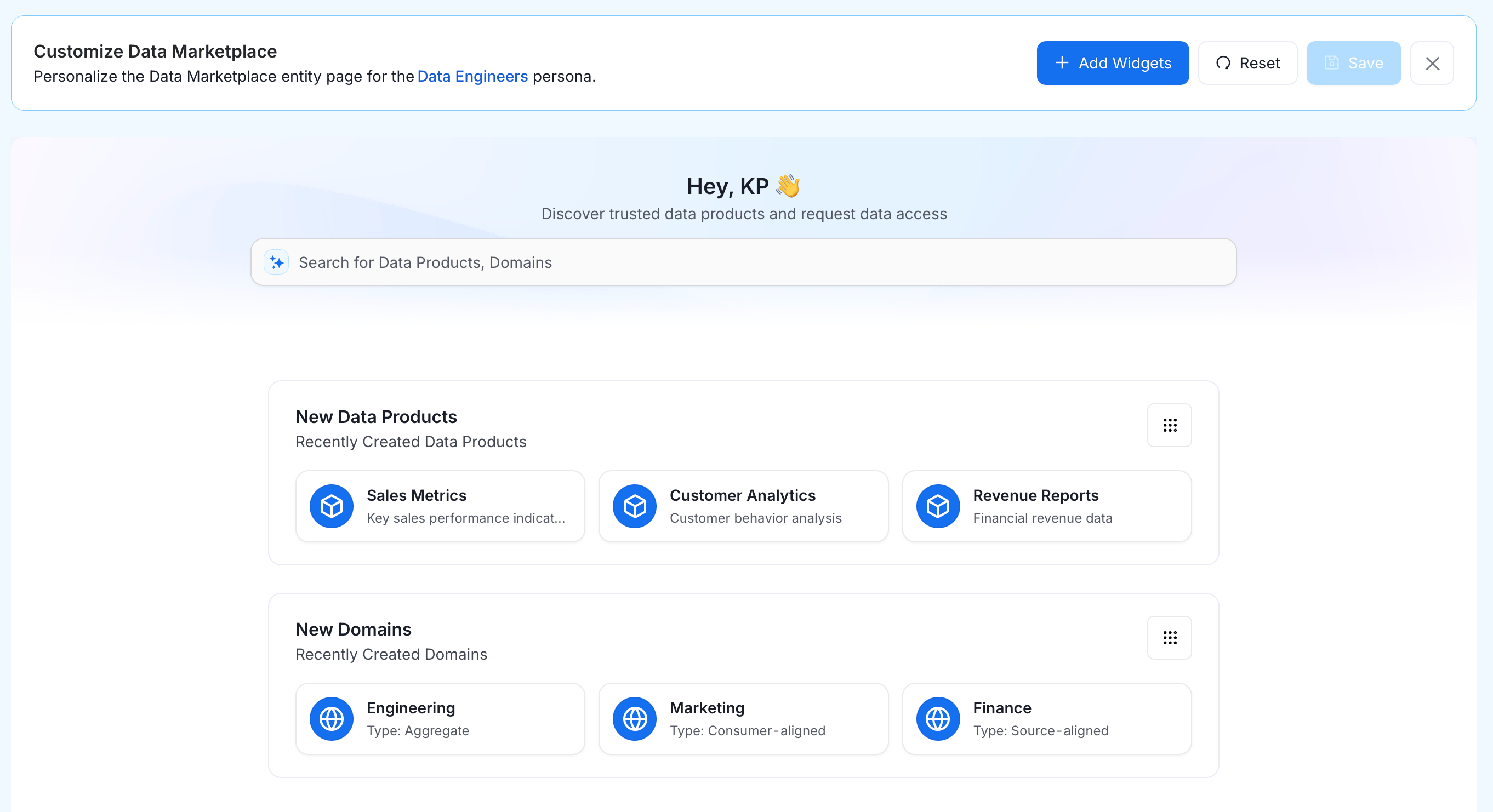
 ## Data Marketplace
Customize the Data Marketplace detail page for this persona — choose which tabs and widgets appear, and in what order. Useful when the persona primarily uses the Marketplace for access requests or asset discovery.
## Data Marketplace
Customize the Data Marketplace detail page for this persona — choose which tabs and widgets appear, and in what order. Useful when the persona primarily uses the Marketplace for access requests or asset discovery.
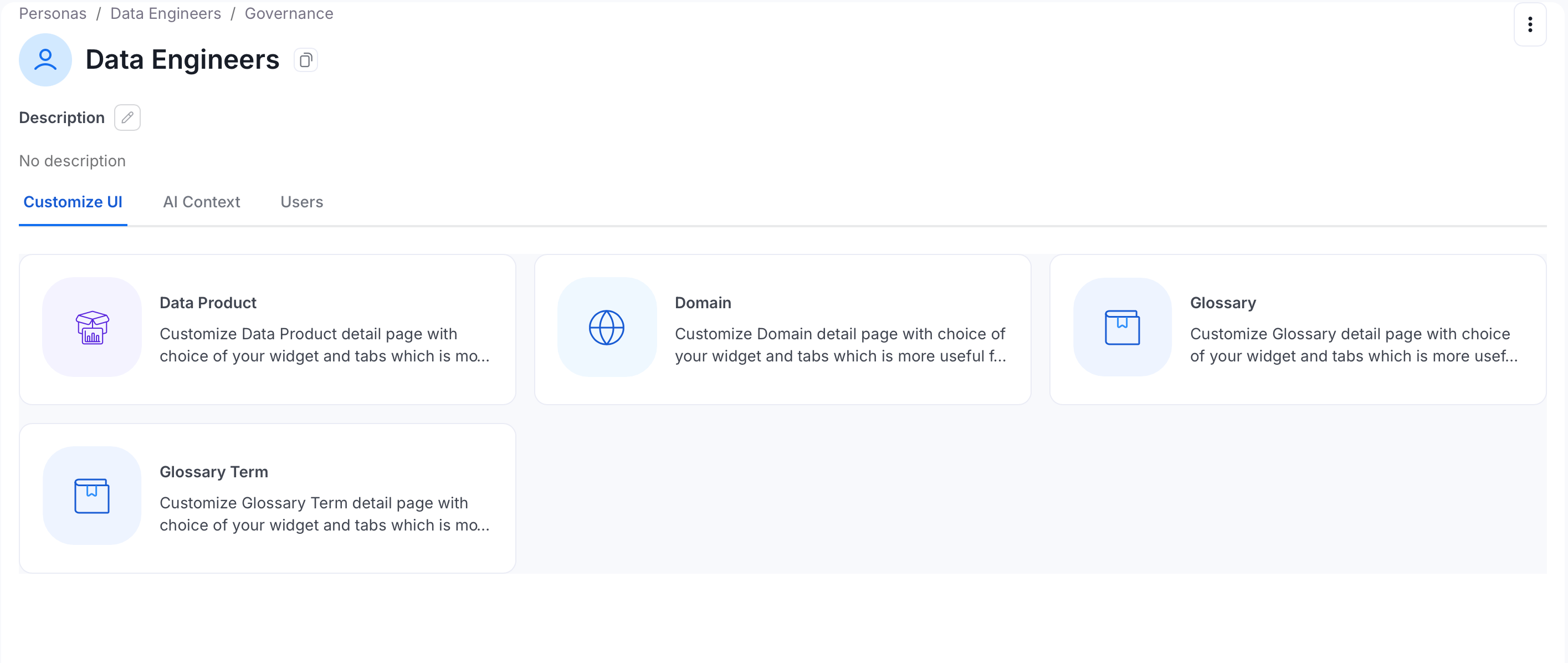
 ## Governance
Customize the layout of Govern pages for this persona. Each governance entity type is configured independently: **Data Product**, **Domain**, **Glossary**, and **Glossary Term**. For each, choose which widgets and tabs appear on its detail page and in what order.
## Governance
Customize the layout of Govern pages for this persona. Each governance entity type is configured independently: **Data Product**, **Domain**, **Glossary**, and **Glossary Term**. For each, choose which widgets and tabs appear on its detail page and in what order.
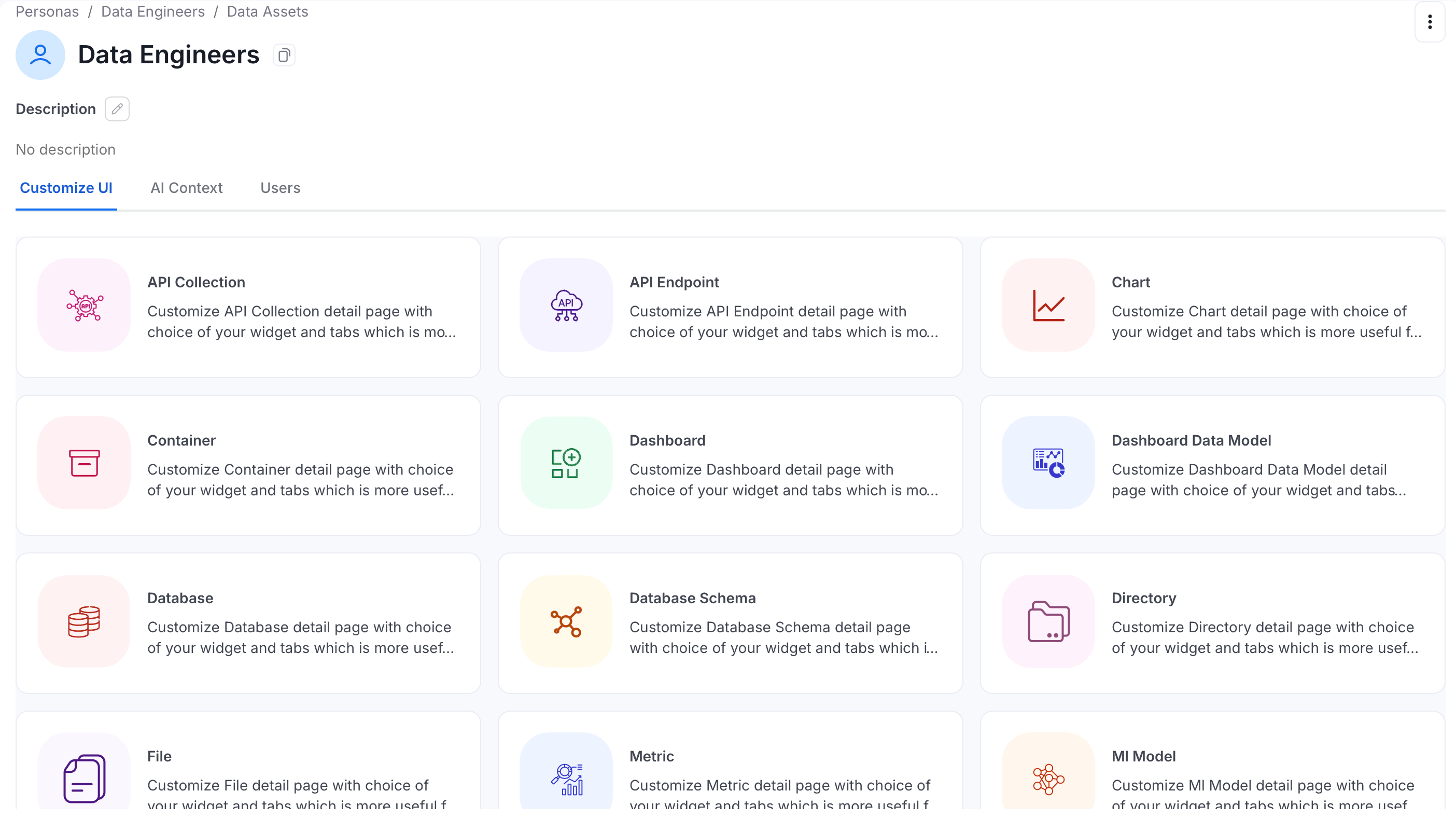
 ## Data Assets
Customize the entity detail page layout for this persona. Each asset type is configured independently — choose which panels and tabs appear when a user opens that asset type.
## Data Assets
Customize the entity detail page layout for this persona. Each asset type is configured independently — choose which panels and tabs appear when a user opens that asset type.
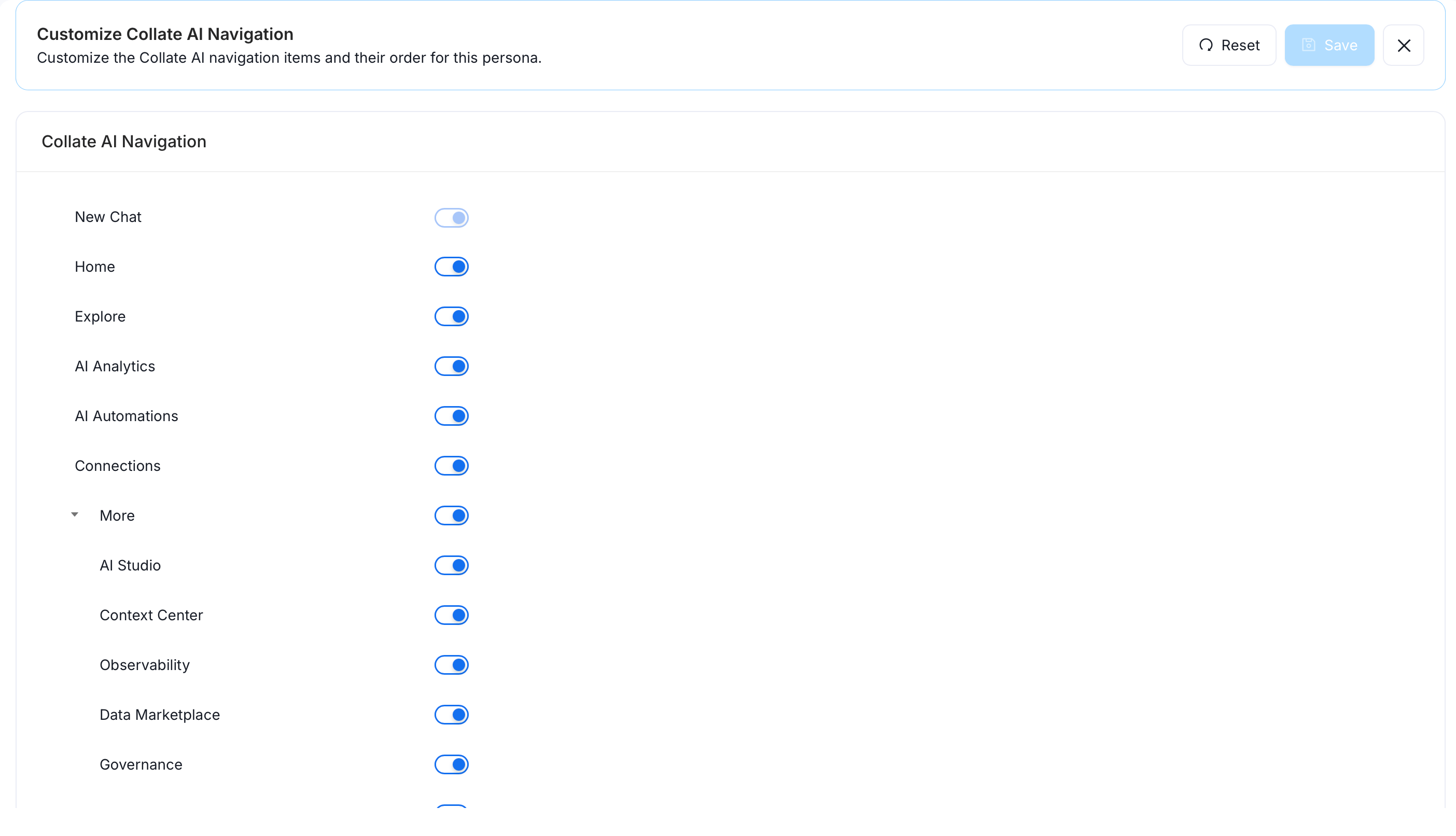
 ## Collate AI Navigation
Customize which items appear in the Collate AI navigation for this persona, and in what order. Toggle each item on or off using its switch.
## Collate AI Navigation
Customize which items appear in the Collate AI navigation for this persona, and in what order. Toggle each item on or off using its switch.