> ## Documentation Index
> Fetch the complete documentation index at: https://docs.getcollate.io/llms.txt
> Use this file to discover all available pages before exploring further.
# Run Ingestion Pipeline Via CLI with Basic Auth
> Run Collate ingestion pipelines from the command line using Basic Authentication by obtaining a JWT token and configuring your workflow securityConfig.
# Run Ingestion Pipeline Via CLI with Basic Auth
Collate comes with a Username & Password Login Mechanism.
Basic Authentication
From `0.12.1` Collate has changed the default `no-auth` to `Basic` auth, So to run any ingestion pipeline from CLI you will have to pass the `jwtToken` and `authProvider` in the `securityConfig`.
## Obtain JWT Token
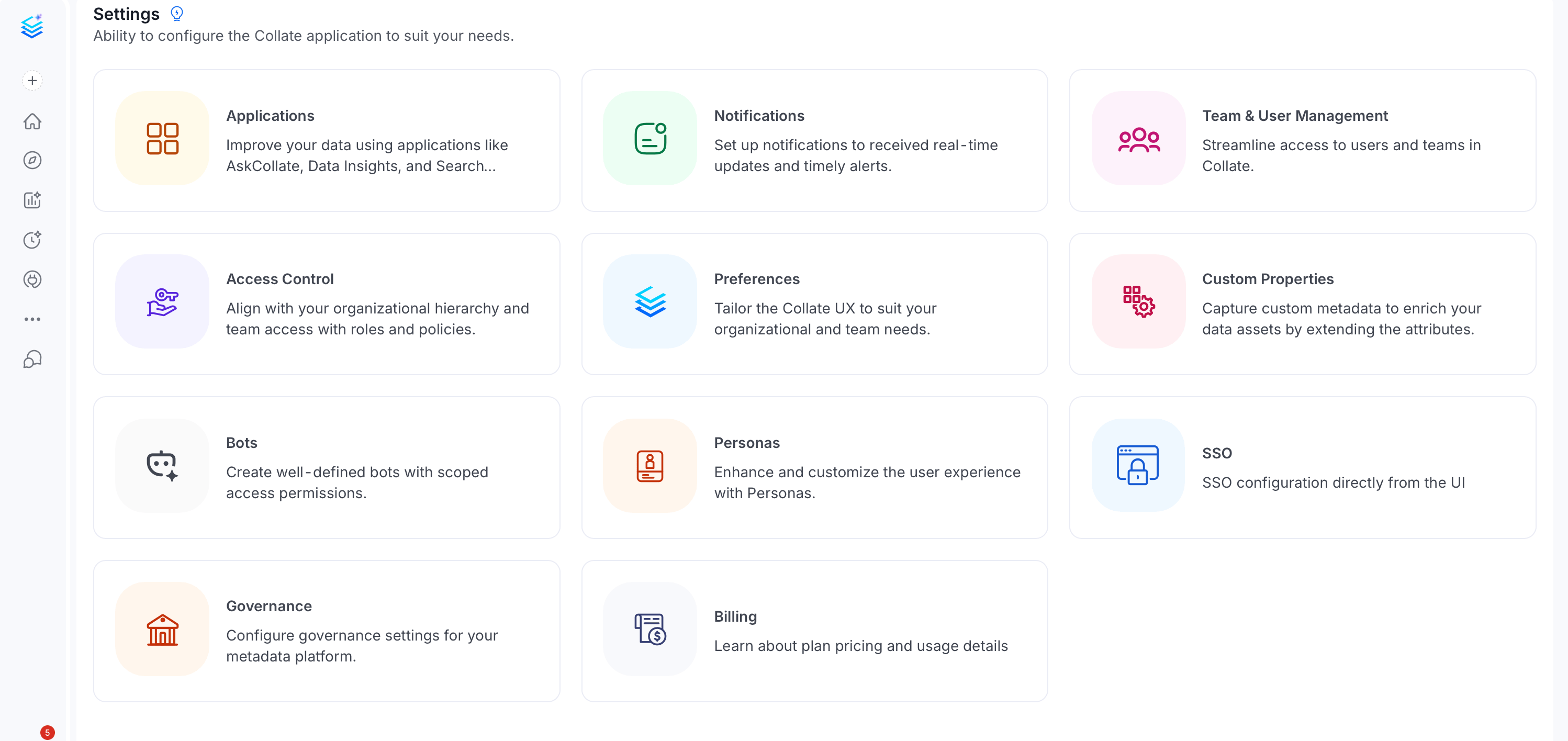
**Note**: The **Bots** tile under **Settings** is only visible to users with Admin privileges. If you don't see it, ask your organization's Collate Admin to generate a bot token for you or grant you Admin access.
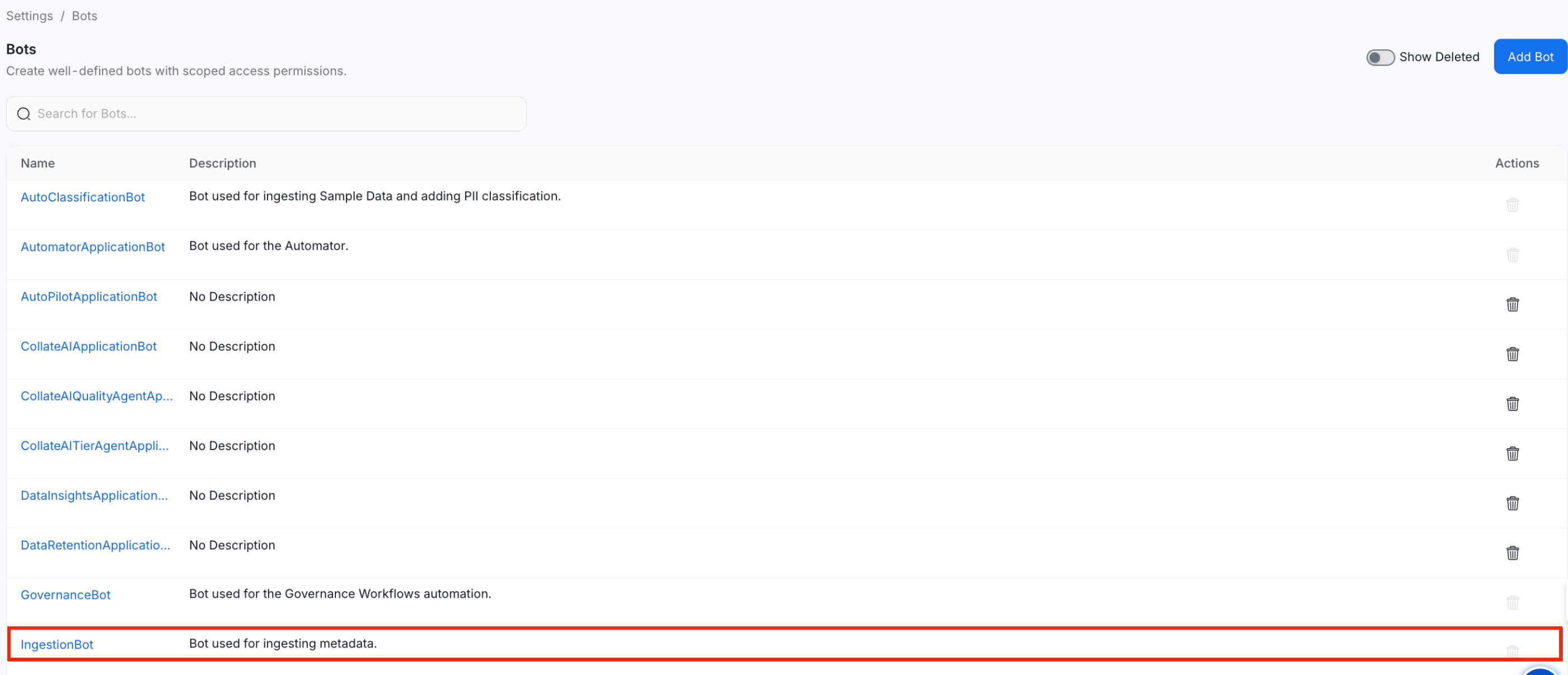
**1.** Go to the `settings` page from the `activity bar` Section. Click on the `Bots` and you will see the list of bots, then click on the `ingestion-bot`.
 2. Search and select **ingestion-bot**.
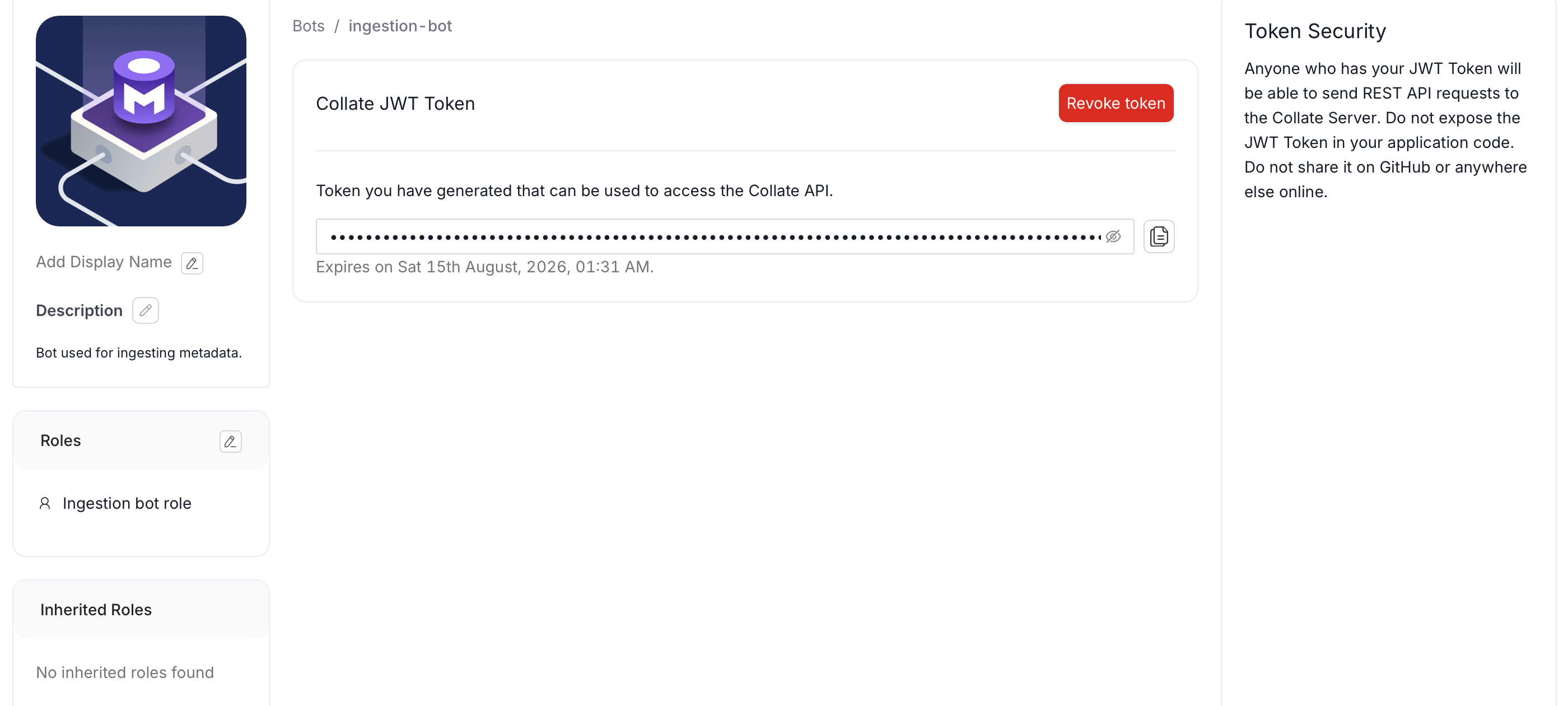
 3. Copy the Collate JWT token and save it for later use.
 ## Add JWT Token into the Workflow Config
Now Paste the copied JWT Token into your pipeline `securityConfig`, So your final workflow config will look like this.
> AuthProvider Should be **openmetadata** i.e authProvider: openmetadata
```yaml theme={null}
workflowConfig:
openMetadataServerConfig:
hostPort: http://localhost:8585/api
authProvider: openmetadata
securityConfig:
jwtToken: 'eyJraWQiO...'
```
Now you can run the pipeline by running.
```commandline theme={null}
metadata ingest -c ./pipeline_name.yaml
```
## Add JWT Token into the Workflow Config
Now Paste the copied JWT Token into your pipeline `securityConfig`, So your final workflow config will look like this.
> AuthProvider Should be **openmetadata** i.e authProvider: openmetadata
```yaml theme={null}
workflowConfig:
openMetadataServerConfig:
hostPort: http://localhost:8585/api
authProvider: openmetadata
securityConfig:
jwtToken: 'eyJraWQiO...'
```
Now you can run the pipeline by running.
```commandline theme={null}
metadata ingest -c ./pipeline_name.yaml
```