> ## Documentation Index
> Fetch the complete documentation index at: https://docs.getcollate.io/llms.txt
> Use this file to discover all available pages before exploring further.
# Data Retention Application
> Automate cleanup of outdated internal records and orphaned data in Collate with the Data Retention Application to maintain long-term database performance.
# Data Retention Application
The **Data Retention** application in **Collate** automates the cleanup of the internal database to maintain long-term performance and prevent data bloat. It provides administrators with an efficient mechanism to define retention policies for event-related records, ensuring scalability and compliance with data management practices.
## Overview
As **Collate** processes events related to metadata changes and pipeline executions, it stores these events in internal tables. Over time, these tables can grow significantly and affect system performance. The **Data Retention** application enables automated and scheduled cleanup of outdated records.
Beyond routine housekeeping, the app also repairs data integrity issues that build up over time. When a parent entity (for example, a database or a test suite) is deleted, some child records can be left behind without a valid reference back to a live entity. This includes relationships, tags, and test cases. The Data Retention application finds and removes this orphaned, stale data so it doesn't accumulate or surface in search and lineage.
### Key Features
* Automated cleanup of outdated internal records.
* Removes orphaned relationships, tags, and test cases left behind when a parent entity is deleted.
* Configurable retention periods for different data categories.
* Helps maintain system performance and database efficiency.
* Supports compliance with organizational data retention policies.
## Cleanup Targets
The app deletes old or orphaned records from these key internal tables:
* **change\_event**: Stores metadata change event logs, cleaned up based on retention period.
* **entity\_relationship**: Stores relationships between entities (containment, ownership, lineage, tests). Orphaned rows removed when a parent entity is deleted.
* **tag\_usage**: Tag assignments on entities. Orphaned entries removed when the tagged entity no longer exists.
* **test\_case**: Data quality test cases. Orphaned entries removed when their parent test suite or linked entity is deleted.
* **data\_quality\_data\_time\_series**: Historical test case results, cleaned up based on retention period.
* **audit\_log\_event**: System audit log entries, cleaned up based on retention period.
## Implementation Details
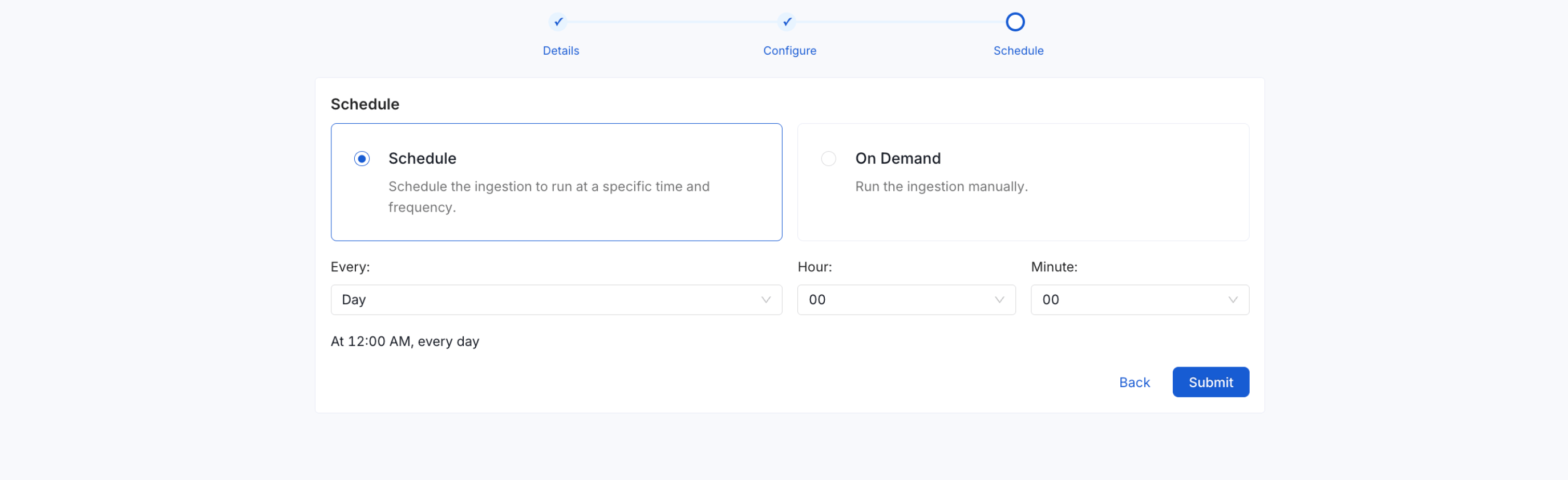
* **Schedule**: Runs weekly by default.
* **Cron**: `0 0 * * 0` (every Sunday at midnight).
* **Batch Processing**: Cleans up records in batches of 10,000.
* **Triggering**: Can be executed manually or allowed to run on schedule.
* **Application Class**: `org.openmetadata.service.apps.bundles.dataRetention.DataRetention`
* **Permission Requirement**: Requires admin privileges to configure or trigger.
## Install Data Retention Application
1. Navigate to **Settings** > **Applications** and then click on **Add apps**.
2. Click **Add apps**.
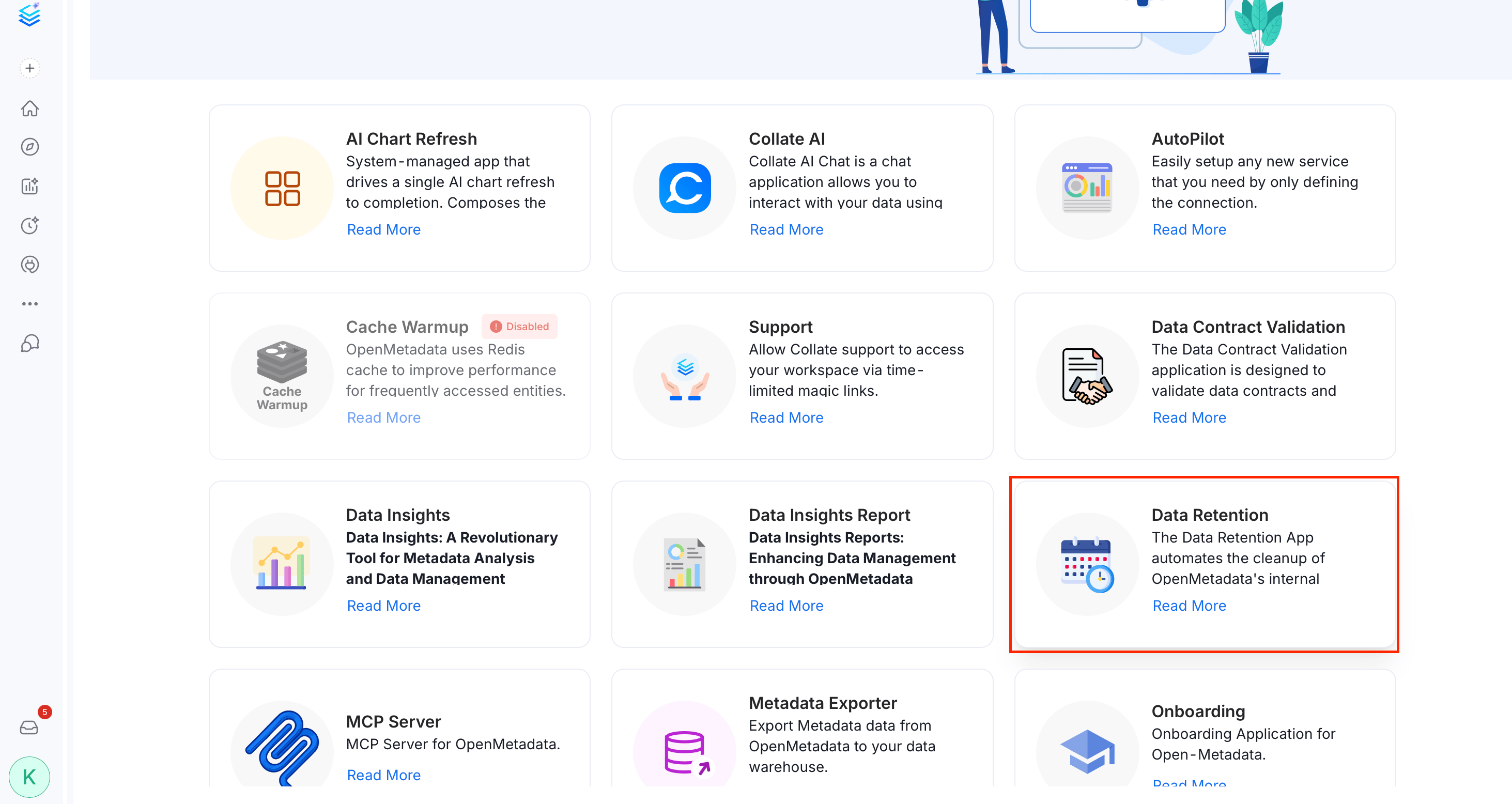 3. Select the **Data Retention** application and install it.
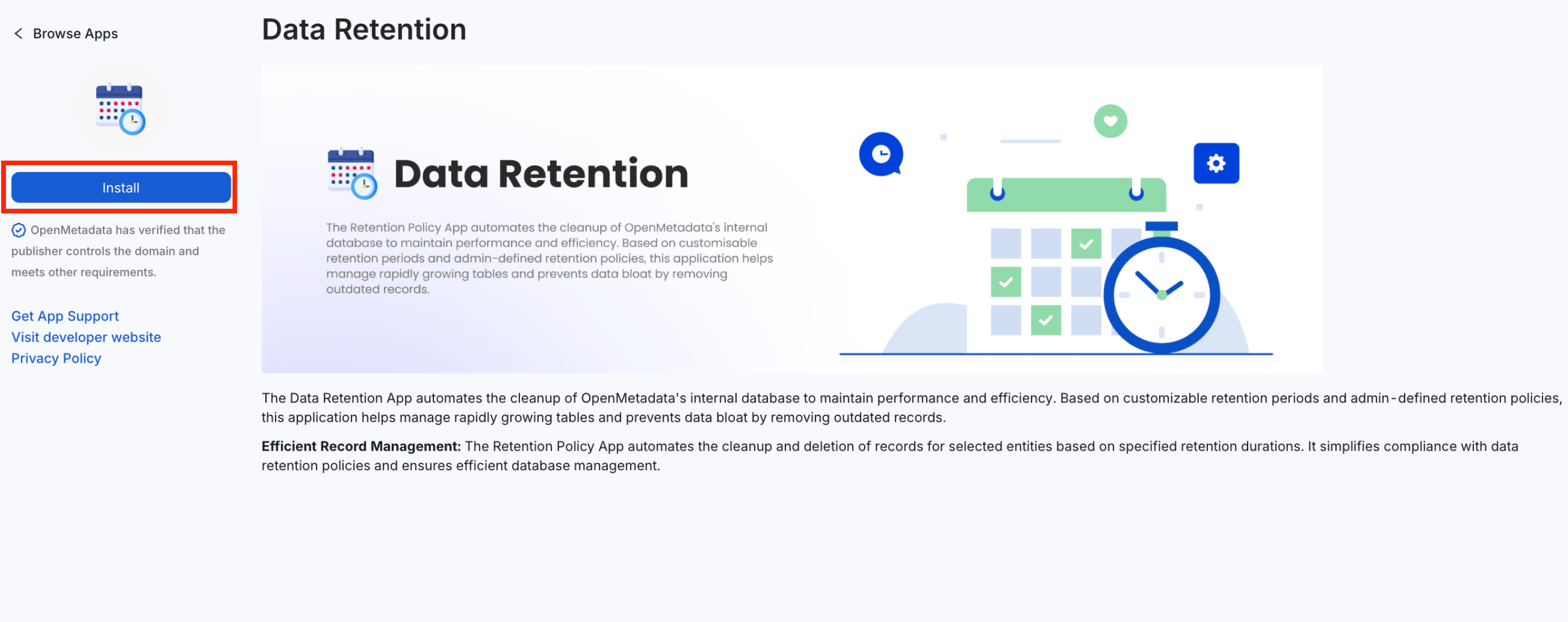 4. Configure the following retention periods in days:
* **Change Event Retention Period**: The number of days to retain change event records. Default value is **7**.
* **Activity Threads Retention Period**: The number of days to retain activity feed records. Default value is **60**.
* **Test Case Results Retention Period**: The number of days to retain test case results. Default value is **1440**.
* **Profile Data Retention Period**: The number of days to retain column and table profiling data. Default value is **1440**.
* **Audit Log Retention Period**: The number of days to retain audit log entries. Default value is **90**.
**Tip**: The retention period is applied to each cleanup target based on its timestamp.
4. Configure the following retention periods in days:
* **Change Event Retention Period**: The number of days to retain change event records. Default value is **7**.
* **Activity Threads Retention Period**: The number of days to retain activity feed records. Default value is **60**.
* **Test Case Results Retention Period**: The number of days to retain test case results. Default value is **1440**.
* **Profile Data Retention Period**: The number of days to retain column and table profiling data. Default value is **1440**.
* **Audit Log Retention Period**: The number of days to retain audit log entries. Default value is **90**.
**Tip**: The retention period is applied to each cleanup target based on its timestamp.
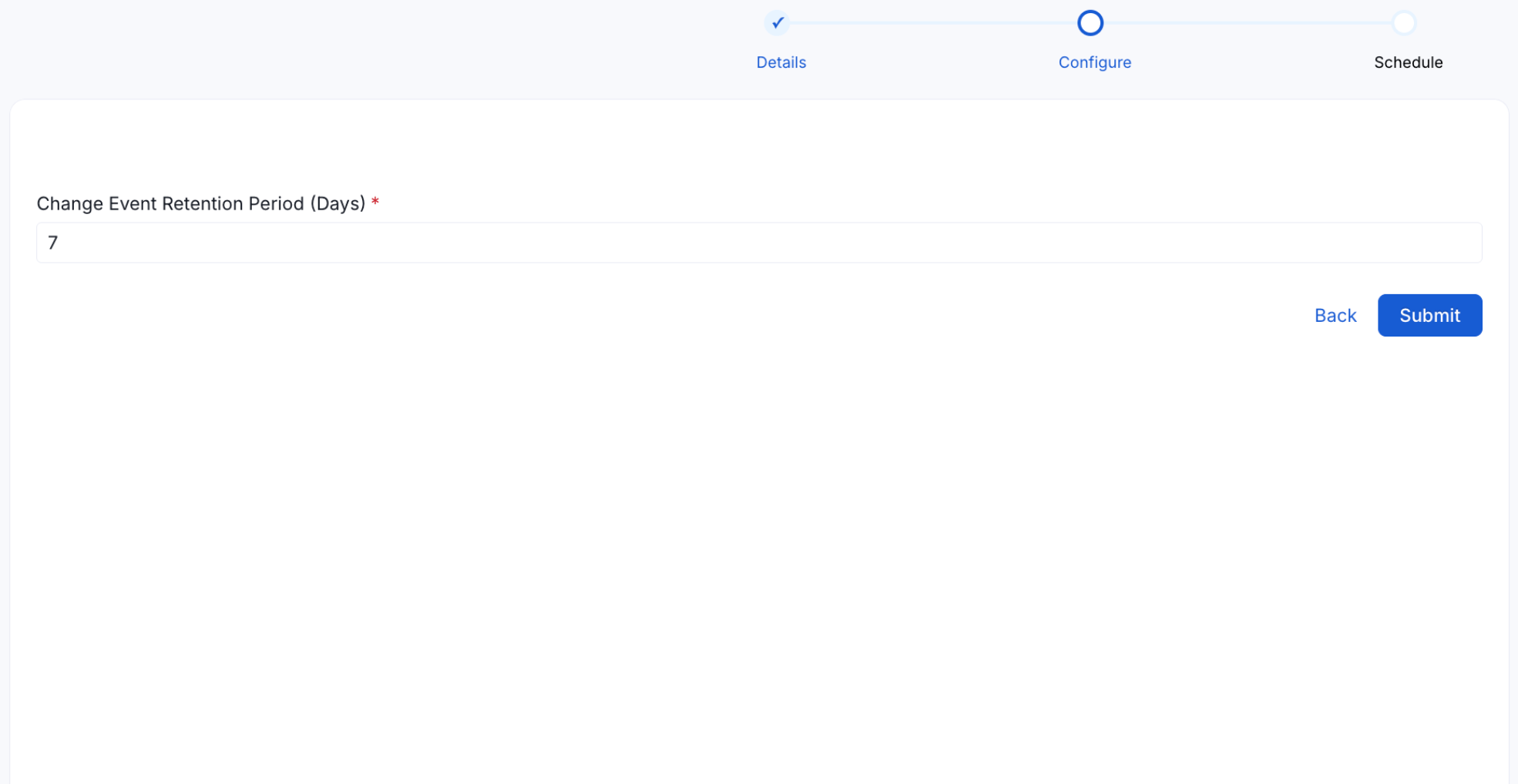 5. Schedule or select **On Demand** to run the application manually.